Use AI to Categorise and Route Incoming Invoices
Your AP team is still coding supplier invoices to cost centres, projects, and departments by hand, then chasing the right approver. That work burns 12–18 minutes per invoice, seeds miscoded lines that distort project P&Ls, and stretches AP cycle time into weeks.
We build AI categorisation that learns from past coding and routes invoices automatically, so AP only touches exceptions.
Sound Familiar?
These are the exact issues our clients faced before AI invoice routing:
- AP clerks spend 12–18 minutes researching each supplier invoice before they can code it to a cost centre, project, or department
- Wrong GL codes and tracking categories distort project P&Ls until someone finds the miscoded line months later
- Approvers sit in the wrong queue while invoices wait, because routing still depends on who remembers which manager owns which supplier
- Invoice volumes keep rising, but coding rules live in one person's head, so holiday cover and new hires create a backlog
- Month-end reclass journals pile up because first-pass coding was rushed under deadline pressure
Capture alone does not fix coding. Many AP teams already run OCR or email ingest and still spend the bulk of their week assigning cost centres and chasing approvers. Without intelligent invoice routing, every new supplier still lands as a research job.
What AI Invoice Categorisation Actually Does
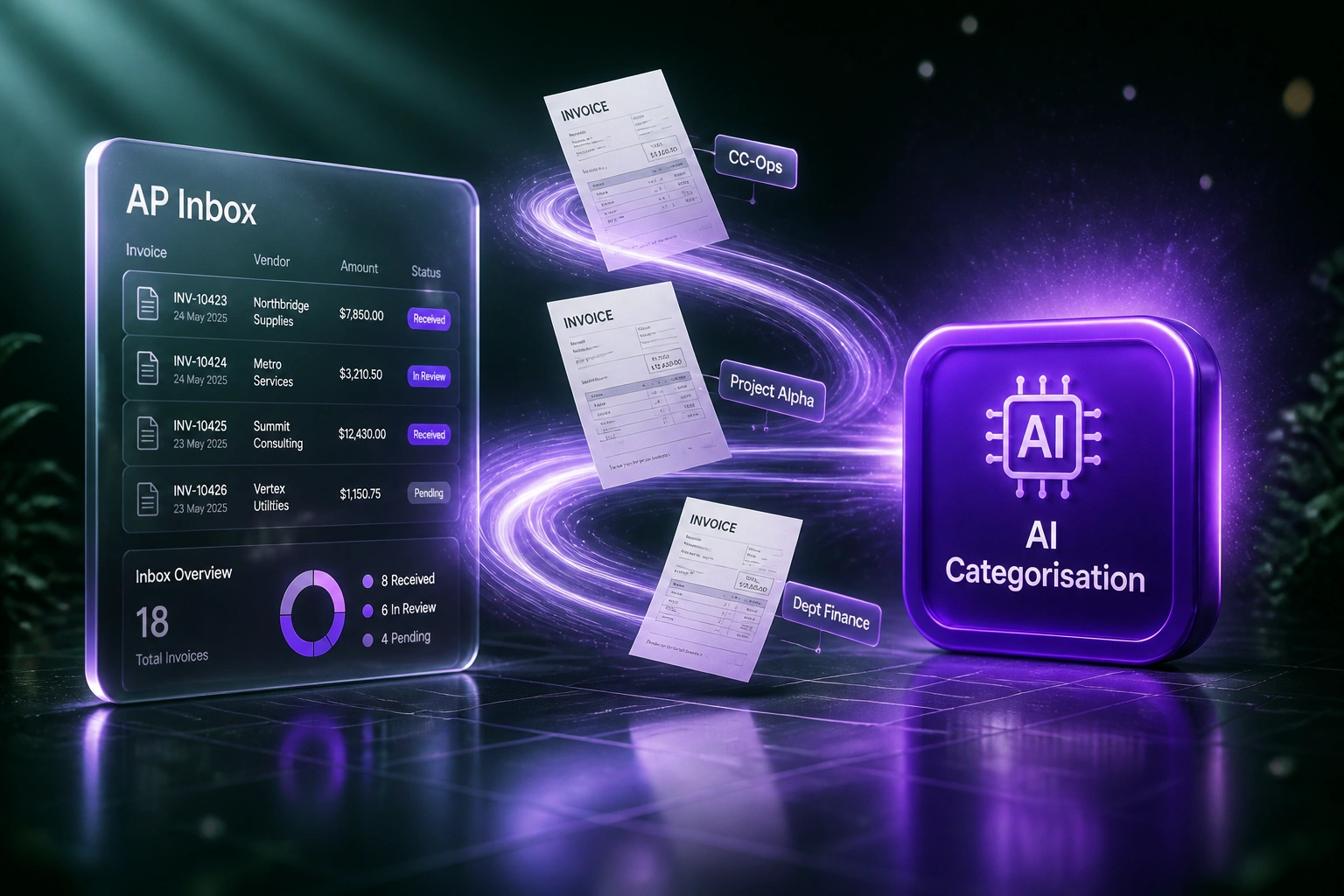
Invoice arrives → AI codes and routes → approver signs → ledger posts. No human hunting for the right GL account.
Invoice Lands in AP
Supplier PDF or email invoice enters the inbox or capture pipeline
AI Codes & Tags
GL account, cost centre, project, and department suggested from past coding patterns
Routed to Approver
Right manager gets the invoice with amount, coding, and source PDF attached
Posted to Ledger
Approved bills land coded in Xero, Sage, or ERP; exceptions stay in a short queue
Everything You Need for Reliable AP Automation
Learns From Past Coding
The model reads how similar supplier invoices were coded before, then proposes GL accounts, cost centres, projects, and departments with rising confidence as your history grows.
Automatic Invoice Routing
High-confidence invoices move straight to the right approver. Low-confidence ones pause with a clear reason, so AP never dumps every bill into the same inbox.
Cost Centre & Project Tags
Xero tracking categories, Sage cost centres, and ERP dimensions apply automatically, so project margins stay trustworthy without spreadsheet rework.
Confidence Thresholds
You set when a code posts untouched and when a human must confirm. Routine suppliers fly through; exceptions get a short review package, not a blank form.
Approver Escalation
Amount thresholds, department rules, and reminder cadences chase the right person until the invoice is signed, which is where most cycle-time delays hide.
Ledger Posting Ready
Validated bills land as drafts in Xero, Sage, QuickBooks, or your ERP with codes and approvers already set, so finance reviews exceptions only.
Ledgers We Route Coded Invoices Into
From 15 Minutes Coding to Under 2
How a 40-person professional services firm stopped miscoded project costs and cut AP cycle time from 14 days to 3.
The Manual Process
- AP clerk opened each supplier invoice and looked up the last coding in Xero or a shared spreadsheet
- 12–15 minutes per invoice: cost centre, project code, department, and who should approve
- Roughly one in ten invoices needed a later reclass when project P&Ls looked wrong
- Average 14 days from receipt to approval, mostly waiting on the wrong queue
- Finance director spent Fridays chasing approvers and fixing miscodes before month-end
The Automated Process
- AI suggests GL, cost centre, and project from past coding the moment the invoice lands
- About 70% of invoices route touchless to the right approver with no AP keystrokes
- Low-confidence bills pause with a suggested code, so review takes under 2 minutes
- Cycle time dropped to 3 days; early-payment discounts stopped being missed
- Project P&Ls stopped swinging from late reclass journals
Before vs After AI Invoice Routing
How It Works
From first conversation to live AI invoice routing in 2–4 weeks.
Tell Us Your Setup
Where invoices arrive, how you code cost centres and projects today, and which misroutes hurt project reporting most.
Free Scoping Call
30-minute call to map inbox → AI categorise → route → approve → post, and set confidence thresholds for human review.
Build & Test
We train on your historical coding, wire routing rules, and run parallel on live supplier invoices until accuracy matches your bar.
Go Live & Monitor
AP reviews exceptions only. Monitoring tracks coding accuracy, touchless rate, cycle time, and hours recovered.
Frequently Asked Questions
How is AI invoice categorisation different from OCR capture?
OCR and AI extraction pull fields off the page: supplier, totals, line items. AI invoice categorisation decides where that invoice belongs: the GL account, cost centre, project, department, and approver. Most teams already capture data and still spend hours coding and chasing. We build the routing layer that removes that second job.
How accurate is AI invoice routing and GL coding?
Mature AI coding systems commonly reach 94–96% accuracy after a learning period, versus 8–12% error rates on rushed manual coding. Enterprise deployments report around 95–96% coding accuracy with touchless rates above 70% on familiar suppliers. We start from your historical postings, raise confidence thresholds over the first months, and keep humans on low-confidence exceptions.
How long does an AI categorisation and routing project take?
A focused build into one ledger typically takes 2–4 weeks from scoping to go-live. Simpler cost-centre routing into Xero can be live in about two weeks. Multi-entity rules, project dimensions, and multi-step approval chains usually sit closer to 4–6 weeks.
What happens when the model is unsure about a code?
Low-confidence codes, unknown suppliers, unusual amounts, and conflicting project tags pause the invoice, show the suggested coding with confidence, and ask AP or the budget owner to confirm. Clear invoices never wait behind those exceptions.
Will this disrupt our AP team or approvers?
No. Your team keeps working in the same ledger and approval tools. Automation removes the 12–18 minute research-and-code step so people spend time on exceptions, vendor queries, and payment timing. We run parallel testing before switching off the manual path.
How much does AI invoice categorisation cost?
Focused AI categorisation and routing into a single ledger typically starts from around R25,000. Builds with project dimensions, multi-step approvals, and ERP posting usually sit in the R35,000–R60,000 range. Teams processing a few hundred supplier invoices a month often recover the build cost within 2–3 months from staff time alone.
Stop Wasting Hours on Invoice Coding
If your AP team is still researching cost centres and chasing the wrong approver, you are paying R210–R325 per invoice for a problem AI categorisation already solves.
Tell us where supplier invoices arrive, how you code projects and departments today, and which misroutes hurt reporting most. We will show you exactly how intelligent invoice routing would work for your business.