AI Invoice Processing That Matches POs Automatically
Your AP team is still keying supplier invoices into the ledger, then hunting for matching purchase orders. That work burns 8–15 minutes per invoice, costs R210–R325 all-in, and lets late-payment penalties and missed early-payment discounts pile up while volume keeps rising.
We build AI invoicing that extracts line items, matches purchase orders, and leaves AP with exceptions only.
Sound Familiar?
These are the exact issues our clients faced before AI invoice automation:
- AP clerks spend 8–15 minutes keying each supplier invoice into the ledger by hand
- Line items rarely get matched to purchase orders before payment, so price and quantity variances slip through
- Roughly one in five invoices becomes an exception that stalls the queue for days
- Early-payment discounts expire while invoices sit waiting for capture and approval
- Invoice volume grows every year, but AP headcount cannot scale at the same rate
Headcount does not scale with invoice volume. Average AP teams capture only about 58–66% of available early-payment discounts, while best-in-class automated teams reach 85–95%. Every week of backlog is late fees on one side and discount leakage on the other.
What AI Invoice Processing Actually Does
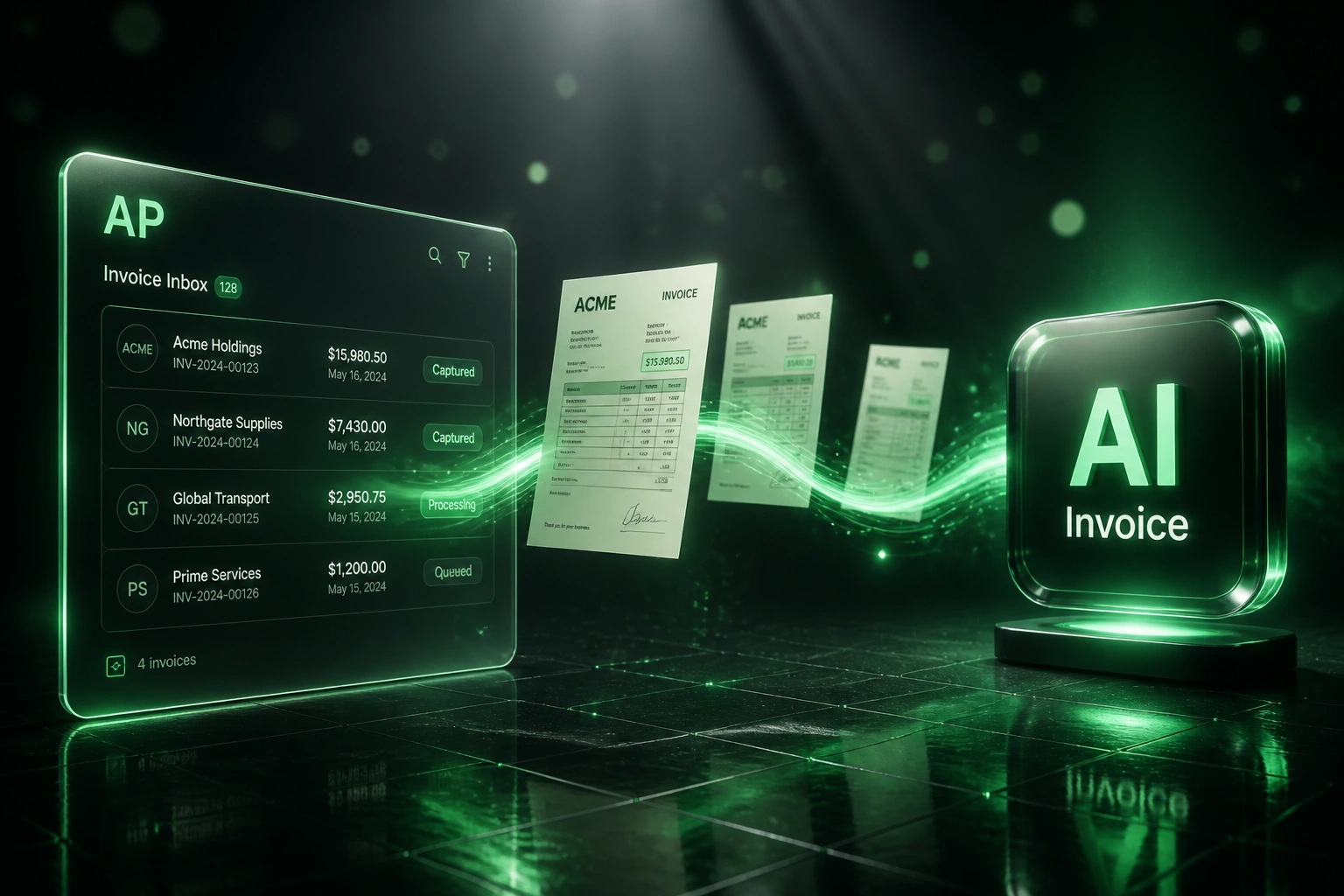
Invoice arrives → AI extracts → PO matches → ledger drafts. No human retyping line items.
Invoice Lands in AP
Supplier PDF or email invoice enters the shared inbox or capture pipeline
AI Extracts Line Items
Vendor, amounts, VAT, due dates, and every line item pulled without templates
Matched to PO
Lines compared to open purchase orders and goods receipts; variances flagged
Posted for Approval
Clean matches become ledger drafts; exceptions sit in a short review queue
Everything You Need for End-to-End Invoice Automation AI
AI Invoice Capture
Supplier PDFs and emailed invoices are read by AI. Vendor, totals, VAT, due dates, and line items extract automatically, even on messy layouts.
Purchase Order Matching
Extracted lines match against open POs and goods receipts. Quantity, price, and VAT variances flag before anyone approves payment.
Straight-Through Posting
Clean matches post as draft bills in Xero, Sage, QuickBooks, or your ERP. AP reviews exceptions only, not every invoice.
Exception Queues
Missing POs, amount mismatches, and low-confidence fields pause with a clear reason pack. The rest of the inbox keeps moving.
Discount & Due-Date Alerts
2/10 net-30 style terms surface early so finance can capture discounts instead of leaking them to late processing.
Audit-Ready Trail
Every extraction, match decision, and override is logged with timestamps and users, ready for month-end and external audit.
Ledgers and ERPs We've Connected
From R250 to R45 Per Invoice
How a mid-size South African distributor collapsed AP keying into minutes, matched POs automatically, and recovered early-payment discounts.
The Manual Process
- Two AP clerks keyed ~800 supplier invoices a month into Sage
- 12 minutes average per invoice for capture, coding, and PO lookup
- About one in five invoices sat in exception limbo for days
- Average cycle time of 11 days from receipt to approval
- Early-payment discount capture stuck around 45%
The Automated Process
- AI reads every PDF and email invoice as it lands
- Line items match open POs; only variances need a human
- Exception rate dropped below 8% with clear reason packs
- Cycle time compressed to about 2 days
- Discount capture rose to 88% on available 2/10 terms
Before vs After Accounts Payable AI
How It Works
From first conversation to live AI invoice processing in 2–4 weeks.
Tell Us Your Setup
Where invoices arrive, which ledger you use, how PO matching works today, and where the backlog hurts most.
Free Scoping Call
30-minute call to map inbox → AI extract → PO match → exception queue → ledger draft, and set confidence thresholds.
Build & Test
We wire capture and matching to your live suppliers, run parallel against manual AP, and tune exception rules until accuracy meets your bar.
Go Live & Monitor
AP handles exceptions only. Monitoring tracks cost per invoice, cycle time, match rate, and discount capture.
Frequently Asked Questions
How is AI invoice processing different from OCR data entry?
Basic OCR copies fields off the page. AI invoice processing goes further: it extracts line items, matches them to purchase orders and goods receipts, flags variances, and posts clean bills for approval. Capture alone still leaves AP doing the matching and exception work by hand.
How accurate is AI invoice extraction and PO matching?
Industry benchmarks put manual data entry around 96% accurate (about a 1.6% error rate), while AI automation routinely exceeds 99% on clearly printed invoices, with fully automated error rates under 0.5%. We keep humans on low-confidence fields and match exceptions, and raise thresholds as your supplier history grows.
How long does an AI invoice processing project take?
A focused build into one ledger typically takes 2–4 weeks from scoping to go-live. Simple capture into Xero with light PO matching can be live in about two weeks. Multi-entity matching, GRN three-way rules, and ERP posting usually sit closer to 4–6 weeks.
What happens when an invoice does not match a purchase order?
Unmatched lines, price variances, missing POs, and low-confidence extractions pause in an exception queue with the source PDF, suggested match, and reason. Clean invoices never wait behind those exceptions.
Will this disrupt our AP team or approvers?
No. Your team keeps working in the same ledger and approval tools. Automation removes the 8–15 minute keying and matching step so people spend time on exceptions, vendor queries, and payment timing. We run parallel testing before switching off the manual path.
How much does AI invoice processing cost?
Focused AI capture and PO matching into a single ledger typically starts from around R25,000. Builds with three-way matching, multi-entity rules, and ERP posting usually sit in the R35,000–R60,000 range. Teams processing a few hundred supplier invoices a month often recover the build cost within 2–3 months from staff time and discount capture alone.
Stop Paying Hundreds of Rands Per Invoice
If your AP team is still keying invoices and matching purchase orders by hand, you are funding a process that best-in-class teams already run for under R50 an invoice.
Tell us where supplier invoices arrive, which ledger you use, and how PO matching works today. We will show you exactly how AI invoice processing would cut cycle time and exception cost for your business.