Audit Logging for Access and Auth Events: One Security Audit Trail
Your compliance lead cannot answer who accessed a customer record last Tuesday. Access logs are scattered across CRM, accounting, and identity tools, so incident response takes days and POPIA accountability is guesswork.
We build the unified access-event audit log that answers who, what, when, and where in seconds.
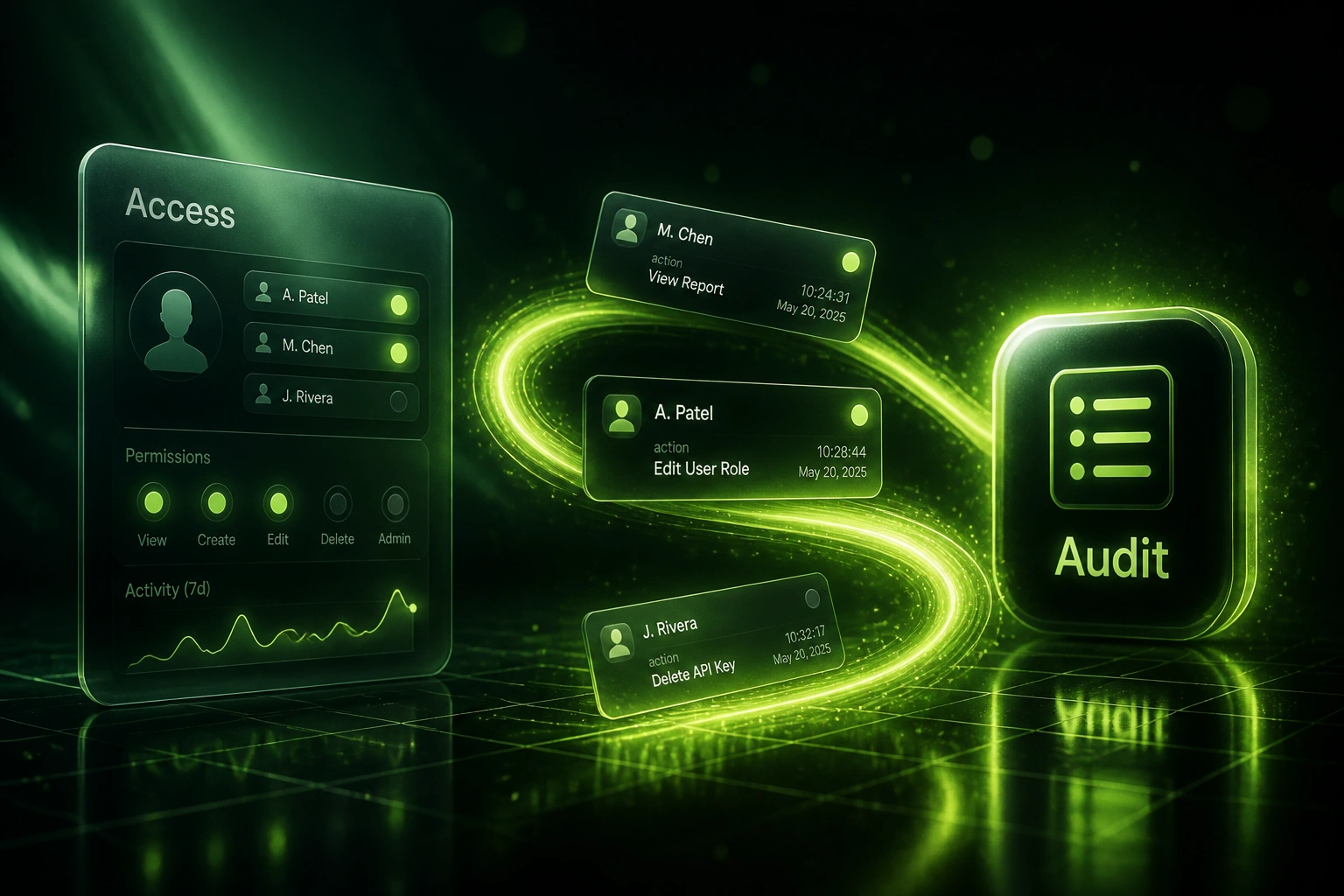
Sound Familiar?
These are the exact gaps our clients faced before centralised access logging:
- Nobody can answer who opened a customer record last Tuesday without days of digging
- Login, permission, and export logs sit in separate CRM, accounting, and IdP consoles
- Failed logins and privilege changes vanish into app-specific history with no central search
- POPIA accountability gaps show up only when the Information Regulator or an auditor asks
- Incident response stalls while IT reconstructs timelines from screenshots and email threads
POPIA administrative fines reach R10 million, and recent Information Regulator infringement notices have already hit R5 million. Without a searchable security audit trail, proving who accessed personal information becomes a liability, not a defence.
What Centralised Access Logs Actually Do
Event fires → trail records it → you search or export. No console hopping when accountability matters.
Access Event Fires
Login, failed auth, permission change, record view, or data export happens in CRM, accounting, or an internal tool
Event Lands in the Trail
Who, what, when, where, and source system are written to the unified access audit log
Search or Alert
IT filters by user, system, or date. High-risk patterns raise alerts before outsiders discover them
Export for Auditors
Compliance produces a retention-aware evidence pack in minutes, not a week of reconstruction
Everything You Need for a Reliable Access Audit Trail
Unified Access Event Log
Logins, failed auth, permission changes, record views, and data exports from CRM, accounting, and internal tools land in one searchable trail.
Who, What, When, Where
Every event carries user identity, action, timestamp, source system, and IP or location so investigations start with facts, not guesswork.
Retention Policy Built In
Keep access logs for the retention window your compliance lead sets. Older events archive or purge on schedule without manual cleanup.
Auditor-Ready Export
Export a filtered access audit trail for a date range, user, or system as a signed evidence pack for POPIA reviews and external audits.
Alert on High-Risk Events
Failed auth spikes, after-hours admin changes, and bulk exports raise alerts so your team acts before an outsider discovers the issue.
Cross-System Coverage
Wire HubSpot, Pipedrive, Salesforce, Xero, Sage, Entra ID, Okta, and custom portals into the same access security audit trail.
Systems We've Wired into Access Audit Trails
From Multi-Day Lookups to Same-Day Answers
How a mid-market services firm cut audit prep from roughly 400 hours a year to under 80 with unified access-event logging.
The Scattered Process
- IT pulled HubSpot, Xero, and Entra ID histories separately for every incident
- A single "who accessed this customer" request took 2–4 days
- Permission changes and failed logins had no joint timeline
- Audit season meant rebuilding evidence packs from screenshots
- Compliance could not prove retention or export access history cleanly
The Unified Process
- Login, permission, view, and export events land in one searchable trail
- Record-level access questions answered in minutes with filters
- High-risk events alert IT the same day they happen
- Auditor exports cover a date range, user, or system in one pack
- Retention policy keeps the window compliance needs without spreadsheet archaeology
Before vs After Access Audit Logging
How It Works
From first conversation to live access audit logging in 2–4 weeks.
Tell Us Your Blind Spots
Which systems hold customer data, where logs live today, and which questions you cannot answer for auditors.
Free Scoping Call
30-minute call to map access events, retention needs, and the export format your compliance lead expects.
Build & Test
We instrument login, permission, and export events, test against real incidents, and validate search and export with your IT lead.
Go Live & Monitor
Central audit logging goes live. Alerts and retention run in the background so incident response stays minutes, not days.
Frequently Asked Questions
What is audit logging for access and auth events?
It is a durable, searchable record of who signed in, who failed authentication, who changed permissions, who viewed or exported customer data, and when those actions happened across your business systems. Instead of hunting CRM, accounting, and identity consoles separately, your compliance or IT lead queries one access security audit trail.
How does this help with POPIA accountability?
POPIA expects responsible parties to secure personal information and demonstrate appropriate measures when something goes wrong. Administrative fines can reach R10 million. A centralised access log shows who touched personal information, supports breach notifications with evidence, and shortens the scramble when the Information Regulator or an auditor asks for proof.
Which systems can you cover?
We commonly wire CRM platforms (HubSpot, Pipedrive, Salesforce), accounting tools (Xero, Sage), identity providers (Microsoft Entra ID, Okta), and custom portals. If the system exposes login, permission, or export events through an API or webhook, we can bring those events into the unified trail.
Will this replace our SIEM or identity provider logs?
No. Identity providers and security tools keep their own logs. We build the business-facing access audit trail that joins CRM, accounting, and app events into one place your compliance and IT leads can search and export without opening five consoles.
How much time does centralised logging save on audits?
Manual compliance evidence collection commonly consumes 300 to 600 staff hours a year when logs are scattered. Teams we have instrumented typically cut that scramble by more than half, and turn a multi-day "who accessed this record" request into a same-day export.
How much does access-event audit logging cost?
A focused rollout across a core CRM, ledger, and identity provider typically starts from around R25,000. Broader coverage with custom apps, retention rules, alerting, and auditor export packs usually sits between R40,000 and R80,000. Against hundreds of hours of annual audit scramble and the cost of slow breach detection, most mid-market teams see payback within one compliance cycle.
Stop Rebuilding Access Logs When Auditors Call
If your team still cannot answer who accessed a customer record without opening five consoles, you are carrying risk that centralised audit logging already solves.
Tell us which systems hold customer data, where access logs live today, and what your compliance lead needs for the next review. We will show you exactly how a unified security audit trail would work for your stack.