

Automate Data Entry: Eliminate Manual Capture and the Errors That Come With It
Your ops and finance teams still rekey order forms, invoices, and application PDFs into CRM and accounting. Every mistyped VAT number, amount, or bank detail becomes a payment failure, a customer complaint, or a month-end scramble.
We automate capture from forms, emails, and documents so accuracy goes up and keying goes away.
Sound Familiar?
These are the exact issues ops and finance leads bring us before we automate capture:
- Staff rekey order forms, invoices, and application PDFs into CRM or accounting by hand
- Wrong VAT numbers, mistyped amounts, and transposed bank details trigger payment failures
- Duplicate invoices and mismatched customer records create month-end fire drills
- Every correction costs hours of investigation between ops, finance, and the customer
- Error rates climb late in the day when fatigue and volume peak together
Around 68% of South African SME supplier invoices are still processed manually. At roughly 11 minutes each, 500 invoices a month burns about 91 hours and R27,300 in payroll before you even price the errors.
What Data Entry Automation Actually Does
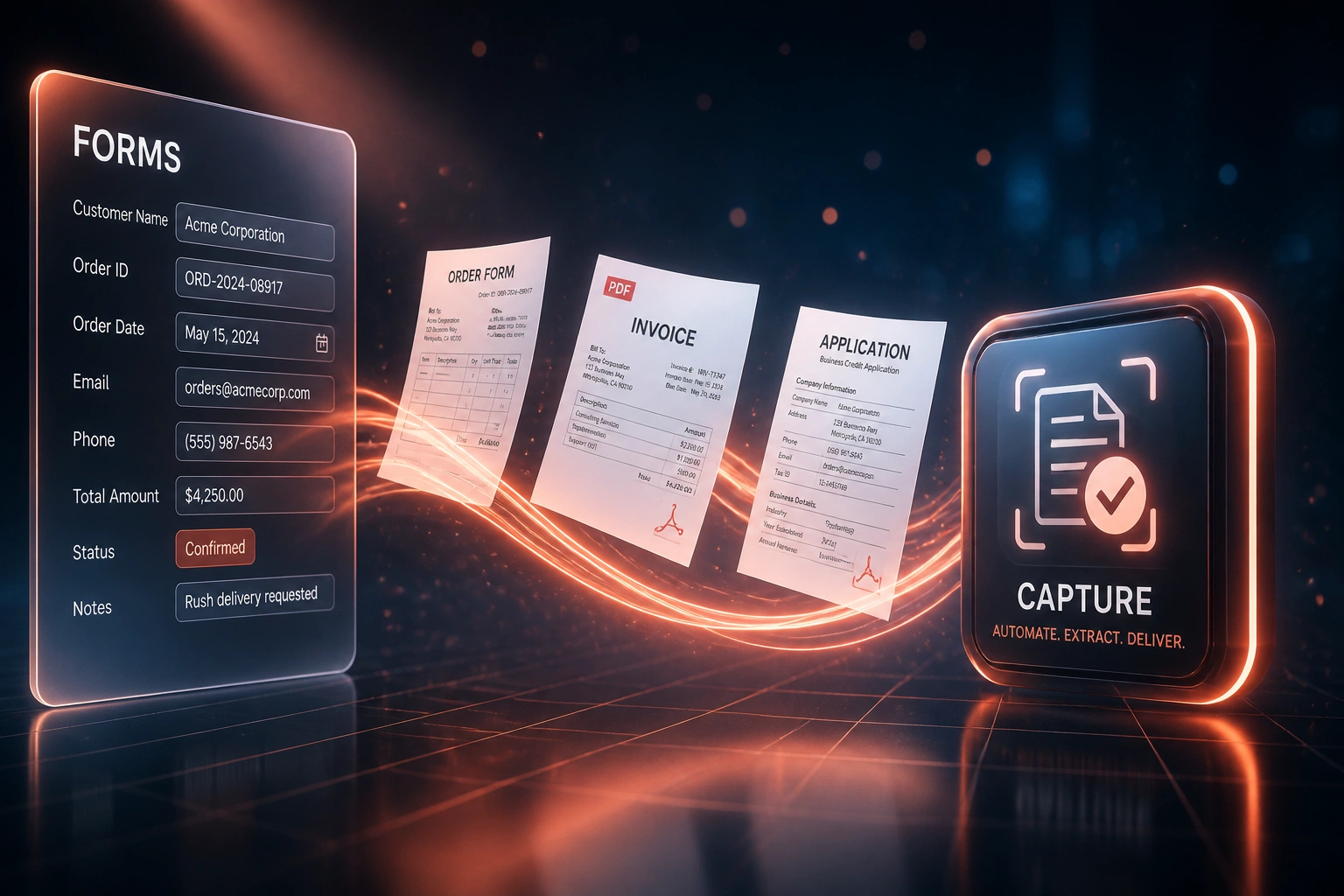
Document arrives → fields extracted → validated → written to your systems. Staff only touch exceptions.
Document Arrives
Web form submit, emailed PDF, scanned invoice, or uploaded application hits the intake channel
Fields Captured
Names, VAT numbers, line amounts, dates, and account codes extracted into structured data
Validated & Reviewed
Rules catch bad VAT and duplicates; low-confidence fields go to a short human queue
Written to Systems
Clean records land in CRM, accounting, or ERP with an audit trail back to the source file
Everything You Need for Reliable Manual Capture Reduction
Form and PDF Capture
Order forms, credit applications, and supplier invoices are extracted field-by-field into structured records, ready for review.
Email Attachment Intake
PDFs and scans arriving in shared inboxes are captured automatically, classified, and routed into the right queue.
Validation Before Write
VAT numbers, amounts, dates, and account codes are checked against rules before anything lands in CRM, Xero, Sage, or your ERP.
Exception Review Only
Low-confidence fields go to a human queue. Your team fixes the hard cases, not every line of every document.
Write to Core Systems
Clean records post into HubSpot, Pipedrive, Xero, Sage, or your ERP with the field mapping your finance and ops teams already trust.
Audit Trail and Duplicate Checks
Every capture is logged with source document, confidence scores, and who approved exceptions, so you can prove what was entered and why.
Sources and Systems We've Connected
From 12 Hours/Week of Rekeying to Under 1
How a Cape Town distributor cut form and invoice capture errors from roughly one in three documents to near zero.
The Manual Process
- Two admins retyped order forms, supplier PDFs, and credit applications into HubSpot and Xero
- About 350 documents a month, averaging close to 11 minutes each to capture and check
- Roughly one in three documents needed a correction after a VAT, amount, or name typo
- Payment failures from wrong bank details and duplicate invoices hit ops every week
- Finance spent Friday afternoons chasing which PDF matched which ledger line
The Automated Process
- Email and form intake extracts fields automatically into structured records
- Validation blocks bad VAT numbers and duplicate invoice numbers before write
- Staff only review low-confidence exceptions, usually under an hour a week
- HubSpot and Xero receive clean data with a link back to the source PDF
- Payment failures from mistyped capture dropped to rare, one-off events
Before vs After Data Capture Automation
How It Works
From first conversation to live capture automation in 2–4 weeks for a focused document type.
Show Us Your Documents
Share sample order forms, invoices, and application PDFs, plus where the data must land.
Free Scoping Call
30-minute call to map capture sources, error hotspots, and the validation rules that matter.
Build & Test
We train capture on your real documents, run parallel against manual keying, and prove accuracy before go-live.
Go Live & Monitor
Staff move to exception review only. Monitoring flags confidence dips and new document layouts early.
Frequently Asked Questions
How accurate is automated data capture compared with manual entry?
Manual data entry averages about 1% errors per field under controlled conditions, and 3–4% when staff are tired or documents are messy. Intelligent capture with human review of low-confidence fields typically reaches above 99.5% effective accuracy on structured documents. We prove that on your samples before go-live.
Which documents and systems can you capture into?
We routinely capture web forms, PDF invoices, order forms, credit applications, and email attachments into HubSpot, Pipedrive, Xero, Sage, and custom ERPs. If the document has consistent fields and the destination has an API or import path, we can automate it.
Will our team still review every record?
No. High-confidence extractions post automatically after validation. Only flagged fields and ambiguous documents hit a review queue. Most clients go from keying everything to reviewing a small exception list.
How do you stop wrong VAT numbers and duplicate invoices?
Validation rules check VAT format and known customer masters before write. Duplicate detection matches invoice numbers, amounts, and supplier or customer identity so the same PDF cannot post twice.
How long does a capture automation project take?
A focused capture flow for one document type into one system usually takes 2–4 weeks. Multi-document packs writing to CRM and accounting together typically take 4–6 weeks, including parallel accuracy testing.
How much does data entry automation cost?
Simple one-document capture into a single system starts from around R15,000. Multi-source capture with validation and writes to CRM plus accounting typically ranges from R25,000 to R60,000. Most teams processing a few hundred documents a month recover that within 2–3 months against staff time and error rework.
Stop Paying the Manual Capture Tax
If your team is still typing from PDFs and paper into CRM or accounting, you are funding preventable mistakes every week.
Tell us which forms and documents you rekey today, which systems they must land in, and where errors hurt most. We will show you how automated data entry would work for your operation.