Billable Hours to Invoice Automation: Stop Leaving Revenue on the Table
Hours tracked but never billed is pure leakage. FDs, practice managers, and agency owners in South Africa often only see the unbilled WIP pile at month-end, after cash that should already be in AR has sat idle for weeks.
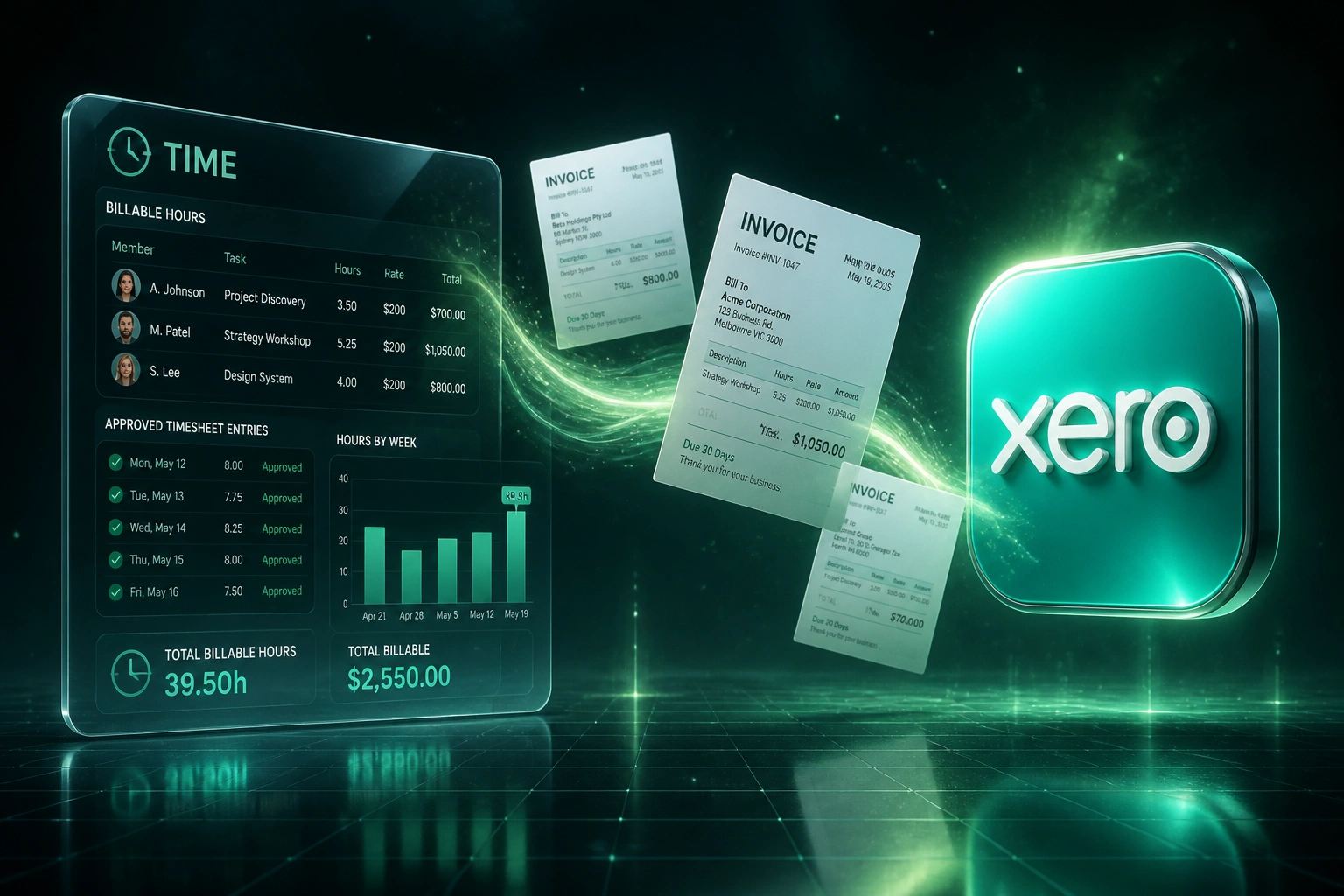
We automate time to invoice so approved billable hours become accounting invoice lines.
Sound Familiar?
These are the exact issues FDs and practice managers faced before we closed the billing loop:
- Approved billable hours sit as WIP until month-end, then finance discovers what never made an invoice
- Rate cards live in a spreadsheet while Xero, Sage, or QuickBooks lines are typed by hand
- Write-offs happen quietly on the invoice draft with no partner reason code or audit trail
- Practice managers spend Fridays reconciling timesheets to draft invoices instead of reviewing exceptions
- Cash that should already be in AR is still trapped as unbilled work when the books close
Median realisation sits around 72–75%, while top-quartile firms clear above 85%. That gap is not utilisation on the bench. It is logged billable work that never becomes a client invoice, often because billing still waits for a month-end spreadsheet.
What Time-to-Invoice Automation Actually Does
Approved hours → rate × hours → invoice lines in accounting. No Friday rebuild of the WIP pile.
Hours Approved
Manager approves billable time in Harvest, Toggl, Clockify, or your tracker
Rate Card Applied
Role, project, and retainer rates multiply hours into priced line amounts
Draft Invoice Created
Lines appear in Xero, Sage, or QuickBooks ready for review or finalise
Cash Path Clear
WIP clears into AR on schedule; write-offs need a reason, not a quiet edit
Everything You Need for Automated Billing
Approved Hours to Invoice Lines
Once hours are approved, draft invoice lines appear in Xero, Sage, or QuickBooks: client, project, rate × hours, and tax treatment already mapped.
Rate Card Application
Staff roles, retainers, and project rates apply automatically. Finance reviews totals, not a blank invoice with a calculator open.
Controlled Write-Offs
Discounts and write-downs require a reason code before the draft can finalise, so realisation stays visible instead of disappearing at month-end.
WIP to Cash Visibility
Approved hours stop ageing as mystery WIP. You see what is drafted, what is sent, and what is still waiting for a human decision.
Exception-Only Review
Missing rates, unapproved entries, or capped retainers pause for review. Clean batches go straight through to draft or final invoice.
Payment Status Sync-Back
When the client pays in accounting, status can sync back to the project or practice view so ops knows what is still outstanding.
Tools We've Connected for Billable Hours Invoicing
From 22 Days WIP to 3-Day Invoicing
How a 28-person Cape Town agency stopped discovering unbilled WIP only at month-end and recovered R420K in year one.
The Manual Revenue Path
- Practice manager rebuilt invoices from approved timesheets every Friday
- Rate cards lived in a shared sheet; finance retyped each line into Xero
- Write-offs happened on the draft with no partner reason code
- Average 22 days from completed work to invoice sent
- Month-end regularly surfaced R1.8M+ of aged unbilled WIP
The Automated Revenue Path
- Approved hours apply the rate card and land as draft Xero lines
- Finance reviews exceptions and write-offs with reason codes only
- Clean batches go to draft or final without a re-key marathon
- Invoices leave within three days of timesheet approval
- WIP clears into AR on a weekly cadence instead of a month-end surprise
Before vs After Automated Billing
How It Works
From first conversation to live billable hours invoicing in 2–4 weeks.
Tell Us Your Setup
Which time tracker, which ledger, how approvals work, and where unbilled WIP hides today.
Free Scoping Call
30-minute call to map rate cards, write-off rules, VAT treatment, and the approval gate before anything hits an invoice.
Build & Test
We build the revenue path, test with real approved hours, and run a parallel billing cycle so finance can compare line for line.
Go Live & Monitor
Switch off the month-end scramble. Monitoring catches exceptions early so invoices still leave on schedule.
Frequently Asked Questions
How is this different from exporting timesheets into Xero?
Exports still leave finance to apply rates, build lines, and decide write-offs by hand. We close the revenue path: approved hours apply the rate card, land as draft or final invoice lines in Xero, Sage, or QuickBooks, and write-offs need a reason code before they disappear.
Which time trackers and accounting systems can you connect?
We regularly connect Harvest, Toggl Track, Clockify, and Float into Xero, Sage Business Cloud, Sage Evolution, and QuickBooks Online. If your tracker or ledger has an API, we can usually bridge it.
Will consultants have to change how they log time?
No. Teams keep logging time the way they already do. We sit after approval: approved billable hours become invoice lines, and finance or the practice manager reviews before anything goes to the client.
How do you handle rate cards, retainers, and write-offs?
During setup we map roles, projects, and retainer rules to the right rates and account codes. Write-downs can require a partner reason code so realisation stays measurable. Exceptions (missing rate, cap exceeded) pause for human review instead of posting a wrong invoice.
How long does billable-hours-to-invoice automation take?
A standard approved-hours-to-draft-invoice pipeline takes 2–4 weeks from scoping to go-live. Multi-rate retainers, write-off workflows, or dual accounting entities usually sit closer to 4–6 weeks.
How much does this integration cost?
Simple approved-hours-to-draft-invoice syncs start from around R15,000. Pipelines with rate cards, write-off controls, multi-entity mapping, and payment status sync typically range from R25,000 to R60,000. Most practices recover that cost within one to three billing cycles once unbilled WIP stops leaking.
Stop Losing Billable Hours Between Approval and Invoice
If your practice still finds unbilled WIP only when the books close, you are funding a problem that automated billing already solves.
Tell us which time tracker and ledger you use, how rate cards and write-offs work today, and where the month-end bottleneck lives. We will show you exactly how time-to-invoice automation would run for your firm.