Consolidate Multiple Spreadsheets into One Database
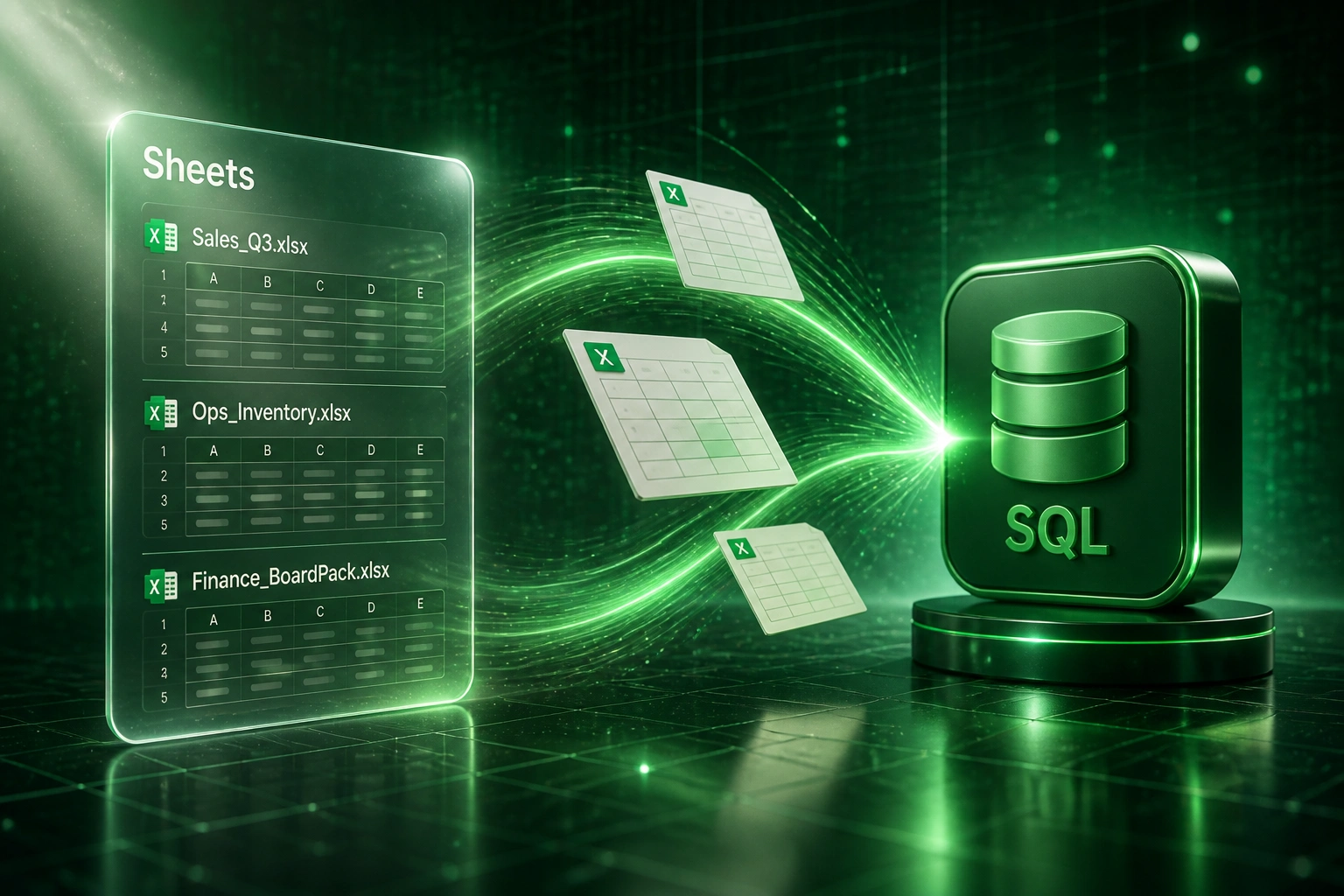
When sales, ops, and finance each maintain their own Excel files, the board pack becomes a negotiation. Fragmented sheets produce conflicting numbers, and your team burns days every month merging Excel files by hand.
We build the automated merge that gives you one source of truth.
Sound Familiar?
These are the exact issues our clients faced before consolidating multiple spreadsheets into one database:
- Sales, ops, and finance each keep their own Excel workbook, and the three "revenue" figures never match in the board pack
- Someone spends two days every month copy-pasting departmental sheets into a master file, then chasing whose column names drifted
- Conflicting headers (Customer vs Client vs Account) mean VLOOKUPs break the moment a department inserts a column
- Version chaos: Sales_FINAL_v4.xlsx, Ops_Master_REVISED.xlsx, and three emailed copies of Finance all claim to be current
- Leadership decisions land on numbers that were already stale by the time consolidation finished
Excel for the web cannot refresh most Power Query sources, and co-authoring a consolidation workbook while someone refreshes desktop queries often triggers merge conflicts. Relying on a shared master file plus Power Query is a fragile stopgap, not a source of truth.
What Spreadsheet Consolidation Actually Does
Departmental sheets land → columns normalised → merged into one database. Board packs finally agree.
Departments Keep Their Sheets
Sales, ops, and finance update their own Excel workbooks on the shared drive or SharePoint
Automated Multi-File Merge
Conflicting columns map to one schema; duplicates and type errors quarantine with a reason
One Shared Database
Clean rows land in SQL as the single source of truth every team reports from
Board Pack You Can Trust
Dashboards and packs read the database, not last week's emailed master copy
Everything You Need to Merge Excel Files into One Source of Truth
Multi-Workbook Merge
Sales, ops, finance, and other departmental Excel files feed one automated merge. Spreadsheet consolidation stops being a Friday copy-paste ritual.
Column Conflict Resolution
We map Customer vs Client vs Account, date formats, tax flags, and units into one schema so conflicting columns no longer produce silent wrong totals.
Departmental Ownership Rules
Each team keeps owning its source workbook. The database is the shared source of truth; departments stop fighting over who holds the master file.
Automated Validation
Required fields, type checks, and cross-sheet totals run before anything lands. Bad rows quarantine with a reason instead of poisoning the board pack.
One Database, One Number
Merge Excel files into a single SQL database that reporting, BI, and board packs all read. Multiple spreadsheets to database becomes one trusted store.
Audit Trail on Every Load
Every consolidation run records which workbooks loaded, when, and which rows failed. You can prove where a figure came from without opening six folders.
Sources and Databases We Work With
From 56 Hours/Month to 9 Hours/Month
How a mid-market operations team stopped negotiating board-pack numbers across six departmental Excel workbooks.
The Manual Consolidation
- COO's office gathered sales, ops, finance, and three regional sheets every month-end
- Two analysts spent days aligning columns, fixing paste errors, and arguing whose revenue was "right"
- Customer vs Client vs Account headers broke formulas whenever someone inserted a column
- Board packs arrived late, and leadership often debated which version to trust
- Half the close delay traced to cross-department spreadsheet dependencies
The Automated Merge
- Departments still own their Excel files; ownership stays clear
- Nightly merge maps conflicting columns into one schema and loads SQL
- Failed rows quarantine with a reason instead of silently corrupting totals
- Board pack and BI both read the same database, so figures match
- Analysts review exceptions instead of rebuilding a master file from scratch
Before vs After Spreadsheet Consolidation
How It Works
From first conversation to live consolidation in 3–5 weeks.
Inventory the Workbooks
Which departments own which sheets, where columns conflict, and what the board pack actually needs as one source of truth.
Free Scoping Call
30-minute call to design the merge rules, ownership model, and which consolidation path pays back first.
Build and Parallel Run
We build the merge into a staging database, compare against your current master file, and reconcile until leadership trusts the numbers.
Go Live and Retire the Master
Automated consolidation runs on schedule. The old master workbook goes read-only, and board packs read the database.
Frequently Asked Questions
How is consolidating multiple spreadsheets different from a single Excel ETL pipeline?
A single-file ETL loads one workbook into SQL on a schedule. Spreadsheet consolidation starts when several departments each maintain their own Excel files with overlapping, conflicting columns. We resolve ownership, map divergent schemas, and merge Excel files into one database so sales, ops, and finance share one source of truth instead of three competing masters.
Do departments have to stop using Excel?
No. Teams keep working in the workbooks they already trust. The change is that those files become inputs to an automated merge, not the place leadership reads final numbers. Ownership stays with each department; the database becomes the shared store everyone reports from.
What happens when column names conflict across workbooks?
During setup we catalogue every header, synonym, and format difference (Customer vs Client, VAT-inclusive vs exclusive, dd/mm vs mm/dd). Mapping rules normalise those into one schema on every run. When a department inserts a new column, validation flags it instead of silently shifting totals.
Which databases can we consolidate into?
We regularly land consolidated spreadsheet data into Postgres, SQL Server, MySQL, and Azure SQL. If your BI or board pack already sits on one of those, multiple spreadsheets to database feeds it without asking every department to learn a new capture tool.
How long does spreadsheet consolidation into a database take?
A focused multi-workbook consolidation for three to six departmental sheets typically takes 3 to 5 weeks from scoping to live. Heavier cleanup across many conflicting templates, or a full board-pack cutover, can take 5 to 8 weeks including parallel validation against the old master file.
How much does consolidating multiple Excel files into a database cost?
Multi-workbook consolidations with schema mapping and validation typically start around R45,000. Broader programmes with many departments, custom ownership rules, and BI cutover usually land between R60,000 and R110,000. Most operations teams recover that inside 2 to 4 months against the hours currently spent reconciling conflicting sheets.
Stop Reconciling Conflicting Spreadsheets by Hand
If your board pack still depends on someone merging departmental Excel files every month, you are spending money on a problem with a clear fix: consolidate multiple spreadsheets into one database.
Tell us which departments own which workbooks, where the numbers diverge, and what the board pack needs to agree on. We will show you exactly how automated spreadsheet consolidation would work for your business.