Handling Tax-Exempt Customers in CRM-to-Accounting Flows
Diplomatic missions, NGOs, and export customers often need zero-rated or specially treated invoices, not the default 15% VAT line. When the CRM never flags them, accounting generates standard-rated invoices, customers refuse to pay, and finance spends the next week on credit notes and VAT201 repairs.
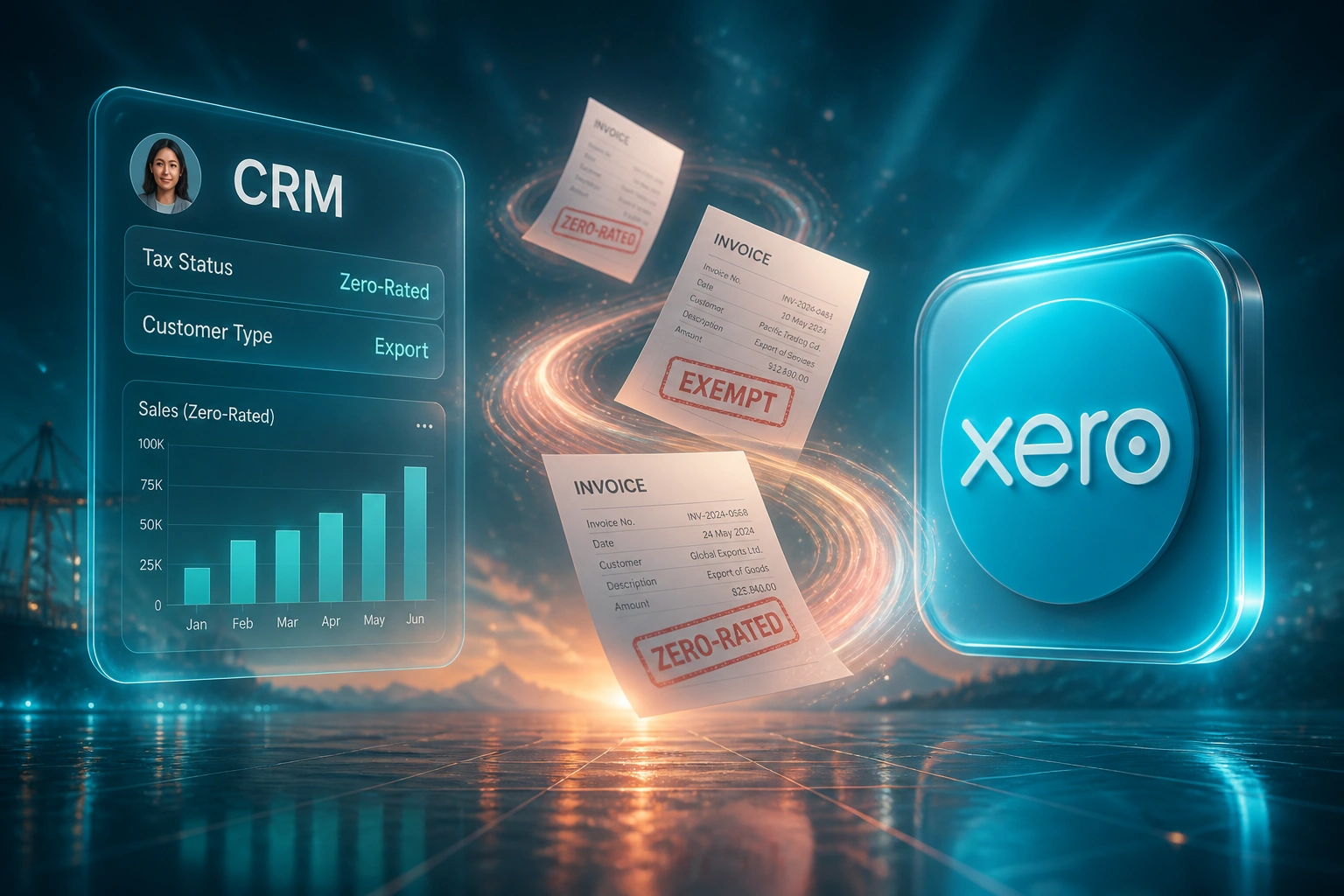
We put tax status on the CRM record so Xero and Sage apply the correct tax codes automatically.
Sound Familiar?
These are the issues finance managers and sales ops bring us when special VAT customers sit in the same pipeline as everyone else:
- Sales closes embassy, NGO, or export deals at the default 15% VAT rate, with no CRM tax status flag
- Finance discovers the mistake only when the customer refuses to pay the VAT line and demands a credit note
- Zero-rated and exempt customers are coded by hand in Xero or Sage, so the wrong tax code slips through under pressure
- VAT201 Fields 2 and 2A do not match the ledger because zero-rated exports were never flagged at deal stage
- Every correction burns hours: credit note, reissue, customer apology, and a scramble before the next VAT period
Skipping zero-rated sales on the VAT201 is a classic audit trigger. BAN and Sage both flag missing Field 2 / 2A disclosure and VAT201-to-IT14 turnover mismatches as frequent SARS escalation paths. Wrong CRM tax rules feed that problem every period.
What the Integration Actually Does
Customer tax status in CRM → correct tax code in accounting → clean invoice → clean VAT201. No manual tax-code guesswork.
Flag in the CRM
Sales sets tax status on the account: Export Zero-Rated, Diplomatic, NGO Special, or Standard 15%
Deal Closes
Won deal carries the status into the invoice draft with line items and terms already attached
Tax Code Applied
Xero or Sage receives the matching tax code so the invoice is zero-rated or exempt where it should be
VAT201 Stays Clean
Zero-rated and exempt totals land in the right buckets, without a month-end tax-code scramble
CRM Tax Rules That Reach Accounting
CRM Tax Status Flags
Diplomatic, NGO, export, and other special customers carry a tax status on the CRM record: standard-rated, zero-rated, or exempt. Sales cannot close a deal without it.
Accounting Tax Code Mapping
That status maps to the correct Xero or Sage tax code the moment the invoice drafts. Zero-rated exports land on the zero-rated code, not 15% by default.
Zero-Rated vs Exempt Rules
Exports and qualifying supplies are treated as zero-rated taxable supplies. True exempt categories stay separate so input VAT and VAT201 disclosure stay accurate.
Document Trail for SARS
Export docs, diplomatic credentials, and NGO status references stay linked to the customer and the invoice, ready when SARS asks how you justified the rate.
Credit Note Prevention
Wrong-rate invoices never leave in the first place. Finance reviews exceptions instead of rewriting tax treatment after the customer complains.
VAT201-Ready Totals
Zero-rated and exempt turnover roll up cleanly for Fields 2, 2A, and 3, so the return matches the ledger without a month-end tax-code hunt.
Systems We Wire for Tax Status Flows
From 18 Tax-Code Credit Notes a Month to One
How a Johannesburg exporter selling to embassies, NGOs, and foreign buyers stopped charging 15% on deals that should have been zero-rated.
The Manual Tax Guess
- Sales closed every deal at the default HubSpot product rate of 15%
- Finance retyped invoices into Xero and tried to remember who was an export or diplomatic account
- Embassy and export customers refused the VAT line and demanded credit notes
- Average nine days of payment delay while the invoice was corrected and reissued
- VAT201 Field 2A never matched the ledger until someone spent half a day fixing codes
Status-Driven Tax Codes
- Every special account carries a CRM tax status before the deal can close
- Won deals draft in Xero with the mapped zero-rated or standard tax code already set
- Finance reviews exceptions only: missing status or unusual product mixes
- Customers receive the correct tax-free or zero-rated invoice the first time
- Zero-rated turnover feeds Field 2A without a month-end reconciliation scramble
Before vs After CRM Tax Rules
How It Works
From first conversation to live tax-status sync in 2–4 weeks.
Map Your Special Customers
Which embassies, NGOs, exporters, and other VAT-special accounts you sell to, and how tax codes are set today.
Free Scoping Call
30-minute call to design CRM tax status fields, zero-rated vs exempt rules, and the Xero or Sage tax code map.
Build & Test
We wire the flags, test against real diplomatic and export deals, and run parallel so every rate is verified before go-live.
Go Live & Monitor
Default 15% stops applying to flagged customers. Alerts catch missing status or unsupported combinations.
Frequently Asked Questions
What is the difference between zero-rated and exempt for South African VAT?
A zero-rated supply is still a taxable supply, charged at 0%. You may claim input tax on related costs, and you must declare the turnover on the VAT201 (typically Field 2 or 2A for exports). An exempt supply is outside the VAT base entirely: no output tax, and no input tax claim on related expenses. Exports of goods are generally zero-rated when the documentary rules are met. Diplomatic missions often recover VAT via SARS reimbursement rather than an automatic point-of-sale zero rate, so your process must match how each customer actually qualifies. Calling every special customer "VAT exempt" in the CRM is how the wrong tax code ends up on the invoice.
How is this different from SARS tax invoice field validation?
Section 20 validation checks that the document has the right wording, VAT numbers, serial, and totals so the recipient can claim input tax. This page is about customer tax treatment: whether the line should be 15%, zero-rated, or exempt based on who the customer is. You can pass every field check and still issue a wrong-rate invoice that triggers a credit note, a payment dispute, and a VAT201 mismatch.
Which customers typically need special VAT treatment?
Common cases for South African suppliers include goods exported from South Africa (generally zero-rated with proof of export), sales to qualifying purchasers under the export rules, and accounts linked to diplomatic missions or certain international organisations where relief follows SARS and DIRCO procedures. Some NGO and not-for-gain scenarios also need careful classification. We encode your actual customer types as CRM statuses mapped to accounting tax codes, rather than hoping sales remembers the rule under pressure.
What happens if we keep charging 15% on zero-rated deals?
Customers who should not pay VAT routinely refuse the VAT line and demand a credit note and reissue. You also overstate standard-rated output on the VAT201 and understate zero-rated turnover in Fields 2 or 2A. SARS treats turnover mismatches between the VAT201 and the income tax return as a frequent escalation trigger. Late or incorrect VAT attracts a 10% penalty on the outstanding amount plus interest, and understatement penalties can rise sharply where reasonable care is not shown.
Will sales need to become VAT experts?
No. They pick a customer tax status (for example Export Zero-Rated, Diplomatic, NGO Special, or Standard 15%) when the account is set up or the deal is won. The integration applies the matching Xero or Sage tax code. Finance owns the rule table; sales only chooses the status that already exists on the customer.
How much does CRM tax-status to accounting tax-code integration cost?
A focused one-way tax status map from CRM into Xero or Sage typically starts from around R18,000. Builds with multiple customer categories, documentary checklists, bidirectional contact sync, and VAT201 exception reporting usually fall between R28,000 and R55,000. Teams issuing 15 or more special-rate invoices a month, or already burning a day each VAT period on tax-code fixes, usually see payback within 2 to 4 months.
Stop Charging 15% When the Invoice Should Be Zero-Rated
If embassy, NGO, and export customers keep sending your invoices back, the problem is not another credit note template. It is missing CRM tax rules that should already drive accounting.
Tell us which CRM and accounting pack you use, how many special-rate customers you invoice, and where the wrong VAT rate keeps slipping through. We will show you exactly how status-driven tax codes would work for your team.