Time Tracking to CRM to Accounting: Billable Hours Pipeline
Your team tracks time against CRM clients. Finance still retypes those hours into invoices. Every manual hop is where billable hours die: unapproved, mis-matched, or sitting unbilled at month-end while cash waits.
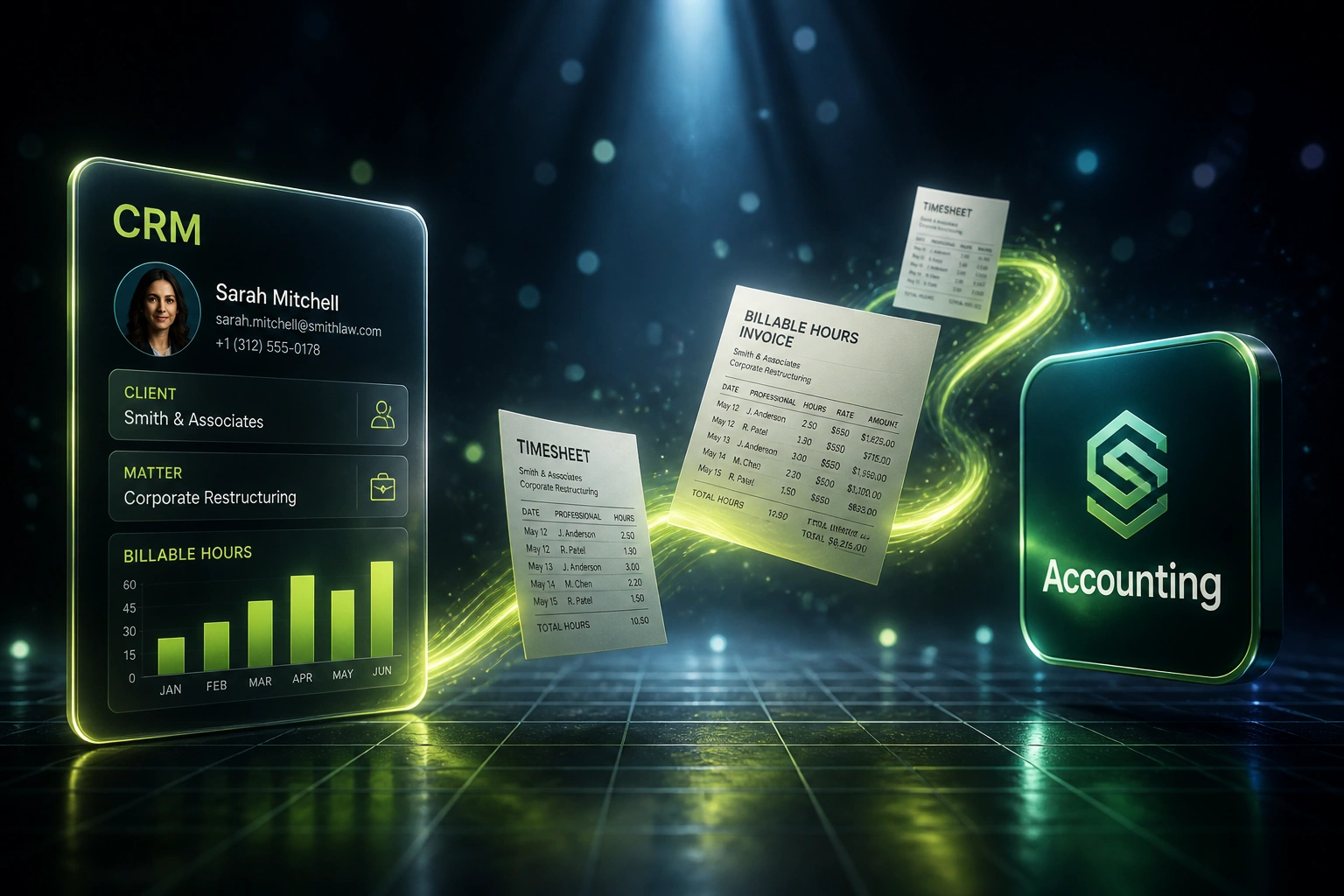
We automate the full pipeline so approved time becomes invoice lines without retyping.
Sound Familiar?
These are the exact issues managing partners and finance leads faced before we connected timesheet invoicing to their CRM and accounting stack:
- Consultants log time in Harvest or Toggl, then finance retypes those hours into Xero or Sage by hand
- Approved timesheets sit in inboxes until someone builds invoice line items, often days after month-end
- Billable hours pile up as unbilled WIP with no clear view of what still needs invoicing
- Client and matter names in the CRM do not match the contacts in accounting, so invoices go out wrong
- Partner approval lives in email threads, so nobody can prove which hours were signed off before billing
Clio's 2025 Legal Trends data puts average realisation at 88%, with a median 43 days of realisation lockup. That is work already done, sitting unbilled, while someone somewhere is still copying hours between systems.
From Timesheet to Invoice Without Retyping
Time logged against a CRM client → approved → invoice lines in accounting. No spreadsheet in the middle.
Time Logged to CRM Client
Hours tracked in Harvest, Toggl, Clockify, or native CRM time against the right client, deal, or matter
Timesheet Approved
Partner or project lead signs off. Only approved billable hours proceed to billing
Invoice Lines in Accounting
Draft line items appear in Xero, Sage, or QuickBooks with rates, tax, and client details mapped
WIP Cleared, Status Synced
Billed hours clear from unbilled WIP and the CRM shows what has already been invoiced
Everything You Need for Reliable Timesheet Invoicing
Approved Time to Invoice Lines
Once a timesheet is approved, billable hours become draft invoice line items in Xero, Sage, or QuickBooks with the right rates, tax treatment, and account codes.
CRM Client and Matter Matching
Time entries stay linked to the CRM client, deal, or matter. Contact details, billing addresses, and project codes sync so finance never rekeys who to bill.
Timesheet Approval Gates
Partner or project-lead sign-off is required before hours can become invoice lines. Unapproved time stays in WIP, never on a client bill by accident.
Unbilled Hours Visibility
See what is tracked, what is approved, and what is still unbilled against each CRM client. Month-end stops being a hunt through three systems.
Rates, Write-Downs, and Caps
Fee-earner rates, matter caps, and agreed write-downs map into the invoice so realisation decisions stay deliberate, not buried in spreadsheet edits.
Billed Status Sync Back
When hours are invoiced, the CRM and time tracker update. Fee earners and partners see what has been billed without chasing finance.
Tools We've Connected for Billable Hours Billing
From 8 Hours/Week to 40 Minutes
How a 14-person management consultancy stopped losing billable hours between Harvest, HubSpot, and Xero.
The Manual Process
- Consultants tracked time in Harvest against HubSpot deals
- Finance exported CSV files and rebuilt invoice lines in Xero by hand
- Partner approvals lived in email; nobody knew which hours were cleared to bill
- Average 9 business days from period close to invoices sent
- Month-end always surfaced forgotten WIP on long-running matters
The Automated Process
- Approved Harvest entries create draft Xero line items linked to the HubSpot client
- Finance reviews and sends; no retyping of hours, rates, or contact details
- Unbilled WIP is visible by client, so nothing billable sits unnoticed
- Invoices go out within 2 business days of period close
- Consultants see billed vs unbilled hours without asking finance
Before vs After the Billable Hours Pipeline
How It Works
From first conversation to a live billable-hours pipeline in 3 to 5 weeks.
Tell Us Your Setup
Which time tracker, CRM, and accounting system you use, how approvals work, and where billable hours get stuck.
Free Scoping Call
30-minute call to map your timesheet-to-invoice workflow, identify leakage, and design the integration.
Build and Test
We build the pipeline, test with real timesheets and clients, and run a parallel billing cycle to validate accuracy.
Go Live and Monitor
Switch off the copy-paste step. Monitoring and alerts keep approved hours flowing into invoices.
Frequently Asked Questions
Which time trackers, CRMs, and accounting systems can you connect?
We have built billable-hours pipelines connecting Harvest, Toggl Track, Clockify, and native CRM time entry to HubSpot, Pipedrive, and Salesforce, then into Xero, Sage, and QuickBooks. If each system has an API, we can connect them.
How does timesheet approval work before invoicing?
Hours only become invoice lines after the approval step you define: partner review, project-lead sign-off, or finance check. Unapproved entries stay in WIP. You keep control of what clients see; the automation removes the retyping, not the judgment.
Will this stop unbilled hours leaking at month-end?
That is the point. Approved time that is still unbilled is visible against each CRM client, so finance can clear WIP instead of discovering forgotten hours weeks later. Firms that close this gap typically lift realisation because captured time actually reaches an invoice.
How do you handle write-downs, rate changes, and fee caps?
We map fee-earner rates, matter caps, and agreed write-downs into the invoice creation step. Partners can still adjust amounts before sending; the difference is that the draft starts from approved hours, not a blank spreadsheet.
How long does a billable-hours pipeline take to set up?
A standard time-tracking to CRM to accounting integration takes 3 to 5 weeks from scoping to go-live. Simpler one-way syncs from an approved timesheet export into Xero can be live in about 2 weeks. Multi-rate firms with complex approval chains take closer to 5 to 6 weeks.
How much does a time tracking to CRM to accounting integration cost?
Simple one-way timesheet-to-invoice syncs start from around R20,000. Full pipelines with CRM client matching, approval gates, WIP visibility, and billed-status sync typically range from R35,000 to R75,000. Most professional services firms processing monthly WIP recover the cost within one to two billing cycles from leaked hours alone.
Stop Losing Billable Hours Between Timesheet and Invoice
If approved time still needs someone to copy it into accounting, you are financing your clients' work longer than you should, and some of it never gets billed at all.
Tell us which time tracker, CRM, and accounting system you use, how your approval workflow runs, and where unbilled hours tend to hide. We will show you exactly how the pipeline would work for your firm.