POPIA-Compliant CRM: Consent, Retention and Right to Erasure
You know POPIA fines exist. Your CRM still treats consent as a checkbox and cannot prove a contact was erased. When the Information Regulator or a data subject asks, your team rebuilds the story from emails and spreadsheets.
We turn that liability into a consent ledger, retention policy, and erasure workflow your Information Officer can defend.
Sound Familiar?
These are the exact issues our clients faced before their CRM could prove data protection compliance:
- Consent is a checkbox with no purpose, timestamp, channel, or version recorded
- Nobody can produce a consent audit trail when the Information Regulator asks
- Retention lives in a policy PDF while old contact records sit in the CRM forever
- Right-to-erasure requests take days of hunting across CRM, email, and spreadsheets
- The Information Officer has no queue of open DSARs, overdue deletions, or proof packs
The Information Regulator is collecting fines. Lancet Laboratories paid R100,000 for failing to notify security compromises. Blouberg Municipality was fined R500,000 and faced court recovery. Administrative fines can reach R10 million. Consent-as-a-checkbox is no longer a quiet risk.
What Consent Management Looks Like in the CRM
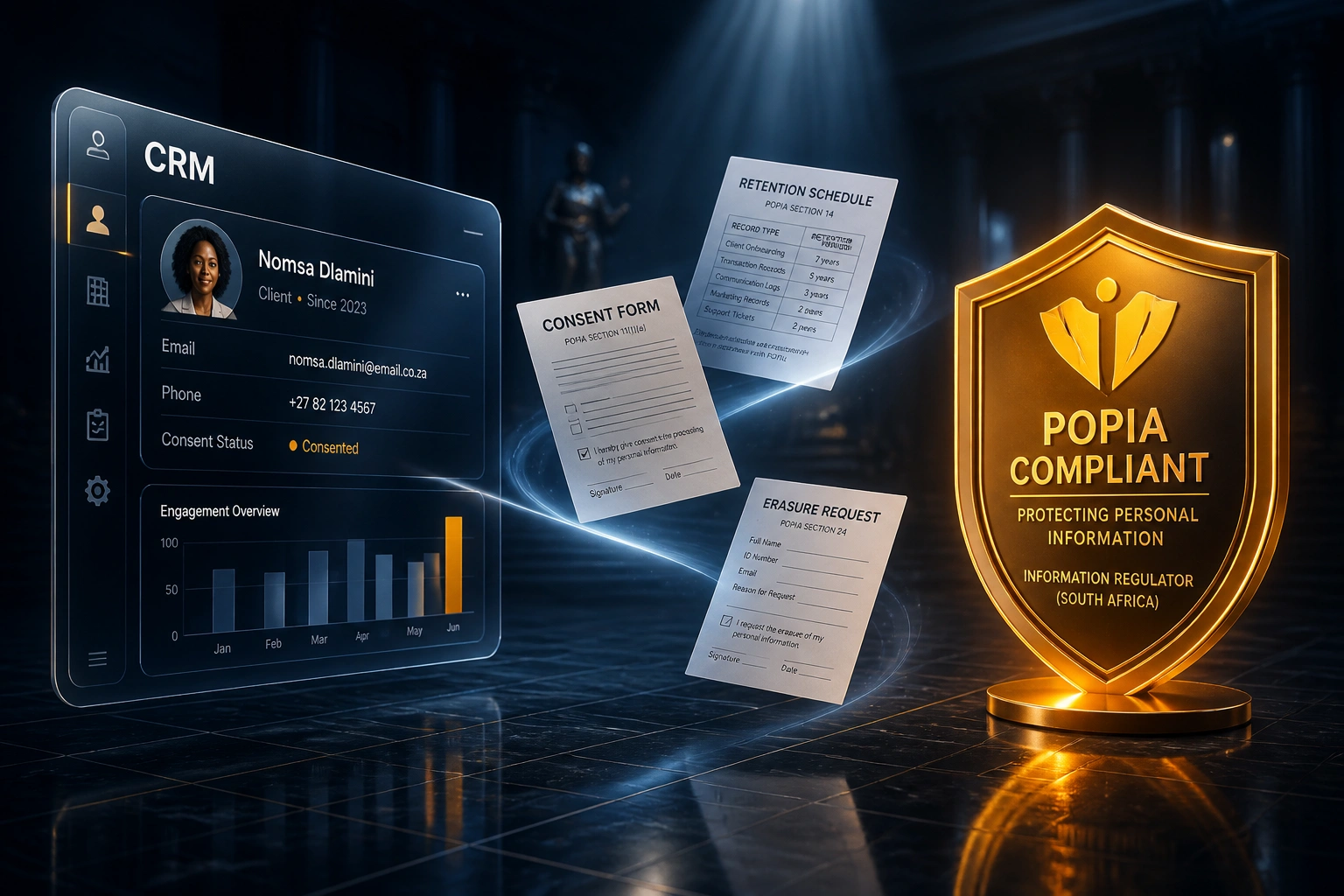
Consent captured → retention applied → erasure proven. Your Information Officer stops rebuilding the trail by hand.
Consent Captured
Lead form or deal stage records purpose, channel, timestamp, and policy version
Retention Scheduled
Record type gets a retention window; expired contacts flag for review or deletion
Erasure Workflow
Section 24 request opens a tracked job across CRM and connected systems
Proof Pack Ready
Information Officer exports the audit trail when the Regulator or subject asks
Data Protection CRM Features That Survive Scrutiny
Consent Ledger and Audit Trail
Every opt-in captures purpose, channel, timestamp, and policy version. Your CRM becomes a consent ledger the Regulator can inspect, not a silent checkbox.
Purpose Limitation Fields
Marketing, contracting, and support purposes are stored separately so staff cannot reuse a sales consent for a newsletter blast without a fresh record.
Retention Schedules
Record types get retention windows that match your policy. Expired contacts flag for review or automated deletion instead of sitting in the CRM forever.
Right-to-Erasure Workflows
A section 24 request opens a tracked workflow: verify identity, locate records, delete or anonymise, notify connected systems, and log the outcome.
Information Officer Tooling
A dashboard of open access and erasure requests, SLA clocks against the 30-day POPIA window, and one-click evidence packs for Regulator queries.
Connected-System Cascade
Erasure and retention actions push to email platforms, billing tools, and shared drives so a deleted CRM contact does not leave copies elsewhere.
CRMs We've Hardened for POPIA
From 20 Hours per Request to 2
How a 40-person Johannesburg professional services firm turned POPIA from a scramble into a trust signal.
The Manual Process
- Consent was a form checkbox with no purpose or timestamp stored
- Information Officer spent 18–25 hours locating records for each erasure request
- Retention policy lived in a PDF nobody enforced in HubSpot
- Average 12–18 days to close a deletion request against a 30-day window
- Regulator-ready evidence meant rebuilding the trail from email threads
The POPIA-Ready Process
- Consent ledger records purpose, channel, timestamp, and policy version
- Erasure workflow verifies identity, deletes or anonymises, and cascades to email tools
- Retention flags surface expired contacts for review every month
- Most deletion requests close inside 2–3 business days with a full audit log
- Information Officer exports a proof pack in minutes, not days
Before vs After a POPIA-Ready CRM
How It Works
From first conversation to a defensible CRM in 3 to 6 weeks.
Map Your POPIA Gaps
Where consent is captured today, which record types lack retention, and how erasure requests currently move (or stall).
Free Scoping Call
30-minute call with your CEO or Information Officer to prioritise consent ledger, retention rules, and erasure workflows.
Build and Test
We wire the fields, schedules, and workflows into your CRM, then run sample DSARs and erasure drills with your team.
Go Live and Monitor
Staff use the same CRM. The Information Officer gets the queue, SLA alerts, and evidence packs. Manual hunts stop.
Frequently Asked Questions
What does a POPIA-compliant CRM actually include?
At minimum: a consent ledger (purpose, channel, timestamp, policy version), retention schedules per record type, right-to-erasure workflows with an audit log, and Information Officer tooling to track DSARs against the 30-day response window. Legal still owns the policy; we make the CRM enforce and prove it.
Can we keep HubSpot, Pipedrive, or Salesforce?
Yes. Most South African teams keep their existing CRM and add POPIA fields, workflows, and reporting. A full rebuild only makes sense when the platform cannot store consent history or run erasure workflows with an auditable trail.
How does this help with a right-to-erasure request?
When a data subject asks for deletion under section 24, the CRM opens a tracked request, helps staff locate every related record, applies delete or anonymise rules (respecting tax and legal holds), cascades to connected systems, and writes an immutable outcome log. Manual hunting across inboxes and spreadsheets stops being the process.
Is this a legal opinion or a systems build?
It is a systems build. Your attorney or compliance advisor sets the lawful bases, retention periods, and exception rules. We configure the CRM so operations can follow those rules and prove they did. We do not replace legal advice.
How long does POPIA CRM compliance take to implement?
A focused package covering consent ledger, retention flags, erasure workflow, and Information Officer dashboards typically takes 3 to 6 weeks. Broader cascades into email, billing, and document stores usually take 6 to 10 weeks.
How much does a POPIA-ready CRM build cost?
Focused consent, retention, and erasure work on an existing CRM usually starts around R35,000. Full Information Officer tooling with connected-system cascades typically lands between R55,000 and R90,000. Against 8 to 30 hours of manual effort per DSAR and the risk of POPIA fines up to R10 million, most mid-market teams see payback inside a few months.
Stop Treating Consent as a Checkbox
If your CRM cannot show who consented, when retention expires, or whether a contact was erased, you are carrying a Rand-denominated risk your competitors are already closing.
Tell us which CRM you run, how your Information Officer handles DSARs today, and where erasure requests stall. We will show you what a POPIA-ready consent ledger and right-to-erasure workflow looks like for your business.