Build a Customer Portal for Self-Service Payments
Your Friday call queue is full of "where's my invoice?" and "how do I pay?" Customers who only get a PDF by email keep ringing AR for balances, receipts, and card updates. That switchboard is eating staff time and slowing cash.
We build the branded payment portal that lets them self-serve so AR stops being a helpdesk.
Sound Familiar?
These are the exact issues our clients faced before a customer payment portal:
- Friday afternoons fill with "where's my invoice?" and "how do I pay?" calls that pull AR off collections
- Customers dig through email for PDF statements, then call again when the attachment is missing or outdated
- Payment method updates and receipt requests land as tickets instead of self-service actions
- AR cannot see how many hours a week vanish into routine account enquiries vs real collections work
- Cash sits longer because paying from a PDF plus bank details takes 5 to 8 steps customers keep postponing
PCI scope is the hidden urgency. Collecting card details on your own forms pushes you toward SAQ D. Hosted fields and hosted payment pages keep raw card data off your servers so most merchants stay on SAQ A, while customers still get a branded self-service experience.
What the Customer Payment Portal Actually Does
Invoice arrives → customer logs in → pays or updates → accounting syncs. No AR phone tree.
Customer Needs to Pay
They open the branded portal from an email link or bookmark, not a support ticket
See Invoices & History
Open balances, due dates, and downloadable PDFs for invoices and receipts
Pay or Update Method
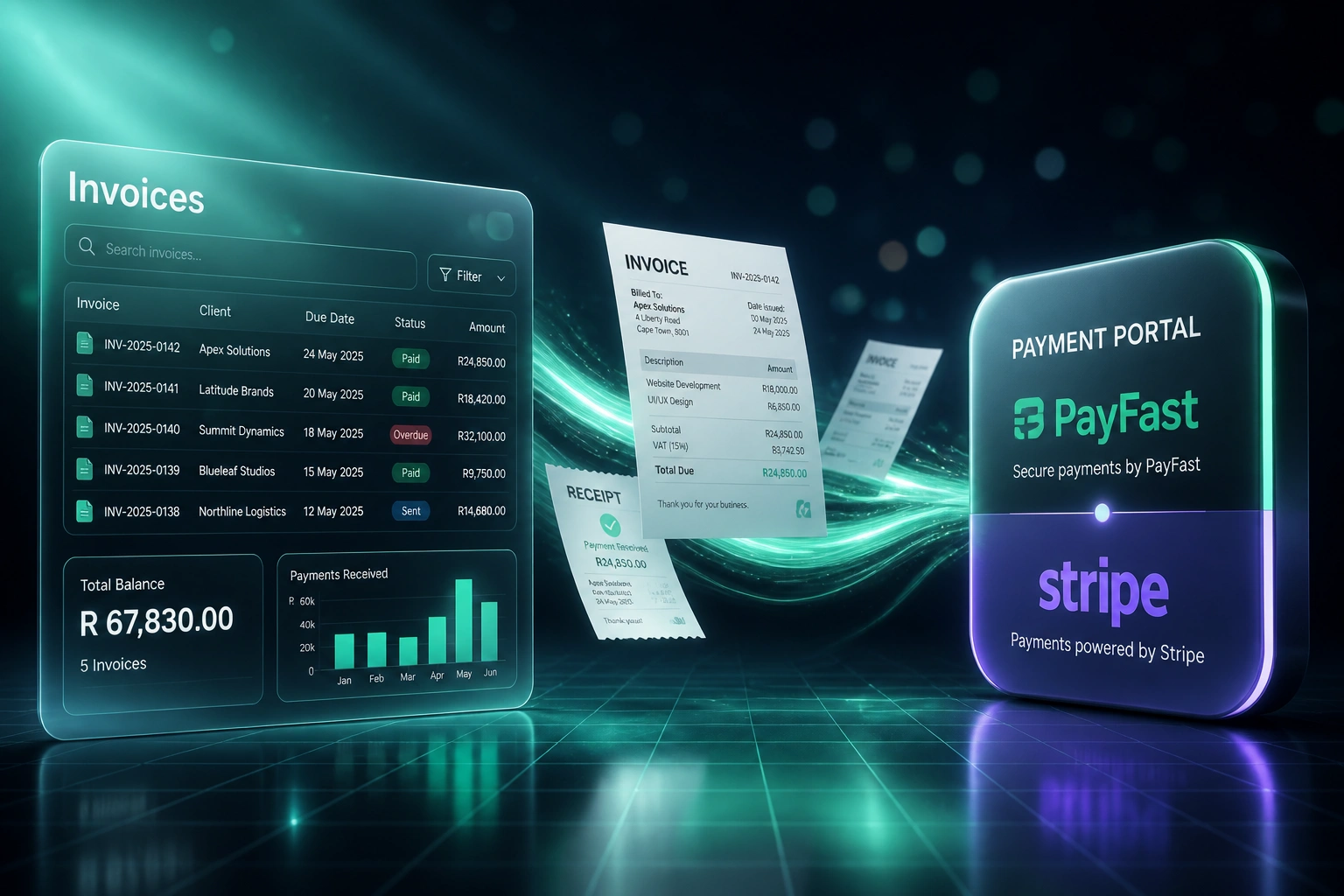
Hosted PayFast or Stripe fields settle the balance or save a new card securely
Synced to Finance
Accounting marks paid, CRM updates, AR never retypes the outcome
Everything You Need for Self-Service Payments
Branded Customer Portal
A self-service payment portal in your brand where customers view open invoices, balances, and due dates without ringing AR.
Pay Outstanding Balances
One-click pay for open invoices via PayFast, Stripe, Peach, or Ozow, with hosted fields so card data never touches your servers.
Payment Method Updates
Customers update cards and bank details themselves, so expired credentials stop becoming support tickets and failed collections.
Invoice & Receipt History
Full payment history with PDF downloads for invoices and receipts, so "please resend invoice 4821" disappears from the queue.
Accounting & CRM Sync
Payments and method changes write back to Xero, Sage, or QuickBooks, and CRM deal or account status updates without retyping.
AR Load Visibility
Finance sees enquiry deflection, portal adoption, and days-to-pay so you can prove the portal is cutting call volume and DSO.
Gateways and Ledgers We've Connected
From Switchboard Fridays to Self-Service Payments
How a 35-person B2B services firm cut AR enquiry calls by half and got paid 14 days sooner with a branded customer portal.
The Manual Process
- AR spent Fridays on invoice resends, balance lookups, and "how do I pay?" walkthroughs
- Customers only received PDF invoices by email; 15–25% needed a resend
- Card and bank updates arrived as tickets; failed collections waited on support
- Average time to pay sat near three weeks on email-only billing
- Finance had no view of how many hours vanished into routine enquiries
The Portal Process
- Customers open a branded portal to see balances, pay, and download history
- Invoice and receipt PDFs always available; resend requests nearly vanished
- Payment method updates happen in hosted fields without a ticket
- Days-to-pay compressed; AR focuses on true exceptions and collections
- Finance tracks portal adoption and enquiry deflection each month
Before vs After the Customer Portal
How It Works
From first conversation to live customer portal in 3–5 weeks.
Map the Call Queue
Which enquiries hit AR most, how invoices go out today, and which gateway and accounting stack you already run.
Free Scoping Call
30-minute call to design the branded portal, pay flows, history views, and sync back to accounting and CRM.
Build & Test
We build the portal with hosted payment fields, walk through pay, update-method, and download paths, then run parallel with your team.
Go Live & Measure
Customers get portal access. We watch adoption, enquiry deflection, and DSO for the first billing cycles, then tighten prompts and links.
Frequently Asked Questions
How is a customer payment portal different from a Pay Now link on an invoice?
A Pay Now link settles one invoice. A customer portal is the full AR self-service layer: open balances, invoice and receipt history, payment method updates, and repeat access without hunting email. Links drive a single payment. The portal stops the Friday call queue.
Will this work with PayFast, Stripe, and our accounting system?
Yes. We build on the gateways you already use (PayFast, Stripe, Peach, Ozow, Yoco, Netcash) and sync paid status, receipts, and method updates into Xero, Sage, or QuickBooks. Customers stay in one branded experience while finance keeps a single source of truth.
How much AR call volume should we expect to cut?
Businesses that roll out clear self-service payment portals commonly report 40% to 60% fewer inbound AR enquiries. Forrester TEI work on collaborative AR portals has shown 70% to 80% reductions in customer phone calls once electronic payment and portal access become the default. Results depend on adoption and how well invoice emails point into the portal.
What about PCI compliance if customers enter card details?
We use hosted payment pages or hosted fields from your gateway so raw card data never lands on your servers. That keeps most merchants on SAQ A instead of the much heavier SAQ D path. Tokenised card-on-file and method updates stay inside the provider's PCI scope.
How long does a branded customer payment portal take to build?
A standard portal with invoice list, pay balance, history downloads, and method updates on one gateway typically takes 3 to 5 weeks from scoping to go-live. Multi-gateway stacks, deep CRM embedding, or multi-entity accounting take closer to 5 to 8 weeks.
How much does a customer payment portal cost?
Builds typically range from R35,000 to R75,000 depending on gateways, branding depth, and accounting sync. Teams spending a dozen or more AR hours a week on invoice and payment enquiries, or carrying slow DSO from PDF-only billing, usually cover the build within two to four months.
Stop Running AR Like a Switchboard
If customers still need your team to find invoices, explain how to pay, or update a card, you are paying R370 to R600 a call for work a portal should own.
Tell us how invoices go out today, which gateway you use, and what fills the Friday queue. We will show you exactly how a branded self-service payment portal would work for your AR team.