

Data Rollback and Recovery: Point-in-Time Restore for Business Systems
A bad bulk update, failed migration write, or overnight script just trashed live CRM, ERP, or billing data. Nightly full restores are too coarse and too slow when you need to undo the damage without wiping every good transaction that followed.
We set up point-in-time recovery so you can roll back to a known-good state and prove the undo.
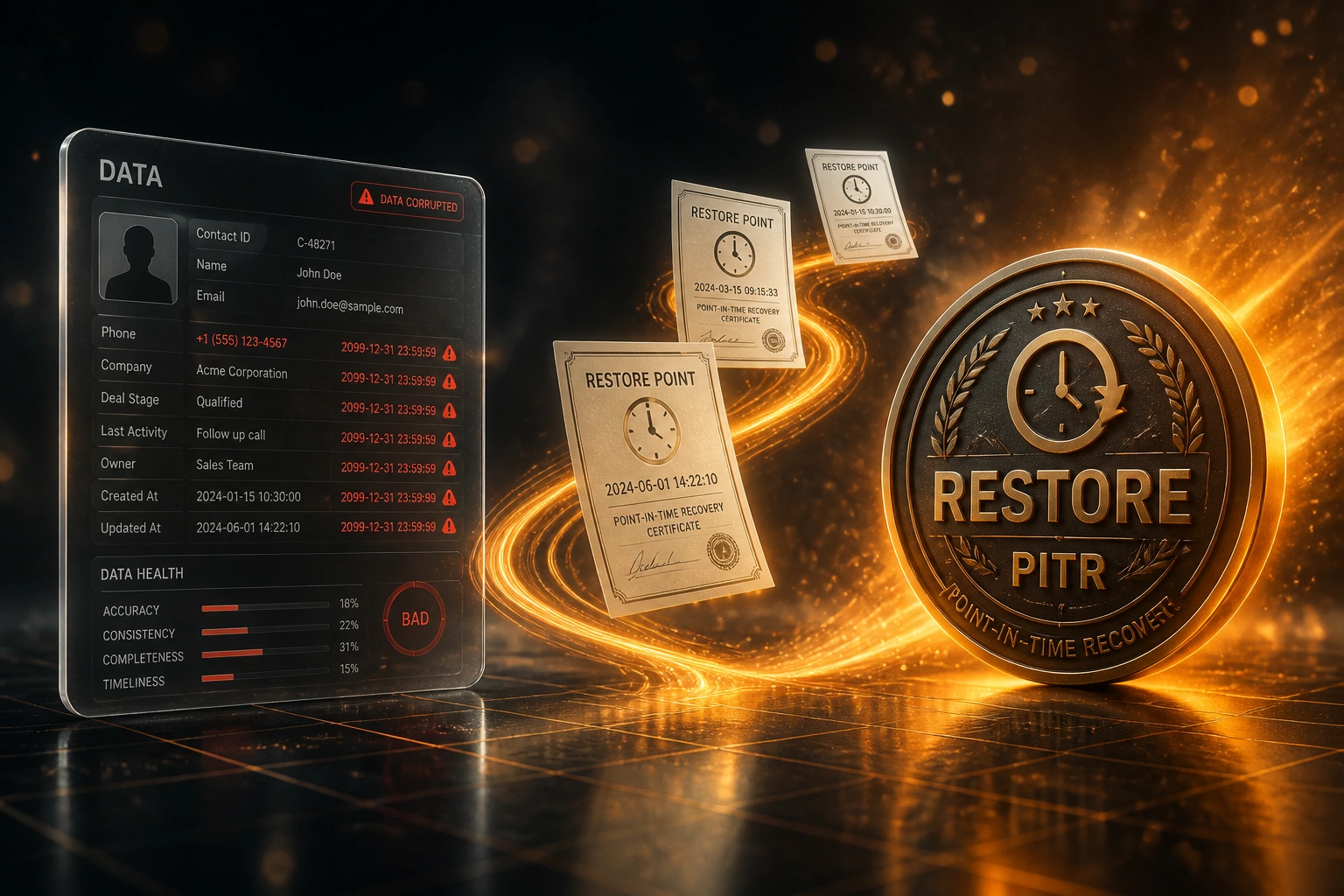
Sound Familiar?
These are the exact issues our clients faced before proper point-in-time recovery:
- A bulk import, mass update, or overnight script wrote bad values into live CRM, ERP, or billing data and the damage is already in production
- Your only restore option is last night's full backup, which would wipe every legitimate order and payment entered after the snapshot
- Ops cannot prove a known-good restore point, so leadership will not authorise the undo and trading stays on corrupted data
- Selective undo is impossible: finance wants one table rolled back while sales needs later-good work kept
- Weekend restore windows are too slow when invoices, stock levels, and customer balances are wrong right now
A bad deploy or import cannot wait for a weekend restore. Accidental damage is 2.4× more common than cyberattacks, yet most estates still rely on daily snapshots with up to 24 hours of recoverable gap. When prices, stock, or customer balances are wrong this morning, coarse nightly restores make the cure as expensive as the mistake.
What Point-in-Time Recovery Actually Does
Pin the damage → restore to a known-good minute → keep later work where possible → prove the undo.
Pin the Bad Write
We identify when the import, script, or mass update corrupted live data
Choose Restore Point
Ops and finance agree the known-good timestamp minutes before the mistake
Drill Then Restore
Safe-copy rehearsal, then live data restore with selective keep of later good work
Validate & Reopen
Balances and sample packs signed off, trading resumes on known-good data
Everything You Need for Confident Data Rollback
Known-Good Restore Points
We map continuous backups and transaction logs so you can name the minute before the bad write, not just last night's full dump.
Point-in-Time Recovery Setup
PITR is enabled and tested on the systems that hold live commercial data, with retention windows that match how long errors take to surface.
Selective Undo Paths
Where the platform allows, we restore affected tables or record sets and re-apply later good work, instead of wiping the whole estate.
Pre-Undo Impact Report
CTOs and finance owners see what will roll back, what will be kept, and residual risk before anyone hits restore.
Proven Restore Drill
We run a non-production restore to the target timestamp so the first live undo is a rehearsal, not a first attempt under fire.
Post-Restore Validation
Row counts, balance checks, and sample record packs confirm the known-good state before you reopen trading.
Platforms We've Rolled Back and Hardened
From a Three-Day Coarse Restore to a Six-Hour Undo
How a South African wholesale distributor rolled back a bad overnight price import to 14 minutes before the damage and kept the day's good orders.
The Coarse Restore Trap
- Overnight CSV import overwrote 18,000 live product prices with test values
- Only restore option was last night's full SQL dump, which would wipe ~420 orders entered that morning
- Ops estimated three days offline for full restore, re-entry, and stock reconciliation
- Finance refused to authorise wipe because payment matches would break month-end
- Trading continued on corrupted prices, creating refund and margin exposure by the hour
The Point-in-Time Undo
- We enabled continuous backup history and pinned the known-good minute at 02:46, fourteen minutes before the import
- Safe-copy drill validated the restore point before live cutover
- Selective re-application kept morning orders and payments entered after 02:46
- Live data restore completed in six hours with balance and sample-pack sign-off
- PITR retention and an undo playbook left for the next bad write
Before vs After Point-in-Time Recovery
How It Works
From first call to a validated known-good restore, then a hardened PITR playbook.
Incident Intake
What went wrong, when, which systems hold the damage, and what backups or logs you still trust.
Restore-Point Call
30-minute call with your CTO or ops lead to pick the known-good timestamp and agree what later work to keep.
Drill Then Undo
We prove the restore in a safe copy, then execute the live point-in-time restore with validation gates.
Hardening Handover
PITR retention, alerting, and a documented undo playbook so the next bad import does not wait for a weekend restore.
Frequently Asked Questions
How is point-in-time restore different from a nightly full restore?
A nightly full restore returns you to last night's snapshot and discards everything written since. Point-in-time recovery restores to a chosen second within the retention window, typically minutes before the bad import or script, so later legitimate work can be kept where the platform allows. Daily backups leave up to 24 hours of exposure; PITR narrows that window to roughly a second.
How is this different from SQL crash recovery or historical rebuild?
Crash recovery brings a failed database back online after power loss or unclean shutdown. Historical rebuild reconstructs missing activity from audit logs after a wipe. Data rollback and point-in-time restore assume the system is still running but holds corrupted or incorrectly modified data, and you need a deliberate undo to a known-good state.
Which systems can you roll back?
We work with SQL Server, PostgreSQL, MySQL and MariaDB, Azure SQL, Amazon RDS, and the CRM, ERP, and billing databases that sit on them. SaaS platforms with native PITR or continuous backup are included when APIs and retention allow a controlled restore.
How long does an emergency data restore usually take?
Once the known-good timestamp is agreed and a drill copy validates cleanly, focused rollbacks often finish in hours rather than multi-day weekend restores. Large multi-terabyte estates or selective re-application of later work take longer. We give you a timeline after the restore-point call, not a vague promise.
Will we lose good work entered after the mistake?
That is the core design question. We map what must roll back and what can be re-applied from logs, exports, or secondary systems. Where selective undo is possible, we keep later good orders and payments. Where it is not, we document the trade-off before you authorise the restore.
How much does point-in-time recovery and data rollback cost?
Emergency triage and a focused restore typically start around R40,000. Enabling PITR, retention design, restore drills, and hardening across CRM, ERP, or billing databases usually lands between R55,000 and R110,000. Against hourly downtime that can exceed R400,000 for mid-market operations, most clients recover the fee inside one avoided multi-day coarse restore.
Stop Treating Bad Imports Like Weekend Restores
If your only option after a mass update or script failure is last night's full dump, you are gambling later good work and days of trading against a problem point-in-time recovery already solves.
Tell us which systems hold the damage, when the bad write landed, and what backups or logs you still trust. We will show you the known-good restore point and how selective undo would work on your estate.