Document Audit Trail Implementation: Prove Who Touched Every File
When a regulator, insurer, or board asks who opened, edited, or shared a critical document, email threads and folder permissions are not an answer. Without a durable document audit trail, investigations burn days and POPIA findings write themselves.
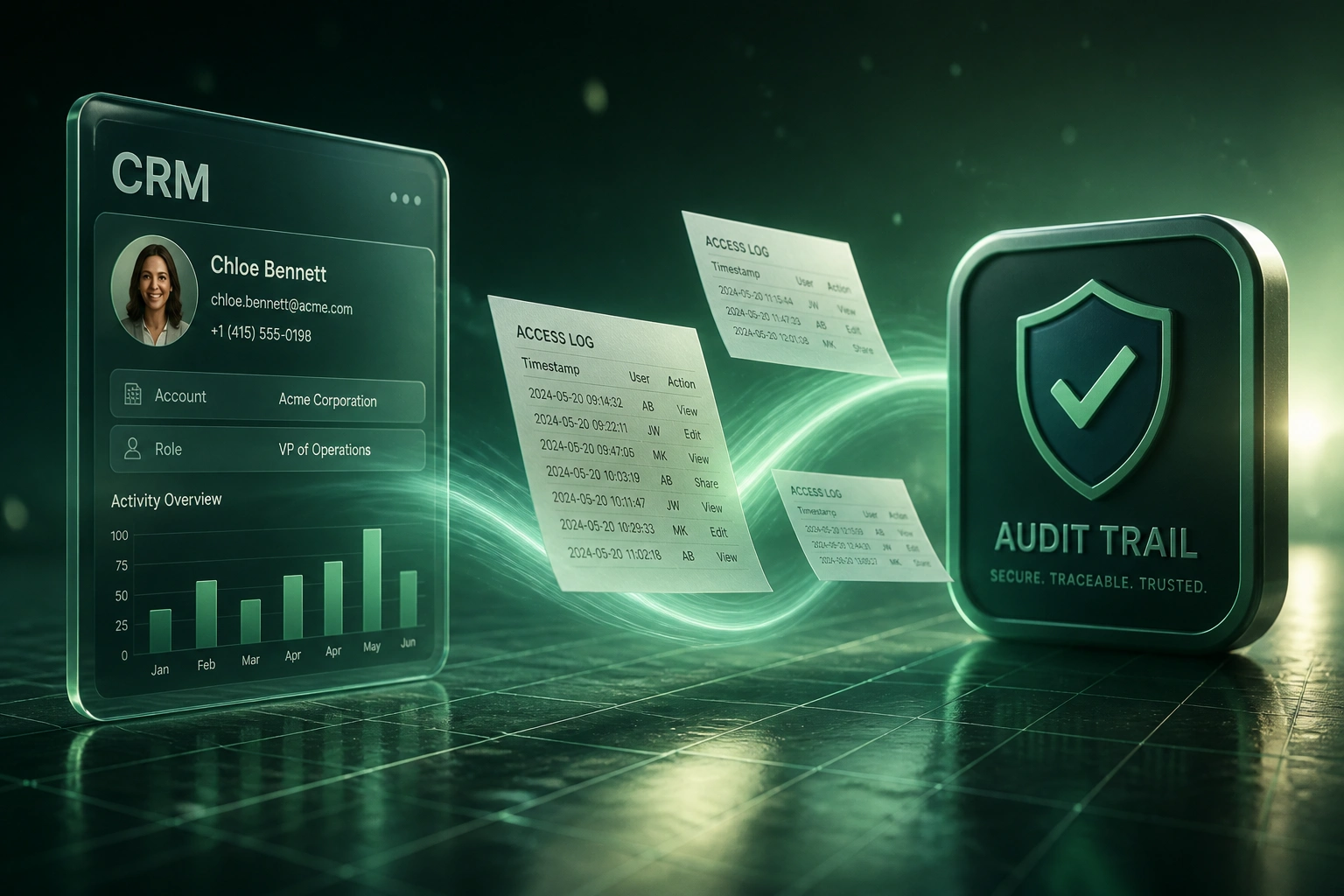
We build the access log that turns document tracking into minutes of retrieval, linked to your CRM.
Sound Familiar?
These are the exact gaps compliance and risk leads bring us before we implement document tracking:
- Auditors ask who opened a client file and your answer is a week of SharePoint and email archaeology
- Staff edit or share regulated documents with no durable access log tied to the CRM record
- POPIA data-subject requests stall because you cannot list who has accessed personal information
- Breach or leak investigations stretch into days while insurance and the Information Regulator wait
- Drive permissions and CRM notes disagree, so nobody can prove the chain of custody
The Information Regulator's enforcement is accelerating: security-compromise notifications rose from 202 in 2021/22 to 2,374 in 2024/25, with administrative fines already issued up to R5 million and a statutory ceiling of R10 million. Audit season is the worst time to discover your document access log does not exist.
What Document Access Logging Actually Does
Document event happens → immutable log written → CRM record updated → evidence exportable on demand.
Someone Touches a File
Staff or a portal user views, edits, downloads, or shares a CRM-linked document
Event Logged Immutably
User, document, action, timestamp, and source system written to a tamper-evident access log
Synced to the CRM
The deal, matter, or client record shows the trail so compliance never leaves the system of record
Evidence on Demand
Filter, export, and hand auditors a pack in minutes instead of reconstructing for days
Everything You Need for a Defensible Document Audit Trail
Immutable Access Logging
Every view, download, edit, and share is written once, timestamped, and protected from quiet deletion. The trail is evidence, not a mutable spreadsheet.
CRM-Linked Document Events
Each log line attaches to the deal, matter, or client record. Compliance opens the CRM and sees the document trail without hunting folder histories.
Who, What, When, Action
Capture user identity, document version, action type (view, edit, share, delete), and source system so investigations answer the question in one query.
Exportable Evidence Packs
Filter by client, date range, or document and export a regulator-ready pack. Audit prep drops from multi-day reconstruction to a short filtered export.
Anomaly and Bulk Alerts
Flag after-hours access, mass downloads, or sharing outside approved domains so risk hears about the event before the complaint arrives.
Retention and Legal Hold
Keep trails for the periods your policy and POPIA accountability require, with legal-hold overrides so evidence is not purged mid-investigation.
Platforms We've Instrumented for Document Tracking
From Four Days to Twelve Minutes
How a Johannesburg wealth advisory closed POPIA document-access findings and stopped reconstructing trails by hand.
The Manual Reconstruction
- Compliance pulled SharePoint audit CSVs, email headers, and CRM notes for each client pack
- A single "who accessed this file?" request took three to five business days
- Two POPIA assessment findings cited incomplete records of who had accessed personal information
- Staff time burned on spreadsheets that still could not prove share events outside the drive
- Insurer questionnaires stalled because the firm could not evidence continuous document tracking
The Immutable Trail
- Every view, edit, and share on CRM-linked client packs writes to a tamper-evident access log
- Compliance filters by client or document and exports an evidence pack in about twelve minutes
- Both POPIA findings closed on re-assessment with demonstrable access and third-party share records
- Anomaly alerts flag bulk downloads so risk investigates before the complaint arrives
- Board and insurer packs cite the same CRM-linked trail without a special project each quarter
Before vs After Document Audit Trail Tracking
How It Works
From first conversation to live document tracking in 3 to 5 weeks.
Map Critical Documents
Which files carry personal or regulated data, where they live today, and which CRM objects they must attach to.
Free Scoping Call
30-minute call to design event coverage, retention, alert rules, and the evidence-pack format auditors expect.
Build and Validate
We instrument logging across CRM and storage, test with real access patterns, and prove exports against a sample investigation.
Go Live and Monitor
Switch off manual reconstruction. Alerts and dashboards keep the trail healthy so the next audit is a retrieval, not a rebuild.
Frequently Asked Questions
How is a document audit trail different from SharePoint or Drive version history?
Version history shows file changes inside one repository. A proper document audit trail captures access, edit, and share events across storage and the CRM, stores them in a tamper-evident log, and ties every event to the client or matter record. Folder history alone rarely survives a POPIA or FSCA evidence request when documents also move through email, portals, and CRM attachments.
Does POPIA require document access logging?
POPIA requires appropriate security safeguards and documentation of processing operations, and section 23 entitles data subjects to know which third parties have had access to their information. In practice, regulators and auditors expect you to show who accessed personal information, when, and for what purpose. Without an access log linked to your systems of record, that proof is reconstruction, not retrieval.
Which systems can feed the document access log?
We typically instrument CRM-attached files plus SharePoint, Google Drive, Dropbox, Box, or OneDrive, and portal downloads where clients or staff retrieve packs. If your DMS or custom store exposes events or APIs, we include it. The goal is one chronological trail per document and CRM record, not another siloed log per tool.
How quickly can we answer an auditor or Information Regulator request?
With a complete trail, filtered exports for a specific client or document usually take minutes. Without one, teams routinely spend days stitching SharePoint audits, email headers, and staff recollections. Industry deployments report audit queries resolved in about a minute and preparation time cut by 70 to 80 percent once logs are centralised and searchable.
Will logging slow down day-to-day document work?
No. Events are captured automatically when someone opens, edits, or shares a tracked document. Staff keep using the CRM and drives they already know. Alerts only surface when policy thresholds are crossed, such as bulk downloads or off-hours access to sensitive packs.
How much does document audit trail implementation cost?
Focused access logging for CRM-linked documents typically starts from around R35,000. Broader coverage across multiple storage platforms, anomaly alerts, retention and legal hold, and regulator-ready evidence packs usually ranges from R50,000 to R90,000. Most regulated firms recover that within one or two audit or investigation cycles against staff time and finding remediation alone.
Stop Hoping Your Document Trail Survives the Next Audit
If you cannot prove who opened, edited, or shared critical files, you are one examination or leak away from days of reconstruction and avoidable findings.
Tell us where client documents live, which CRM they attach to, and which audits or POPIA requests hurt most. We will show you exactly how an immutable document audit trail would work for your business.