Extract Invoice Data With AI: Stop Manual Data Entry
Your AP team is still keying supplier invoices into the ledger. Every document burns 5–10 minutes of typing, seeds coding errors, and slows payment cycles while invoice volumes keep climbing.
We build AI extraction that turns that typing job into seconds, with human review only on exceptions.
Sound Familiar?
These are the exact issues our clients faced before AI invoicing replaced manual keying:
- AP clerks spend 5–10 minutes keying each supplier invoice into Xero, Sage, or the ERP
- Messy layouts, multi-page POs, and handwritten notes break template OCR, so staff re-enter the failed fields
- Line items, VAT splits, and delivery dates get transposed, then resurface as payment exceptions
- Invoice volumes keep rising while remote AP teams have no shared paper tray to absorb the backlog
- Audit and SARS reviews demand clean source data, yet the ledger still rests on typed-in fields
SARS is moving South Africa toward mandatory e-invoicing by 2028, and audit pressure on invoice data quality is already rising. Teams still keying OCR invoices into the ledger will struggle to keep pace as volumes and compliance expectations climb together.
What AI Invoice Data Extraction Actually Does
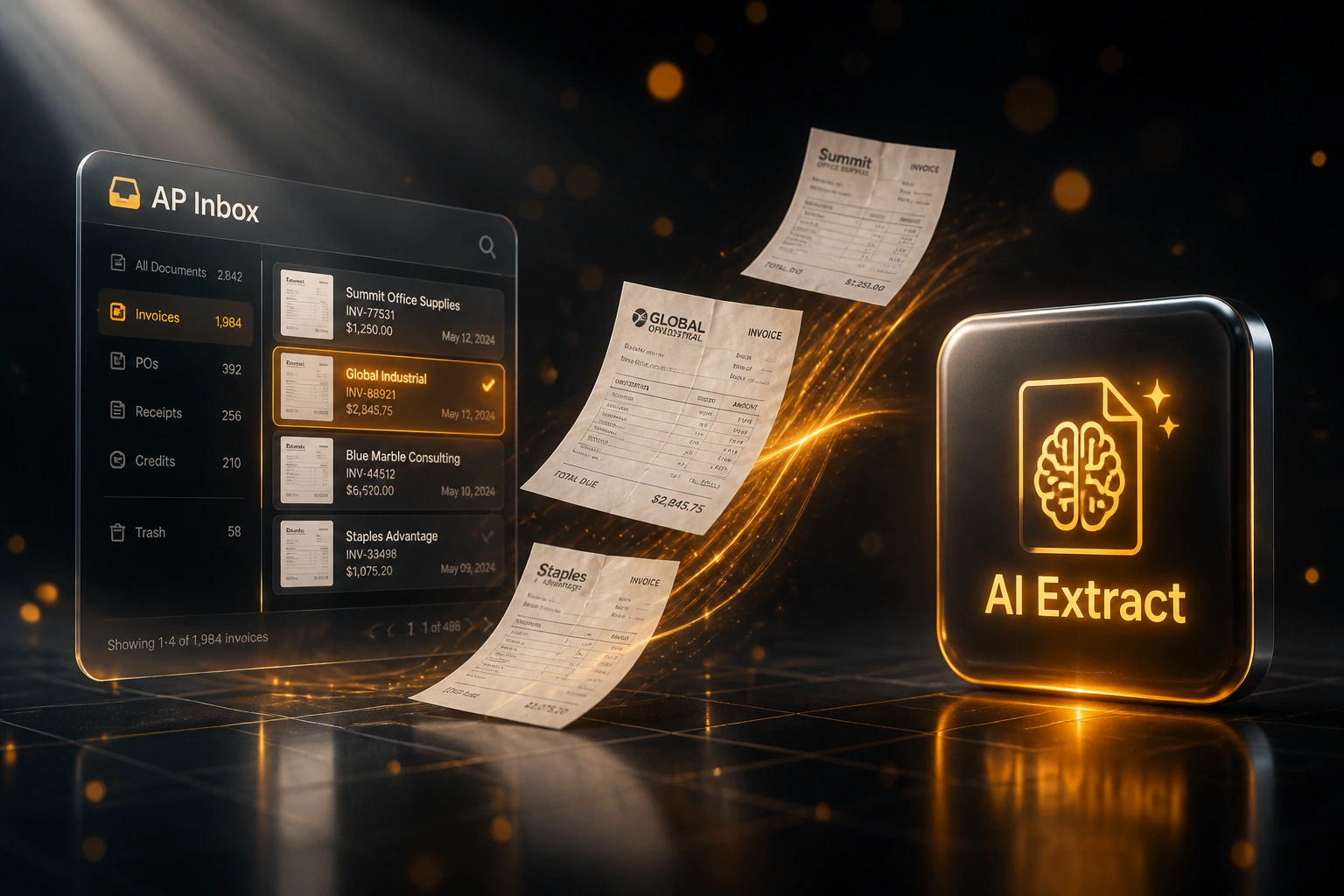
Invoice arrives → fields extracted → exceptions flagged → draft posted. No human retyping every line.
Invoice Hits the Inbox
PDF, scan, or photo lands in the AP inbox from email, portal, or shared drive
AI Reads the Document
Vision models pull vendor, dates, totals, VAT, and every line item, even on messy layouts
Validate & Match
Totals checked, vendor matched, PO variances flagged; only exceptions need a human
Draft in the Ledger
Clean bills appear in Xero, Sage, or your ERP ready for approval and payment
Everything You Need for Reliable AI Invoicing
Vision-Model Extraction
LLM and vision models read the whole invoice, not fixed template zones, so new supplier layouts extract without weeks of per-vendor setup.
Line-Item Intelligence
Quantities, unit prices, descriptions, and VAT lines come out as structured rows, even when tables span pages or columns shift mid-document.
Unstructured Document Handling
Phone photos, scanned PDFs, stamped pages, and handwritten corrections are understood from context, not abandoned when the template fails.
Confidence-Based Exceptions
High-confidence invoices draft straight into the ledger. Low-confidence fields queue for a quick human confirm instead of a full rekey.
Vendor & PO Context
Extracted suppliers match creditors in Xero, Sage, or your ERP. Where a PO exists, quantity and price variances flag before anyone posts.
Post to Accounting
Validated bills land as drafts with line items, tax treatments, and payment terms ready for approval, so AP reviews exceptions only.
Ledgers We've Posted Extracted Invoices Into
From 12 Hours/Week of Keying to 90 Minutes
How a wholesale distributor stopped retyping OCR invoices and recovered AP capacity without hiring.
The Manual Process
- Two AP clerks keyed ~280 supplier invoices a month into Sage
- 10–12 minutes per document for header fields and line items
- Template OCR failed on roughly one in three new or messy layouts
- Failed captures were fully retyped, then chased at month-end for VAT mismatches
- Backlog grew whenever volumes spiked or staff worked remotely
The AI Extraction Process
- Vision-model extraction pulls line items, dates, and totals in seconds
- AP reviews only low-confidence fields and PO variances
- Messy-layout accuracy climbed above 93% without new supplier templates
- Draft bills appear in Sage ready for approval the same day
- Clerks spend recovered time on vendor queries and early-payment timing
Before vs After AI Invoice Data Extraction
How It Works
From first conversation to live AI extraction in 2–4 weeks.
Tell Us Your Setup
Where supplier invoices arrive, which ledger you post to, and which messy layouts break today's capture.
Free Scoping Call
30-minute call to map inbox → AI extract → validate → post, and set confidence thresholds for human review.
Build & Test
We wire vision-model extraction and validation, then test on your real supplier PDFs, scans, and multi-page POs.
Go Live & Monitor
AP reviews exceptions only. Monitoring tracks extraction accuracy, exception rates, and hours recovered.
Frequently Asked Questions
How is AI invoice data extraction different from classic OCR?
Classic OCR matches fields to supplier templates. When a layout changes, accuracy collapses and AP rekeys the document. AI invoicing with vision and language models understands messy supplier layouts, multi-page tables, and handwritten notes without per-vendor templates, so extraction stays accurate as your supplier mix grows.
How accurate is AI extraction on unstructured invoices?
Industry benchmarks put traditional OCR at roughly 85–92% on known formats and only 60–75% on unfamiliar layouts. Modern LLM and vision extraction commonly reaches 90–97% across varied formats, with hybrid pipelines above 95% on standard fields. We set confidence thresholds so uncertain line items go to an exception queue instead of silently posting a wrong total.
How long does an AI invoice extraction project take?
A focused pipeline into one accounting system typically takes 2–4 weeks from scoping to go-live. Simpler draft capture into Xero can be live in about two weeks. Multi-entity posting with PO matching and custom GL rules usually sits closer to 4–6 weeks.
What happens when the model is unsure about a field?
Low-confidence fields, totals that do not add up, unknown vendors, and PO mismatches pause the bill, flag what needs attention, and attach the source PDF. Clear invoices never wait behind those exceptions.
Will this disrupt our AP team?
No. Your team keeps approving and posting in the same ledger. Automation removes the 5–10 minute keying step so people spend time on exceptions, vendor queries, and payment timing. We run parallel testing before switching off the manual path.
How much does AI invoice data extraction cost?
Focused AI extraction into a single ledger typically starts from around R25,000. Pipelines with line-item intelligence, vendor matching, PO checks, and exception queues usually sit in the R35,000–R60,000 range. Teams processing a few hundred supplier invoices a month often recover the build cost within 2–3 months from staff time alone.
Stop Paying Staff to Retype Supplier Invoices
If your AP team is still typing line items from PDFs into the ledger, you are funding a problem vision models already solve.
Tell us where invoices arrive, which accounting system you post to, and which supplier layouts break today. We will show you exactly how AI invoice data extraction would work for your volumes.