Invoice OCR and Data Capture: Automated Invoice Processing for AP
Your suppliers email PDFs all week. Your AP team retypes every line into the ledger. That handoff is slow, error-prone, and it keeps invoices out of Xero or Sage for days longer than they should be.
We build the inbox → extract → validate → post pipeline that makes capture automatic.
Sound Familiar?
These are the exact issues our clients faced before invoice OCR automation:
- Supplier invoices pile up in the AP inbox while clerks retype every line into Xero or Sage
- VAT amounts, account codes, and vendor names get mistyped, then resurface as exceptions at month-end
- PO matching is a manual hunt across email PDFs and the purchase order register
- Finance directors only see the backlog when suppliers chase unpaid invoices
- Capture alone eats 10–15 hours a week before anyone has approved or posted a single bill
Industry research still puts roughly 60% of invoices through some manual handling, and each correction costs around R875 in rework. As supplier volume grows, that backlog compounds faster than headcount can keep up.
What Automated Invoice Processing Actually Does
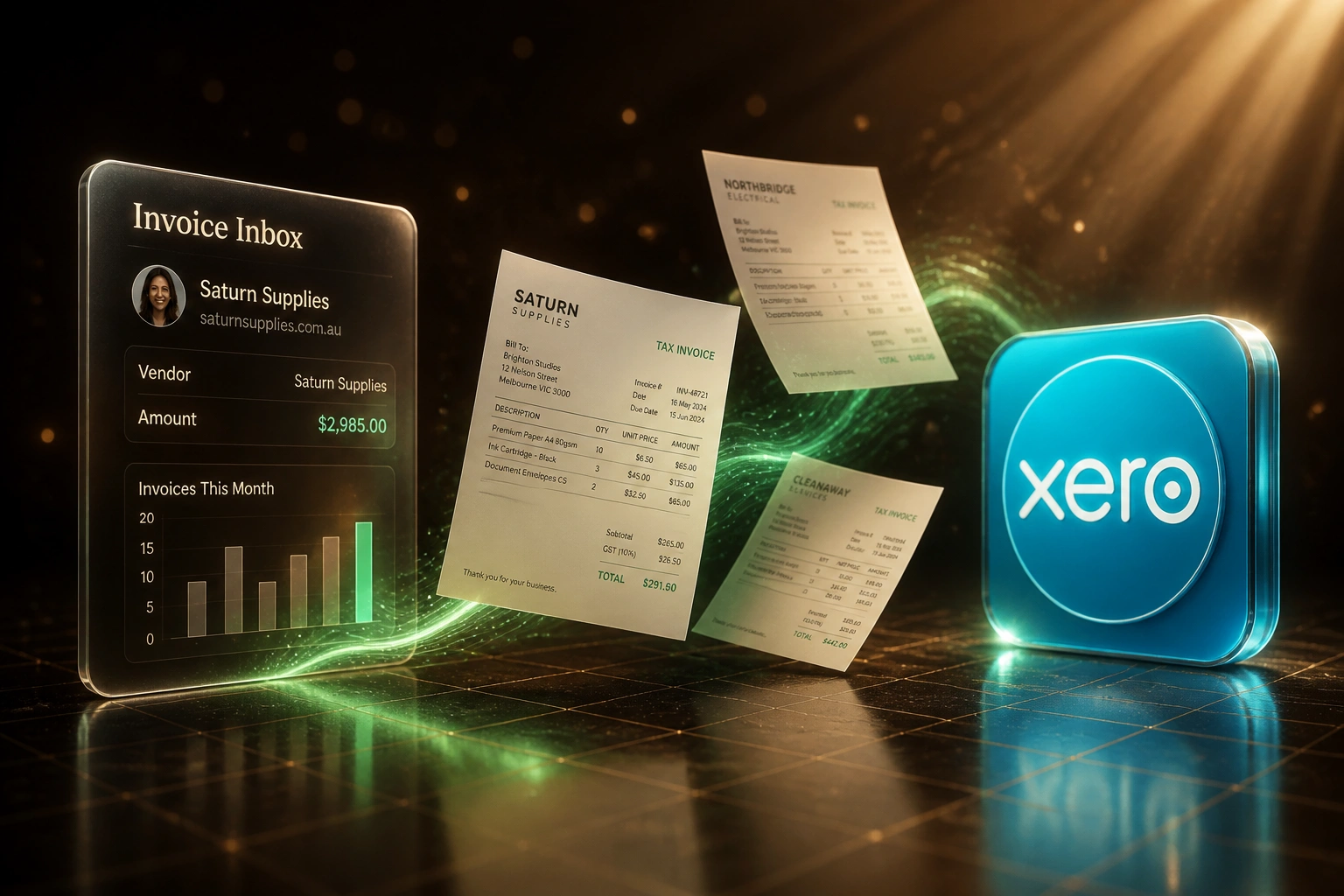
Inbox receives PDF → fields extracted → AI validates → draft bill in the ledger. No human copying line items.
Invoice Lands in Inbox
Supplier PDFs and scans arrive by email or shared folder, ready for capture
OCR Extracts the Bill
Vendor, line items, VAT, totals, and dates read into structured fields
AI Validates & Matches
Totals, VAT, vendor records, and PO checks run before anyone reviews
Draft Posted to Ledger
Bill appears in Xero, Sage, or your ERP ready for approval and payment
Everything You Need for Reliable Invoice Data Capture
Invoice OCR Capture
Optical character recognition reads vendor details, invoice numbers, dates, line items, VAT, and totals from PDFs and scans into structured fields.
AI Validation & Coding
Totals are checked against line items, VAT rates are verified, and suggested GL codes and tax treatments are applied before anyone reviews.
Vendor Matching
Extracted supplier names and VAT numbers match to existing creditors in Xero, Sage, or your ERP so duplicates and mis-posts are caught early.
PO Matching Support
Where a purchase order exists, the pipeline flags quantity and price variances so AP only investigates true exceptions.
Post to Accounting
Validated bills land as drafts in Xero, Sage, or your ERP with line items, tax, and payment terms ready for approval and posting.
Exception-Only Review
High-confidence invoices go straight to draft. Low-confidence fields queue for a quick human confirm, not a full rekey of the document.
Ledgers We've Posted Invoice Data Into
From 14 Hours/Week to 2 Hours/Week
How a mid-size wholesaler cut invoice data capture from a full AP shift to exception review, and got bills into Xero six days sooner.
The Manual Process
- AP clerk opened every supplier PDF and retyped line items into Xero
- Around 12 minutes per invoice across ~350 bills a month
- VAT and account-code typos created a steady exception pile
- Average 11 business days from inbox to approved draft
- Finance director had no live view of what was still uncaptured
The Automated Process
- Invoice OCR extracts vendor, lines, VAT, and totals from each PDF
- AI validation checks maths, matches creditors, and flags PO gaps
- Clear bills appear as Xero drafts; AP only reviews exceptions
- Most invoices reach the ledger the same day they arrive
- Exception rate and posting volume visible without chasing inboxes
Before vs After Invoice OCR
How It Works
From first conversation to live invoice OCR in 2–4 weeks.
Tell Us Your Setup
Where invoices arrive today, which ledger you post to, and which fields AP always has to fix by hand.
Free Scoping Call
30-minute call to map the inbox → extract → validate → post workflow and pick confidence thresholds.
Build & Test
We wire invoice OCR and AI validation, then test with your real supplier PDFs before switching off manual entry.
Go Live & Monitor
AP reviews exceptions only. Monitoring keeps extraction accuracy, exception rates, and posting volume visible.
Frequently Asked Questions
How is invoice OCR different from generic PDF data extraction?
Invoice OCR and data capture is built for accounts payable: vendor matching, line-item and VAT validation, PO checks, and posting into Xero, Sage, or your ERP. Generic PDF extraction stops at structured fields. This pipeline finishes the AP workflow so bills reach the ledger ready for approval.
How long does automated invoice processing take to implement?
A focused invoice OCR pipeline into one accounting system typically takes 2–4 weeks from scoping to go-live. Simpler one-way capture into Xero drafts can be live in about two weeks. Multi-entity posting with PO matching and custom GL rules usually sits closer to 4–6 weeks.
How accurate is invoice OCR with AI validation?
Modern invoice OCR APIs reach roughly 95–98% field-level accuracy on printed supplier invoices, and hybrid OCR-plus-AI validation commonly sits above 95% across varied layouts. We set confidence thresholds so uncertain fields go to an exception queue instead of silently posting a wrong total or VAT amount.
What happens when an invoice fails validation?
Failed checks (totals that do not add up, unknown vendors, PO mismatches, low-confidence fields) pause the bill, flag what needs attention, and attach the source PDF. Clear invoices never wait behind those exceptions.
Will this disrupt our current AP team?
No. Your team keeps approving and posting in the same accounting system. Automation removes the retyping step so people spend time on exceptions, vendor queries, and payment timing. We run parallel testing before switching off the manual path.
How much does invoice OCR and data capture cost?
Focused invoice OCR into a single ledger typically starts from around R25,000. Pipelines with vendor matching, PO checks, multi-entity posting, and exception queues usually sit in the R35,000–R60,000 range. Teams processing a few hundred supplier invoices a month often recover the build cost within 2–3 months from staff time alone.
Stop Wasting Time on Manual Invoice Data Capture
If your AP team is still retyping supplier PDFs into the ledger, you are paying for a problem that invoice OCR and AI validation already solve.
Tell us where invoices arrive, which system you post to, and where the exceptions hurt most. We will show you exactly how automated invoice processing would work for your AP workflow.