Generate Professional Invoice PDFs Automatically: Locked Templates, Not Word Reformatting
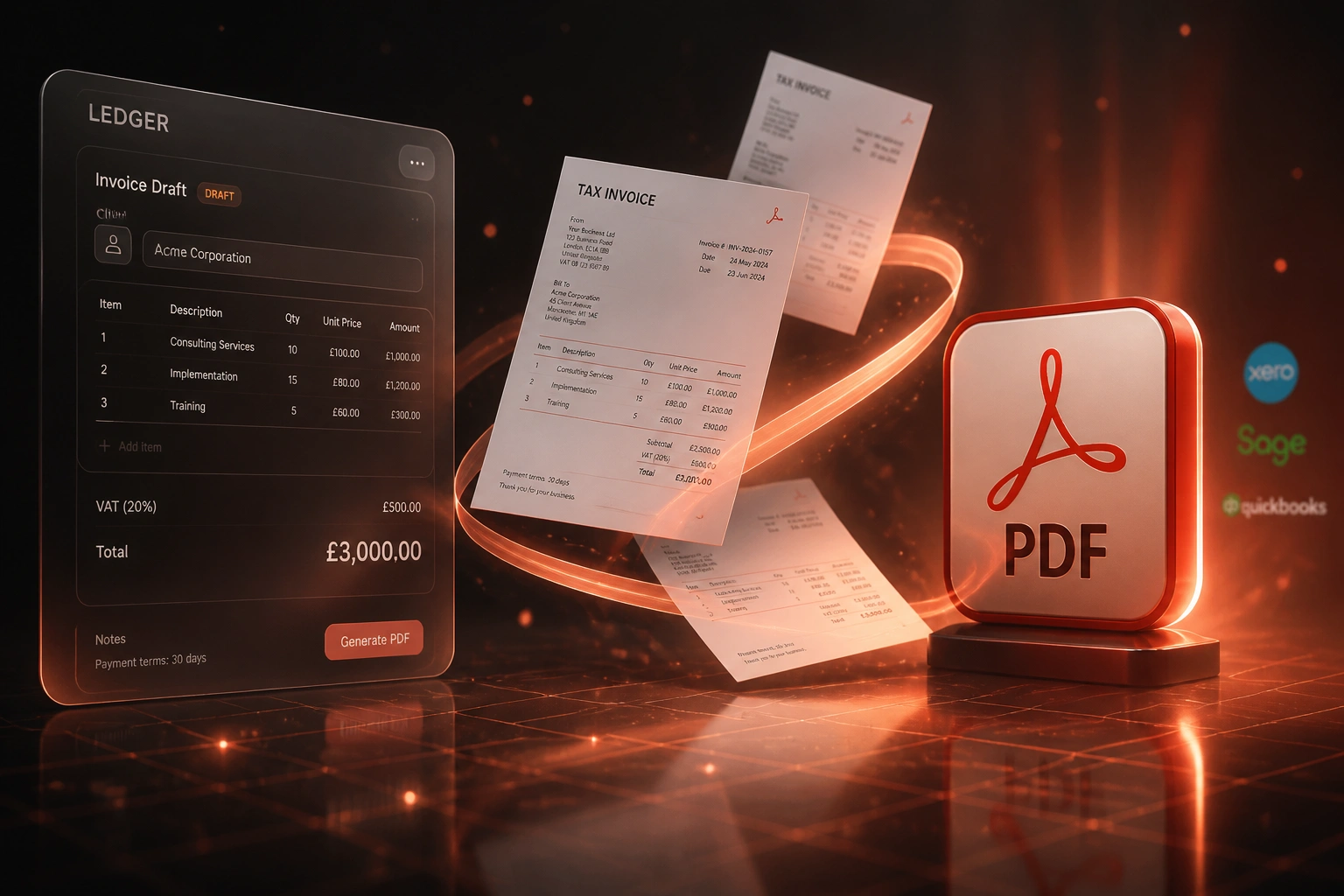
Your ledger already has the invoice. Your bookkeeper still exports the default PDF, opens Word, fixes the logo and layout, then re-exports. That reformatting wastes hours, introduces inconsistencies, and puts brand-damaging documents in front of clients.
We build automated PDF generation that locks the template and runs from the ledger.
Sound Familiar?
These are the exact issues finance managers and bookkeepers bring us:
- Default Xero, Sage, or QuickBooks PDFs go out looking generic, or get rebuilt in Word every time
- Bookkeepers spend 8–15 minutes per invoice fixing logos, fonts, bank details, and layout
- One in twenty documents misses a SARS Section 20 field: VAT number, sequential number, or tax wording
- Batch month-end runs still mean exporting, reformatting, and re-attaching PDFs one by one
- Clients receive three different invoice looks from the same company, which delays approval and payment
SARS requires a tax invoice within 21 days of supply, and a full tax invoice for consideration over R5,000. Missing fields invalidate input VAT claims for your clients, and Word reformatting is where those fields most often drift.
What Automated Invoice PDF Generation Actually Does
Invoice approved in the ledger → branded PDF rendered → delivered and archived. No Word, no copy-paste.
Invoice Posts in Ledger
Finance approves the invoice in Xero, Sage, or QuickBooks as usual
Template Renders PDF
Locked brand theme and SARS fields populate from the ledger record
Review or Auto-Send
Routine invoices send; exceptions wait for a one-click finance check
Archived and Linked
PDF attaches to the ledger invoice and lands in your document store
Everything You Need for Consistent Invoice PDFs
Locked Branded Templates
Your letterhead, colours, fonts, and bank details live in one master template. Every PDF from the ledger matches, every time.
Ledger-Triggered Generation
Invoice posts in Xero, Sage, or QuickBooks → a professional PDF renders automatically from the approved ledger record.
SARS-Ready Layouts
Section 20 fields stay locked: Tax Invoice wording, VAT numbers, sequential numbering, quantities, and consideration.
Batch PDF Runs
Generate dozens or hundreds of branded PDFs in one run for month-end, retainer cycles, or wholesale billing.
Multi-Entity Themes
Separate branding themes per company or trading name, with the correct VAT registration and bank details on each.
Delivery and Archive
Finished PDFs email to the client, attach to the ledger invoice, and archive to SharePoint or Drive with an audit trail.
Ledgers We've Connected for Invoice PDF Generation
From 5 Hours/Week to 1 Hour/Week
How a 35-person professional services firm stopped reformatting Xero PDFs in Word and got paid six days sooner.
The Manual Process
- Bookkeeper exported the default Xero PDF for every invoice
- 12 minutes per document: logo, fonts, bank details, SARS wording check
- Around 100 invoices a month meant five hours a week in Word
- Clients sometimes received three different layouts from the same firm
- Month-end batch billing meant a full afternoon of re-exports
The Automated Process
- Invoice posts in Xero → branded PDF renders from the locked template
- Finance reviews exceptions only; routine invoices send automatically
- Every PDF carries the same brand and Section 20 tax invoice fields
- Month-end batch run produces the full pack in minutes
- PDFs attach to the ledger and archive to SharePoint without rework
Before vs After Automated PDF Generation
How It Works
From first conversation to live PDF generation in 2–4 weeks.
Tell Us Your Setup
Which ledger, how PDFs are built today, and what brand and SARS fields must never drift.
Free Scoping Call
30-minute call to map templates, batch rules, delivery channels, and multi-entity themes.
Build & Test
We lock the templates, test with your real invoices, and run parallel for a week to validate every PDF.
Go Live & Monitor
Switch off Word reformatting. Monitoring alerts your team only when a ledger record needs a human check.
Frequently Asked Questions
How long does automated invoice PDF generation take to set up?
A standard template-locked build takes 2–4 weeks from scoping to go-live. Simple one-theme generation from Xero or QuickBooks can be live within a week. Multi-entity themes, batch runs, and custom SARS layouts take closer to 4–6 weeks.
Which accounting systems can drive the PDFs?
We've built branded PDF generation from Xero, Sage Business Cloud, Sage Pastel, QuickBooks Online, QuickBooks Desktop, MYOB, and FreshBooks. If your ledger holds the approved invoice, we can render a professional PDF from it.
How is this different from CRM-triggered invoice PDFs?
CRM-triggered builds fire when a deal closes. This build starts from the accounting ledger: approved invoices, credit notes, and batch billing runs. It is for finance teams tired of ugly default exports and Word reformatting, not for sales-to-invoice handoffs.
Will the PDFs meet SARS tax invoice requirements?
Yes. During setup we lock Section 20 fields: the words Tax Invoice or VAT Invoice, supplier and recipient details, VAT numbers, sequential numbering, descriptions, quantities, and the value, tax, and consideration. Full tax invoices for supplies over R5,000 carry recipient VAT details as required.
Can we still review invoices before clients receive them?
Absolutely. Most clients keep a review gate for high-value or non-standard invoices. Routine documents generate and send automatically; exceptions wait for finance approval.
How much does automated invoice PDF generation cost?
Simple one-theme PDF generation from the ledger starts from around R15,000. Builds with multi-entity branding, batch runs, and delivery automation typically range from R25,000 to R55,000. Most clients processing 50+ invoices a month see ROI within 2–3 months.
Stop Reformatting Invoice PDFs by Hand
If your finance team is still exporting default ledger PDFs and rebuilding them in Word, you are spending money on a problem that locked templates already solve.
Tell us which accounting system you use, how many invoices leave each month, and what brand or SARS fields keep breaking. We will show you exactly how automated PDF generation would work for your ledger.