Invoice PDF Generation from CRM Data: Automate Invoices the Day the Deal Closes
Your sales team closes the deal. Your finance team then copies line items into Word or the accounting package. That rekeying costs hours every week, introduces errors, and delays the invoice that starts the payment clock.
We build CRM invoicing that generates the PDF automatically.
Sound Familiar?
These are the exact issues our clients faced before automated invoice generation:
- Deals close in the CRM, then finance rebuilds the invoice in Word or the accounting package by hand
- Line items, VAT treatment, and billing addresses get retyped, so one in three invoices needs a correction
- Invoices leave three to five days after the deal closes, stretching days sales outstanding for no good reason
- Sales cannot see whether the PDF went out without chasing finance on WhatsApp or email
- Month-end becomes a scramble to match CRM won deals against the invoice PDFs that finally got sent
SARS is preparing mandatory e-invoicing and near-real-time VAT reporting, with full operational capability targeted for 2028. 2026–2027 is the preparation window. Businesses still rebuilding invoices by hand will struggle when structured, accurate invoice data has to leave the source system cleanly the first time.
What Automated Invoice Generation Actually Does
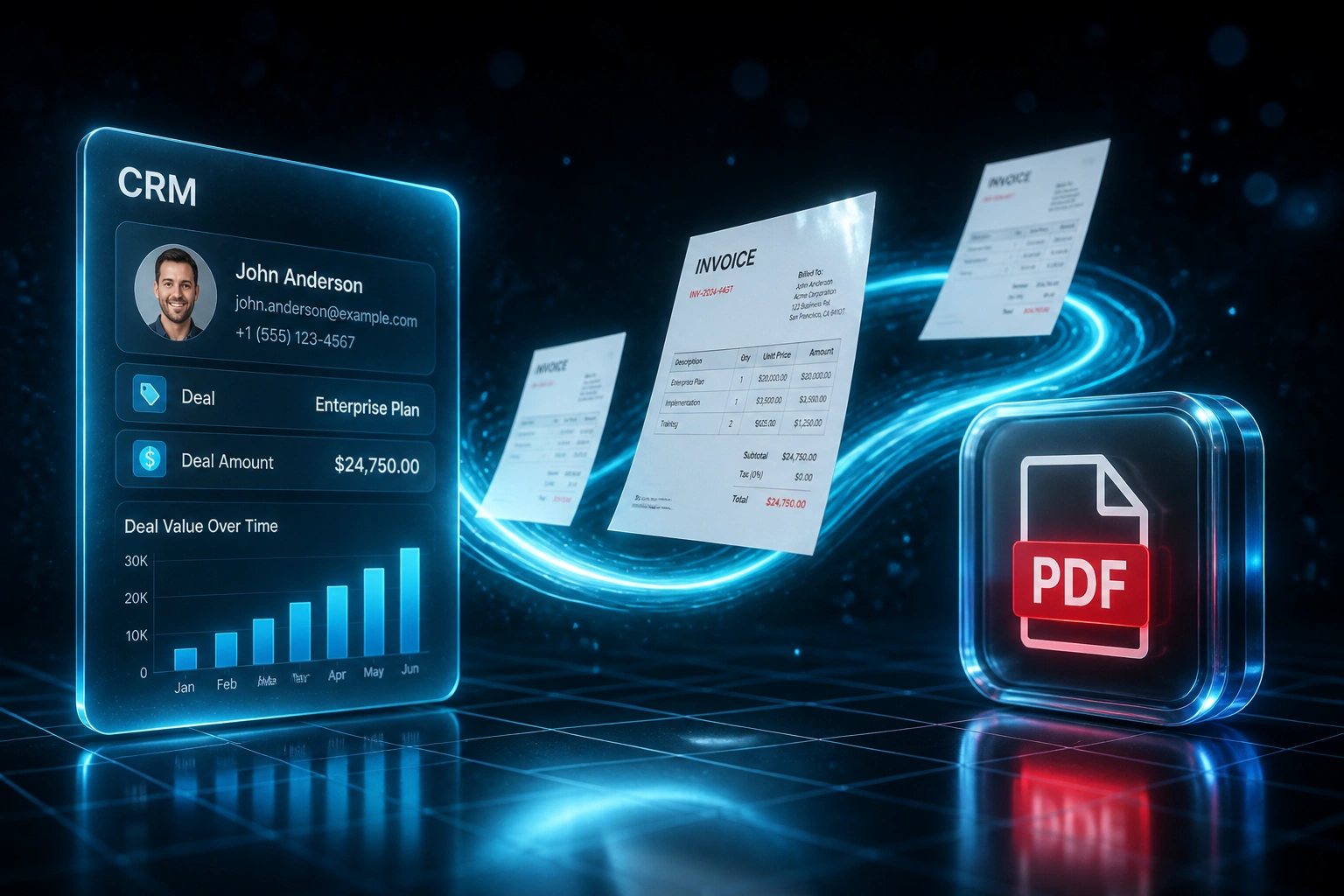
Deal closes → PDF generated → accounting updated. No human copying line items between systems.
Deal Closes in CRM
Sales marks a deal as Won in HubSpot, Pipedrive, or your CRM
Invoice PDF Generated
Client details, line items, VAT, and terms rendered into your branded template
PDF Feeds Accounting
Draft attaches to Xero, Sage, or QuickBooks, ready for review and send
Payment Clock Starts
Same-day invoicing shortens DSO because the client receives the PDF while the deal is still warm
Everything You Need for Reliable CRM Invoicing
Deal-Triggered PDF Generation
Deal moves to Won → a branded invoice PDF is generated from CRM line items, tax rates, and payment terms within seconds.
Accurate Line Item Mapping
Products, quantities, discounts, and VAT codes flow from the deal. Finance reviews the draft instead of rebuilding it.
Accounting Handoff
The finished PDF attaches to Xero, Sage, QuickBooks, or your document store, ready for posting and client delivery.
Approval Before Send
Optional review gates hold high-value or non-standard invoices until finance approves, then the PDF goes out automatically.
Branded, SARS-Ready Layouts
Your letterhead, bank details, Section 20 tax invoice fields, and sequential numbering stay consistent on every document.
Audit Trail and Archive
Every PDF links back to the CRM deal with a timestamped history, so disputes and audits start from the source record.
CRMs We've Connected to Invoice PDF Workflows
From 25 Minutes per Invoice to Under Two
How a 35-person professional services firm stopped rebuilding invoices in Word and cut eight days off their payment cycle.
The Manual Process
- Ops coordinator exported won deals from Pipedrive into a spreadsheet
- 25 minutes per invoice: copying line items into a Word template, checking VAT, exporting PDF
- Nearly two in five invoices needed a correction and re-send
- Average four business days from deal close to invoice in the client's inbox
- Finance chased sales for missing PO numbers and billing contacts every week
The Automated Process
- Deal closes → branded invoice PDF appears within seconds
- Finance director reviews and approves with one click
- Errors dropped sharply because line items come straight from the CRM
- Same-day invoicing on every closed deal
- PDF attached in Sage and filed against the deal automatically
Before vs After Automated Invoice Generation
How It Works
From first conversation to live invoice PDF automation in 2–4 weeks.
Tell Us Your Setup
Which CRM, how invoices are built today, and where the finished PDF needs to land.
Free Scoping Call
30-minute call to map deal fields to invoice templates, VAT rules, and approval gates.
Build & Test
We build the generator, test with your real deals, and run parallel for a week to validate every PDF.
Go Live & Monitor
Switch off the Word rebuild. Monitoring alerts your team only when a deal needs human input.
Frequently Asked Questions
How long does CRM invoice PDF automation take to set up?
A standard deal-to-PDF build takes 2–4 weeks from scoping to go-live. Simple one-way generation into a branded template can be live within a week. Setups with multi-entity numbering, approval chains, and accounting handoff take closer to 4–6 weeks.
Which CRMs can drive automated invoice PDFs?
We've built invoice PDF generation from HubSpot, Pipedrive, Salesforce, Zoho CRM, Monday.com, Freshsales, and custom-built CRMs. If your CRM stores line items and client details, we can generate the document from that data.
Will this replace our accounting software?
No. The automation creates the invoice PDF from CRM data and feeds it into the tools you already use. Xero, Sage, QuickBooks, SharePoint, or email delivery stay in place. We enhance the document step, not rip out your ledger.
What about VAT, numbering, and SARS tax invoice fields?
During setup we map CRM products to the correct tax treatments and lock the Section 20 fields your template needs: supplier details, VAT numbers, sequential invoice numbers, and payment terms. Finance reviews edge cases before send.
How do you handle errors and incomplete deal data?
Validation checks run before a PDF is generated. Missing VAT numbers, zero-priced lines, or incomplete billing addresses stop the draft and alert finance. Your team only intervenes when the source data needs fixing.
How much does invoice PDF generation from CRM cost?
Simple one-way PDF generation starts from around R15,000. Builds with branded templates, approval workflows, and accounting handoff typically range from R25,000 to R50,000. Most clients processing 20+ invoices a month see ROI within 2–3 months.
Stop Rebuilding Invoices from CRM Data by Hand
If finance is still copying won deals into Word or your accounting package, you are paying for a delay that automated invoices already solve.
Tell us which CRM you use, how invoices are built today, and where the finished PDF needs to land. We will show you exactly how invoice generation would work for your business.