Automate Tax Calculations Across Regions and Products
Businesses selling across jurisdictions with different tax rates need automated tax calculation, not a spreadsheet of rules someone forgot to update. Wrong rates compound into under-collection, over-collection, and painful audits.
We build the tax engine that puts the right rate on every invoice line.
Sound Familiar?
These are the exact issues CFOs and finance leads raise before we replace the spreadsheet:
- Tax rates live in a spreadsheet that someone last updated after the previous rate change
- The same SKU is taxed differently depending on who last edited the invoice
- Provincial, national, and export rules collide on multi-line invoices and nobody is sure which won
- Finance rebuilds VAT and sales-tax lines from CRM exports before every return
- Product categories (services, digital, goods, zero-rated) are applied by memory, not by rules
South Africa's 2025 VAT rate flip-flop (announced rise from 15%, then withdrawn within weeks) forced vendors to reconfigure billing systems twice. Spreadsheet tax rules cannot absorb that kind of urgency. A maintained tax engine can.
What the Tax Engine Actually Does
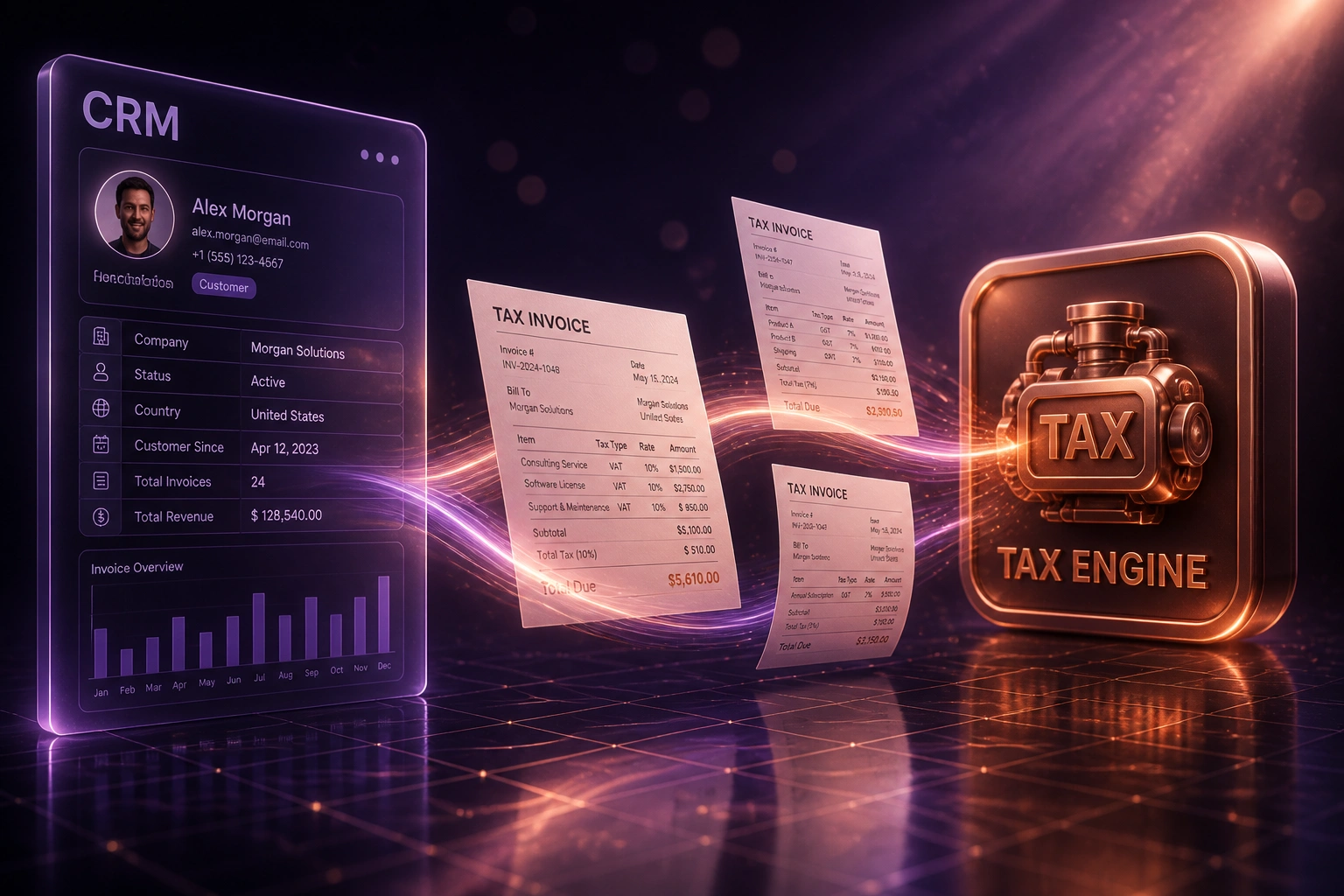
Deal or draft invoice → region and product rules resolve → tax lines land on the invoice → ledger stays clean.
Invoice Triggered
CRM deal closes or billing creates a draft with customer region and product lines
Tax Engine Calculates
Jurisdiction, product category, and effective date resolve to the correct rate per line
Invoice Tax Lines Written
Amounts and tax codes land on the CRM or ledger invoice automatically
Returns Match Reality
VAT201 and multi-region filings pull from the ledger, with a determination trail per line
Everything You Need for Reliable Multi-Region Tax
Multi-Region Rate Tables
Jurisdiction, ship-to, and bill-to drive the right rate on every line. SA 15% VAT, provincial overlays, and export zero-rating live in one maintained tax engine, not three spreadsheets.
Product-Category Logic
Services, physical goods, digital licences, and zero-rated lines each resolve to the correct treatment before the invoice is drafted in your CRM or ledger.
CRM Invoice Tax Lines
Won deals and draft invoices pick up calculated tax amounts and codes automatically, so sales never guesses a rate and finance never re-keys it.
Accounting Tax Code Sync
Correct amounts and tax codes post into Xero, Sage, or QuickBooks so VAT201 and multi-region returns match what customers were charged.
Rate-Change Agility
When a jurisdiction updates a rate, you change the table once. Every subsequent invoice inherits it. No Friday scramble across templates and macros.
Audit-Ready Determination Trail
Each line stores which rule fired: region, product category, rate, and effective date. Auditors get a trail, not a reconstructed spreadsheet.
Systems We've Wired into Tax Engines
From 18 Hours/Month of Tax Coding to Under 2
How a multi-province distributor stopped guessing rates on CRM invoices and cleaned up every tax line before it hit Xero.
The Spreadsheet Process
- Finance maintained a rate workbook for SA VAT, provincial overlays, and export customers
- Ops looked up each CRM deal line by hand before raising the invoice
- Services and goods on the same invoice often got the wrong treatment
- Rate changes meant hunting macros, templates, and training notes
- Month-end VAT prep meant rebuilding tax from invoice exports
The Automated Process
- Tax engine resolves region and product category on every CRM line
- Draft invoices arrive in Xero with correct amounts and tax codes
- Rate table updates apply from an effective date without touching templates
- Unknown SKUs and new jurisdictions alert finance instead of silently defaulting
- VAT201 pulls from the ledger with a determination trail per line
Before vs After the Tax Engine
How It Works
From first conversation to live tax engine in 3–6 weeks.
Map Your Tax Rules
Regions you sell into, product categories, SA VAT and export treatments, and which ledger tax codes already exist.
Free Scoping Call
30-minute call to design the tax engine, CRM invoice hooks, and how determinations sync into accounting.
Build & Parallel Test
We build the rate tables and category logic, then run parallel against live invoices until finance signs off on every edge case.
Go Live & Monitor
Retire the tax spreadsheet. Alerts catch unknown jurisdictions and unmapped SKUs before the next return.
Frequently Asked Questions
What is an invoice tax calculation engine?
It is a rules service that sits between your CRM (or billing system) and your accounting ledger. For every invoice line it resolves region, product category, and rate, then writes the correct tax amount and tax code onto the draft invoice. It replaces spreadsheet rate tables that go stale the moment a jurisdiction changes a rule.
How is this different from Shopify or WooCommerce VAT plugins?
Checkout plugins solve storefront VAT for ecommerce baskets. A multi-region tax engine is built for CRM and accounting invoices: B2B deals, mixed product types, provincial and cross-border rules, and export zero-rating that feed Xero or Sage. If your pain is invoice tax across jurisdictions rather than cart tax at checkout, this is the right tool.
Can it handle South African 15% VAT plus other regions?
Yes. We configure SA standard-rated, zero-rated, and exempt treatments alongside the other jurisdictions you bill into. Exporters keep documentary trails for zero-rated supplies. Rate and category changes are maintained in one place so a SARS or foreign rate update does not require rewriting invoice templates.
Will tax amounts sync into Xero and Sage?
Yes. Every invoice posts with the calculated tax amount and the matching ledger tax code so returns pull from the books, not from a rebuilt spreadsheet. We map to your existing Xero or Sage tax rates during scoping.
What happens when a tax rate changes?
You update the rate table (or we wire a maintained feed). From the effective date, new invoices pick up the new rate automatically. Historical invoices keep the rate that applied at the time of supply, which is what auditors expect.
How much does a multi-region tax engine cost?
Focused one-way engines that calculate tax on CRM invoices and post into one ledger start from around R25,000. Multi-jurisdiction setups with product-category matrices, CRM bidirectional sync, and dual-ledger support typically range from R40,000 to R80,000. Teams recovering 13–24 hours a month of rate maintenance usually see payback within two to four months.
Stop Gambling on Spreadsheet Tax Rules
If your finance team is still looking up rates by hand before every multi-region invoice, you are paying for risk that a tax engine already solves.
Tell us which regions you bill into, how product categories are taxed today, and which CRM and ledger you run. We will show you exactly how automated tax calculation would work for your invoices.