Migrate from Close CRM: Calls, Emails and Sequences
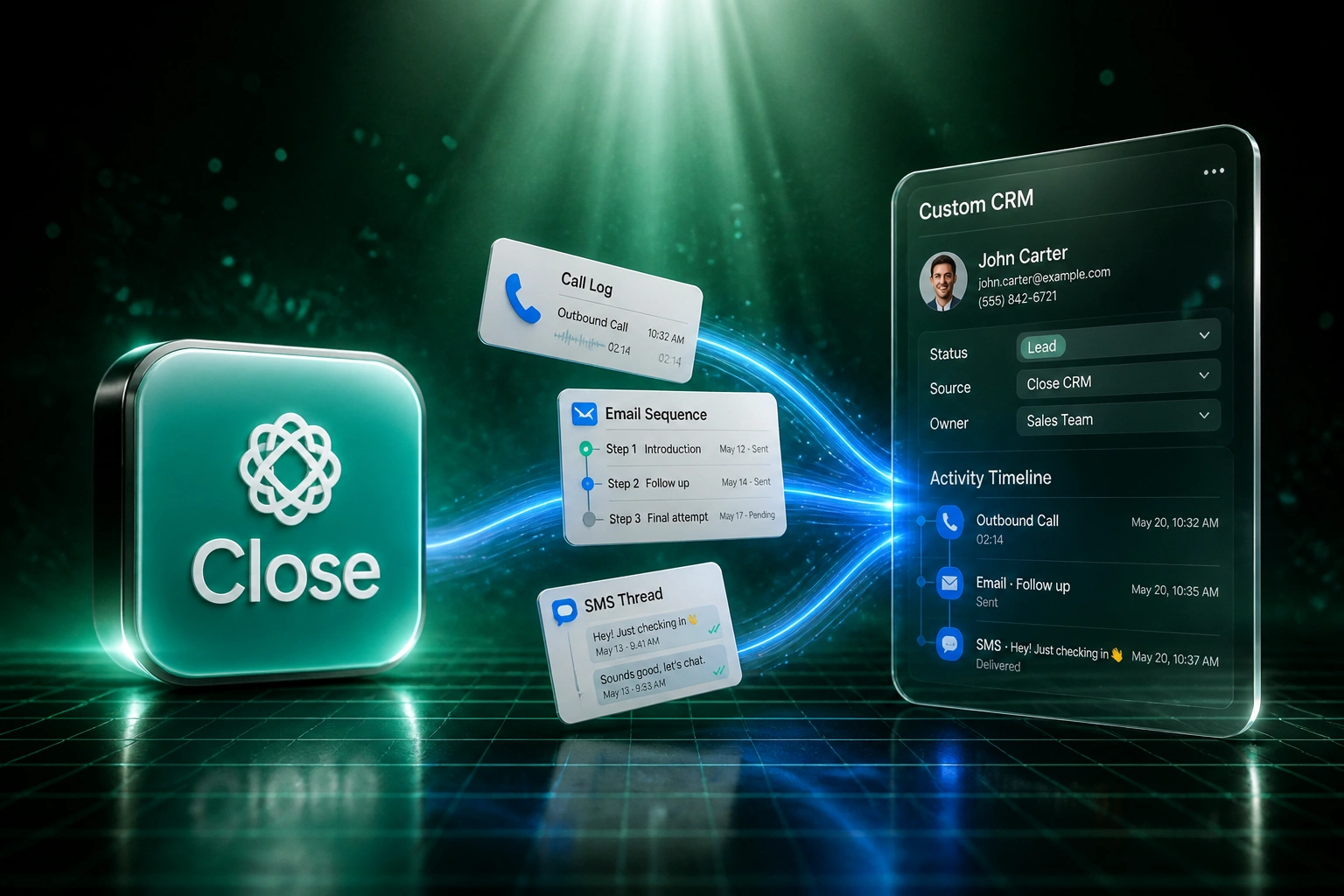
Your team closes deals on Close's built-in dialler, email sequences, and SMS. That communication timeline is the asset. A naive contact and opportunity export orphans it, and the new CRM goes dark on day one. A proper leave-Close migration preserves calls, emails, SMS, and sequences alongside deals.
We migrate the timeline that makes your pipeline make sense.
Sound Familiar?
These are the Close CRM migration pains sales leaders bring us when the dialler timeline matters more than the contact list:
- Your team lives in Close's dialler, email sequences, and SMS: that communication timeline is what makes every deal make sense
- Growth sits around R1,830 per seat per month on annual billing; Scale jumps to about R2,570 for unlimited recording retention and the predictive dialler
- Calling minutes and SMS are billed on top of seats, often another R740 to R1,480 per rep per month for high-volume outbound
- A Close export as CSV only moves leads, contacts, and opportunities: call logs, email bodies, SMS threads, and notes stay behind
- On Growth, call recordings expire after 90 days with no recycle bin, so waiting on a leave-Close decision quietly deletes coaching history
CSV cannot carry Close activity history. Close's documentation is explicit: JSON is the only native format that exports emails, calls, SMS messages, notes, and custom activities. Most DIY Close exports stop at contacts and opportunities, then the new CRM has deals without the conversations that won them.
What a Close Export Migration Actually Does
Audit the dialler account → rebuild the CRM → move calls, emails, SMS, and deals → retire the Close seat bill.
Account Audit
We map seats, sequences, call volume, SMS usage, and which activities must survive cutover
Custom CRM Build
Pipeline, activity timeline, and dialler workflows shaped to how your team sells
Full Timeline Move
Leads, opportunities, calls, emails, SMS, and notes via JSON and API, associations rebuilt
Leave Close
Team live on the new CRM with history intact, Close cancelled at renewal
Everything You Need to Leave Close Cleanly
Call Timeline Preserved
Outbound and inbound call metadata, durations, outcomes, and recording links migrate with the deal. Reps still know who said what on day one.
Email Sequences Intact
Sequence membership, step history, and sent mail land on the right contacts. Your Close sequences do not vanish into a flat contact list.
SMS Threads Kept
SMS conversations that closed deals stay attached to the lead. No more "what did we text them last week?" after cutover.
Deals and Opportunities Linked
Opportunities move with status, value, and associations rebuilt so the pipeline forecast still means something on Monday morning.
JSON and API Extraction
We pull activities the way Close actually stores them. CSV alone cannot carry calls, emails, SMS, or notes, so we never rely on it for the full move.
Seat and Usage Bill Retired
No more Growth-to-Scale cliffs for recording retention, and no more per-minute calling stack that dwarfs the headline seat price.
Close Surfaces We've Migrated From
From Seven Hours of Deal-Context Hunting to One
How an eight-person inside sales team left Close Growth after a DIY CSV export nearly orphaned years of call, email, and SMS history.
The Close Timeline Trap
- Eight seats on Growth at roughly R176,000 a year before calling and SMS usage
- Usage added about R96,000 a year at high outbound volume (minutes and SMS on top of seats)
- Scale upgrade path near R247,000 a year still would not unlock the custom reporting they needed
- Ops tried a Close CSV export and discovered calls, emails, SMS, and notes were missing
- Reps spent Fridays reconstructing "what did we last discuss" from personal inboxes
The Custom CRM
- Leads, opportunities, calls, emails, SMS, and notes migrated via JSON and API with links rebuilt
- Open-deal communication timelines intact so forecasting never went dark on day one
- Recordings still inside the 90-day Growth window downloaded before they expired
- No Growth-to-Scale cliff and no per-minute calling stack for features the process had outgrown
- Close cancelled at the next renewal; team trained in two weeks
Before vs After Leaving Close
How a Close CRM Migration Works
From first conversation to Close cancelled, typically 6 to 12 weeks for a focused move.
Audit Your Close Account
Seats, plan tier, call and SMS volume, sequences in flight, recording retention window, and what you cannot lose.
Scope the Target CRM
30-minute call to map dialler workflows, sequence logic, and deal stages, then a fixed quote for migration plus build.
Export Activities Properly
JSON and API pulls for leads, opportunities, calls, emails, SMS, and notes. We download recordings before Growth's 90-day window deletes them.
Cut Over and Leave Close
Parallel-run until timelines check out, train the team, cancel Close seats at renewal, and stop paying per-minute usage.
Frequently Asked Questions
When does leaving Close CRM make sense?
When the team needs deeper customisation, reporting, or integrations than Close allows, or when Growth at about R1,830 per seat plus calling and SMS usage no longer matches the process. Scale at about R2,570 per seat buys unlimited recording retention and the predictive dialler, but still keeps you inside Close's model. If the dialler and sequences are the product you love, stay. If the seat-plus-usage bill and the ceiling on customisation are the weekly conversation, leave with the timeline intact.
Will we lose calls, emails, SMS, and sequences in a Close export?
You will if you only use CSV. Close's own help docs state CSV is for exports when you do not need activity data. JSON is the only native format that carries emails, calls, SMS, notes, and custom activities. Sequences and step definitions need API pulls. We migrate the communication timeline alongside deals so the new CRM does not go dark on day one.
What happens to call recordings when we leave Close?
Recordings are separate audio files with plan-dependent retention: 30 days on Solo and Essentials, 90 days on Growth, unlimited on Scale. Past the window they are permanently deleted with no archive. We inventory recording URLs early, download what still exists, and attach metadata to the migrated call activities before cutover.
How long does a Close CRM migration take?
Most migrations we run take 6 to 12 weeks from scoping to cutover. Accounts with years of call and SMS history, heavy sequence usage, and large lead volumes sit toward 3 to 4 months, phased so sales keeps dialling in Close until the new timeline is validated.
How much does Close really cost once calling and SMS are included?
At roughly R18.50 to the dollar, Growth is about R1,830 per seat per month on annual billing ($99), and Scale is about R2,570 ($139). An eight-seat Growth team pays roughly R176,000 a year before usage. High-volume outbound often adds R740 to R1,480 per rep per month for call minutes and SMS. Power Dialler teams dial harder, so usage climbs faster than the seat line suggests.
How much does a custom CRM plus Close migration cost?
Focused builds with contacts, pipeline, dialler workflow parity, and a full Close activity migration typically land between R150,000 and R400,000. Deeper custom objects, multi-branch sequences, and accounting sync push higher. Against an eight-seat Growth path near R176,000 a year plus usage, many clients see payback inside 12 to 18 months.
Stop Paying for a Timeline You Do Not Own
If seat pricing, calling minutes, and a CSV export that drops activity history already dominate the CRM conversation, a structured Close migration into a custom CRM is often cheaper within two renewal cycles.
Tell us how many seats you pay for, which plan you are on, and what you cannot lose (open deals, call logs, sequences, SMS). We will show you a migration path and a Rand payback estimate.