PaySpace Payroll Integration: Connect Cloud Payroll to Your Stack
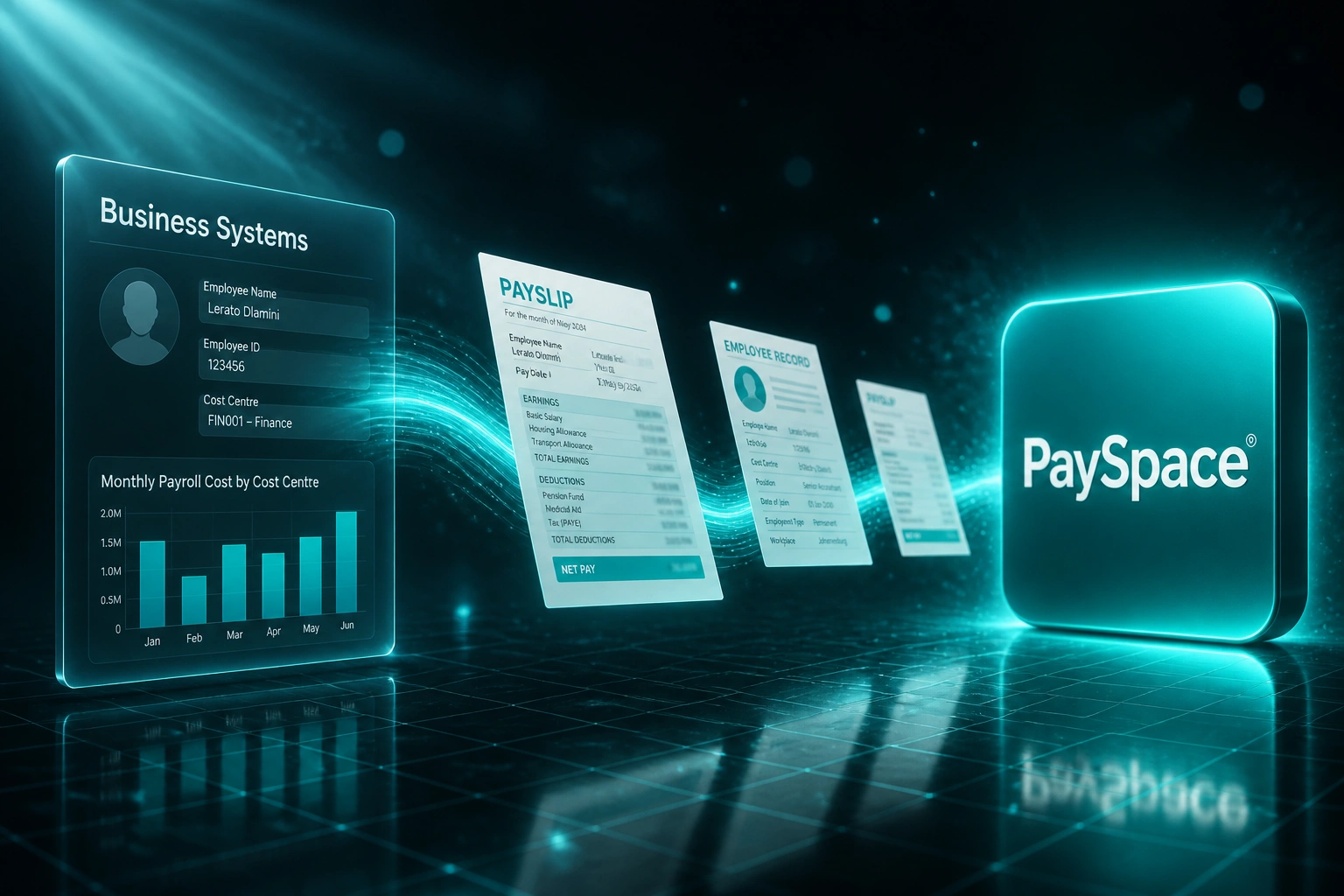
PaySpace already runs your South African payroll. The problem is everything around it: CRM and HR records, leave balances, and Xero or Sage journals still move by CSV export and retyped employee files. CFOs and HR directors feel that as cut-off fire drills and month-end that never quite ties.
We build the PaySpace API integration that collapses those bridges.
Sound Familiar?
These are the exact issues CFOs and HR directors bring us when PaySpace is the payroll engine but CRM, HR, and accounting stay siloed:
- Every pay run ends with CSV exports from PaySpace into Xero or Sage, then finance rebuilds the journals until the numbers match
- New hires land in the CRM or HR portal first, then someone retypes ID numbers, bank details, and cost centres into PaySpace by hand
- Leave balances live in the HR portal and pay runs in PaySpace, so unpaid days and accruals drift until someone notices on a payslip
- Month-end payroll journals take half a day to rebuild in accounting, and one wrong account code throws the whole reconciliation
- Employee banking or cost-centre changes never reach PaySpace before cut-off, so bank files and journals get rebuilt from a spreadsheet
PaySpace (now Deel Local Payroll) ships an open API, webhooks, and native GL paths for Xero and QuickBooks. CRM hire feeds, separate HR portals, Sage Accounting journals, and leave systems still sit outside that path. If you are still exporting CSVs every cycle, a proper PaySpace API integration is the reliable way to close the loop, especially as the platform consolidates under Deel.
What PaySpace API Integration Actually Does
Hire or leave event → PaySpace updates → journals ready in accounting → month-end closes clean. No human copying between systems.
Event Hits CRM / HR
New hire, banking change, leave approval, or finalised pay run triggers the flow
PaySpace Stays Current
Employee master, leave, and payslip data update via the PaySpace API before cut-off
Accounting Journals Post
Pay-run lines map into Xero or Sage with the right GL codes, taxes, and deductions
Finance Reviews Exceptions
Month-end ties without rebuilding CSVs; your team signs off instead of retyping
Everything You Need for a Reliable PaySpace Hub
Employee Master Sync
Name, ID number, bank details, cost centre, and pay point stay aligned between your CRM or HR portal and PaySpace, so payroll stops chasing stale records.
Pay-Run Export to Accounting
When a pay run finalises, salary, PAYE, UIF, SDL, and deduction lines post into Xero or Sage with the right GL mapping. No CSV middleman.
Leave Balance Alignment
Approved leave and unpaid days sync into PaySpace before cut-off, so payslips reflect what HR already approved and leave liability stays audit-ready.
New-Hire Push from CRM / HR
When someone is marked hired, their profile opens in PaySpace with the fields payroll needs. First payslip readiness stops being a five-day chase.
Cloud Payroll Connector Hub
PaySpace's open API and webhooks become the hub between CRM, HR portal, and accounting, so each system owns its truth without duplicate capture.
Exception Alerts Before Cut-Off
Missing bank details, unmapped leave codes, and failed journal posts surface before you finalise the run, not after employees open their payslips.
Systems We've Connected Around PaySpace
From 10 Hours/Week to 90 Minutes/Week
How a 120-person Johannesburg professional services firm stopped rebuilding PaySpace CSVs into Sage every pay cycle.
The Manual Process
- Finance retyped new hires and banking changes from the HR portal into PaySpace before every cut-off
- Leave register compared to PaySpace line by line so unpaid days did not slip through
- Pay-run totals exported to CSV, then rebuilt as Sage journals with GL codes checked by hand
- CRM hire statuses never reached payroll until someone chased a spreadsheet
- Month-end took two extra days while payroll, leave, and the ledger were forced to agree
The Automated Process
- HR portal and CRM hires push into PaySpace via API before cut-off
- Approved leave syncs so payslips and leave balances stay aligned
- Finalised pay runs post mapped journals into Sage without a CSV rebuild
- Cost centres and banking details stay current without a rekey
- Finance reviews exception alerts only, then signs off the run
Before vs After PaySpace Integration
How It Works
From first conversation to live PaySpace API integration in 2–5 weeks.
Tell Us Your Setup
Which systems sit around PaySpace today, what you export by hand each cycle, and where employee or leave data goes wrong.
Free Scoping Call
30-minute call to map employee sync, pay-run journals, leave write-back, and CRM or HR portal handoffs into one integration plan.
Build & Test
We build against the PaySpace API, map fields and GL codes, and run parallel for one full pay cycle against your current CSVs.
Go Live & Monitor
Switch off the spreadsheet bridges. Monitoring flags exceptions before the next cut-off so finance and HR stay in control.
Frequently Asked Questions
How long does a PaySpace payroll integration take to set up?
A focused one-way sync (for example new hires into PaySpace, or pay-run journals into Xero or Sage) can be live within 1–2 weeks. A broader hub covering employee master sync, leave balances, CRM or HR portal handoffs, and accounting export typically takes 3–5 weeks from scoping to go-live, including a parallel pay-cycle test.
PaySpace already connects to Xero and QuickBooks. Why would we need a custom integration?
Those native accounting connectors cover journal posting for those ledgers. They do not sync employee master data from your CRM or HR portal, push leave balances from a separate leave system, or feed Sage Accounting when that is your ledger of record. If your stack goes beyond the built-in accounting path, the PaySpace API is how you close the gap.
Will this disrupt our monthly pay run?
No. We design every write to land before your payroll cut-off, and we run a full parallel cycle against your current process before switching anything off. Payroll and finance keep their existing review and finalisation steps; the data simply arrives ready.
What employee and pay data can the PaySpace API actually move?
In practice we sync create and update employee profiles, pull payslip and pay-run figures for accounting, align leave and unpaid days, and keep the fields payroll needs for cost centres and banking. Exact field maps depend on your CRM, HR portal, leave system, and ledger.
We use Sage Accounting, not Xero. Can you still post payroll journals from PaySpace?
Yes. PaySpace's native accounting connectors focus on Xero and QuickBooks. For Sage Accounting and other ledgers we build the journal export through the PaySpace API so salary, tax, and deduction lines land on the correct GL accounts without a CSV rekey.
How much does PaySpace payroll integration cost?
Simple one-way syncs start from around R15,000. Broader hubs with employee master sync, leave alignment, CRM or HR handoffs, and pay-run journals typically range from R25,000 to R60,000. Most mid-market teams spending 8+ hours a week on payroll spreadsheet bridges recover that within a few pay cycles.
Stop Rekeying PaySpace Data Every Pay Cycle
If finance and HR are still exporting CSVs from PaySpace into Sage, Xero, leave registers, or CRM hire lists, you are funding a problem the PaySpace API already solves.
Tell us which systems sit around PaySpace today, what you export by hand each cycle, and where employee or leave data goes wrong. We will show you exactly how a cloud payroll integration would work for your cut-off.