Single Sign-On Implementation: One Login Across Every Tool
Your team wastes mornings on forgotten passwords, shared logins nobody owns, and helpdesk tickets that never seem to shrink. Every reused credential is a breach waiting to happen, and every delayed offboarding leaves a door open.
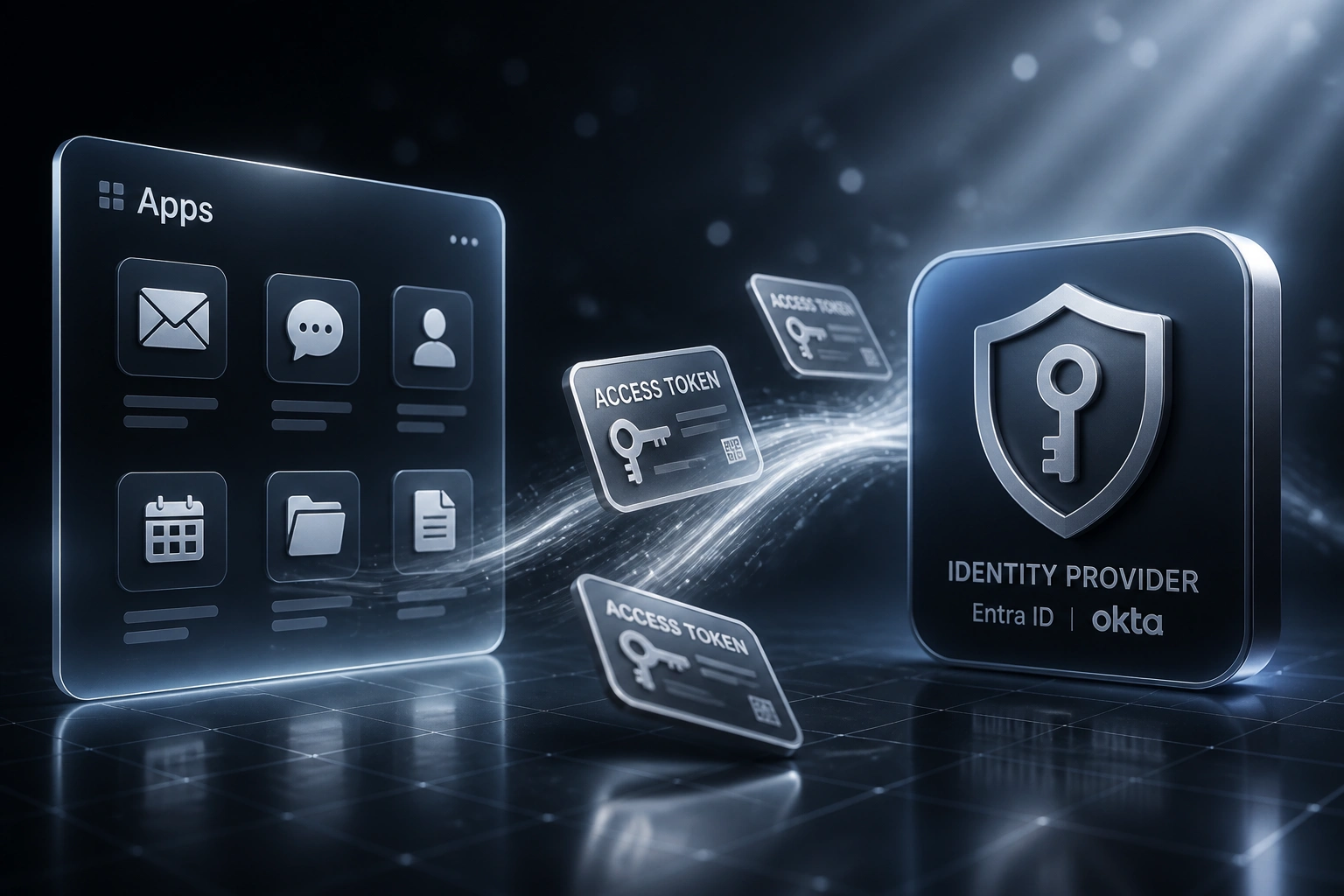
We connect your apps to a central identity provider so staff authenticate once and stay productive.
Sound Familiar?
These are the exact issues our clients faced before a proper SSO implementation:
- Staff juggle a dozen logins and still call IT when something locks them out
- Password resets eat 20–50% of helpdesk tickets every month
- Shared logins for shared tools mean nobody knows who did what
- New joiners wait days for access while former staff keep credentials after they leave
- Reused passwords across work apps create a single point of breach for the whole stack
IBM reports that breaches involving stolen or compromised credentials cost about R80 million on average and take nearly 300 days to identify and contain. Shared and reused passwords are still how many of those incidents start. POPIA Section 19 expects you to maintain reasonable safeguards against unlawful access, and lingering logins after staff leave are a foreseeable risk.
What a Unified Login Actually Does
Staff sign in once → apps open → access follows the role → leavers are cut off in one step.
Staff Sign In Once
Employee authenticates with Entra ID, Okta, or Google Workspace on their device
Apps Trust the Session
CRM, email, accounting, and project tools open without a second password prompt
Roles Drive Access
Groups map to job roles so sales, finance, and ops each see the tools they need
One Switch Offboards
Disable the identity and every connected app closes the same day
Everything You Need for Reliable SSO Implementation
One Login Across Your Tools
Staff authenticate once with Microsoft Entra ID, Okta, or Google Workspace, then open CRM, email, accounting, and project tools without another password prompt.
Central App Directory
We connect each SaaS app to your identity provider so access follows the person, not a spreadsheet of shared passwords.
Same-Day Onboarding
HR creates the user once. Role-based groups unlock the right apps automatically, so day-one access is hours, not a three-day ticket trail.
Instant Offboarding
Disable one identity and every connected app closes. Former staff lose access the same day they leave, which is exactly what POPIA expects for unauthorised access risk.
Fewer Helpdesk Tickets
Self-service resets and a single password (or passwordless) cut the reset queue. Forrester-linked Entra deployments report 75–90% fewer password tickets.
Audit-Ready Access Logs
Know who signed into which system and when. That record supports POPIA Section 19 security safeguards and makes incident response faster.
Identity Providers and Apps We've Connected
From Password Chaos to One Login
How a 90-person Johannesburg professional services firm cut password tickets by 80% and recovered R185K in the first year.
The Manual Login Maze
- Staff managed 12+ separate passwords across CRM, email, accounting, and project tools
- IT handled roughly 180 password resets a year at about R1,160 each in labour and downtime
- Shared logins for two SaaS tools meant no audit trail when something went wrong
- New joiners waited up to three days for full access across the stack
- Two ex-employees still had active accounts a week after leaving
The Unified Login
- Microsoft Entra ID became the single front door for every connected app
- Password-related tickets dropped about 80%, in line with Forrester Entra findings
- Shared passwords retired; every session maps to a named user
- Onboarding access packaged by role and ready in under two hours
- Offboarding is one disable action across the whole stack the same day
Before vs After Single Sign-On
How It Works
From first conversation to live unified login in 3–6 weeks for a typical first-wave rollout.
Map Your Stack
Which identity provider you use (or want), which apps staff actually open, and where shared passwords still live.
Free Scoping Call
30-minute call to prioritise high-risk apps, design group-based access, and size the rollout.
Connect & Pilot
We wire apps to your identity provider, pilot with a department, and prove login and offboarding before company-wide go-live.
Go Live & Harden
Roll out SSO, retire shared logins, and leave you with clear ownership for adding the next app.
Frequently Asked Questions
How long does a single sign-on implementation take?
A focused rollout covering your identity provider and the first wave of core apps usually takes 3–6 weeks. Larger estates with dozens of SaaS tools and custom apps take longer, but we stage by risk so finance, CRM, and email go live first.
Which identity providers and apps can you connect?
We routinely work with Microsoft Entra ID (formerly Azure AD), Okta, and Google Workspace as the central login. On the app side we connect CRMs, accounting tools, Microsoft 365, Slack, and most SaaS products that support modern single sign-on. If staff already use it daily, we can usually bring it under one login.
Will this disrupt staff while we roll it out?
No. We pilot with one team, keep existing passwords available during the transition window, and only retire old logins once the new path is proven. Most people notice fewer passwords, not a big-bang cutover.
How does SSO help with POPIA?
POPIA Section 19 requires appropriate technical and organisational measures against unlawful access to personal information. Centralised login, role-based access, and same-day offboarding are practical safeguards against shared credentials and lingering ex-employee accounts, and the audit trail helps you show what was in place if something goes wrong.
Do we need to replace our current tools?
Almost never. Single sign-on sits in front of the tools you already pay for. We connect them to your identity provider rather than forcing a rip-and-replace of CRM, accounting, or collaboration suites.
How much does SSO implementation cost?
Scoped implementations typically run from about R25,000 for a lean first-wave rollout to R60,000–R90,000 when many apps and custom access rules are involved. Against Forrester's roughly R1,160 cost per password-reset ticket, most mid-sized South African teams see payback within a few months once helpdesk volume and idle login time drop.
Stop Paying for Password Chaos
If your helpdesk is still resetting passwords and your leavers still have lingering access, you are funding a problem that single sign-on already solves.
Tell us which identity provider you use (or prefer), which apps matter most, and where shared logins still exist. We will show you a clear SSO implementation path with Rand ROI against your ticket volume.