Time-to-Invoice with Xero Integration: Stop Retyping Approved Hours
Your team logs and approves timesheets all month. Then someone sits in Xero and rebuilds every invoice by hand: rates, VAT, account codes, contacts. That month-end rekey delays cash and invites mistakes.
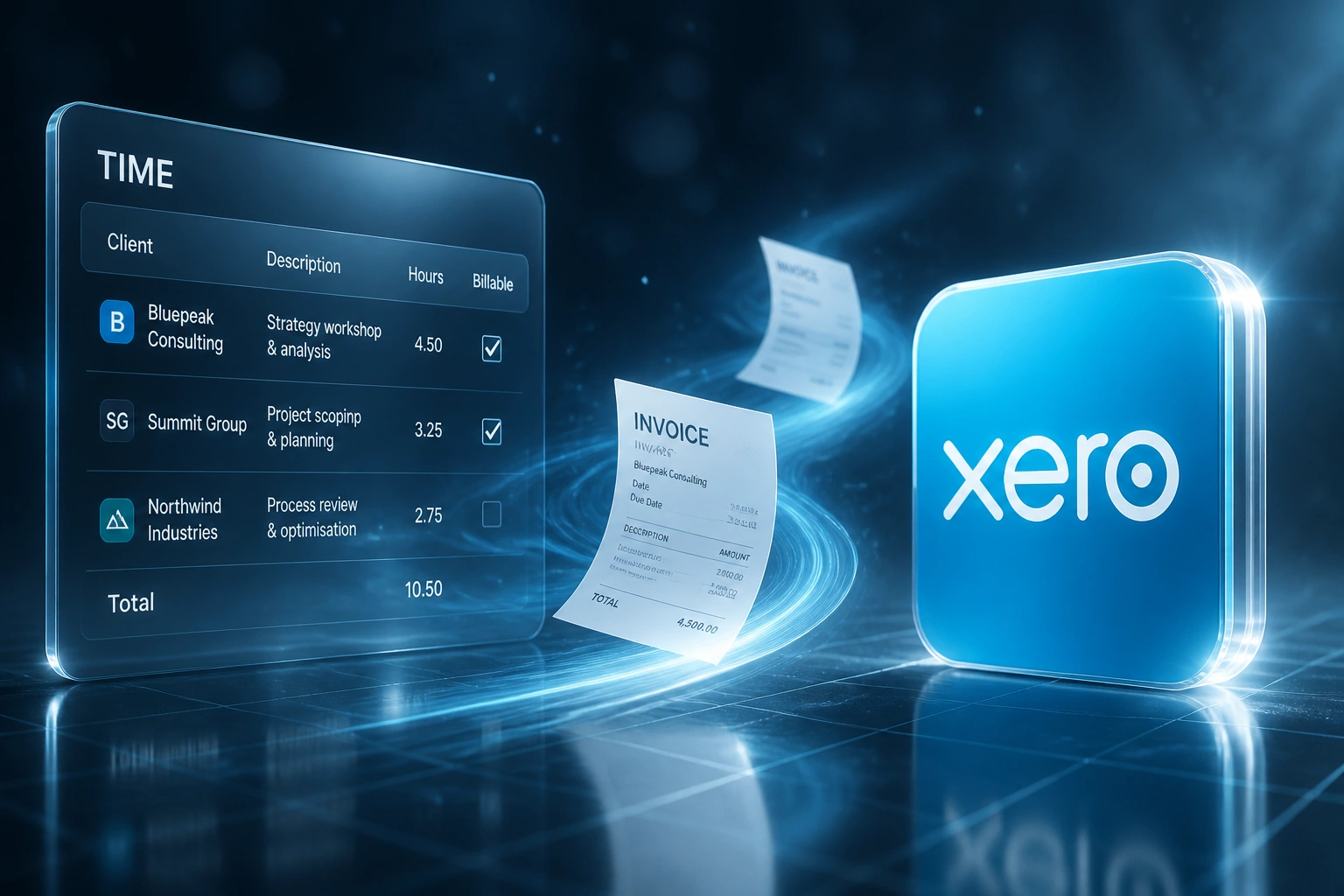
We make approved timesheets land as Xero draft invoices automatically.
Sound Familiar?
These are the exact issues our Xero clients faced before time-to-invoice automation:
- Approved timesheets sit in Harvest, Toggl, or Clockify while finance retypes every line into Xero at month-end
- Xero draft invoices go out with wrong SA VAT rates, account codes, or mismatched contacts
- Billable hours age as WIP for weeks because nobody has time to rebuild the invoice pack
- Bookkeepers spend Fridays reconciling timesheet exports to Xero line items instead of reviewing exceptions
- Cash that should already be in AR is still trapped as unbilled work when the books close
Xero changed its API commercial model on 2 March 2026, moving App Store partners onto tiered connection and egress pricing. Off-the-shelf connectors are under fresh cost pressure. A purpose-built, webhook-led timesheet-to-Xero path is now the more predictable way to keep billing automation reliable for South African firms.
What Xero Time Integration Actually Does
Timesheet approved → Xero draft created → finance reviews → invoice sent. No rekeying rates, VAT, or contacts.
Timesheet Approved
Manager signs off billable hours in Harvest, Toggl, Clockify, or your tracker
Draft Invoice in Xero
Contact, line items, SA VAT, account codes, and terms mapped automatically
Finance Reviews
FD or bookkeeper opens the draft, adjusts write-offs if needed, and sends
Cash Moves Sooner
Invoices leave days earlier, WIP clears, and month-end stops being a retype marathon
Everything You Need for Reliable Xero Invoicing Automation
Approved Hours → Xero Drafts
Once timesheets are approved, draft invoices appear in Xero with client, project, hours × rate, and line descriptions already filled.
SA VAT & Account Codes
Standard 15% VAT, zero-rated, and exempt treatments map correctly. Revenue lands on the right Xero account codes and tracking categories.
Contact Matching
Time-tool clients match to the right Xero contacts by name, email, or VAT number so you do not create duplicate debtors.
Exception-Only Review
Missing rates, unapproved entries, or unmatched contacts pause for review. Clean batches land as drafts ready to send.
WIP Cleared on Schedule
Approved hours stop ageing as mystery WIP. You see what is drafted in Xero, what is sent, and what still needs a human decision.
Payment Status Sync-Back
When the client pays in Xero, status can sync back to the project or practice view so ops knows what is still outstanding.
Time Tools We've Connected to Xero
From 8 Hours/Week to 45 Minutes
How a Johannesburg consultancy on Xero stopped retyping approved timesheets and pulled cash forward by 11 days.
The Manual Process
- Bookkeeper exported approved hours from Harvest and rebuilt every Xero invoice by hand
- 15–20 minutes per client: matching contacts, applying rates, checking 15% VAT, picking account codes
- Roughly one in five drafts needed correction for VAT, wrong contact, or mistyped hours
- Average 12 business days from timesheet approval to invoice sent
- Partners chasing finance every month-end asking why WIP still looked so high
The Automated Process
- Approved timesheets create Xero draft invoices within minutes
- Finance reviews totals, write-offs, and narrative, then sends with one click
- VAT and account codes pull from mapped rules, so correction rates collapsed
- Same-week invoicing once hours are approved
- Payment status visible back on the job view without asking the bookkeeper
Before vs After Xero Time Integration
How It Works
From first conversation to live Xero drafts in 2–4 weeks.
Tell Us Your Setup
Which time tracker, how Xero is structured (VAT, account codes, tracking), and where month-end rekeying hurts most.
Free Scoping Call
30-minute call to map approvals, contact matching rules, SA tax treatments, and the gate before anything hits a Xero invoice.
Build & Test
We build the pipeline, test with real approved timesheets, and run a parallel billing cycle so finance can compare line for line in Xero.
Go Live & Monitor
Switch off the rekey marathon. Monitoring catches unmatched contacts and odd VAT treatments before invoices go out.
Frequently Asked Questions
How is this different from Xero Projects time tracking?
Xero Projects can invoice hours logged inside Xero. Most South African agencies and consultancies track time in Harvest, Toggl, Clockify, or similar tools. This integration sits after approval in those tools and creates Xero draft invoices with the right VAT, account codes, and contacts, without retyping.
Which time trackers can you connect to Xero?
We regularly connect Harvest, Toggl Track, Clockify, Float, Monday.com, and Xero Projects time entries into Xero invoicing. If your tracker has an API, we can usually bridge it.
How do you handle South African VAT and Xero account codes?
During setup we map each billable activity to the correct Xero tax rate (standard 15%, zero-rated, or exempt) and revenue account codes, plus any tracking categories you use for jobs or cost centres. Finance reviews drafts; the mapping does the heavy lifting.
Will consultants have to change how they log time?
No. Teams keep logging time the way they already do. We sit after approval: approved billable hours become Xero draft invoices, and your bookkeeper or FD reviews before anything is sent to the client.
How long does a Xero time-to-invoice integration take?
A standard approved-timesheet-to-Xero-draft pipeline takes 2–4 weeks from scoping to go-live. Multi-rate retainers, multi-entity Xero orgs, or complex contact-matching rules usually sit closer to 4–6 weeks.
How much does Xero timesheet invoicing automation cost?
Simple approved-hours-to-Xero-draft syncs start from around R15,000. Pipelines with SA VAT mapping, multi-rate cards, contact matching, and payment status sync typically range from R25,000 to R60,000. Most practices recover that cost within one to three billing cycles once WIP stops sitting unbilled.
Stop Retyping Timesheets into Xero
If your bookkeeper is still rebuilding Xero invoices from approved hours every month-end, you are paying for a problem that already has a reliable fix.
Tell us which time tracker you use, how your Xero chart of accounts and VAT rates are set up, and where the bottleneck bites. We will show you exactly how approved timesheets become Xero draft invoices for your practice.