Time Tracking Integration with Accounting: End the Cost Allocation Rekey
If your finance manager still rekeys approved timesheet hours into Xero, Sage, or QuickBooks every month-end for cost centre allocation, every close carries transcription errors and stale project margins. Direct time to accounting sync posts cost journals automatically so project costing finally matches the hours worked.
We build the time-to-accounting sync that ends tedious journal entry work.
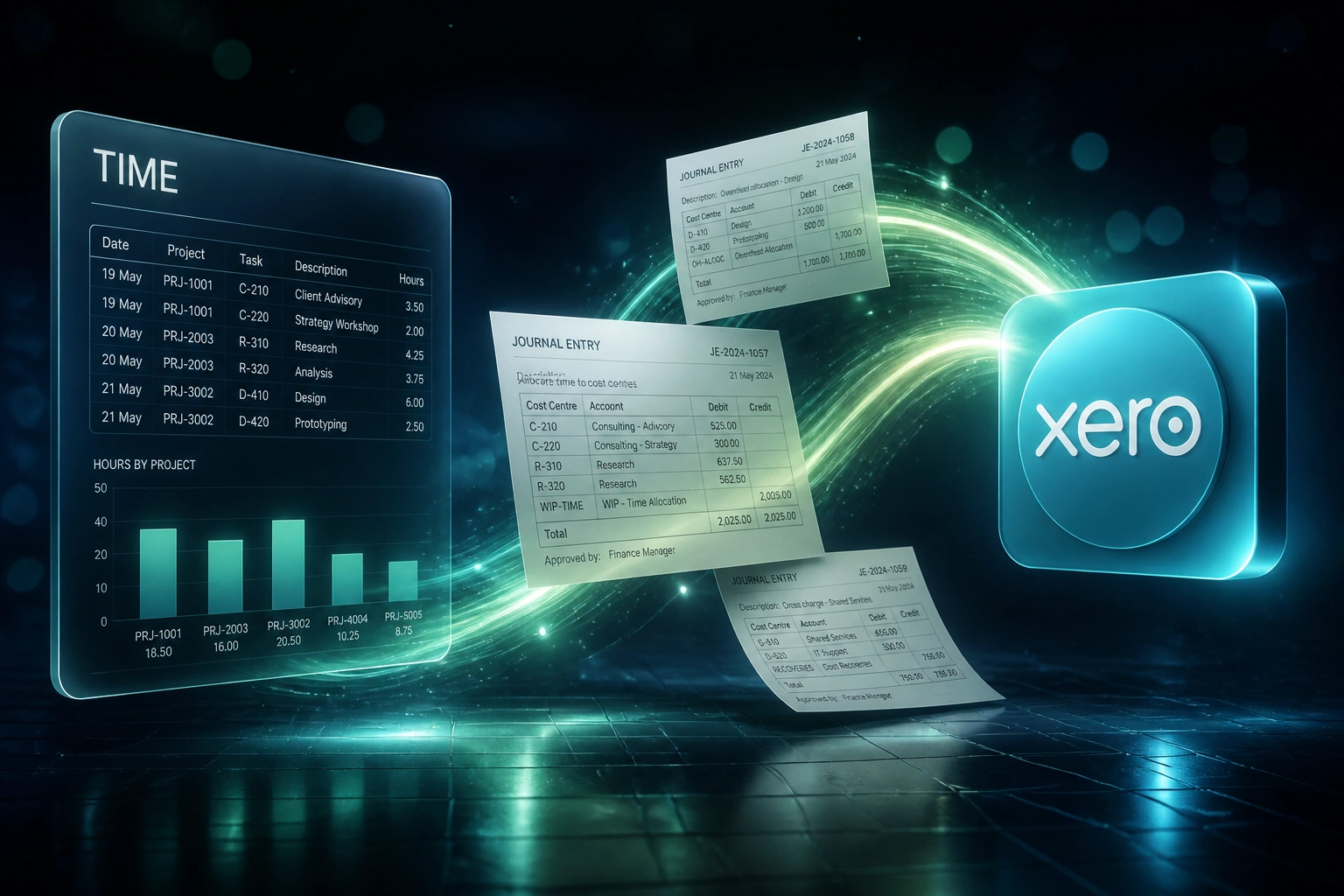
Sound Familiar?
These are the exact issues our clients faced before time to accounting sync:
- Every month-end, finance rekeys approved timesheet hours into Xero, Sage, or QuickBooks as cost journals
- Cost centre codes get transposed: labour lands on the wrong project and P&L margins lie for weeks
- Project costing reports only become usable after a painful reconciliation against the time tool
- Manual journal batches of 80–150 lines stretch the close by several days while someone hunts variances
- The FD cannot trust job costing until hours, rates, and cost centres have been double-checked by hand
Manual journal processes routinely stretch month-end close by 3–7 days, and only 17.2% of professional services firms hit their annual margin targets consistently. When cost allocation waits on a spreadsheet, the board is reading stale project economics every single month.
What Time to Accounting Sync Actually Does
Hours approved → cost journals posted → cost centres correct → close ready. No human copying time data into the ledger.
Timesheets Approved
Managers lock hours in Clockify, Toggl, Harvest, or your time tool
Cost Journals Created
Debits, credits, rates, and narratives mapped into Xero, Sage, or QuickBooks
Cost Centres Applied
Project and department tracking categories stamp every allocation line
Project Costing Trusted
P&L by job matches hours worked, and month-end allocation stops being a fire drill
Everything You Need for Reliable Cost Allocation
Approved Hours → Cost Journals
Once timesheets are approved, hours post as journal entries in Xero, Sage, or QuickBooks with the correct debit, credit, and narrative.
Cost Centre & Tracking Mapping
Project, department, and tracking-category codes travel with every hour so cost centres stay aligned without spreadsheet paste.
Project Costing Sync
Labour cost lands on the right job automatically. Live project margins stop waiting for a month-end spreadsheet rebuild.
Rate & Account Code Rules
Staff cost rates and GL account codes map once during setup. Finance reviews exceptions, not every line.
Exception Alerts Before Close
Missing cost centres, unmatched projects, and unusual hour spikes surface before journals post, not after the trial balance fails.
Audit-Ready Allocation Trail
Every cost journal traces back to an approved timesheet. Controllers and auditors see the source hours, not a retyped cell.
Platforms We've Connected for Time to Accounting Sync
From 25 Hours/Close to Under 2 Hours
How a 35-person professional services firm stopped rekeying cost allocation journals and made project P&L trustworthy.
The Manual Process
- FD exported approved hours from Harvest into a spreadsheet every month-end
- About 110 cost journals keyed into Xero: rates, cost centres, and narratives by hand
- Roughly one in twenty lines needed a correction journal after variances surfaced
- Project costing packs only landed after the close, too late to manage overruns
- Allocation alone added three to four days to an already stretched close
The Automated Process
- Approved hours post as draft cost journals in Xero with mapped cost centres
- FD reviews exceptions and posts the batch in under two hours
- Keying errors dropped to near zero; source hours never leave the time tool
- Live project costing matches hours as they are approved, not weeks later
- Close checklist no longer waits on a spreadsheet rekey marathon
Before vs After Time Tracking Accounting Sync
How It Works
From first conversation to live cost allocation sync in 2–4 weeks.
Tell Us Your Setup
Which time tool and ledger you use, how cost centres are coded, and where month-end rekeying hurts most.
Free Scoping Call
30-minute call to map approved hours → cost journals → cost centres, and design the close timing.
Build & Test
We build the time-to-accounting sync, map rates and tracking categories, and run parallel for one full close against your manual journals.
Go Live & Monitor
Switch off the rekey. Monitoring flags unmatched projects and missing cost centres before the next close.
Frequently Asked Questions
How long does time tracking integration with accounting take to set up?
A standard approved-hours-to-journal sync into Xero or QuickBooks takes 2–4 weeks from scoping to go-live. Simple one-way cost allocation can be live within a week. Full setups with multi-entity cost centres, Sage Evolution mapping, and rate tables typically take 3–5 weeks.
Is this the same as invoicing clients from timesheets?
No. Invoice-from-timesheets turns approved hours into client bill lines. This page is internal cost allocation: pushing those same hours into accounting as journals so labour hits the right cost centres, projects, and P&L. Billing WIP and payroll are separate problems; many firms need more than one of these integrations.
Which time tools and accounting platforms can you connect?
We have connected Clockify, Toggl Track, Harvest, and similar time tools to Xero, Sage Business Cloud, QuickBooks Online, and Sage Evolution. If your team still exports CSV from a proprietary time tool, we can start from that file and harden it into a repeatable journal sync.
Will this shorten our month-end close?
Yes. Manual journal preparation commonly stretches close by several days while finance rekeys and corrects cost allocations. When approved hours land as validated journals, most clients compress that allocation step from a multi-day backlog into a short review window, which is one of the highest-leverage ways to pull the close forward.
Will this disrupt our current close process?
No. We design the sync to land before your close checklist reaches cost allocation, and we run a full parallel month against your manual journals before switching them off. Controllers keep their review and posting controls; the source hours arrive mapped and complete.
How much does time-to-accounting integration cost?
Simple one-way cost journal syncs start from around R15,000. Builds with multi-project cost centres, rate tables, and Sage or multi-entity logic typically range from R25,000 to R60,000. Most professional services firms recovering 20+ hours of finance time per close cycle see ROI within two to three months.
Stop Rekeying Hours into Cost Journals
If your finance team is still copying timesheet data into accounting for cost allocation every month-end, you are spending money on a problem that direct integration already solves.
Tell us which time tool and ledger you use, how your cost centres are structured, and where the close slows down. We will show you exactly how time tracking accounting automation would work for your firm.