Two-Factor Authentication Integration: MFA That Stops Takeovers Without Killing Login
Passwords alone are insufficient. Credential stuffing and reused passwords still open your CRM and internal tools, while password-reset tickets quietly eat support capacity. Two-factor auth and MFA integration add a critical security layer without creating excessive user friction.
We build TOTP authenticator MFA (with SMS only as fallback) that cuts account takeover risk and audit friction.
Sound Familiar?
These are the exact issues our clients faced before MFA integration:
- Staff and clients still log into the CRM and admin tools with passwords alone
- Credential stuffing and reused passwords keep generating lockouts and support tickets
- SMS one-time codes are your only second factor, and SIM-swap risk sits unaddressed
- Finance and ops share logins because MFA was never designed into the product
- Auditors and enterprise buyers ask for MFA evidence you cannot produce
Microsoft is retiring native SMS and voice MFA delivery in Entra ID (passkeys become the default from September 2026; native telecom MFA retires from February 2027). NIST already treats SMS as unsuitable for higher assurance. If your only second factor is SMS, the industry is moving on without you, and POPIA Section 19 still expects reasonable safeguards against unlawful access.
What Two-Factor Auth Integration Actually Does
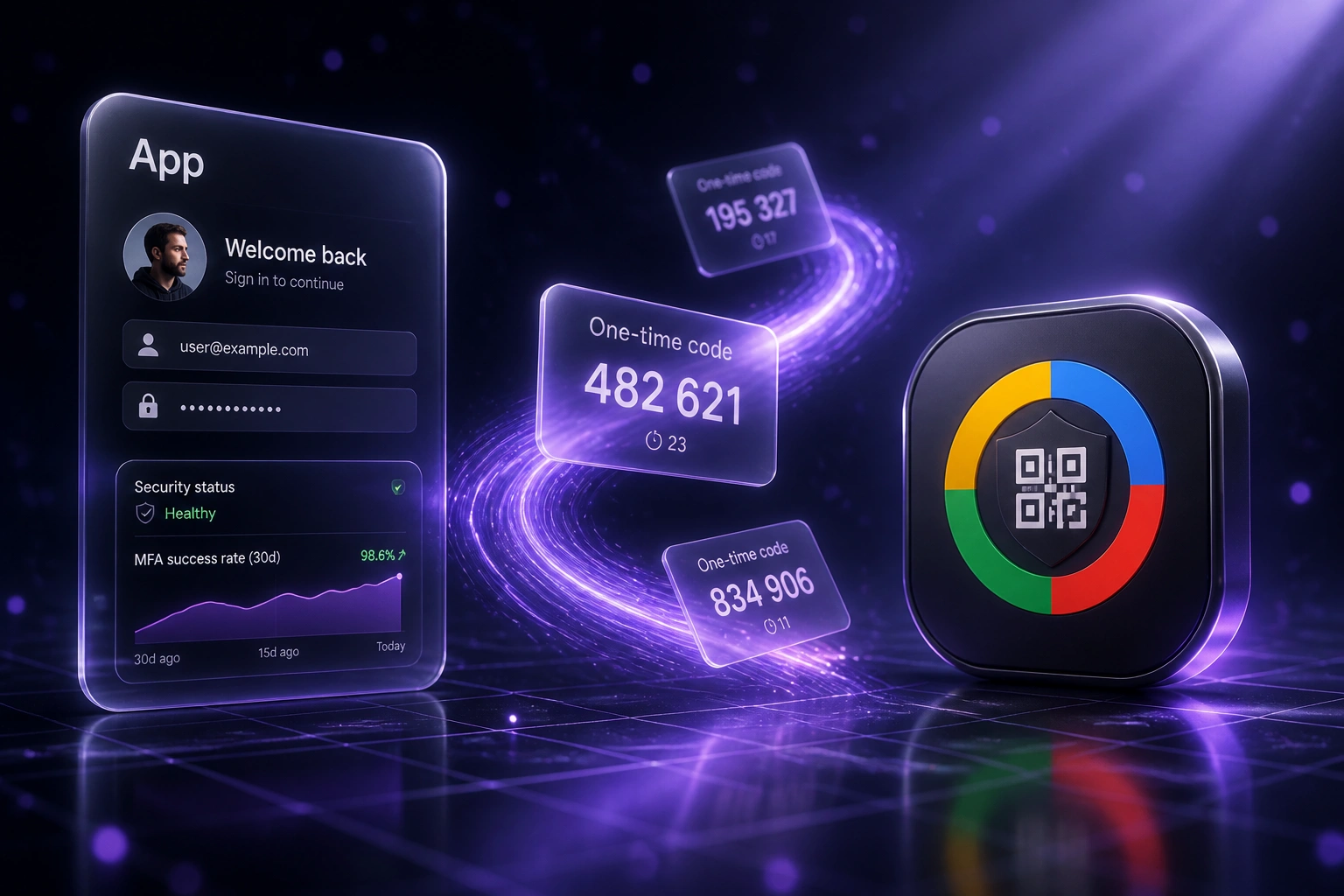
Password accepted → authenticator challenge → access granted → recovery ready. Stolen passwords stop being enough.
User Signs In
Staff or client enters email and password on your app or CRM login
MFA Challenge
They approve a TOTP code from their authenticator app (SMS only if configured as fallback)
Access Granted
Session opens only after both factors succeed; trusted devices can reduce repeat prompts
Recover Safely
Backup codes and verified re-enrolment keep lost phones from becoming permanent lockouts
Everything You Need for Reliable MFA Integration
Authenticator App (TOTP) MFA
Google Authenticator, Microsoft Authenticator, and Authy-style time-based codes on login for staff, admin, and CRM sessions, without relying on SMS as the primary factor.
SMS Fallback Where Needed
Keep SMS OTP as a secondary path for field teams or users without smartphones, while TOTP stays the default for high-value CRM and admin access.
Backup Codes & Recovery
One-time backup codes at enrollment, plus a verified recovery flow, so a lost phone does not become a week of locked-out revenue staff.
Enrolment Without Friction
QR setup, progressive prompts, and clear copy so users complete MFA in minutes. Designed to protect conversion, not punish it.
Admin & Role Enforcement
Require MFA for admin, finance, and CRM roles first. Expand by risk so privileged accounts are never the weakest link.
Audit-Ready MFA Evidence
Enrolment status, method used, and challenge outcomes logged for POPIA Section 19 reviews and customer security questionnaires.
Where We've Added MFA
From 140 Reset Tickets a Year to 35
How a 55-person Cape Town B2B SaaS company shut down credential stuffing on CRM and admin logins and recovered R168,000 in year one.
Password-Only Access
- CRM and admin console accepted passwords alone
- IT handled roughly 140 password resets a year at about R460 each
- A credential-stuffing wave locked 12 sales accounts in one afternoon
- SMS codes were discussed but never shipped as a full MFA programme
- Enterprise prospects asked for MFA evidence the team could not show
TOTP MFA Live
- Authenticator-app MFA required for CRM, admin, and finance roles
- SMS kept only as fallback for a small field cohort
- Backup codes issued at enrolment with a verified re-enrolment path
- Password-reset tickets fell from about 140 a year to 35
- Zero successful account takeovers in the following 12 months
Before vs After MFA Integration
How It Works
From first conversation to live MFA in 2–4 weeks.
Tell Us Your Setup
Which apps and CRM logins still rely on passwords, who must enrol first, and where SMS is still required.
Free Scoping Call
30-minute call to map TOTP vs SMS fallback, backup codes, recovery, and the minimum viable MFA rollout.
Build & Test
We integrate MFA into login and privileged flows, pilot with a pilot group, and tune prompts so conversion stays healthy.
Go Live & Monitor
Roll out by role, watch enrolment and challenge rates, and keep recovery paths staffed so support load stays low.
Frequently Asked Questions
How long does a two-factor authentication integration take?
A focused TOTP MFA rollout for one app or CRM login typically takes 2–4 weeks from scoping to go-live. Adding SMS fallback, backup codes, and role-based enforcement usually sits in the same window. Broader multi-app programmes take closer to 4–6 weeks.
Is authenticator-app MFA better than SMS?
Yes for primary protection. TOTP authenticator apps avoid SIM-swap and SMS interception risk. NIST no longer treats SMS as suitable for higher assurance levels, and Microsoft is retiring native SMS and voice MFA delivery for Entra ID from 2026 into 2027. We still offer SMS as a fallback where field staff need it, not as the default for privileged access.
Will MFA hurt login conversion or slow our team down?
Done well, no. Authenticator prompts add a few seconds on login and can be remembered on trusted devices. We design enrolment copy, progressive prompts, and recovery so you cut account-takeover risk without crushing day-one conversion or drowning support.
What happens when someone loses their phone?
Users get one-time backup codes at enrolment. If those are gone, a verified recovery flow lets an admin re-enrol them after identity checks. That path is deliberate: weak recovery is how attackers bypass strong MFA.
Does this help with POPIA?
POPIA Section 19 requires appropriate, reasonable technical and organisational measures against unlawful access. MFA is widely treated as a standard safeguard for that duty. We also log enrolment and challenge events so you can show evidence in audits and customer questionnaires.
How much does MFA / 2FA integration cost?
Focused authenticator MFA for a single app or CRM login typically starts from around R25,000. Role-based enforcement, SMS fallback, backup codes, and audit logging usually sit between R35,000 and R60,000. Against Forrester's roughly R460 cost per password-reset ticket and IBM's R53 million average South African breach cost, most mid-sized teams see payback within one to two months on support load alone, before counting avoided incident risk.
Stop Leaving Apps and CRM Open to Stolen Passwords
If your team still signs in with passwords alone, you are paying for resets and carrying breach risk that MFA already solves for most organisations.
Tell us which apps and CRM logins need two-factor auth, who must enrol first, and whether SMS fallback is required for any cohort. We will show you a practical MFA plan with Rand payback against your support load.