AI Conversation Summarisation for CRM: Call Summaries That Become Activity Notes
Long support and sales conversations bury the details that matter. By the time someone types a note, the pricing caveat, the timeline, and the next step are already half forgotten, and the CRM activity record stays thin.
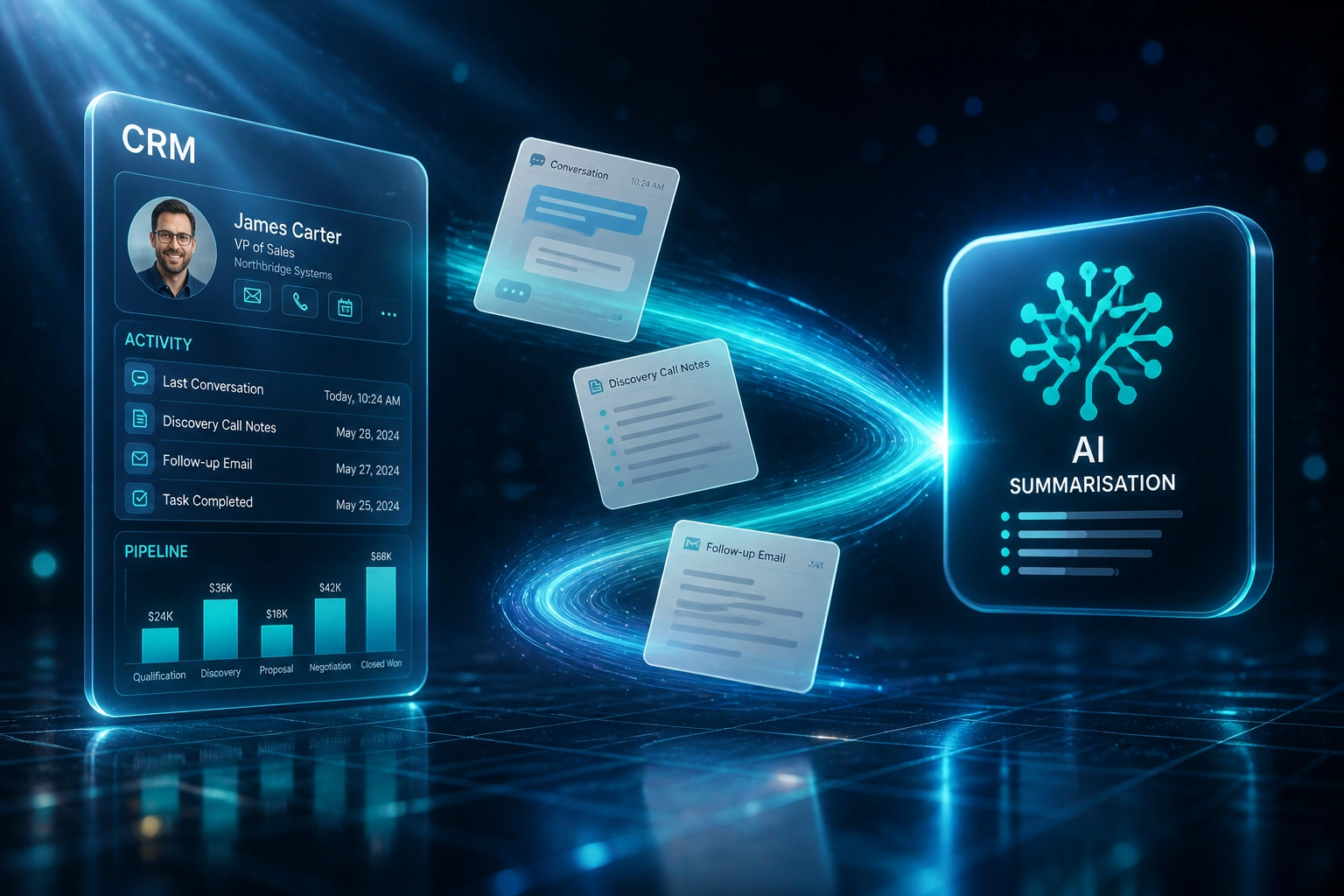
We build conversation summary AI that turns every call, chat, and ticket into concise interaction notes that auto-populate your CRM.
Sound Familiar?
These are the exact issues our clients faced before AI conversation summarisation:
- Reps finish a call, then spend another ten minutes reconstructing notes from memory
- Support handoffs fail because the ticket only shows "spoke to client", not what was promised
- Deal context lives in chats and call recordings, never on the CRM activity timeline
- Sales managers coach from empty notes while the real objections sit in a transcript nobody reads
- Long conversations bury pricing, timeline, and next steps until the next owner starts from scratch
Salesforce Spring '26 and HubSpot Breeze made AI call summaries table stakes inside their ecosystems, while Zendesk AI writes ticket notes for support. If your stack spans multiple channels, or your CRM never receives structured activity from every conversation, native features alone still leave gaps. Custom conversation summarisation closes them.
What Conversation Summary AI Actually Does
Call or chat ends → summary drafted → CRM activity updated. No human retyping the conversation.
Conversation Ends
A sales call, support chat, or ticket update finishes in your existing tools
AI Drafts the Summary
Key points, outcomes, sentiment signals, and next steps extracted in seconds
Rep Reviews in Seconds
Quick edit if needed, then publish. No blank activity box to fill from memory
CRM Activity Updated
Structured interaction notes land on the contact, deal, or ticket for the next owner
Everything You Need for Reliable Interaction Notes AI
Multi-Channel Conversation Summary
Calls, live chats, and support tickets compress into one clear AI conversation summary: what was said, decided, and left open.
CRM Activity Write-Back
Structured interaction notes land on the right contact, deal, or ticket as CRM activity records, without asking reps to type.
Action Item Extraction
Commitments, owners, and deadlines are pulled out so handovers stop depending on whoever happened to be on the call.
Consistent Note Templates
Every channel uses the same summary shape: context, outcome, sentiment signals, and next steps. Managers stop reading five different styles.
Handover-Ready Briefs
New owners open the CRM and get the story in under a minute, instead of replaying a forty-minute recording or scrolling a chat dump.
Review Before Publish
Reps skim and edit the draft summary in seconds. Human judgment stays; the typing load does not.
Platforms We've Connected for Conversation Summaries
From 6 Hours/Week to 1 Hour/Week
How a 28-person B2B sales and support team stopped rebuilding conversations from memory and recovered more than 240 hours a year of admin time.
The Manual Process
- Reps typed call and chat notes into HubSpot after every interaction
- Six hours a week per frontline seller lost to CRM logging
- Manual notes captured only about half the validated action items
- Support handoffs opened tickets with one-line summaries and no context
- Managers reviewed pipeline with empty or vague activity timelines
The Summarised Process
- Calls, chats, and tickets produce an AI conversation summary automatically
- Structured interaction notes write into CRM activity within seconds
- Action-item capture rose to match AI benchmarks (~87% of validated next steps)
- Handovers open with a full brief instead of a blank activity box
- Reps review and publish in under a minute instead of rewriting from memory
Before vs After AI Conversation Summarisation
How It Works
From first conversation to live CRM activity notes in 2–4 weeks.
Tell Us Your Setup
Which CRM and channels (calls, chat, tickets), where notes go missing, and which handovers hurt most.
Free Scoping Call
30-minute call to map summary triggers, note templates, and which CRM activity fields must stay accurate.
Build & Test
We wire summarisation across your channels, then parallel-test call summaries and interaction notes against conversations your team already knows.
Go Live & Monitor
AI notes become the default CRM activity path. Monitoring keeps accuracy, latency, and write-back healthy.
Frequently Asked Questions
How long does AI conversation summarisation for CRM take to set up?
A standard setup into one CRM with one or two channels takes 2–4 weeks from scoping to go-live. Call-only summaries can be live within two weeks. Multi-channel coverage across calls, chat, and tickets with structured CRM activity write-back typically takes 4–6 weeks.
Which channels and CRMs do you support?
We build conversation summary AI flows for voice calls, live chat, and support tickets, writing interaction notes into HubSpot, Salesforce, Pipedrive, Zoho CRM, Zendesk, Freshdesk, Intercom, and custom CRMs. If the channel can be recorded or logged and the CRM has an API, we can connect them.
Will our team still work in the same phone, chat, and ticket tools?
Yes. People keep handling conversations in the tools they already use. The difference is that every interaction produces a call summary or chat digest that writes into CRM activity, so nobody rebuilds the story from memory after the fact.
How is this different from email summarisation or meeting transcription?
Email summarisation digests long mail threads. Meeting transcription covers scheduled meetings. AI conversation summarisation for CRM covers the multi-channel stream of sales and support interactions (calls, chats, tickets) and turns them into structured CRM activity records your ops team can trust for handovers and coaching.
How accurate are the summaries and action items?
We tune prompts and review loops on your real conversations during parallel testing. Drafts highlight source excerpts so humans can verify before the note publishes. Gong research found AI-extracted notes capture about 87% of validated action items versus 53% from manual notes on the same calls. Most teams treat the summary as the briefing layer, then open the recording only when a detail needs checking.
How much does AI conversation summarisation cost?
Single-channel call summaries into one CRM start from around R15,000. Multi-channel conversation summarisation with action-item extraction and CRM activity write-back typically ranges from R25,000 to R60,000. Teams recovering several hours a week of note-taking usually see ROI within 2–3 months.
Stop Losing Deal Context to Empty CRM Notes
If your sales and support teams are still typing call summaries from memory, you are spending money on a problem that AI conversation summarisation already solves.
Tell us which CRM and channels you use, where interaction notes go missing, and which handovers hurt most. We will show you exactly how call summary CRM write-back would work for your business.