Replies drafted in Gmail
Draft a reply from the open email and a short instruction, then check it and send.
Chrome extensions
We build Chrome extensions that put your CRM, your data and your shortcuts where your team already works: in Gmail, WhatsApp Web and every other tab.
Small tools in the browser that save your team hours each week.
Draft a reply from the open email and a short instruction, then check it and send.
Turn an email or a highlighted paragraph into a CRM task, with the project and person filled in.
Business chats saved to the right client record, without copying anything by hand.
Your CRM, accounting or stock system, one click away in whatever tab you have open.
The same steps on the same sites every day, done for you and saved to run again.
Only the permissions it needs. Some of ours never make a network request at all.
Mostly for ourselves first, which is how we know what works.
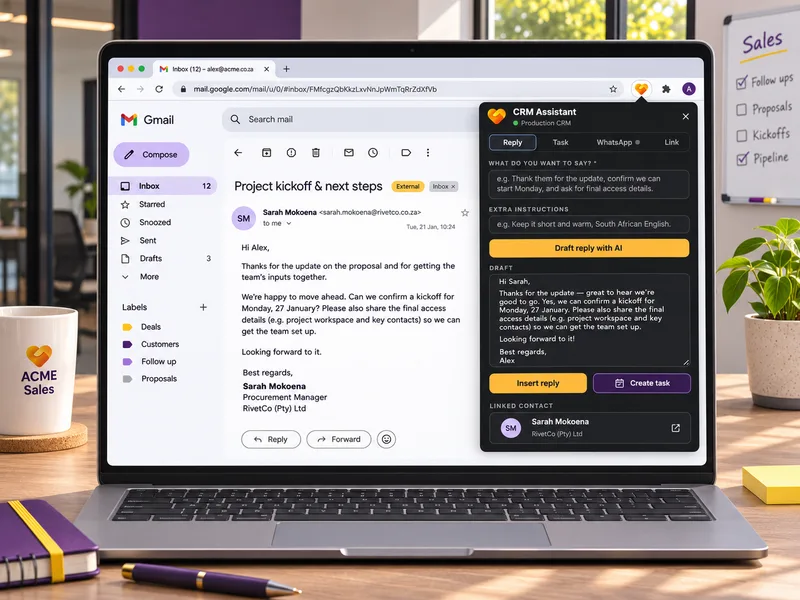
Chrome extension, our own tool
AI email replies, tasks from any text and WhatsApp chat logging, from one popup.
Read the story : CRM Assistant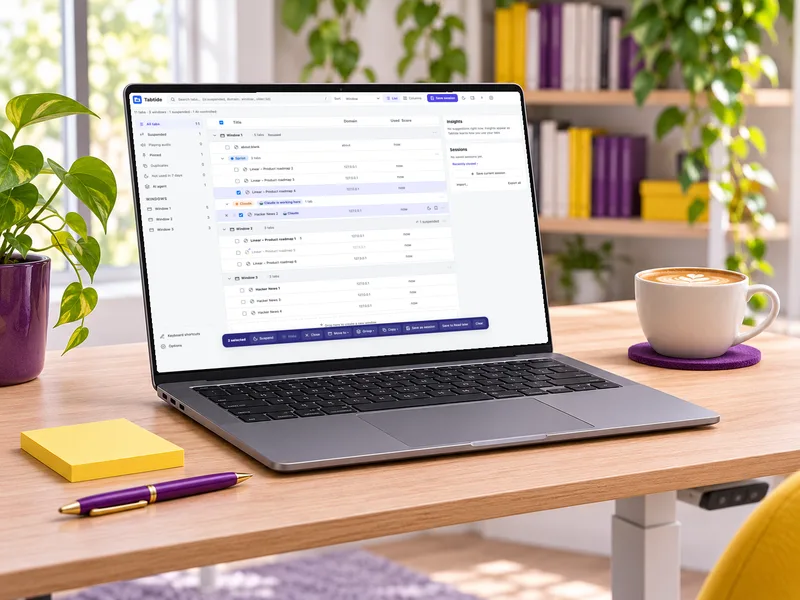
Chrome extension, our own product
A tab manager, suspender and session manager that learns on your device.
Read the story : Tabtide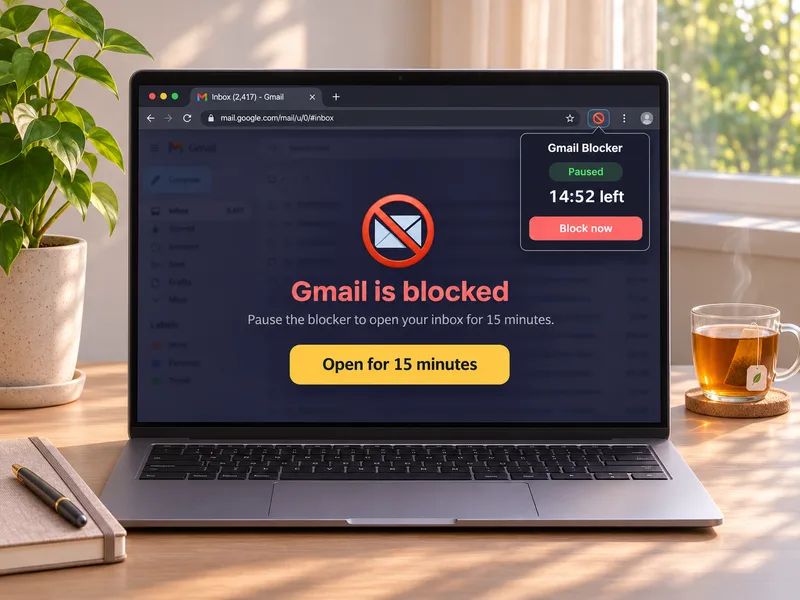
Chrome extension, open source
Blocks Gmail until you choose a 15-minute window to check it.
Read the story : Gmail Blocker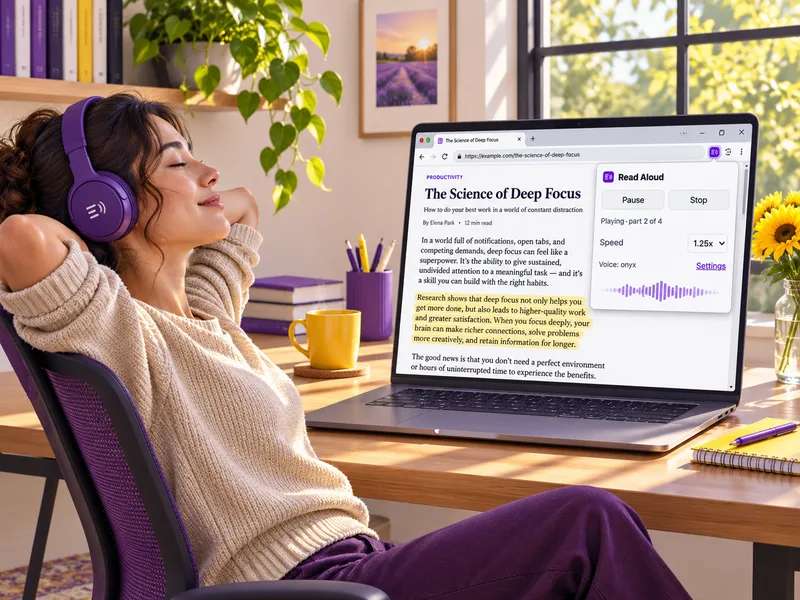
Chrome extension
Reads a selection or a whole page aloud with OpenAI text-to-speech.
Read the story : Read AloudWalk us through the task your team repeats, and where the information needs to go.
We build the extension, test it in your browser and adjust it with your team.
Privately for your team, or published on the Chrome Web Store. Updates are on us.
The things people usually ask first.
No. For internal tools we usually install the extension privately for your team. If you want customers to use it, we can publish it on the Chrome Web Store for you.
Usually, yes. If your CRM has an API, the extension can read and write to it, the way ours links Gmail and WhatsApp Web to our own CRM.
An extension only gets the permissions it asks for, so we keep them to the minimum. We'll tell you exactly what it can see before you install it.
Edge, Brave and other browsers built on Chromium can run Chrome extensions, usually without changes. We test in the browsers your team uses.
Show us the clicks, and we'll show you the extension.
Or call 084 590 2401. We reply within one business day.