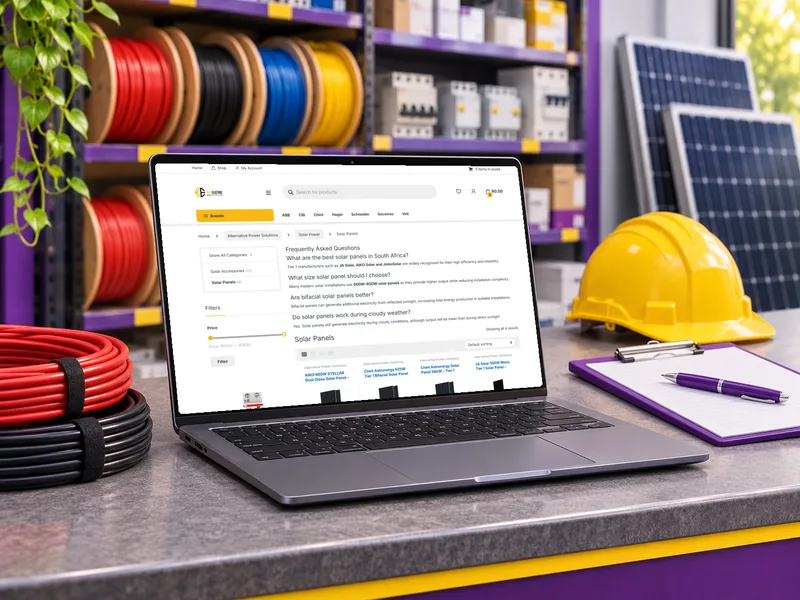
Key Electric
Electrical wholesaler
A WooCommerce shop for a large trade catalogue, fed from the Palladium accounting system.
Read the story : Key ElectricRead Aloud · Chrome extension
A Chrome extension that reads a selection or a whole page aloud with OpenAI text-to-speech, in the onyx voice used by the WebFootprint quote platform.

We wanted to listen to long pages instead of reading them, in the same voice our quote presentations use.
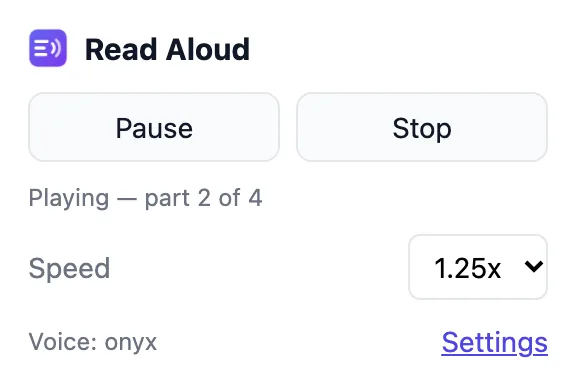
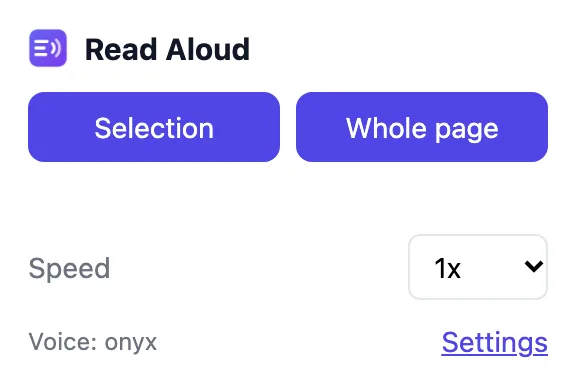
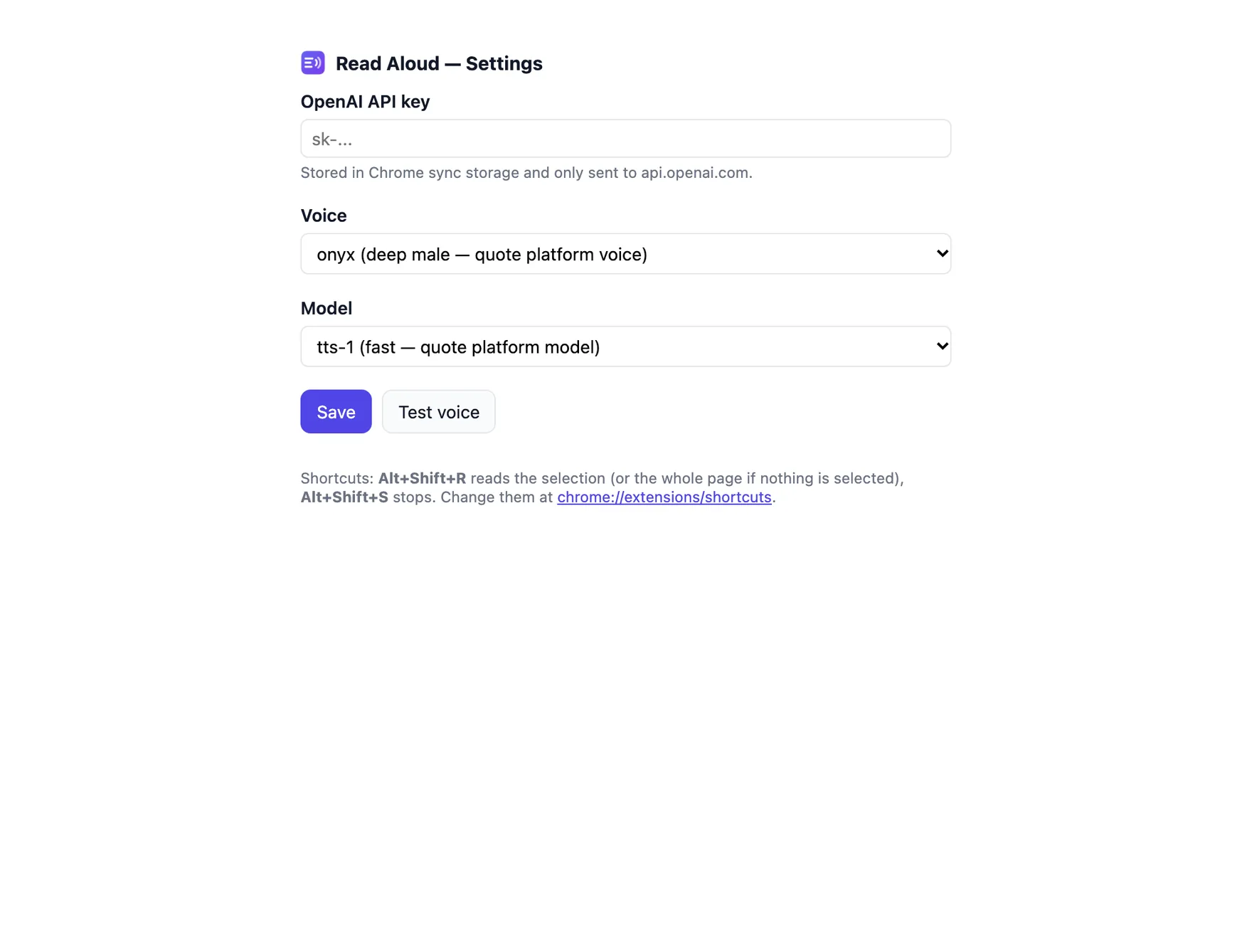
The picture at the top is an illustration based on the real screens below.
A light extension with no build step. Speed changes apply mid-read, because playback speed is set in the browser.
Electrical wholesaler
A WooCommerce shop for a large trade catalogue, fed from the Palladium accounting system.
Read the story : Key ElectricTell us what you're working on. We'll take it from there.
Or call 084 590 2401. We reply within one business day.