AI Document Routing: Classify and Direct Incoming Documents Automatically
Incoming PDFs and email attachments pile into shared inboxes. People misfile them, miss SLAs, and spend half the morning deciding whether a pack belongs in AP, claims, HR, or sales contracts. Intelligent processing should not start with a clerk guessing the folder.
We build AI that classifies each document by type and urgency, then routes it to the correct department or workflow.
Sound Familiar?
These are the exact issues our clients faced before AI document routing:
- Shared inboxes for AP, claims, HR, and contracts fill with PDFs nobody owns until someone opens them
- Staff spend minutes per file deciding type and urgency before the work even starts
- Three to eight percent of documents get misclassified or misfiled, then vanish until an SLA is already broken
- Urgent claims and supplier packs sit behind routine statements because the queue has no priority signal
- POPIA evidence packs fail audits when the same record lives in three folders under three names
Hybrid work keeps document volume in the inbox. Microsoft's workplace telemetry shows the average employee receives about 117 emails per weekday, while global email volume still grows roughly 4% a year. POPIA also expects a structured classification scheme and retention evidence: misfiled personal-information packs are a compliance risk, not just an ops headache.
What AI Document Routing Actually Does
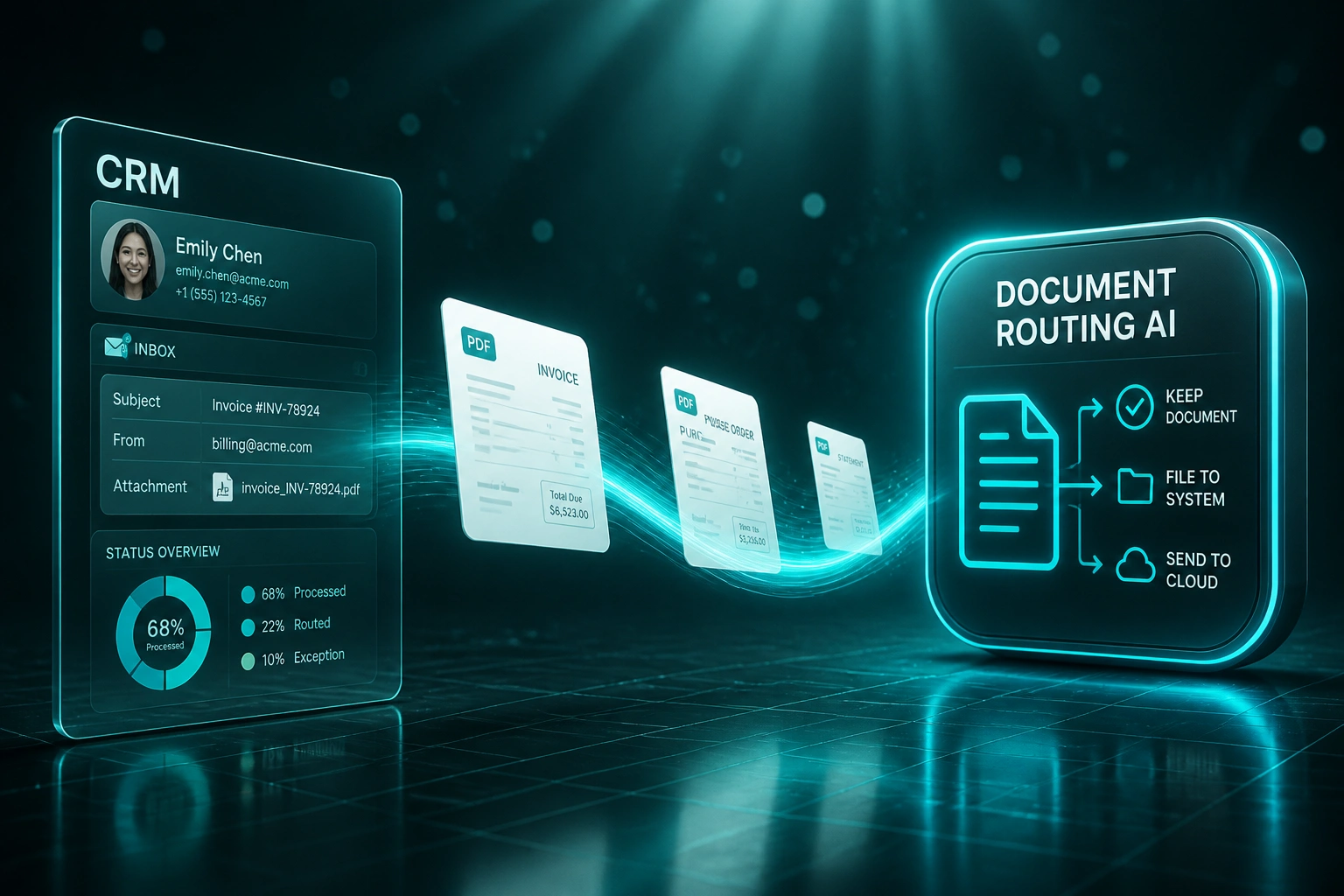
Inbox attachment arrives → type and urgency labelled → correct department queue updated. No human sorting the pile.
Document Lands
PDF or attachment hits a shared mailbox, SharePoint drop, or Drive intake folder
Classify & Score
AI labels type and urgency so claims and deadline packs jump ahead of routine statements
Route & Write Back
File lands in the AP, claims, HR, or contracts queue, with folder and CRM write-back
SLA Held
Teams work documents that already sit in the right place, with an audit trail for every hop
Everything You Need for Reliable Document Workflow Routing
Multi-Channel Document Intake
PDFs and attachments land from shared mailboxes, SharePoint drops, Drive folders, and portal uploads into one classification queue.
AI Document Classification
Models label each file by type: invoice, claim, HR pack, sales contract, statement, or correspondence, before anyone opens it.
Urgency Scoring
Keywords, due dates, customer tier, and SLA clocks score priority so critical packs jump the queue automatically.
Department & Workflow Routing
Classified documents write into the correct AP, claims, HR, legal, or sales queue in your ticketing system, CRM, or SharePoint library.
Write-Back & Auto-Filing
Files land in the right Drive or SharePoint folder with consistent naming metadata, and CRM or ticket records get linked attachments.
Exception & Confidence Queues
Low-confidence or ambiguous packs go to a human review lane. Clear documents route straight through with an audit trail.
Systems We've Wired for Auto-Filing and Routing
From 12 Hours/Week to Under 2
How a Johannesburg shared-services desk stopped misfiling inbound PDFs and brought overnight backlog from 22% down to under 3%.
The Manual Process
- Three clerks opened every attachment in a shared AP/claims/HR mailbox
- About 8 minutes per document to decide type, urgency, and destination folder
- Misfiles and wrong-department forwards triggered SLA breaches on claims packs
- Roughly one in five overnight emails still sat untouched the next morning
- POPIA evidence packs took hours to assemble because the same file lived in multiple folders
The Automated Process
- AI classifies each inbound PDF and scores urgency within seconds of arrival
- AP, claims, HR, and contracts queues receive only the documents they own
- SharePoint and Drive folders auto-file with consistent naming and metadata
- Ambiguous packs land in a short exception queue for human confirmation
- Audit trail shows every classification, route, and write-back for compliance reviews
Before vs After Document Classification
How It Works
From first conversation to live document routing in 3–5 weeks for a focused inbox.
Map Your Document Mix
Which inboxes and folders feed the pile, which document types you handle, and which departments must receive them.
Free Scoping Call
30-minute call to size volume, urgency rules, destination systems, and payback against your sorting labour cost.
Build, Train & Test
We train classifiers on your real samples, wire routing and write-back, then run parallel against manual sorting for a week.
Go Live & Monitor
Straight-through routing for high-confidence packs. Exception queues shrink as the models learn your edge cases.
Frequently Asked Questions
How is document classification different from OCR or invoice extraction?
OCR and IDP pull fields (amounts, VAT, line items) into a database. Classification and routing decide what the document is, how urgent it is, and which department or workflow should own it. We often run both: classify first, then extract only what that workflow needs.
Which document types can you classify and route?
Typical packs include supplier invoices, purchase orders, statements, insurance or warranty claims, HR onboarding packs, sales contracts, delivery notes, and general correspondence. We start with your highest-volume shared-inbox types and expand the taxonomy as the models stabilise.
Where do classified documents land?
Wherever your teams already work: SharePoint or Google Drive libraries with governed folders, CRM deal or ticket attachments, Zendesk or Jira queues, AP workflows, and department mailboxes. Write-back includes naming conventions and metadata so POPIA evidence packs stay findable.
Will this replace our shared-services clerks?
No. It removes the open-read-decide-file loop. Your team reviews exceptions, handles true edge cases, and works the documents that already sit in the right queue. Most clients keep headcount stable and stop hiring extra sorters as volume grows.
How long does an AI document routing project take?
A focused shared-inbox classifier with two or three destination queues is often live in 3–5 weeks. Multi-department programmes covering AP, claims, HR, and contracts with SharePoint, CRM, and ticketing write-back typically take 5–8 weeks including parallel testing.
How much does AI document classification and routing cost?
Focused one-inbox routing starts from around R25,000. Multi-channel classification with urgency scoring and write-back to SharePoint, Drive, CRM, and ticketing typically ranges from R45,000 to R90,000. Teams sorting a few hundred documents a week often see payback inside 2–4 months from labour and misfile recovery alone.
Stop Losing Days to Misfiled Documents
If your shared-services team is still opening every PDF to decide where it belongs, you are paying for a sorting problem that AI already solves.
Tell us which inboxes and folders feed the pile, which departments must receive the work, and which SLAs keep getting breached. We will show you exactly how classification and routing would work for your document workflow.