AI Document Digitisation: Modernise Paper-Based Processes in South Africa
Filing rooms, courier bags of paper, and lost contracts cost your ops team hours every week and leave POPIA evidence packs hard to prove. Paper to digital should not mean another unsearchable PDF dump: AI capture should classify and store documents so the business can find any file in seconds.
We build end-to-end digitisation that captures, classifies, and files paper into SharePoint, Drive, and CRM.
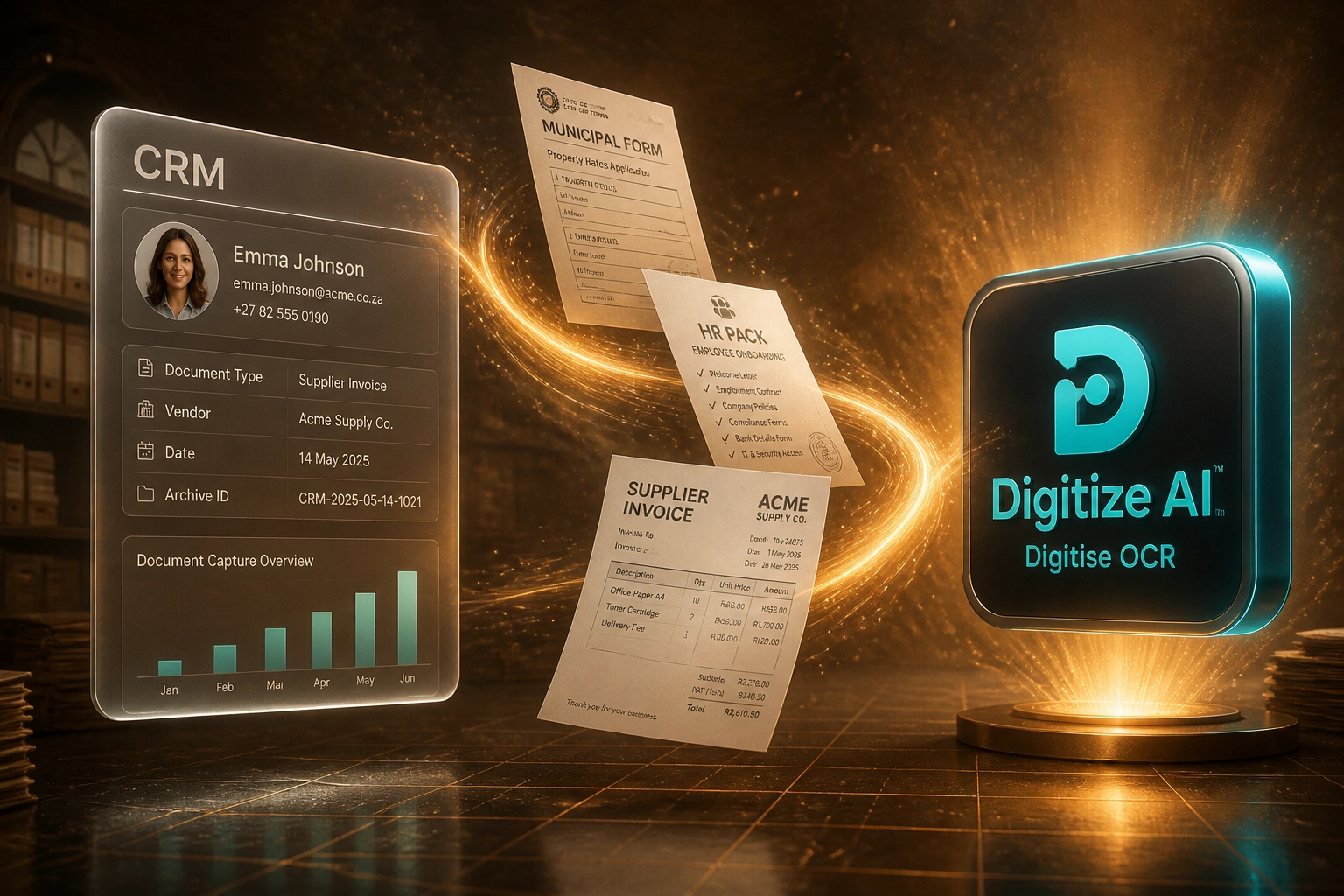
Sound Familiar?
These are the exact issues our South African ops and compliance clients faced before digitisation:
- Filing rooms and courier bags of municipal forms, HR packs, and supplier invoices pile up faster than clerks can index them
- Finding one contract or POPIA evidence pack still takes 20–45 minutes of walking shelves and opening boxes
- Misfiled or lost paper costs roughly R1,800 to R10,200 once labour and re-creation are fully costed
- Off-site storage at R60–R100 per box per year keeps growing while audits still demand same-day retrieval
- POPIA retention clocks cannot be enforced on cabinets: you cannot prove what you hold, when it expires, or that it was destroyed
POPIA Section 14 expects a retention decision per record type, not an endless filing cabinet. If you cannot find, prove access controls on, or destroy personal information on schedule, the paper archive itself becomes the compliance risk.
What AI Document Digitisation Actually Does
Paper arrives → AI captures and classifies → searchable store updates. No more hunting shelves for a lost contract.
Scan & Intake
Filing-room batches, courier bags, and day-forward scans enter one digitisation queue
AI Capture
OCR and intelligent capture extract type, parties, dates, and key fields from each page
Classify & File
Indexed packs land in SharePoint, Drive, or CRM with consistent naming and archive IDs
Find in Seconds
Ops and compliance search by client, date, or type instead of walking the filing room
Everything You Need for Paper to Digital Transformation
Bulk Scan & Intake Pipelines
Filing cabinets, courier bags, and day-forward paper feed one digitisation queue: batch scans, email PDFs, and mobile captures land in the same pipeline.
AI Capture & OCR
Intelligent capture reads municipal forms, HR packs, supplier invoices, and contracts. Clean digital pages often hit 95–99% field accuracy; scanned packs land in a confidence review queue.
Classify & Index
Each file is labelled by type and tagged with vendor, date, client, and archive ID so the digital store is searchable, not just a folder of unlabelled PDFs.
File into SharePoint, Drive & CRM
Digitised packs write into governed SharePoint or Google Drive libraries and attach to the right CRM record, so ops finds any document in seconds.
POPIA Retention & Destruction
Retention schedules map document types to legal clocks. When a record expires, deletion or de-identification follows a logged trail that auditors can follow.
Exception & Audit Queues
Low-confidence captures and damaged pages go to a human review lane. Straight-through documents keep a full capture, classify, and file audit trail.
Stores and Systems We File Into
From 45-Minute Searches to Under 30 Seconds
How a Midrand professional services firm emptied two filing rooms into SharePoint and recovered R420,000 in year one.
The Paper Process
- Ops walked two filing rooms plus off-site boxes for contracts and HR packs
- Average 45 minutes to locate one client file when an auditor or attorney called
- Courier bags of supplier invoices sat unsorted for days before anyone indexed them
- Misfiles and lost packs triggered re-creation and POPIA scramble for evidence
- Off-site storage spend kept rising with no searchable inventory of what was held
The Digitised Process
- Backlog cabinets scanned; day-forward paper enters the same AI capture queue
- Documents classified and filed into SharePoint with CRM attachments and archive IDs
- Any contract or HR pack found in under 30 seconds by client, date, or document type
- POPIA retention schedules drive archive and destruction with a logged trail
- Off-site box growth stopped; office space and retrieval fees fell in the first year
Before vs After Document Digitisation
How It Works
From first conversation to live digitisation in 4–8 weeks.
Map Your Paper Estate
Which filing rooms, courier bags, and day-forward streams matter most, and which systems must hold the searchable archive.
Free Scoping Call
30-minute call to size volume, POPIA retention needs, destination libraries, and payback against find-time and storage cost.
Build, Capture & Test
We wire scan intake, AI capture, classification, and write-back, then run parallel against your current filing process for a week.
Go Live & Monitor
Cabinets empty into searchable stores. Monitoring tracks straight-through rate, exception volume, and hours recovered.
Frequently Asked Questions
How is end-to-end digitisation different from classification or form field extraction alone?
Classification decides what a digital file is and where it should go. Form extraction pulls fields from structured packs into a CRM or HRIS. Digitisation covers the full paper-to-digital journey for South African operations: scan intake, AI capture, classify, and file into SharePoint, Drive, or CRM, with POPIA retention on the archive. We often combine all three when a business still lives in filing cabinets.
Which document types can you digitise for SA businesses?
Typical packs include municipal and rates forms, HR onboarding packs, supplier invoices, delivery notes, sales contracts, claims packs, and correspondence. We start with the highest-risk filing rooms and day-forward streams, then expand the taxonomy as capture accuracy stabilises on your real paper mix.
Where do digitised documents land?
Wherever your teams already search: SharePoint or Google Drive libraries with governed folders and metadata, CRM deal or contact attachments, and department archives. Write-back includes naming conventions and archive IDs so POPIA evidence packs stay findable in seconds, not hours.
How accurate is AI capture on real South African paper?
Clean structured pages often reach 95–99% extraction accuracy with modern intelligent document processing. Mixed scans, stamps, and handwriting typically land lower and route to a review queue. That is why we design confidence thresholds: reviewers touch exceptions, not every page from the filing room.
How do you handle POPIA record-keeping and destruction?
POPIA Section 14 limits how long personal information may be kept, and requires destruction that prevents reconstruction once retention ends. We map document types to your retention schedule during setup, keep capture and access logs, and support timed archive, anonymise, or delete workflows so cabinets stop being the compliance weak point.
How much does AI document digitisation cost?
A focused day-forward pipeline into one SharePoint or Drive library starts from around R35,000. Full paper-to-digital programmes covering backlog cabinets, AI capture, classification, CRM write-back, and POPIA retention typically range from R55,000 to R120,000. Mid-market teams processing thousands of pages a month often see payback inside 4–8 months against manual capture costs of R18–R25 per document and find-time labour.
Stop Losing Hours to Paper Filing
If your ops and compliance teams still hunt shelves for municipal forms, HR packs, and supplier invoices, you are paying for a problem digital capture already solves.
Tell us which filing rooms and day-forward streams hurt most, where documents should land (SharePoint, Drive, CRM), and what POPIA retention looks like today. We will show you how AI document digitisation would work for your South African business.