AI Email Classification: Automatically Sort and Route Incoming Messages
Your shared inbox is drowning. Important mail sits unread while spam and FYIs clog the queue. By the time someone forwards a sales enquiry to the right team, the buyer has already moved on.
We build AI triage that cuts first-response time and stops revenue mail dying in the wrong folder.
Sound Familiar?
These are the exact issues our clients faced before AI email triage:
- Important enquiries sit unread while FYIs and vendor mail clog the shared inbox
- Complaints land with sales; orders land with support; both wait for a manual forward
- One in three tickets needs reassignment before the right person even sees them
- First response stretches past a full working day while buyers expect hours, not days
- Revenue mail dies in the wrong folder and nobody notices until the client chases
Global email volume is still growing about 4% a year (Radicati / Statista), with hundreds of billions of messages a day. Shared inboxes will not get quieter. Without inbox automation, message sorting stays a full-time tax on your ops team.
What AI Email Classification Actually Does
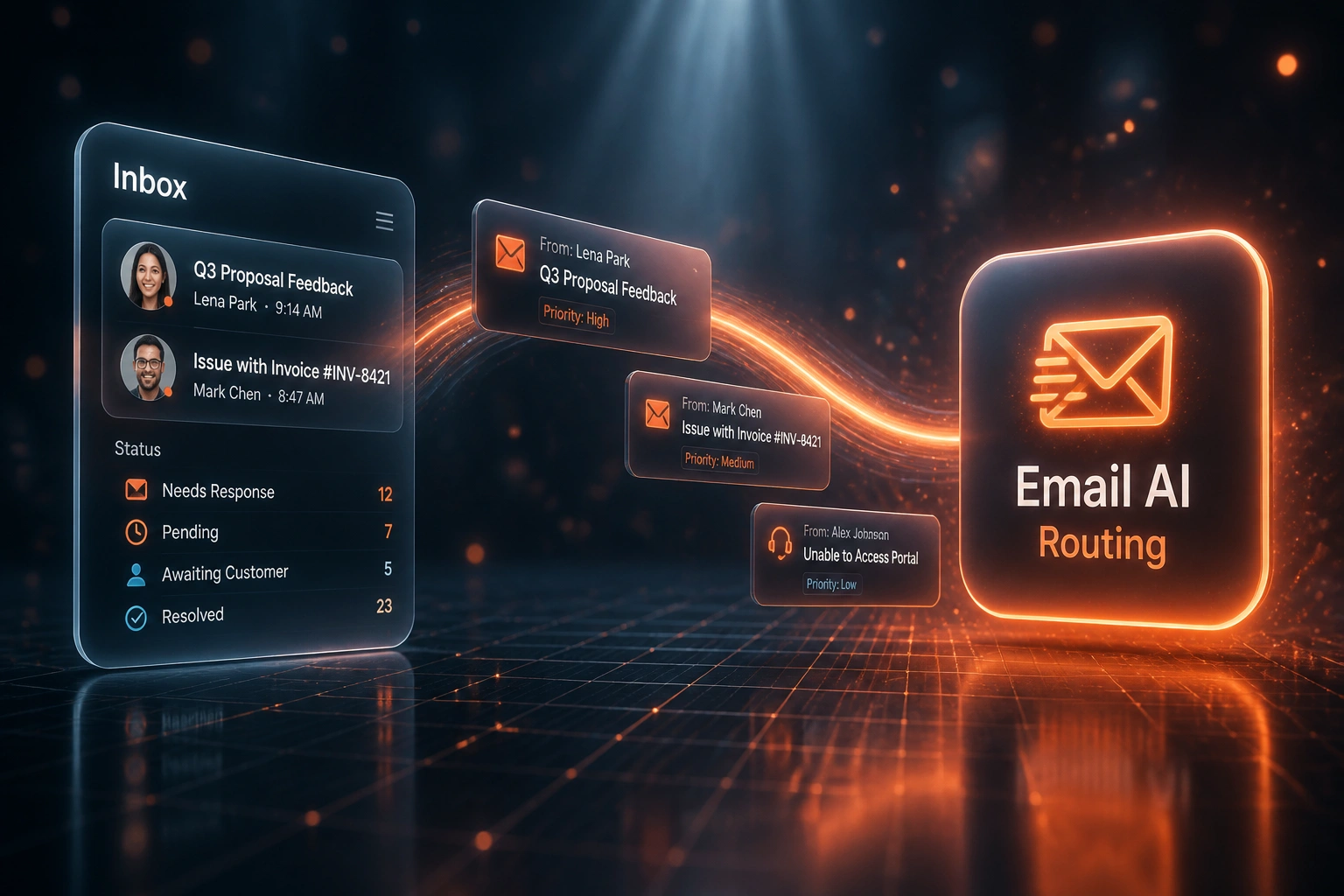
Mail arrives → intent scored → routed to the right team → SLA clock starts. No morning triage pile.
Message Hits the Inbox
Enquiry, complaint, order, or FYI lands in info@, support@, or sales@
AI Classifies Intent
Body, subject, and sender context score department, urgency, and confidence
Auto-Routed to the Team
Ticket opens in the right queue with category and owner already set
SLA Clock Starts Clean
First response starts with the right person, not after a three-hop forward chain
Everything You Need for Reliable Inbox Automation
Intent Classification
Incoming mail is scored by intent: enquiry, complaint, order, billing, or FYI, so message sorting happens before a human opens the queue.
Department Auto-Routing
Classified messages route to the correct team queue or owner in your helpdesk or CRM. AI routing replaces the morning triage meeting.
Urgency & SLA Flags
High-stakes complaints and time-sensitive orders surface first. Priority mail never waits behind a newsletter thread.
Misroute Alerts
Low-confidence classifications escalate to a human reviewer instead of guessing. Your team only touches the edge cases.
Helpdesk & CRM Write-Back
Tickets open with the right category, department, and SLA already set. Reporting starts clean because inbox automation tags correctly the first time.
Shared Inbox Coverage
Works across info@, support@, and sales@ mailboxes so every shared queue gets the same email triage rules.
Platforms We've Wired for Email Triage
From 30% Misroutes to 4%
How a mid-size B2B operations team cut time-to-right-person from six hours to fifteen minutes and stopped losing renewals in the wrong shared inbox.
The Manual Triage
- Ops lead skimmed five shared inboxes every morning and forwarded by gut feel
- About 30% of mail started in the wrong queue and waited for a human reassign
- Average six hours for a misrouted message to reach the right person
- First response often sat near the 12-hour industry average
- One renewal request sat three weeks in the wrong folder before anyone noticed
The Automated Process
- AI reads body and sender context, not just the subject line
- Enquiries, complaints, and orders open in the correct department queue
- Low-confidence cases escalate to a human instead of guessing
- Priority sales and complaint mail gets a first touch inside the hour
- Misroute rate settled at 4% within three months of go-live
Before vs After AI Routing
How It Works
From first conversation to live email triage in 2–4 weeks.
Tell Us Your Setup
Which shared inboxes, how mail is meant to route today, and where misroutes hurt most.
Free Scoping Call
30-minute call to map intents, departments, SLAs, and where classification confidence should hand off to a human.
Build & Test
We train on your real mail, parallel-route against current triage, and tune until accuracy beats the manual baseline.
Go Live & Monitor
Switch off manual inbox sorting. Monitoring tracks routing accuracy, first-response time, and misroute rate.
Frequently Asked Questions
How long does AI email triage take to set up?
A standard shared-inbox classification and routing setup takes 2–4 weeks from scoping to go-live. Single-mailbox triage into one helpdesk can be live within two weeks. Multi-mailbox coverage with custom intents, SLA flags, and CRM write-back typically takes 4–6 weeks.
Which email and helpdesk platforms do you support?
We build email classification and AI routing for Gmail (Google Workspace) and Outlook / Microsoft 365, writing into Zendesk, Freshdesk, HubSpot Service Hub, Front, and custom helpdesks. If your mail uses OAuth and your queue has an API, we can connect them.
Will our team still work from the same shared inbox?
Yes. People keep reading and replying in Gmail, Outlook, or the helpdesk they already use. The difference is that incoming messages are classified and routed before anyone opens the queue, so email triage no longer means scrolling every morning.
How is this different from AI email summarisation?
Summarisation digests long threads so decisions and action items surface. Email classification and auto-routing decide which team should own a message in the first place: enquiry, complaint, or order. You need both when volume is high, but this page solves the routing problem, not the catch-up problem.
How accurate is the classification?
Manual first-assignment accuracy often sits around 60–70%, with 30–40% of tickets needing reassignment. Mature AI routing deployments commonly reach 89–96% classification accuracy, with top-quartile misroute rates in the low single digits. We parallel-test on your mail and only go live when the model beats your current baseline.
How much does AI email triage cost?
Single-mailbox intent classification into one helpdesk starts from around R15,000. Multi-inbox AI routing with urgency flags, misroute escalation, and CRM write-back typically ranges from R25,000 to R60,000. Teams cutting first-response time and misroute rework usually see ROI within 2–3 months.
Stop Losing Mail in the Wrong Folder
If your ops or support lead is still sorting a shared inbox by hand every morning, you are paying for slow first responses and misrouted revenue mail.
Tell us which inboxes you run, how enquiries, complaints, and orders should route today, and where SLA breaches hurt most. We will show you exactly how AI email classification would work for your queue.