AI Knowledge Base Search: Find the Right Article When Keyword Search Fails
Your internal documentation is vast, but search is terrible. Ops, CS, and IT teams waste hours hunting across Confluence, SharePoint, Notion, and Drive for SOPs that already exist. Vague questions get empty results, so people ping colleagues or reopen tickets instead.
We build intelligent knowledge search that understands intent and returns the approved article with citations.
Sound Familiar?
These are the exact issues our clients faced before AI knowledge base search:
- Teams ask vague questions like "what's our remote work policy for contractors?" and keyword search returns nothing useful
- The answer sits in Confluence, SharePoint, Notion, or Drive under a title nobody remembers
- Support and CS reopen tickets that approved articles already answer, because findability is broken
- New hires spend weeks pinging colleagues instead of reading SOPs that already exist
- When a subject-matter expert leaves, tribal knowledge leaves with them and the wiki goes quiet
Doc sprawl is accelerating. Hybrid work scattered SOPs across Confluence, SharePoint, Notion, Drive, and help centres. Adobe found 48% of employees regularly struggle to find documents they need. Traditional knowledge bases still sit around an 18% median ticket deflection rate. Every hire, resignation, and new tool makes tribal knowledge loss more expensive.
What Intelligent Knowledge Search Actually Does
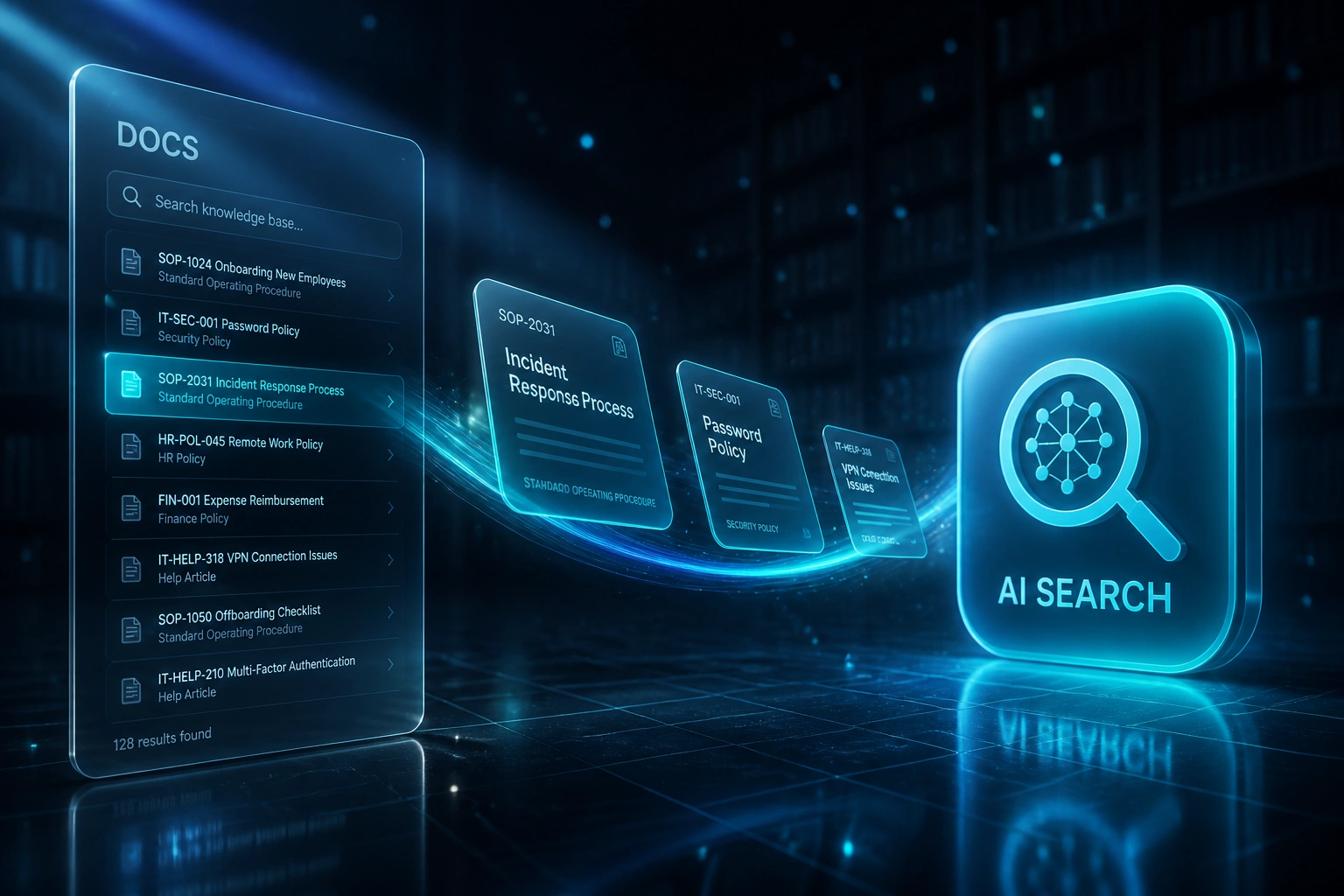
Ask in plain language → ranked articles with citations → open the approved source. No more guessing folder names.
Someone Asks
A vague question lands in Slack, Teams, intranet search, or the support console
AI Interprets Intent
Semantic search matches meaning across indexed articles, SOPs, and policies
Cited Results Return
Ranked articles with titles, snippets, and links to the approved source page
Work Continues
Fewer pings, fewer reopened tickets, faster onboarding on knowledge that already exists
Everything You Need for Reliable AI Search Internal Docs
Multi-Source Knowledge Index
We index Confluence, SharePoint, Notion, Google Drive, Helpjuice, Zendesk Guide, and related wikis into one searchable layer. Your existing articles stay where they are.
Intent Over Exact Keywords
AI knowledge base search understands what the question means, not only which words match. Vague queries still surface the right SOP or policy.
Cited Article Results
Answers link back to the approved source page with snippets and titles. Teams trust what they read because they can open the original document.
Slack, Teams & Intranet
Drop intelligent knowledge search into Slack, Microsoft Teams, your intranet, or the support console so people ask where they already work.
Permissions-Aware Retrieval
Results respect source permissions. Private HR packs stay private; public ops SOPs stay open. No free-for-all over confidential docs.
Freshness & Coverage Signals
Surfacing stale or missing articles shows content owners what to update. Findability improves as the knowledge base stays current.
Sources & Channels We've Connected
From 90 Minutes a Day to Under 5
How a 55-person professional services firm stopped hunting through Confluence, SharePoint, and Drive for answers that already existed.
The Keyword Hunt
- Ops and CS asked colleagues before opening the wiki, because keyword search failed on vague wording
- Average 90 minutes per knowledge worker per day spent searching and consolidating answers
- Internal support tickets that approved articles already covered kept landing on the helpdesk
- New hires took weeks to find SOPs scattered across four tools
- When a senior left, undocumented workarounds disappeared with them
AI Knowledge Base Search
- Slack and Teams questions return ranked articles with citations in seconds
- Typical find time dropped to under five minutes for routine policy and SOP queries
- Internal ticket deflection on knowledge-answerable issues rose from 14% to 41%
- Onboarding packs linked straight to live, searchable sources instead of stale PDFs
- Content owners saw which articles were stale or missing from failed-query reports
Before vs After AI Knowledge Base Search
How It Works
From first conversation to live AI knowledge search in 3–6 weeks.
Tell Us Your Setup
Which knowledge sources you use, where people ask (Slack, Teams, intranet, support), and which vague queries waste the most time.
Free Scoping Call
30-minute call with your ops, CS, or IT lead to map sources, permissions, and success metrics for time-to-answer.
Build & Test
We index approved articles, tune ranking on real failed searches, and run a parallel week against keyword search.
Go Live & Monitor
Roll out AI search in Slack, Teams, or your portal. We monitor citation quality, deflection, and hours recovered.
Frequently Asked Questions
How is AI knowledge base search different from a chatbot?
A generic chatbot invents answers. AI knowledge base search is findability: it retrieves approved articles and SOPs from your existing sources and shows citations so people can open the original page. We build retrieval over your knowledge, not an unsupervised chat personality.
Which knowledge sources can you index?
We commonly index Confluence, SharePoint, Notion, Google Drive, Helpjuice, Zendesk Guide, and similar help centres. If your documentation is reachable with proper auth, we can include it in the intelligent knowledge search layer.
Will this replace Confluence or SharePoint search?
No. Built-in keyword search stays useful for exact titles and known page names. AI search sits alongside it for the vague questions people actually ask. Most teams keep both and default to AI search for day-to-day hunting.
How do you handle permissions and confidential docs?
Retrieval respects source permissions. Users only see articles they are already allowed to open in Confluence, SharePoint, or Drive. Private HR and finance packs stay out of open channels.
How long does an AI knowledge base search project take?
Most builds take 3–6 weeks from scoping to go-live: source access, indexing, ranking on real queries, permission checks, and a parallel test week. Narrow pilots over one wiki and Slack can be live in about two to three weeks.
How much does AI knowledge base search cost?
Pilots start from around R35,000. Production intelligent knowledge search with multi-source indexing, citations, and Slack or Teams delivery typically ranges from R50,000 to R95,000. Teams of 40+ knowledge workers usually recover the project cost within 2–3 months from find-time alone.
Stop Paying People to Hunt Through Docs
If your teams still spend hours searching for SOPs that already exist, you are funding a findability problem that AI knowledge base search solves.
Tell us which knowledge sources you use, where people ask questions, and which vague queries burn the most time. We will show you how intelligent knowledge search would work for your business.