AI Meeting Transcription and Notes: Capture Every Commitment
Your sales team leaves calls with incomplete, biased notes. Half the action items never reach the CRM, and by the next morning most of what was agreed has already faded. Automated minutes should not depend on who typed fastest.
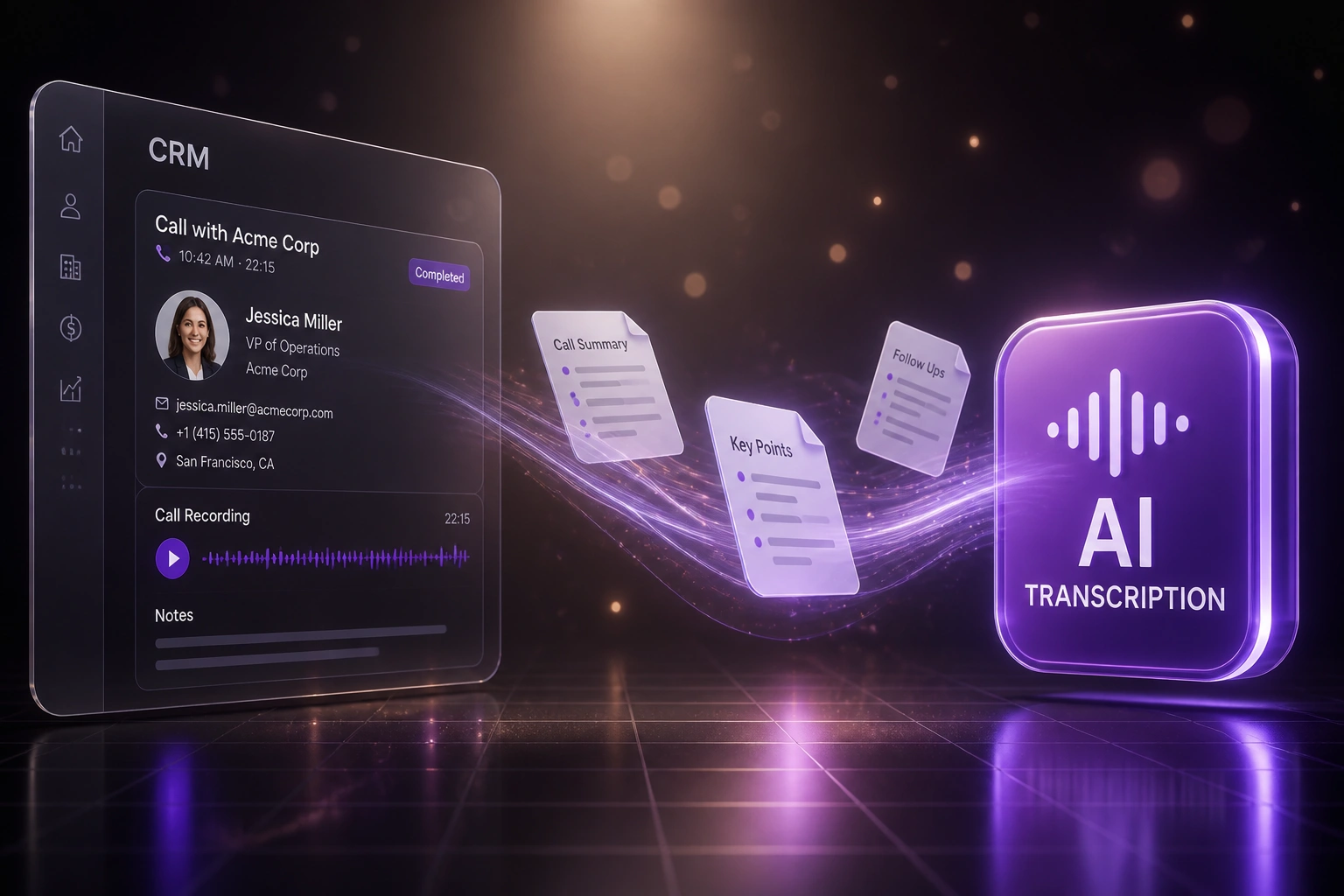
We wire AI meeting transcription that writes structured summaries, owners, and deadlines straight into your CRM.
Sound Familiar?
These are the exact issues our clients faced before AI meeting notes landed in the CRM:
- The person taking notes misses half the call because they are typing instead of selling
- Two people leave the same meeting with different versions of what was agreed
- Action items live in memory, Slack, or a notebook and never reach the CRM
- Managers spend Friday reconstructing "what did we promise Acme?" from scattered notes
- Follow-ups slip until the prospect asks why nobody sent the proposal
54% of professionals leave meetings unclear on next steps, and Atlassian-linked research finds 38% of action items never even make the official notes. If commitments are not written into the CRM with an owner and a deadline, they were never real work.
What AI Meeting Transcription Actually Does
Call ends → structured summary → CRM notes and tasks. No one retyping minutes after hang-up.
Call Is Captured
Zoom, Teams, or Meet recording feeds the transcription engine automatically
AI Writes the Notes
Summary, decisions, owners, and deadlines extracted from the full transcript
CRM Updated
Notes attach to the deal or contact; tasks appear with owners and due dates
Follow-Through Visible
Managers see open commitments without chasing reps for "what did we agree?"
Everything You Need for Reliable Automated Minutes
Live Meeting Capture
Zoom, Teams, or Google Meet recordings feed straight into transcription. Every word is captured so nobody has to choose between listening and typing.
Structured AI Meeting Notes
Raw transcript becomes a summary with decisions, open questions, and owners. Automated minutes land in a format your team actually reads.
CRM Note Write-Back
The summary attaches to the right HubSpot, Salesforce, or Pipedrive deal or contact within minutes of hang-up. Context stays where sales works.
Action Items with Deadlines
Commitments become CRM tasks or project tickets with named owners and due dates. Nothing relies on someone remembering to log it later.
Searchable Meeting Memory
Past calls stay searchable by client, topic, or commitment. Rebuild context in seconds instead of replaying a 45-minute recording.
Manager Coaching Visibility
Sales leads see which commitments were made and which are overdue, without sitting in every call or chasing reps for updates.
Platforms We've Wired for Meeting Capture
From 5 Hours/Week of Notes to 40 Minutes of Review
How a 14-person B2B sales team stopped losing commitments after every discovery call.
The Manual Process
- One AE typed notes while trying to run the discovery call
- 25–40 minutes after each meeting to clean notes and update HubSpot
- Action items scattered across notebooks, Slack, and memory
- Managers rebuilt "what did we promise?" before every pipeline review
- Roughly half of follow-ups never became CRM tasks
The Automated Process
- Every Zoom call transcribed and summarised within minutes of hang-up
- Structured AI meeting notes attach to the HubSpot deal automatically
- Owners and deadlines create CRM tasks the same day
- Sales lead reviews exceptions in under an hour a week
- Pipeline reviews start from the record, not from memory
Before vs After AI Meeting Notes
How It Works
From first conversation to live capture in 2–4 weeks.
Tell Us Your Setup
Which meeting tools you use, where notes should land in the CRM, and how action items are assigned today.
Free Scoping Call
30-minute call with your sales or ops lead to map capture rules, field mapping, and exception handling.
Build & Test
We wire transcription, summarisation, and CRM write-back, then parallel-test against live calls for a week.
Go Live & Monitor
Stop relying on manual minutes. Monitoring watches capture success, missing owners, and overdue follow-ups.
Frequently Asked Questions
How is AI meeting transcription different from email-to-task automation?
Email-to-task turns written inbox requests into tracked work. AI meeting transcription captures live calls, produces structured summaries with owners and deadlines, and writes them into CRM notes and tasks. One starts from email; this starts from the spoken conversation on the call.
Which meeting platforms and CRMs can you connect?
We capture from Zoom, Microsoft Teams, and Google Meet, and write summaries and tasks into HubSpot, Salesforce, Pipedrive, Zoho CRM, or a custom CRM with an API. We also integrate with Otter.ai, Fireflies.ai, and similar assistants when you already licence them.
Will this disrupt how our sales team already runs calls?
No. Reps keep the same meeting links and CRM they already use. Capture and write-back happen behind the scenes. We run parallel for a week so managers can compare AI notes against existing practice before switching off manual minutes.
What about privacy, consent, and POPIA?
We configure consent notices, retention rules, and access controls to match your policy. Recordings and transcripts stay in systems you control, with role-based visibility so not every call is open to the whole company.
How accurate are the summaries and action items?
Modern transcription is strong on clear audio. We add a light review step for high-stakes deals in the first weeks, then tighten rules so owners and deadlines extract reliably. Ambiguous commitments land in a short exception queue instead of inventing an owner.
How much does AI meeting transcription and CRM sync cost?
A focused one-platform capture into a single CRM starts from around R25,000. Multi-platform capture with task creation, coaching views, and monitoring typically ranges from R40,000 to R75,000. Teams spending 4+ hours a week on notes usually see payback within 2–3 months.
Stop Losing Action Items After Every Call
If your team still relies on whoever typed fastest, you are paying for meetings twice: once in the room, and again when commitments vanish.
Tell us which meeting tools and CRM you use, how notes are handled today, and where follow-ups slip. We will show you exactly how AI meeting transcription would write structured notes into your pipeline.