AI Ticket Routing for Support: Right Team, First Time
Misrouted tickets sit in the wrong queue while the clock on first response keeps ticking. Customers wait, SLAs slip, and agents spend their mornings fixing triage instead of solving problems.
We build intelligent routing into the helpdesk you already use.
Sound Familiar?
These are the exact issues our clients faced before intelligent routing:
- Tickets land in a general queue and sit until someone manually triages them
- Billing issues hit technical agents; VIP complaints hit junior queues
- Each reassignment adds nearly 47 minutes before the right person replies
- First-response SLAs breach while tickets bounce between teams
- Agents burn hours on triage instead of resolving customers
Ticket volumes keep rising while multi-channel sprawl (email, chat, WhatsApp, portal) multiplies triage load. Rule-based queues cannot keep up with intent, language, and priority shifts. Support leaders already under SLA pressure are losing agents to repetitive triage work that AI can clear in seconds.
What Intelligent Routing Actually Does
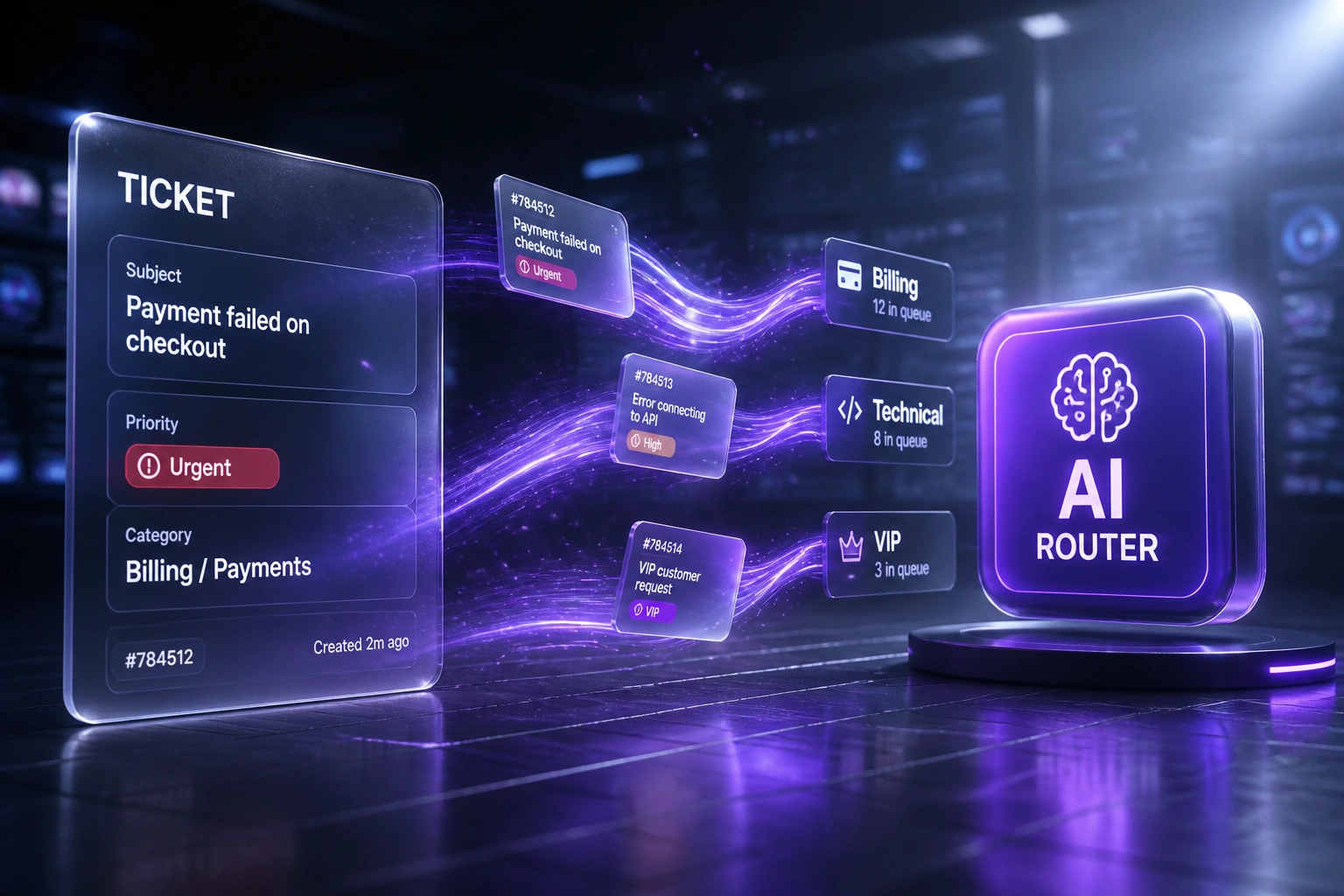
Ticket arrives → AI classifies → queue assigned → agent starts with context. No human copying between inboxes.
Ticket Lands
Customer writes in via email, chat, portal, or WhatsApp into your helpdesk
AI Reads Content
Intent, product area, language, sentiment, and priority scored in seconds
Routed to Queue
Correct team or agent assigned with tags, priority, and SLA clock started cleanly
Faster First Response
Right specialist replies first time; reassignments and SLA breaches drop sharply
Everything You Need for Reliable Support Automation AI
Content-Aware Classification
AI reads subject, body, attachments, and history to classify intent, product area, language, and urgency before a human opens the ticket.
Intelligent Queue Routing
Tickets land in the right Zendesk, Freshdesk, Intercom, HubSpot Service Hub, or Jira Service Management queue on the first attempt.
Priority & SLA Scoring
VIP accounts, churn risk, and contractual severity raise priority automatically so high-stakes tickets skip the backlog.
Skills-Based Agent Assignment
Route by language, product expertise, seniority, and workload so the next available specialist is the right specialist.
Reassignment Guardrails
Confidence thresholds, fallback queues, and audit notes cut ticket ping-pong. Agents only reassign when the model is genuinely unsure.
Routing Ops Dashboards
Misroute rate, first-assign time, first-response time, SLA compliance, and queue balance in one view for the CX or ops lead.
Helpdesks We've Wired for Intelligent Routing
From 23% Misroutes to Under 4%
How a mid-size SaaS support team cut first response from 6.4 hours to 1.2 and recovered R1.1M+ a year in avoidable handling cost.
The Manual Triage Process
- Triage lead spent most of the morning assigning Zendesk tickets by keyword and gut feel
- Roughly one in four tickets transferred at least once before the right queue
- First response averaged 6.4 hours against a 1-hour enterprise SLA on priority cases
- SLA compliance sat at 72%; breach penalties and churn risk stacked up monthly
- Agents cited routing ping-pong as a top frustration and attrition driver
The AI Routing Process
- Every inbound ticket classified on content, intent, language, and priority in seconds
- Misroute rate fell to 3.8%; reassignments became the exception
- First response dropped to 1.2 hours; priority VIPs often under 30 minutes
- SLA compliance climbed to 94% across ticket types
- Triage lead redeployed to quality coaching instead of inbox sorting
Before vs After AI Ticket Routing
How It Works
From first conversation to live intelligent routing in 3–6 weeks.
Tell Us Your Setup
Which helpdesk, how queues are structured, misroute hotspots, and which channels drive the most volume.
Free Scoping Call
30-minute call with your support or CX lead to map intents, priority rules, and success metrics.
Build & Test
We train routing on historical tickets, wire queues and skills, and shadow live traffic for a week before cutover.
Go Live & Monitor
Switch on auto-routing with confidence thresholds. Dashboards track misroutes, FRT, and hours recovered.
Frequently Asked Questions
How is AI ticket routing different from an AI chatbot?
A chatbot answers the customer. AI ticket routing reads incoming tickets and assigns them to the correct queue, team, or agent inside your existing helpdesk. We build routing into Zendesk, Freshdesk, Intercom, HubSpot Service Hub, or Jira Service Management. Your agents still resolve the work; they just stop wasting the first hour on triage.
Will this replace our helpdesk?
No. We wire intelligent routing into the platform you already pay for. Agents keep the same workspace, macros, and SLAs. The change is that tickets arrive already tagged, prioritised, and sitting in the right queue.
How accurate is AI ticket routing?
Teams moving off manual triage typically cut misroute rates from around 23% to under 4% once models are trained on your historical tickets and queue taxonomy (Freshdesk 2025 benchmarks for automated routing programmes). We shadow live traffic, set confidence thresholds, and keep a human fallback queue for low-confidence cases.
Which helpdesks can you connect?
We have built routing into Zendesk, Freshdesk, Intercom, HubSpot Service Hub, Jira Service Management, Salesforce Service Cloud, and custom stacks. If your platform exposes ticket create and update APIs, we can route into it.
How long does AI ticket routing take to launch?
Most builds take 3–6 weeks from scoping to go-live: queue and intent mapping, historical training, helpdesk wiring, confidence thresholds, and a parallel shadow week. Narrow routing on a clean Zendesk or Freshdesk taxonomy can be live in about two weeks.
How much does AI ticket routing cost?
Custom AI ticket routing into an existing helpdesk typically ranges from R35,000 to R85,000 depending on channel count, queue complexity, and platforms. That sits against roughly R203 of excess handling cost per misrouted ticket. Most teams processing a few thousand tickets a month recover the build within 2–4 months.
Stop Paying for Ticket Ping-Pong
If your first-response times suffer because tickets land in the wrong queue, you are funding a problem intelligent routing already solves.
Tell us which helpdesk you run, how queues are structured, and where reassignments hurt most. We will show you exactly how AI ticket routing would work inside your stack, without replacing the platform your agents already know.