Apify API to CRM Integration: Automate Lead Data Pipelines
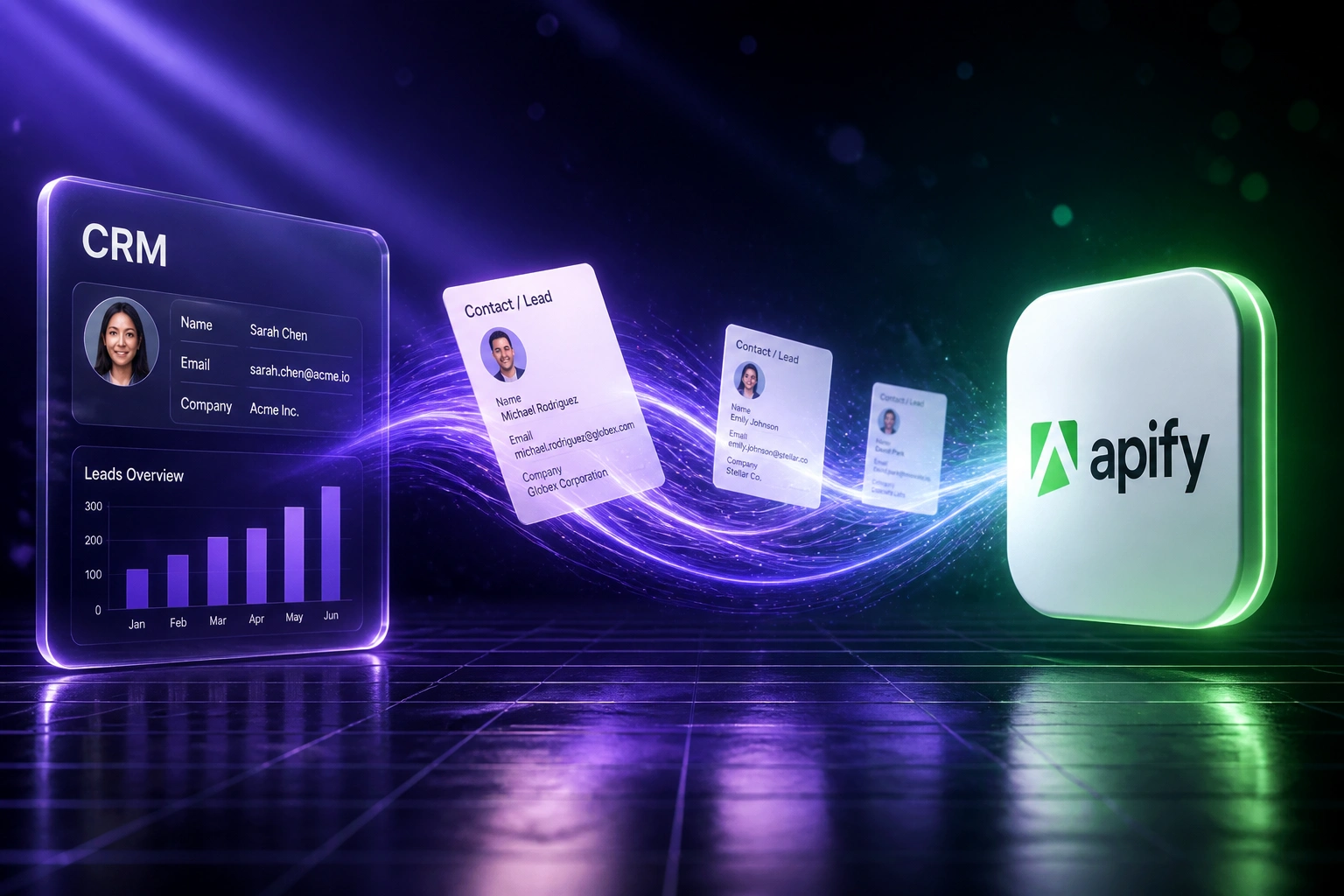
Your team scrapes with Apify, then downloads CSVs, cleans them in spreadsheets, and manually imports into the CRM. That Friday ritual leaves leads stale, creates duplicates, and burns the hours sales should spend calling.
We build the scraper to CRM pipeline that keeps contact records enriched without the CSV step.
Sound Familiar?
These are the exact issues growth and sales ops leads brought to us before Apify CRM automation:
- Growth or sales ops downloads Apify datasets as CSVs every Friday, then cleans them in spreadsheets
- Manual CRM imports create duplicates, mismatched fields, and contacts that never get routed
- Scraped leads sit for days before anyone can call, while competitors respond in minutes
- Public-web enrichment (directories, Maps, company sites) never lands as structured CRM fields
- Nobody trusts the pipeline: half the team scrapes again, half works from last month's export
Apify is retiring monthly Actor rentals on 1 October 2026 in favour of pay-per-event and pay-per-usage billing. If your lead flow still depends on ad-hoc Actor runs and CSV exports, now is the moment to put a durable Apify API automation path into your CRM before the next pricing shift lands.
What the Apify CRM Integration Actually Does
Actor runs → dataset ready → cleaned contacts sync → sales works from live CRM records.
Actor Completes
Scheduled or webhook-triggered Apify Actor finishes and writes a fresh dataset
Clean & Map
Fields normalise, duplicates match, and columns map to your CRM properties
CRM Write
Contacts and companies upsert into HubSpot, Salesforce, Pipedrive, or your CRM
Sales Acts
Routed, enriched leads are ready the same day, not after the next CSV import
Everything You Need for a Reliable Scraper to CRM Pipeline
Scheduled Actor Runs
Apify Actors run on a cadence you choose. Fresh directories, Maps listings, and company pages land without anyone clicking Run.
Dataset → CRM Sync
When a run finishes, cleaned records write into HubSpot, Salesforce, Pipedrive, or your CRM via API. No CSV download step.
Webhook & API Triggers
Actor webhooks or scheduled API pulls push new items into the pipeline the moment the dataset is ready.
Dedupe & Survivorship
Email, phone, and company matching stop the same lead appearing three times after every scrape cycle.
Field Mapping
Apify dataset columns map to the CRM properties sales already filters on: title, company, source, location, and custom tags.
Lead Enrichment from the Open Web
Public listings and site data keep contact records current so outreach is not built on last quarter's spreadsheet.
CRMs We've Wired to Apify Pipelines
From 5 Hours/Week of CSVs to Same-Day CRM Leads
How a 12-person B2B growth team stopped the Friday Apify export ritual and put directory scrapes into HubSpot automatically.
The Manual Process
- Ops exported Apify datasets every Friday and cleaned columns in Sheets
- 45–90 minutes per import: field mapping, dedupe by eye, HubSpot upload
- Leads sat 3–5 days between scrape and first outreach attempt
- Duplicate companies piled up after every overlapping Actor run
- Sales ignored "new" lists they no longer trusted
The Automated Process
- Actor finishes → cleaned contacts upsert into HubSpot within minutes
- Dedupe on email and company; only ambiguous matches need review
- Same-day routing into the right sales queue
- Source and scrape date stamp every record for campaign reporting
- Failed runs alert ops before the list goes stale
Before vs After Apify CRM Automation
How It Works
From first conversation to live Apify → CRM sync in 2–4 weeks.
Tell Us Your Setup
Which Actors you run, which CRM you write to, and where the Friday CSV ritual hurts most.
Free Scoping Call
30-minute call to map Actor schedules, field mapping, dedupe rules, and routing into sales queues.
Build & Test
We wire Actor → dataset → CRM, run parallel against a CSV week, and validate match rates with your team.
Go Live & Monitor
Switch off manual imports. Alerts catch failed runs so stale leads never silently pile up again.
Frequently Asked Questions
What is an Apify API to CRM integration?
It is an automated pipeline where Apify Actors scrape or collect public web data into datasets, then those records are cleaned, deduped, and written into your CRM (HubSpot, Salesforce, Pipedrive, and others) via API or webhook. Sales and marketing work from live contacts instead of Friday CSV exports.
Which CRMs can receive Apify scraped data?
We have built scraper-to-CRM pipelines into HubSpot, Salesforce, Pipedrive, Zoho CRM, Monday.com, Freshsales, and custom CRMs with an API. If your CRM accepts contacts and companies via API, we can map Apify fields into it.
How does this differ from downloading Apify CSVs manually?
Manual export means someone downloads a dataset, fixes columns in a spreadsheet, and imports into the CRM. That lag creates duplicates, stale leads, and delayed outreach. The automated Apify CRM integration runs on schedule or webhook so contacts land cleaned and routed without the spreadsheet step.
What about Apify Actor run costs?
Apify bills compute units (1 CU = 1 GB RAM for one hour). On the Starter plan that is about R3.26 per CU at current rates (around R16.30 per US dollar). A typical standard scrape often costs well under R1 in compute; heavier browser crawls cost more. Store Actors may add per-result fees on top. We design schedules so platform spend stays predictable relative to the lead value you recover.
Will this create duplicate contacts in our CRM?
No. Integrations include matching on email, phone, and company name before create-or-update. Existing golden records update; true new leads insert. Your team only reviews ambiguous matches when confidence is low.
How much does an Apify to CRM pipeline cost to build?
Simple one-way Actor → CRM syncs start from around R15,000. Pipelines with custom dedupe, multi-Actor schedules, and routing logic typically range from R25,000 to R60,000. Teams spending 4+ hours a week on CSV import usually recover the project cost within 2–3 months from ops time alone.
Stop the Friday CSV Ritual
If your growth or sales ops team is still downloading Apify datasets and importing them by hand, you are paying for a problem that an Apify API CRM integration already solves.
Tell us which Actors you run, which CRM you write to, and where lead data enrichment breaks down. We will show you how a scheduled scraper to CRM pipeline would work for your stack.