Apify to Data Warehouse: Build Automated Data Pipelines
Your scrapers finish on schedule, then the extract sits in an Actor dataset or CSV dump while analysts rebuild sheets for BI. Pricing and competitor numbers go stale, and the warehouse never becomes the source of truth.
We design the Apify data pipeline that turns web extracts into governed, queryable warehouse tables.
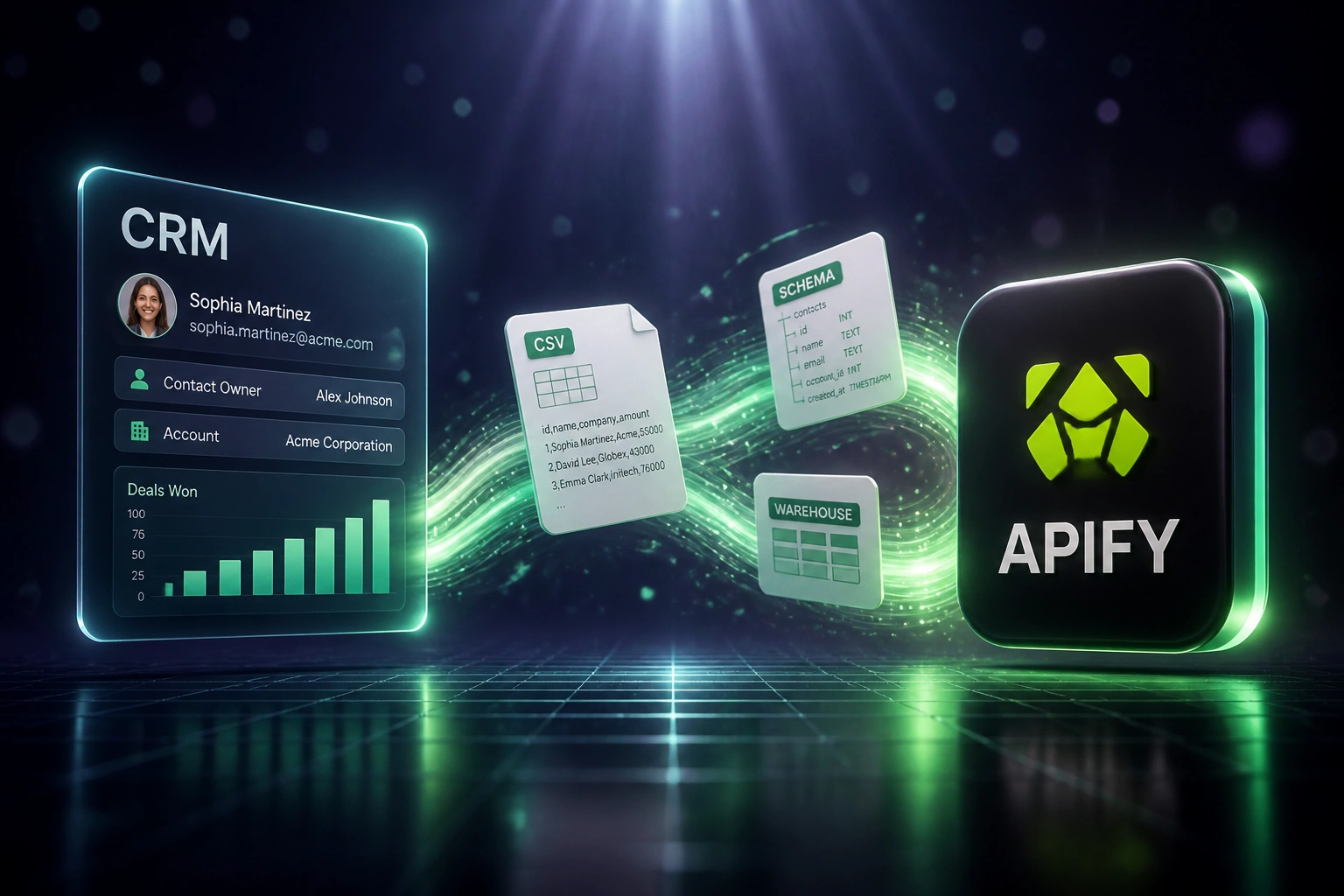
Sound Familiar?
These are the exact issues our clients faced before a proper scraper-to-warehouse ETL replaced the dump-and-rebuild loop:
- Apify Actor datasets pile up as CSV downloads while the warehouse still holds last week's scrape
- Analysts rebuild competitor and pricing sheets every Monday instead of querying governed tables
- Schema drift between Actor output and warehouse columns breaks overnight loads without anyone noticing
- Dashboards lag 1–3 days behind the scrape, so BI decisions land on stale market data
- Nobody owns freshness: ops blames the scraper, analytics blames the dump, leadership trusts neither
Industry research puts median freshness SLA breaches at 4.2% without automated monitoring, versus 1.1% with it, and only 28% of data teams even define freshness SLAs. If your Apify extracts never reach the warehouse cleanly, you are choosing that breach rate by default.
What the Apify Analytics Pipeline Actually Does
Schedule → transform → load → monitor. No human copying Actor CSVs into the warehouse.
Schedule the Extract
Apify Actors run on a defined cadence and finish with a stable dataset
Transform the Payload
Fields typed, renamed, and validated into your warehouse schema
Load the Warehouse
Idempotent upserts into BigQuery, Snowflake, Redshift, or PostgreSQL
Monitor Freshness
SLA alerts fire if tables lag, so BI trusts the scrape every morning
Everything You Need for ETL Web Data into Analytics
Scheduled Extract
Apify Actors run on a cadence you choose. Finished datasets enter the pipeline automatically, without a Friday CSV download.
Transform & Typing
Raw Actor fields map to warehouse types, null rules, and naming conventions. Unstructured scrapes become analytics-ready columns.
Reliable Warehouse Load
Cleaned rows land in BigQuery, Snowflake, Redshift, or PostgreSQL with idempotent upserts so re-runs do not stack duplicates.
Freshness Monitoring
If a scheduled scrape succeeds but the warehouse table misses your SLA, your team gets alerted before a stale board pack ships.
Pipeline Error Handling
Retries, dead-letter quarantine, and schema validation catch bad rows early. Ops only intervenes when a human decision is needed.
BI-Ready Tables
Partitioned dates, stable keys, and documented fields so Looker, Power BI, and Metabase models join scraped facts without rework.
Warehouses and BI Stacks We Connect
From 10 Hours/Week of Sheet Rebuilds to 1 Hour
How an ecommerce intelligence team stopped dumping Actor CSVs and made scraped pricing data a governed warehouse fact for BI.
The Manual Process
- Overnight Apify scrapes finished, then sat as Actor datasets until someone exported CSV
- An analyst cleaned columns, fixed types, and pasted into sheets every Monday morning
- Warehouse tables only updated after a mid-week manual load, often 48 hours behind
- Roughly ten hours a week went to export, transform-by-hand, and reload rituals
- Competitor pricing packs for leadership routinely used last week's numbers
The Automated Process
- Scheduled Actors feed a transform layer that types and validates every field
- Idempotent loads land in BigQuery with Snowflake mirrors for finance packs
- Looker and Power BI read partitioned warehouse tables instead of rebuilt sheets
- Analysts review freshness alerts and quarantined rows only, about one hour a week
- Same-morning scrapes drive same-morning decisions without a dump bottleneck
Before vs After Integration
How It Works
From first conversation to a live Apify analytics pipeline in 2–4 weeks.
Tell Us Your Setup
Which Apify Actors you run, which warehouse you load, and where CSV dumps still block analytics.
Free Scoping Call
30-minute call to map schedule, transform rules, load targets, freshness SLAs, and which dashboards go first.
Build & Test
We design the end-to-end Apify analytics pipeline, run parallel against a CSV week, and validate row counts with your BI lead.
Go Live & Monitor
Switch off manual loads. Scheduling, transform, load, and monitoring keep scraped data queryable after every run.
Frequently Asked Questions
What is an Apify data pipeline to a warehouse?
It is an end-to-end ETL design that schedules Apify Actor runs, transforms the finished dataset into typed columns, loads those rows into BigQuery, Snowflake, Redshift, or PostgreSQL, and monitors freshness so scrapes become governed, queryable tables for dashboards and models.
How is this different from a webhook-only Apify load?
A webhook can fire when a run succeeds, but that alone is not a complete scraper-to-warehouse system. We design the full Apify analytics pipeline: cadence, schema transform, idempotent load, retries, and freshness SLAs. The commercial offer is governed warehouse tables, not just a destination hook.
Which warehouses do you support?
We commonly land Apify datasets in BigQuery, Snowflake, Amazon Redshift, and PostgreSQL, then connect Looker, Power BI, Metabase, or dbt models on top. If your warehouse accepts scheduled SQL loads or staged file ingest, we can map Actor output into it.
How fresh will warehouse tables be after a scrape?
Batch warehouse loads (including BigQuery shared-pool loads) are cheap to run; the win is removing analyst lag. Most clients move from 1–3 day CSV lag to tables that refresh within minutes to an hour of a successful Actor run, depending on schedule and volume.
What happens when an Actor schema changes or a load fails?
Schema validation catches unexpected fields before they corrupt reporting tables. Failed extracts and loads retry with backoff; rows that still fail land in a quarantine path. Freshness alerts fire when a table misses your SLA, so BI is not the first to notice.
How much does an Apify-to-warehouse ETL pipeline cost?
Simple one-way Actor schedule → warehouse loads start from around R15,000. Full pipelines with multi-Actor schedules, custom transforms, idempotent upserts, and freshness monitoring typically range from R25,000 to R60,000. Teams spending 8+ hours a week on CSV warehouse loads usually recover the project cost within 2–3 months from analyst time alone.
Stop Rebuilding Sheets from Actor CSVs
If scraped data still reaches your warehouse through downloads and Monday sheet rebuilds, you are spending money on a problem a proper Apify-to-warehouse pipeline already solves.
Tell us which Actors you run, which warehouse you load, and where freshness hurts most. We will show you how schedule, transform, load, and monitoring would work for your stack.