Apify with n8n, Make, and Zapier: No-Code Scraping Workflows
You already pay for Apify and an automation platform. Yet ops still downloads CSVs, cleans them in Sheets, and pastes the same rows into Slack, CRM, and email. That handoff burns hours every week and keeps scraped data from becoming operational the same day.
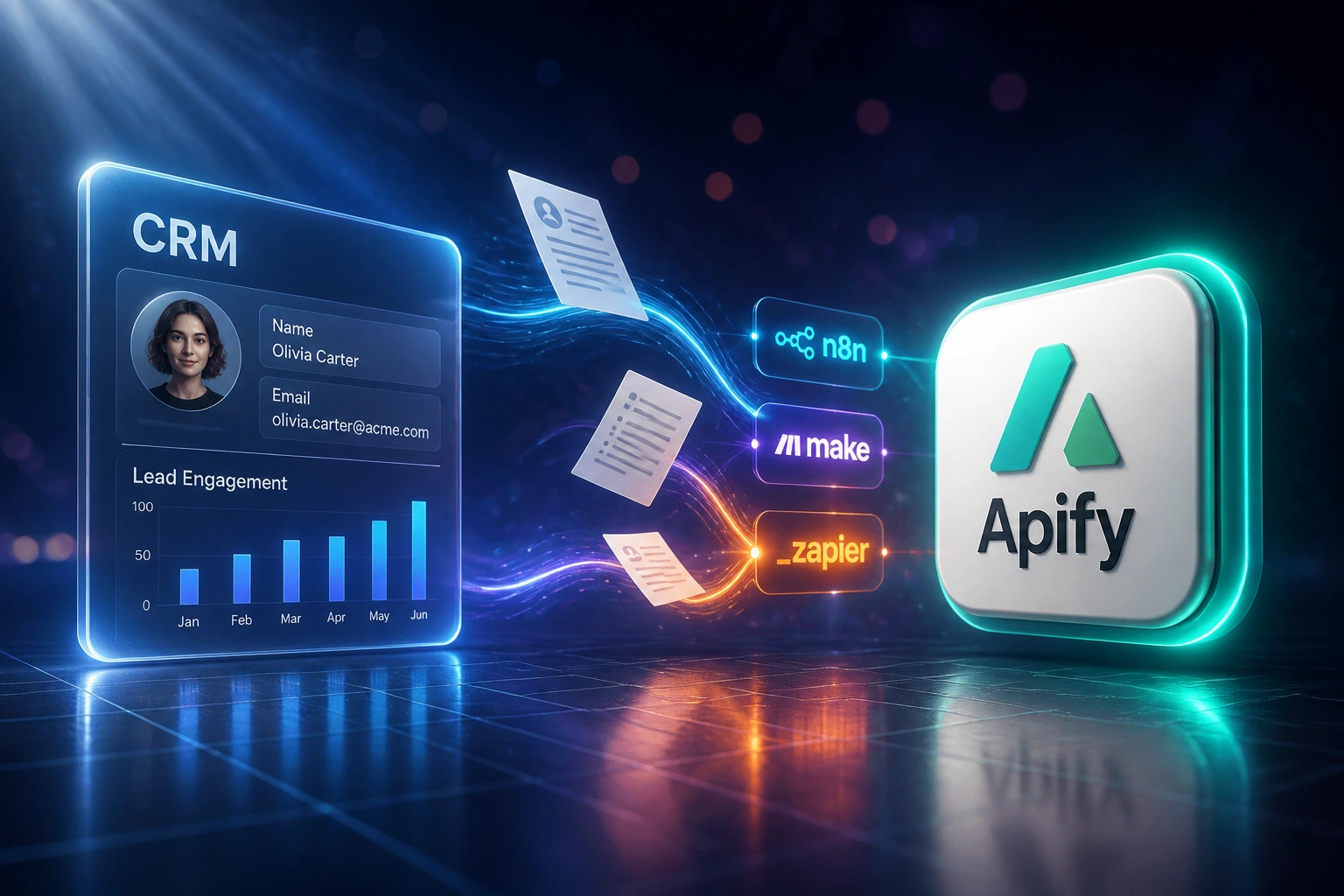
We wire the Apify n8n integration (or Make / Zapier) so Actor results route themselves.
Sound Familiar?
These are the exact issues our clients faced before they connected Apify to their automation platform:
- Ops downloads Apify datasets as CSVs, then pastes rows into Google Sheets by hand
- The same scrape gets routed to Slack, CRM, and email in three separate manual steps
- Make and Zapier subscriptions sit idle while someone still babysits the handoff
- Long Actor runs time out on synchronous iPaaS steps, so workflows fail halfway through
- Errors from copy-paste land in the wrong channel and nobody notices until Monday
Apify Store monthly Actor rentals retire on 1 October 2026, shifting Store billing to pay-per-event and pay-per-usage. Teams that still babysit CSV exports will feel every wasted run. A webhook-triggered no-code scraping workflow turns each paid run into operational data the same day.
What the Apify Automation Platform Integration Does
Actor finishes → webhook fires → workflow branches → destinations update. No CSV download.
Actor Run Completes
Apify finishes a Store or custom Actor and writes the dataset
Webhook Hits iPaaS
n8n, Make Watch Actor Runs, or Zapier Catch Hook receives the success event
Dataset Mapped & Branched
Rows map to fields, then routers send subsets to Sheets, CRM, Slack, or email
Data Goes Live Same Day
Ops reviews exceptions only. Scraped data is already in the tools people use
Everything You Need for a Reliable No-Code Scraping Workflow
Webhook-Triggered Workflows
When an Actor run succeeds, Apify fires a webhook into n8n, Make, or Zapier. The dataset is fetched and routed without anyone clicking Export.
Branching Destinations
One scrape can fan out: new leads to CRM, price rows to Sheets, anomalies to Slack, and a full dump to your warehouse.
Async Run Pattern
Long scrapes use Watch Actor Runs or Catch Hook instead of sync timeouts. Make and Zapier wait for the finish event, not the clock.
Error Routing & Retries
Failed runs and empty datasets alert the right channel. Successful paths keep moving so one bad row never blocks the whole batch.
Field Mapping Without Code
Dataset columns map to Sheet headers, CRM properties, and Slack message templates inside the visual builder your team already uses.
Schedule + Event Hybrids
Apify schedules kick off Actors; your iPaaS owns what happens next. Ops keeps control of routing without writing custom scripts.
Platforms We Wire into Apify Workflows
From 11 Hours/Week to 90 Minutes
How a mid-size SA retailer stopped CSV babysitting between Apify and Make, and made competitor price data operational the same day.
The Manual Process
- Marketing ops downloaded Apify datasets after every scheduled scrape
- 11 hours a week cleaning CSVs, pasting into Sheets, and pinging Slack
- Roughly 3% of rows had wrong SKUs or prices from copy-paste mistakes
- Average 1–2 business days from scrape finish to usable dashboard rows
- Make subscription paid for, but only used for unrelated form zaps
The Automated Process
- Actor success webhook triggers a Make scenario with Watch Actor Runs
- Dataset maps into Sheets, Slack alerts, and CRM price overrides automatically
- Exceptions route to a review channel; clean rows never wait for a human
- Same-day operational data after every scrape
- Ops spends about 90 minutes a week on flagged rows only
Before vs After Integration
How It Works
From first conversation to live no-code scraping workflows in 2–4 weeks.
Tell Us Your Setup
Which Actors you run, which iPaaS you already pay for, and where the CSV handoff still happens.
Free Scoping Call
30-minute call to map webhook triggers, branching routes, and the destinations that matter this quarter.
Build & Test
We wire Actor → webhook → n8n, Make, or Zapier, then run parallel against a CSV week to prove accuracy.
Go Live & Monitor
Switch off manual exports. Alerts catch failed runs so scraped data stays operational the same day.
Frequently Asked Questions
What is an Apify n8n, Make, or Zapier integration?
It is a no-code scraping workflow where Apify Actors finish a run, fire a webhook, and your automation platform (n8n, Make.com, or Zapier) pulls the dataset and routes rows into Google Sheets, Slack, CRM, email, or a warehouse. Marketing and ops control the branching in a visual builder, without custom code.
Should we use n8n, Make, or Zapier with Apify?
Zapier suits simple linear routes and the widest app directory (paid plans from about R326/month for 750 tasks). Make suits multi-branch scenarios and is typically cheaper at volume (Core from about R147/month for 10,000 credits). n8n suits teams that want self-hosted control and the official Apify community node. We help you pick based on volume, branching, and who will maintain the workflows.
Why do long Apify Actor runs break our Make or Zapier zaps?
Synchronous steps in Make and Zapier enforce hard timeouts. Browser scrapes often overrun them. The reliable pattern is asynchronous: Watch Actor Runs (Make), Catch Hook or Finished Actor run (Zapier), or the n8n Apify trigger on run finished, then Get Dataset Items. We build that pattern by default.
How much do Apify runs cost alongside an iPaaS plan?
Apify bills compute units (1 CU = 1 GB RAM for one hour). On Starter that is about R3.26 per CU at roughly R16.30 per US dollar. A typical light scrape is often well under R1 in compute; heavier browser crawls cost more. Store Actors may add per-result fees. Your iPaaS bill is separate and usually dwarfed by the staff hours you recover from killing CSV handoffs.
Will this replace our existing Zapier or Make subscription?
No. We wire the Apify Make Zapier (or n8n) connection into the platform you already pay for. The goal is to stop paying for automation while still doing the handoff manually. Your team keeps the same login; the workflow just starts when the Actor finishes.
How much does a no-code scraping workflow integration cost?
Simple one-way Actor → Sheets or Slack routes start from around R15,000. Multi-branch Apify automation platform setups with CRM, email, and warehouse destinations typically range from R25,000 to R60,000. Teams spending 8+ hours a week on CSV routing usually recover the project cost within 2–3 months from ops time alone.
Stop Babysitting Apify CSV Exports
If your team already pays for Apify and n8n, Make, or Zapier, but still copies datasets by hand, you are funding a problem that webhook-triggered workflows already solve.
Tell us which Actors you run, which automation platform you use, and where the Friday export ritual still happens. We will show you exactly how a no-code scraping workflow would route that data the same day.