Takealot Product and Pricing Scraper: Competitive Intelligence with Apify
Your category or pricing lead still opens Takealot, screenshots rival listings, and types SA ecommerce pricing into a sheet by hand. By the time the product price monitor is done, Buy Box dynamics and daily undercuts have already moved. Slow manual checks punish margin and conversion on South Africa's largest general merchandise marketplace.
We wire scheduled Apify Actors so Takealot competitor data lands in your pricing sheet or BI feed the same day.
Sound Familiar?
These are the exact issues our clients faced before Takealot scraping with Apify:
- Category or pricing leads still screenshot Takealot competitor listings and type prices into a sheet every morning
- By the time the sheet is finished, rivals have already moved: data is 3–5 days stale before anyone reprices
- Manual checks cover only a handful of hero SKUs, so most of the catalogue goes unwatched
- Buy Box and featured-offer losses go unnoticed until conversion drops mid-week
- Nobody can prove whether a stockout or an undercut caused yesterday's sales dip
Marketplace Buy Box dynamics decide most of the sale. Research on featured-offer marketplaces puts roughly 82% of sales behind the winning offer. On Takealot, daily price moves and stock flips punish teams that only check competitors once or twice a week.
What Takealot Scraping with Apify Actually Does
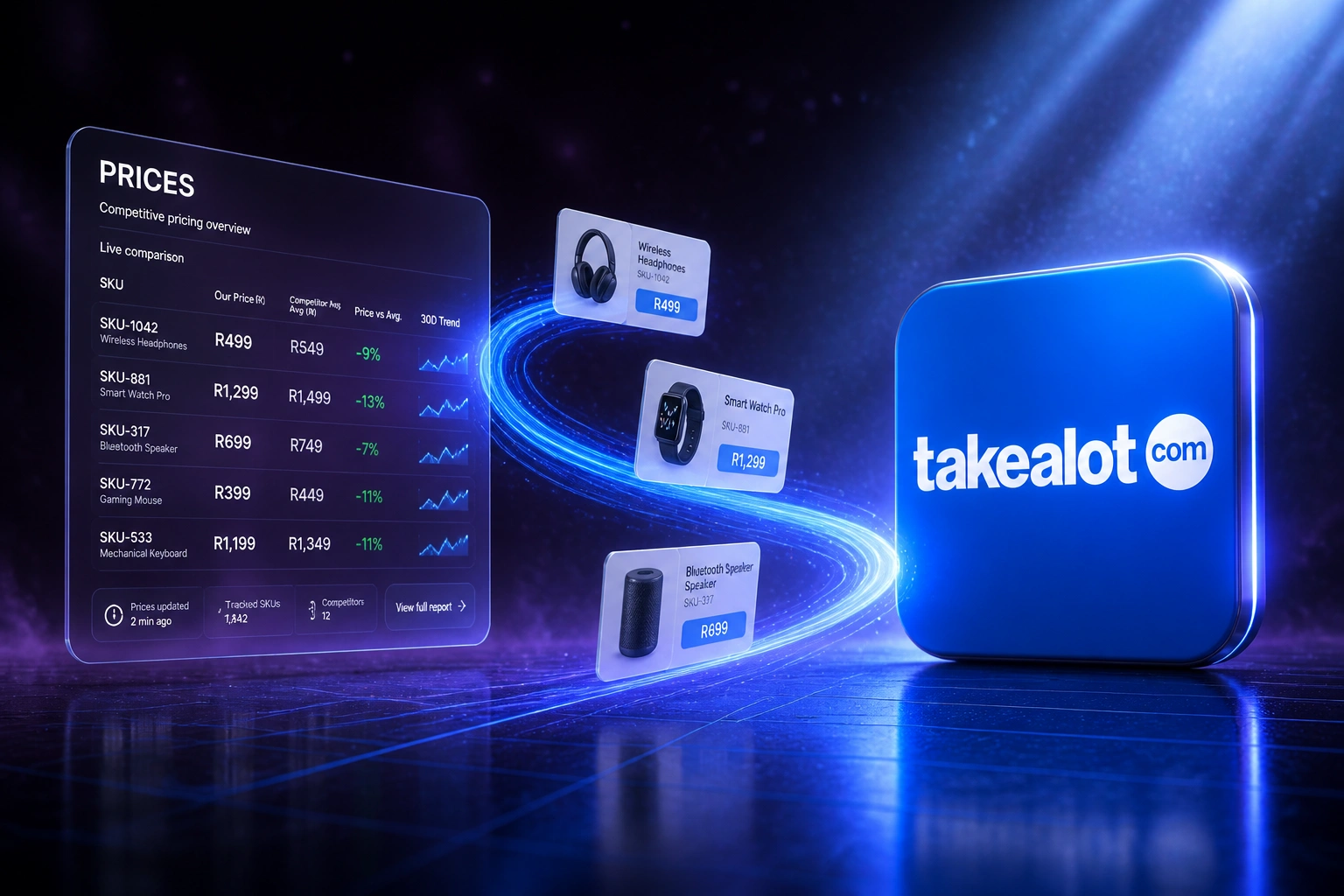
Schedule runs → extract listings and prices → land in your sheet or BI → reprice or alert the same day.
Watchlist Defined
You name the Takealot PLIDs, categories, or competitor sellers that matter to margin
Apify Actor Runs
Scheduled Actors pull listings, prices, stock status, and seller fields without a screenshot marathon
Feed Your Pricing Stack
Rows land in Sheets, Excel, or the warehouse; alerts fire when rivals undercut or stock flips
Same-Day Decisions
Category and pricing leads react to undercuts and stockouts while the window is still open
Everything You Need for Reliable Takealot Competitor Data
Scheduled Takealot Scrapes
Apify Actors pull product listings, selling prices, stock status, and seller fields on a schedule you choose: overnight, every few hours, or around promo windows.
Pricing Sheet & BI Feeds
Clean rows land in Google Sheets, Excel, BigQuery, or your warehouse so pricing leads work from structured Takealot competitor data, not screenshots.
Buy Box & Offer Watch
Track who holds the featured offer, when rivals undercut, and when stock flips so your team reacts the same day instead of discovering it in a Friday review.
Stock & Seller Signals
Stock status and seller identity travel with each SKU, so you can separate a price war from a competitor running dry.
Catalogue Coverage at Scale
Watch hundreds or thousands of Takealot URLs without burning an analyst's week. Filters and Actor configs hold the watchlist, not someone's memory.
Alerts on Meaningful Moves
Email or Slack when a rival drops below your floor, wins the Buy Box, or goes out of stock. Noise stays out; action items come in.
Where We Deliver Takealot Pricing Data
From 18 Hours/Week to Under 1 Hour/Week
How a Johannesburg consumer-electronics brand stopped screenshotting Takealot rivals and started reacting to undercuts the same day.
The Manual Process
- Pricing analyst opened Takealot tabs and screenshotted hero SKUs each morning
- Typed rival prices and stock notes into a shared sheet for about 120 SKUs
- Full pass finished mid-week; promo undercuts were already three to five days old
- Less than 10% of the active catalogue was watched in any given week
- Buy Box losses only surfaced when conversion reports looked soft
The Automated Process
- Overnight Apify runs refresh the full watchlist into Google Sheets and Looker Studio
- Pricing lead reviews exceptions and floor breaches in a short morning pass
- Stock and seller fields sit beside price, so undercuts are separated from stockouts
- Slack alerts fire when a rival wins the featured offer or dips below floor
- Same-day reprice decisions on competitive SKUs, not Friday catch-up
Before vs After Takealot Price Monitoring Automation
How It Works
From first conversation to live Takealot competitor feeds in 2–4 weeks.
Tell Us Your Setup
Which Takealot categories and SKUs you watch, how you reprice today, and where the morning screenshot ritual hurts most.
Free Scoping Call
30-minute call to pick Actors, fields, run frequency, and how rows should land in your pricing sheet or BI stack.
Build & Test
We wire Apify runs to your destinations, pilot a category, and compare freshness against your manual spreadsheet week.
Go Live & Monitor
Switch off the screenshot ritual. Monitoring catches failed runs so competitive intel never goes dark on a promo weekend.
Frequently Asked Questions
What is a Takealot product and pricing scraper with Apify?
It is a scheduled pipeline where Apify Actors extract public Takealot product listings, selling prices, stock status, and seller data into structured rows for your pricing sheet or BI feed. Ecommerce brands and category managers use it for competitive intelligence: watching rivals and the Buy Box, not for pushing stock into Seller Portal.
How is this different from Takealot Seller Portal integration?
Seller Portal or Seller API work pushes your own stock, prices, and orders into Takealot. This page is the opposite direction: reading marketplace listings out of Takealot so you can see competitor prices, stockouts, and offer winners. Many brands need both, but they solve different jobs.
How long does manual Takealot price monitoring take?
Ecommerce pricing case studies put dedicated analysts at around 22 hours a week on manual competitor checks, often covering only 5–12% of the catalogue. South African teams doing the same with screenshots and spreadsheets typically see 3–5 day lag before a reprice decision. An Apify schedule can refresh your watchlist overnight.
Is scraping Takealot allowed, and what should decision makers consider?
Public marketplace pages are commonly used for competitive pricing intelligence, but site terms, robots rules, and POPIA still matter when personal data appears. We are not giving legal advice. We help teams document purpose, stick to product and offer fields, throttle responsibly via Apify, and weigh risks with counsel where needed.
Where does the scraped data go?
Wherever your pricing lead already works: Google Sheets, Excel, BigQuery, Snowflake, or a dashboard in Looker Studio or Power BI. We can also fire Slack or email alerts when a rival undercuts or stock flips. The goal is a trusted feed, not another tool nobody opens.
How much does a Takealot pricing scraper pipeline cost?
Simple one-way Actor-to-sheet pipelines start from around R15,000. Scheduled runs with alerts, multi-category watchlists, and warehouse feeds typically range from R25,000 to R60,000. Teams burning 15+ hours a week on manual Takealot checks usually recover the project cost within 2–3 months from analyst time alone.
Stop Losing the Day to Manual Takealot Price Checks
If your team is still building SA ecommerce pricing sheets from Takealot screenshots, you are spending money on a product price monitor problem that scheduled Apify Actors already solve.
Tell us which categories and SKUs you watch, how you reprice today, and where the friction hurts most. We will show you exactly how Takealot competitor data would land in your pricing sheet or BI feed.