Apify to Slack and Teams: Scraper Notifications and Alerts
Your scrapers fail silently. Without Slack or Teams notifications from Apify webhooks, empty runs and broken Actors sit unnoticed until a Monday report, a pricing miss, or a client asks why the feed went dark.
We wire Apify webhooks into the channel your ops team already watches.
Sound Familiar?
These are the exact issues our clients faced before Apify webhook channel alerts:
- Scheduled Apify Actors fail overnight and nobody notices until the Monday report looks empty
- Ops leads babysit the Apify Console instead of working from Slack or Teams channels they already watch
- Empty datasets and timed-out runs look "successful enough" until pricing or lead lists go stale
- Failure rediscovery eats hours: digging through run history, datasets, and who last touched the Actor
- Teams learn about broken scrapers from a client complaint or a board pack, not from an alert
A scraper that crashes is recoverable. A silent failure is not. Industry guidance is blunt: a break caught in an hour is an incident; a break caught in three weeks is a data disaster, because many sites never expose the historical state you needed to backfill.
What the Apify Webhook Integration Actually Does
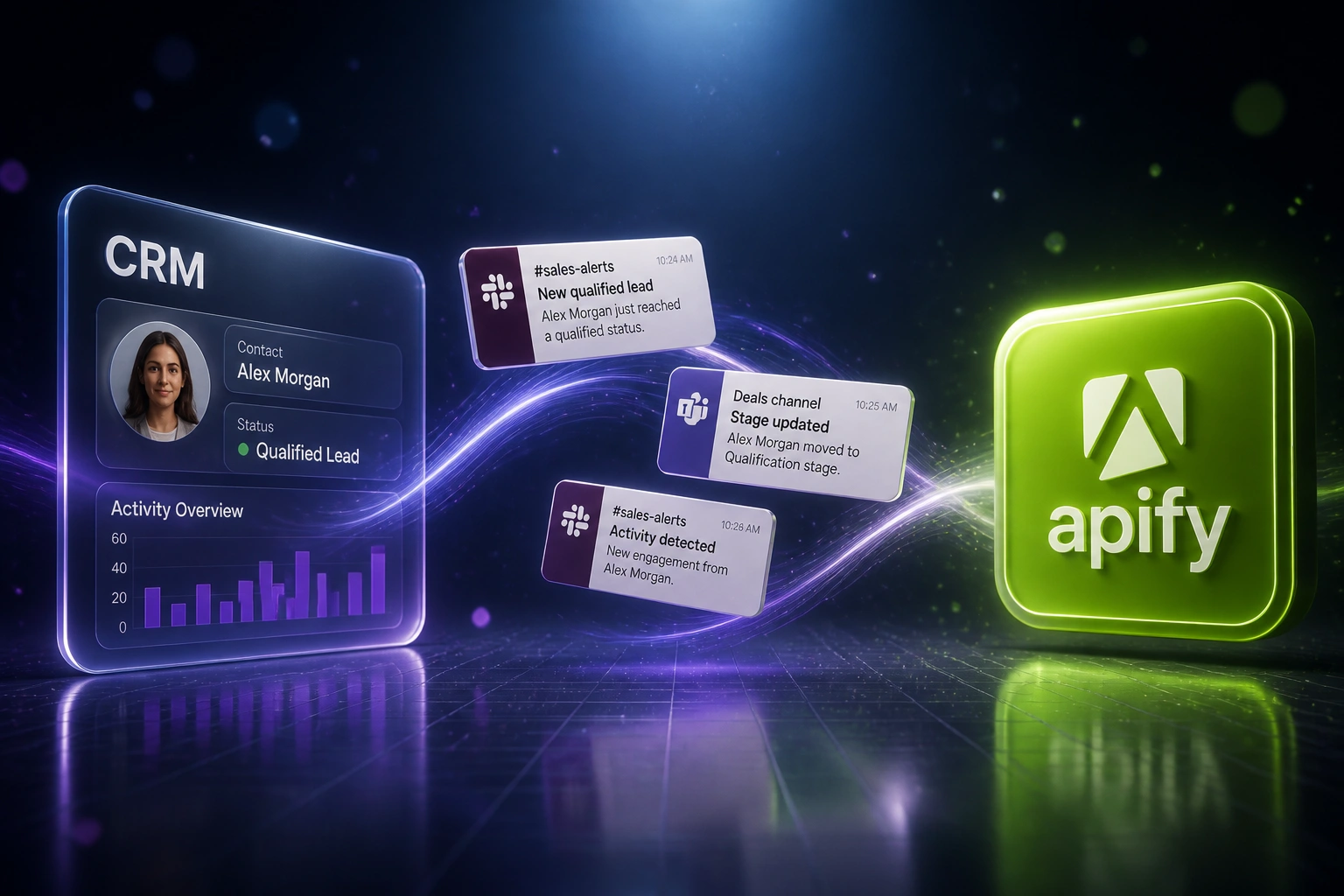
Actor finishes or fails → webhook fires → Slack or Teams posts the alert → ops responds while the window is still recoverable.
Apify Run Completes
A scheduled Actor succeeds, fails, times out, or returns a suspiciously empty dataset
Webhook Fires
Apify posts the event via native Slack integration or a webhook to your destination
Channel Alert Lands
Slack or Microsoft Teams shows status, Actor name, and a link into the failing run
Ops Acts Same Day
Someone fixes selectors, retries, or pauses downstream use before Monday discovers the gap
Everything You Need for Reliable Scraping Alerts
Failure Alerts to Slack or Teams
When an Apify Actor fails, times out, or aborts, a webhook posts straight into the channel your ops team already watches.
Run Summaries on Success
Successful runs can post a short summary: Actor name, status, runtime, and a link to the dataset so the team sees health without opening the Console.
Empty Dataset Guards
A "green" run with zero rows is still a silent failure. We add checks so suspiciously empty or thin datasets raise a channel alert before bad data spreads.
Multi-Actor Coverage
Wire the same Apify Slack integration or webhook pattern across every production Actor and task, so coverage is consistent instead of one-off.
Teams and Slack Together
Some teams live in Slack, others in Microsoft Teams. We route Apify scraper notifications to the workspace your engineers and ops leads actually open.
Quiet Hours and Escalation
Noise kills alerting. We tune which events fire, who gets tagged, and when a repeated failure escalates so the channel stays useful.
Platforms We've Wired for Apify Alerts
From Two-Day Blind Spots to Under Ten Minutes
How a 15-person ecommerce intelligence team stopped discovering dead Apify scrapers on Monday morning.
The Manual Process
- Twelve scheduled Apify Actors fed pricing and catalogue views used by merchandising every week
- Weekend failures sat unnoticed until Monday dashboard reviews
- Ops lead spent about five hours a week in the Console chasing empty datasets and timed-out runs
- Average silent window around two days before someone spotted the gap
- Bad or missing rows still reached weekly packs before anyone raised a hand
The Alerted Process
- Apify webhooks post failure and timeout events into Slack #scraper-ops and a Teams ops channel
- Success summaries include dataset links so health is visible without Console babysitting
- Empty-dataset guards catch "green" runs that returned nothing useful
- Detection dropped from roughly two days to under ten minutes on critical Actors
- Ops reviews channel noise for about 45 minutes a week instead of hunting history
Before vs After Scraping Alerts
How It Works
From first conversation to live channel alerts in about 1–4 weeks, depending on Actor count and dual-channel needs.
Tell Us Your Setup
Which Apify Actors run on schedule, where failures hurt first, and whether the team lives in Slack, Teams, or both.
Free Scoping Call
30-minute call to map failure events, run summaries, empty-dataset checks, and the channels that should receive scraping alerts.
Build & Test
We wire Apify webhooks and Slack or Teams destinations, fire test failures, and confirm the message shape your ops lead wants.
Go Live & Monitor
Switch off Console babysitting. Channel alerts catch broken scrapers while the team is still on the clock.
Frequently Asked Questions
What is an Apify Slack integration for scraper notifications?
It is a setup where Apify posts run events into a Slack channel your ops team already watches. Apify offers a native Slack integration on Actors and tasks, and you can also point Apify webhooks at a Slack Incoming Webhook URL. The goal is scraper failure alerts and run summaries in-channel, not another dashboard to babysit.
Can we send the same Apify alerts to Microsoft Teams?
Yes. Teams does not always get the same one-click console integration as Slack, so we typically route Apify webhooks to a Teams incoming webhook or Workflows URL, or through n8n, Make, or Zapier when you need filtering first. Your ops lead still gets channel alerts without living in the Apify Console.
Which Apify events should we alert on?
For production scrapers, failed and timed-out runs are the highest-value events. Many teams also want a short success summary and an empty-dataset check, because a run that finishes with zero useful rows is still a silent failure. We help you pick events so the channel stays signal-heavy instead of noisy.
How long does Apify to Slack or Teams alerting take to set up?
A focused webhook alerting setup for a handful of Actors is often live within a week. Broader coverage across many Actors, empty-dataset guards, dual Slack and Teams routing, and escalation rules typically lands in the 2–4 week range from scoping to go-live.
Will this replace our need to open the Apify Console?
It reduces the need to check the Console on a schedule. Alerts carry run status and links so someone can jump straight to the failing run when it matters. Deep debugging still happens in Apify, but discovery no longer depends on someone remembering to look.
How much does Apify webhook Slack and Teams alerting cost?
Simple one-way failure alerts into Slack or Teams start from around R15,000. Multi-Actor coverage with run summaries, empty-dataset guards, and dual-channel routing typically ranges from R25,000 to R45,000. Teams burning five or more hours a week rediscovering failed scrapers usually recover the project cost within 6–10 weeks from staff time alone.
Stop Discovering Broken Scrapers on Monday
If your ops team still finds Apify failures in a report instead of a Slack or Teams channel, you are paying for delayed detection on a problem webhook alerts already solve.
Tell us which Actors run on schedule, whether the team lives in Slack or Microsoft Teams, and what a silent weekend failure costs you. We will show you how Apify scraper notifications would land in the channel you already watch.