Apify Webhooks to BigQuery and Snowflake: Real-Time Data Pipelines
Your scrapers finish on schedule, then the dataset sits in a CSV download for hours or days before anyone loads the warehouse. Dashboards stay stale, analysts burn mornings on file prep, and leadership decides from yesterday's numbers.
We build the Apify Snowflake integration and BigQuery path that makes scraper data warehouse-ready the moment a run finishes.
Sound Familiar?
These are the exact issues our clients faced before a real-time data pipeline replaced the CSV dump:
- Apify runs finish overnight, but datasets sit as CSV downloads until someone has time to load them
- Dashboards report yesterday's scrape while pricing, competitors, or listings have already moved
- Analysts spend mornings cleaning exports and retyping columns instead of answering business questions
- BigQuery, Snowflake, or PostgreSQL only update after a manual dump, so board packs always lag the source
- Nobody trusts freshness: half the team re-scrapes, half works from last week's warehouse snapshot
IBM reports that 85% of data leaders say decisions on outdated data have directly cost their companies money, and typical data request turnaround still stretches from one to four weeks. If your scraper data warehouse only updates after a manual CSV load, you are choosing that lag by default.
What the Apify Webhooks BigQuery Pipeline Actually Does
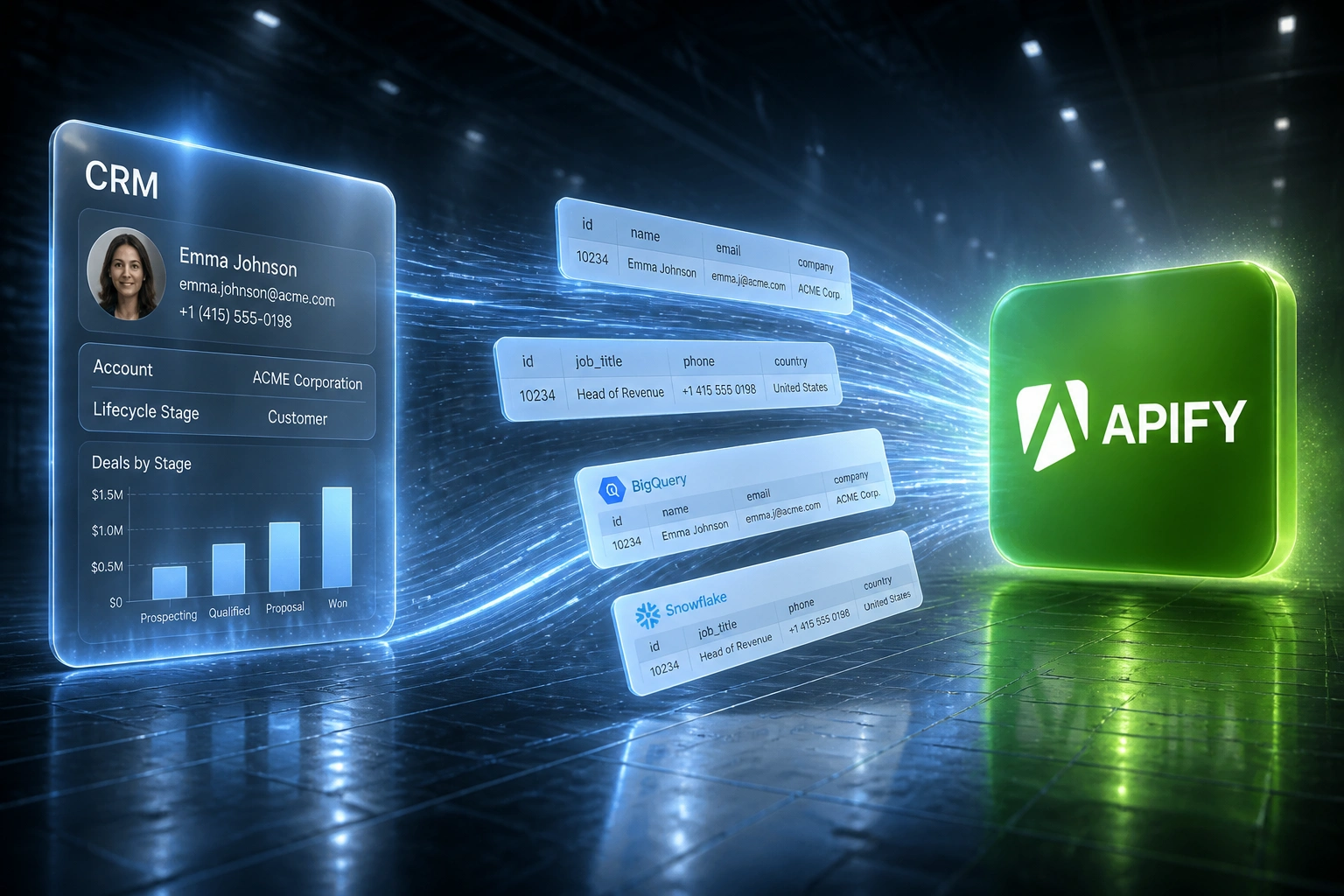
Actor finishes → webhook fires → warehouse updates → dashboards refresh. No human copying files between systems.
Actor Run Succeeds
Your Apify scrape finishes and the dataset is ready with a stable ID
Webhook Fires
Success event posts to your pipeline with the dataset reference attached
Rows Land in Warehouse
Mapped, typed records upsert into BigQuery, Snowflake, or PostgreSQL
Dashboards Go Live
BI tools query fresh tables within minutes of the scrape finishing
Everything You Need for a Reliable Scraper Data Warehouse
Webhook on Run Success
When an Apify Actor finishes, a webhook fires immediately. The dataset ID travels with the event so the pipeline can pull results without anyone downloading a file.
Warehouse Load in Minutes
Cleaned rows land in BigQuery, Snowflake, or PostgreSQL as soon as the run succeeds. Looker, Power BI, and Metabase see fresh tables without a CSV ritual.
Schema Mapping & Typing
Dataset columns map to warehouse tables with the types, null rules, and partition keys your analytics models already expect.
Idempotent Upserts
Re-runs update the same keys instead of stacking duplicates. Failed loads retry with backoff so a transient blip does not leave a silent gap.
Freshness Alerts
If a scrape succeeds but the warehouse does not update within your SLA, your team gets alerted before a stale dashboard reaches the Monday meeting.
Analytics-Ready Tables
Scraped data arrives in reporting shape: partitioned dates, stable primary keys, and documented fields your BI team can join without rework.
Warehouses and BI Stacks We Connect
From 18-Hour Warehouse Lag to Under 10 Minutes
How a market-intelligence team stopped overnight CSV dumps and made scraped pricing data analytics-ready after every Apify run.
The Manual Process
- Nightly Apify scrapes finished by 06:00, then waited for a mid-morning CSV download
- An analyst cleaned columns, fixed types, and loaded BigQuery by mid-afternoon
- Pricing and competitor dashboards were 12–24 hours behind the source data
- Roughly eight hours a week went to export, clean, and warehouse load rituals
- Leadership meetings often used yesterday's numbers while the market had already moved
The Automated Process
- Actor success webhook triggers the pipeline the moment the dataset is ready
- Mapped rows upsert into BigQuery within minutes, with Snowflake tables for finance packs
- Looker and Power BI refresh from live warehouse tables instead of file drops
- Analysts review freshness alerts and exceptions only, about 45 minutes a week
- Same-morning scrapes drive same-morning decisions without a CSV bottleneck
Before vs After Integration
How It Works
From first conversation to live warehouse loads in 2–4 weeks.
Tell Us Your Setup
Which Apify Actors you run, which warehouse you load, and where the CSV dump delay hurts most.
Free Scoping Call
30-minute call to map webhooks, table schemas, freshness SLAs, and which dashboards must update first.
Build & Test
We wire Actor → webhook → warehouse, run parallel against a CSV week, and validate row counts with your analytics lead.
Go Live & Monitor
Switch off manual loads. Freshness alerts and load monitoring keep scraped data analytics-ready after every run.
Frequently Asked Questions
What is an Apify webhook to BigQuery or Snowflake pipeline?
It is an automated path where an Apify Actor run fires a webhook on success, the pipeline fetches the finished dataset, and those rows load into BigQuery, Snowflake, or PostgreSQL. Your reporting dashboards update from warehouse tables instead of waiting on a CSV download and manual import.
How is this different from downloading Apify CSVs into the warehouse?
Manual export means someone downloads a dataset, cleans columns in a spreadsheet, and loads the file hours or days later. Dashboards stay stale and analysts burn mornings on prep. The webhook pipeline starts the moment the run succeeds, so scraped data is analytics-ready without the CSV step.
Which warehouses and BI tools do you support?
We commonly land Apify datasets in BigQuery, Snowflake, and PostgreSQL, then connect Looker, Power BI, Metabase, or dbt models on top. If your warehouse accepts SQL loads or a streaming insert path, we can map the scraper schema into it.
How fresh will our dashboards be after a scrape finishes?
BigQuery streaming and Snowflake Snowpipe-style ingest can make rows queryable within seconds to a few minutes of a successful load. End-to-end, most clients move from 12–24 hour CSV lag to dashboards that refresh within minutes of an Actor finishing.
What happens if a scrape fails or a load errors?
Failed Actor runs and failed warehouse loads surface as alerts. Successful runs that do not update the target table within your freshness SLA also trigger a notification. Retries handle transient errors; your team only intervenes when something needs a human decision.
How much does an Apify webhook warehouse pipeline cost?
Simple one-way Actor → BigQuery or Snowflake loads start from around R15,000. Pipelines with multi-Actor schedules, custom schemas, idempotent upserts, and freshness monitoring typically range from R25,000 to R60,000. Teams spending 6+ hours a week on CSV warehouse loads usually recover the project cost within 2–3 months from analyst time alone.
Stop Waiting on CSV Dumps for Warehouse Analytics
If scraped datasets still sit in downloads before anyone loads BigQuery or Snowflake, you are spending analyst hours on a problem a webhook pipeline already solves.
Tell us which Apify Actors you run, which warehouse you write to, and how stale your dashboards get today. We will show you how an Apify webhooks BigQuery path (or Snowflake / PostgreSQL) would work for your reporting stack.