Asset Tracking: Know Where Every Piece of Equipment Is Across All Your Sites
Equipment walks between offices, warehouses, and remote sites. Spreadsheets diverge. You keep buying duplicates because nobody can see the fleet. Finding a generator that "was at Site B" still means three phone calls.
We build one multi-site asset tracking system with location, condition, and move history.
Sound Familiar?
These are the exact issues multi-site operations and facilities teams brought to us:
- Nobody can answer "where is the generator that was at Site B?" without three phone calls
- Each site keeps its own spreadsheet, and the counts diverge every week
- You keep buying duplicate kit because you cannot see what already exists elsewhere
- Condition and last-move history live in WhatsApp threads, not in one asset register
- Insurance claims and audits stall when you cannot prove where equipment was
Remote and hybrid sites raise the stakes. Industry research puts 15–30% of fixed-asset register lines as "ghost assets" that no longer exist where books say they do, while 98% of organisations without real-time visibility search for kit daily or weekly. Insurance claims and audit write-offs now demand location proof you cannot invent after the fact.
What Multi-Site Asset Tracking Actually Does
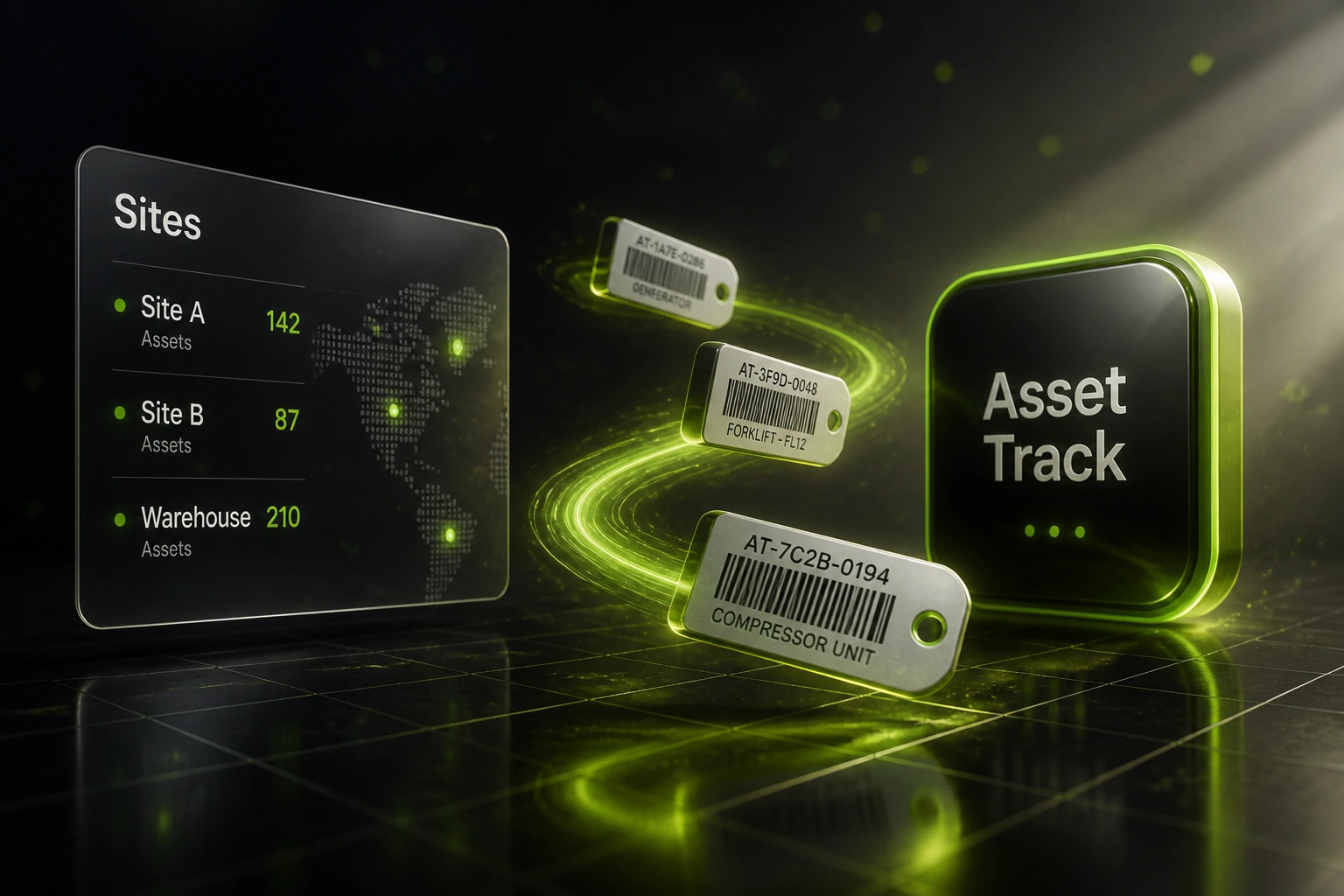
Asset tagged → move scanned → location updated → fleet visible. No phone tree required.
Asset Tagged Once
Barcode, QR, or RFID ID binds the physical item to your central equipment register
Move Logged on Scan
Check-out and check-in capture from-site, to-site, custodian, and condition
Live Site Dashboard
Ops sees counts and locations across every office, warehouse, and remote site
Audit-Ready History
Move trails and condition notes support insurance, write-offs, and stocktakes
Everything You Need for Equipment Management Across Sites
Multi-Site Location Ledger
Every laptop, tool, and generator sits against a current site, bay, or custodian. Ops sees the fleet across offices, warehouses, and remote sites in one view.
Check-In / Check-Out Moves
Barcode or QR scan logs when an asset leaves Site A and arrives at Site B, with who moved it and when. No more silent transfers.
Condition & Status Notes
Capture working, damaged, in-repair, or retired status at each move so facilities and IT stop discovering faults only when someone needs the kit.
Move & Maintenance History
A full trail of locations, custodians, and service notes travels with the asset. Audits start from facts, not reconstructed memory.
Duplicate-Buy Alerts
Before procurement raises another PO, search shows matching assets sitting idle at another site. Visibility cuts unnecessary capital spend.
Audit & Insurance Packs
Export location proof, last-seen timestamps, and condition notes for write-offs, insurance claims, and statutory asset checks.
Systems We Connect for Asset Registers
From 25-Day Generator Hunts to Same-Day Lookups
How a four-site industrial services team stopped buying kit they already owned and recovered hundreds of staff hours a year.
The Multi-Site Mess
- Four sites each kept a separate Excel asset register that never matched
- Finding a generator meant WhatsApp groups and phone trees lasting days
- Roughly a quarter of the annual equipment budget replaced "lost" kit
- Condition notes lived in personal inboxes, not with the asset
- Year-end physical verification took three weeks of travel between sites
One Fleet View
- Every asset tagged; check-in and check-out on phone scan at hand-over
- Ops answers "where is it?" from the dashboard in under a minute
- Procurement searches idle kit at other sites before raising a PO
- Condition and last-move history travel with each asset ID
- Audit stocktake packs export by site with last-seen timestamps
Before vs After Asset Tracking
How It Works
From first conversation to live multi-site tracking in 3–6 weeks.
Map Your Sites & Fleet
How many sites, what you track today, and which "where is it?" hunts cost the most time.
Free Scoping Call
30-minute call to design locations, tags, move rules, and who needs dashboard access.
Build & Pilot
We tag a pilot site set, run parallel with your spreadsheets, and prove location accuracy before cutover.
Roll Out & Monitor
Roll remaining sites live. Alerts catch unreturned moves and missing check-ins as the fleet grows.
Frequently Asked Questions
How long does multi-site asset tracking take to set up?
A standard three-to-five site rollout takes 3–6 weeks from scoping to go-live. A single-site pilot with barcode tags can be live in about two weeks. Larger fleets with RFID gates and ERP write-back take closer to 6–8 weeks.
Is this the same as a fixed-asset register or depreciation system?
No. This page is about knowing where equipment is right now, its condition, and how it moved between sites. Purchase cost, depreciation, and disposal belong in a fixed-asset lifecycle system. We can connect both when finance needs the books to match the floor.
Do we need RFID, or will barcodes work?
Most mid-size fleets start with barcode or QR tags and a mobile scan app. That alone ends spreadsheet divergence. RFID gates make sense when you move high volumes through doorways and want automatic detection. We design for what your sites can actually run.
Will this disrupt day-to-day site operations?
No. Staff keep moving kit the same way; they add a scan at hand-over. We pilot on one site, run parallel against your old sheets, and only switch off manual chasing once location accuracy is proven.
Can insurance and audits use the location history?
Yes. Every move stores site, timestamp, custodian, and condition. That trail supports insurance claims, write-off decisions, and auditor requests for physical verification across multiple locations.
How much does multi-site asset tracking cost?
Simple barcode tracking for two or three sites starts from around R25,000. Multi-site systems with mobile check-in, condition logging, and ERP or accounting sync typically range from R40,000 to R90,000. Teams burning 10+ hours a week hunting kit, plus duplicate purchases, usually see ROI within 2–4 months.
Stop Losing Equipment Between Sites
If your operations team still answers location questions with phone calls, you are paying for lost kit, idle labour, and duplicate purchases that a shared asset register already solves.
Tell us how many sites you run, what you track today, and which "where is it?" hunts hurt most. We will show you exactly how multi-site asset tracking would work for your equipment management setup.