Automate Annual Leave Tracking: Real-Time Leave Balance System
Your HR team still tracks annual leave in a shared spreadsheet. Balances are wrong, approvals sit in email, and December reveals a liability you did not budget for. Employees cannot see their own days, so every request becomes another interruption.
We automate leave requests, approvals, accruals, calendar blocks, and payroll sync.
Sound Familiar?
These are the exact issues our clients faced before annual leave automation:
- Annual leave balances live in a shared Excel sheet that nobody fully trusts
- Leave requests bounce around email for days while managers are offline or travelling
- Employees keep asking HR how many days they have left because they cannot see it themselves
- Year-end liability figures jump when wrong balances surface during December audits
- Sick leave and annual leave get mixed up, and BCEA cycle rules are applied inconsistently
Under the BCEA, employees on a five-day week are entitled to at least 15 working days of annual leave per cycle, and sick leave runs on a 36-month cycle (typically 30 days for five-day workers). Spreadsheet tracking makes it easy to misapply those rules, then discover the shortfall when someone resigns or December leave piles up.
What Leave Tracking Automation Actually Does
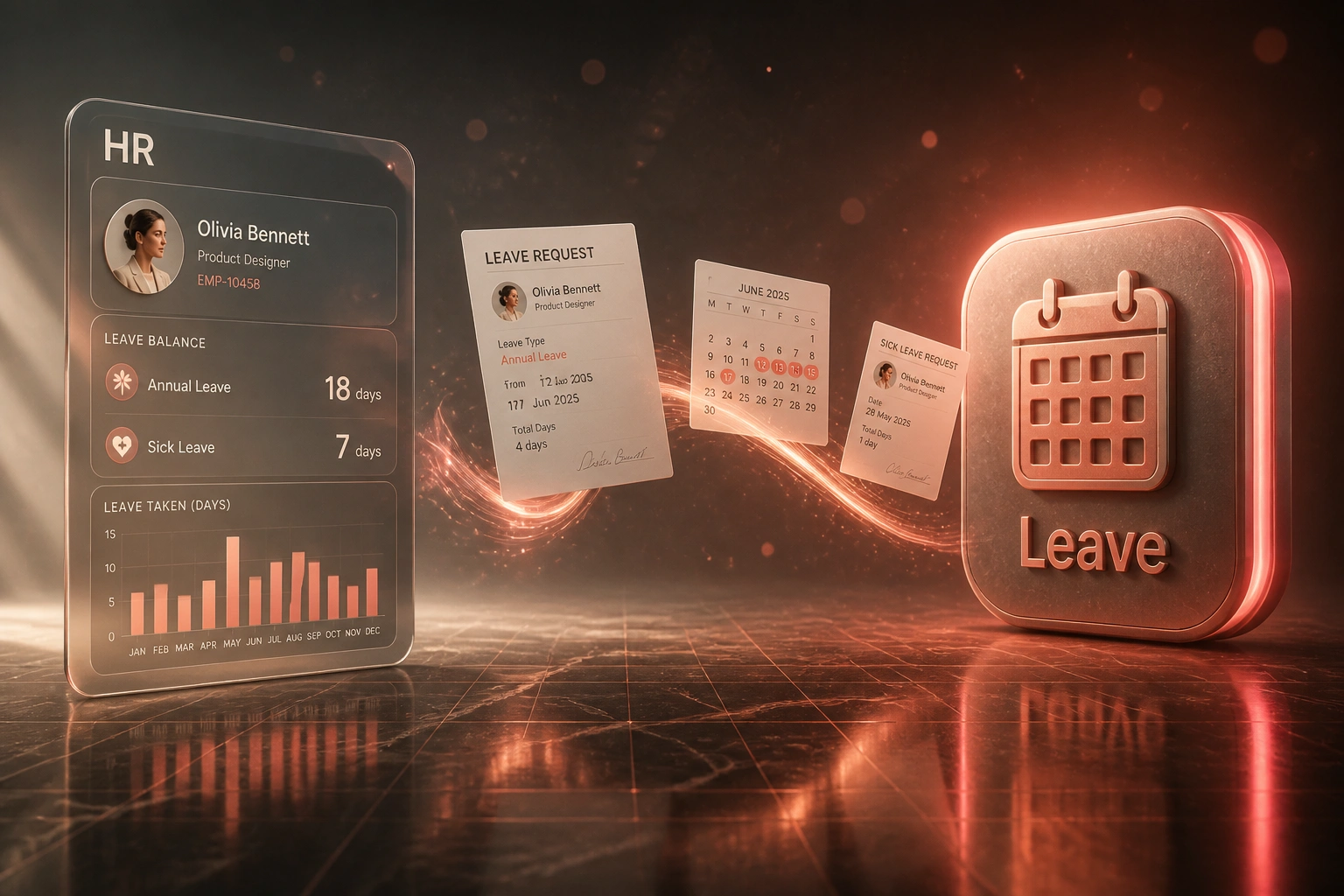
Request submitted → manager approves → balance updates → calendar and payroll sync. No spreadsheet editing.
Employee Requests Leave
Staff pick dates and leave type in a self-service portal, with their live balance visible
Manager Approves
One-click approve or decline with team calendar context, not a buried email chain
Balance & Calendar Update
Accrued balance drops automatically and the days block on the shared calendar
Payroll Stays Aligned
Leave and unpaid adjustments reach payroll so payslips match the leave register
Everything You Need for Reliable Leave Tracking
Self-Service Leave Requests
Employees submit annual leave, sick leave, and family responsibility leave in one place. Managers get a clear approval queue instead of buried email threads.
Automated Accruals & Balances
Balances accrue to your policy and BCEA floors (15 working days on a five-day week). Carry-over, pro-rata starters, and termination payouts stay consistent.
Calendar & Team Visibility
Approved leave blocks the employee calendar and shows on the team view, so overlaps get caught before they become staffing problems.
Payroll Sync
Approved leave and unpaid adjustments sync to payroll so payslips match the leave register without a second round of data entry.
Policy & Compliance Rules
BCEA annual leave cycles, 36-month sick leave cycles, and your company rules are enforced in the workflow, not left to memory or a hidden formula.
Liability & Usage Reporting
HR and finance see live balances, leave liability, and usage trends. Year-end stops being a spreadsheet archaeology project.
Platforms We've Connected for Leave Automation
From 6 Hours/Week to 1 Hour/Week
How an 80-person professional services firm in Gauteng replaced Excel leave tracking and ended year-end balance surprises.
The Manual Process
- HR updated a shared Google Sheet after every email approval
- Managers approved leave in their inbox with no view of team overlaps
- Employees messaged HR weekly to ask what their leave balance was
- December audit found overstated balances worth roughly R180K in liability
- Sick leave and annual leave columns were frequently mixed up
The Automated Process
- Employees request leave and see live balances in self-service
- Managers approve in minutes with calendar conflict warnings
- Balances accrue to policy and BCEA rules without formula edits
- Approved days block calendars and sync into payroll exports
- HR reviews exceptions instead of retyping every request
Before vs After Leave Balance Automation
How It Works
From first conversation to live leave automation in 2–4 weeks.
Tell Us Your Setup
How leave works today, which payroll and calendar tools you use, and where balances go wrong.
Free Scoping Call
30-minute call to map request → approval → accrual → calendar → payroll, and design the workflow.
Build & Test
We build the leave system, import balances carefully, and run parallel with your spreadsheet for a cycle.
Go Live & Monitor
Switch off the shared Excel sheet. Self-service goes live, with monitoring so exceptions surface early.
Frequently Asked Questions
How long does automated leave tracking take to set up?
A standard leave automation build takes 2–4 weeks from scoping to go-live. Simple request-and-approval flows can be live within a week. Full setups with BCEA accruals, calendar sync, and payroll write-back typically take 3–5 weeks.
Will this work with our South African payroll system?
Yes. We have connected leave workflows to Sage Payroll, SimplePay, PaySpace, Xero Payroll, and custom payroll exports. The goal is that approved leave and unpaid adjustments reach payroll without retyping.
How do you handle BCEA annual leave and sick leave rules?
We configure your statutory floors and company policy together: at least 21 consecutive days of annual leave per cycle (15 working days on a five-day week), and sick leave on the 36-month cycle. Accruals, carry-over, and first-six-months sick leave rules are built into the balances, not left in a spreadsheet formula.
What happens to our existing leave balances?
We run a controlled migration. Balances are audited against payslips and historical requests, discrepancies are flagged for HR sign-off, then locked in as the opening balances. Parallel running against the old sheet for one cycle is standard.
Will managers and employees actually use it?
Adoption is highest when leave requests must go through the portal and balances are visible in real time. Research shows most employees prefer self-service for routine HR questions, and teams that make digital leave the default see strong uptake within the first quarter.
How much does leave tracking automation cost?
Simple request-and-approval automations start from around R15,000. Full leave balance systems with accruals, calendar sync, and payroll integration typically range from R25,000 to R60,000. Most mid-size teams recover that in a few months against the hours spent on spreadsheets and balance disputes.
Stop Tracking Annual Leave in Spreadsheets
If your HR team is still reconciling leave balances by hand, you are spending money on a problem that automation already solves for companies your size.
Tell us how leave works today, which payroll and calendar tools you use, and where the errors show up. We will show you exactly how a leave balance system would run for your team.