Automated PDF Generation from CRM Data: Quotes, Invoices and Reports in Seconds
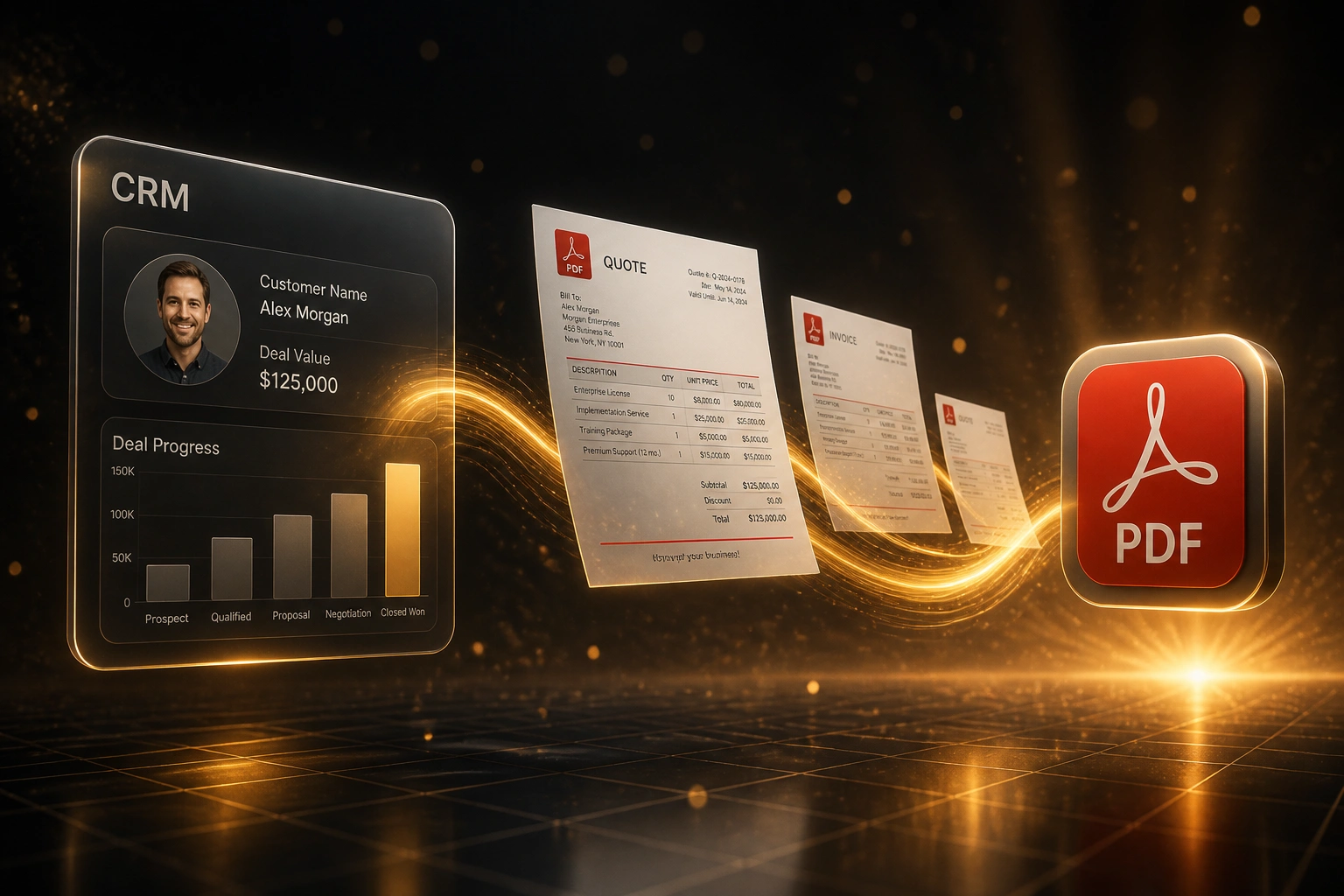
Your CRM already holds the customer, line items, and pricing. Sales ops and finance still rebuild the same quote PDF in Word or Canva every time a deal moves, while invoices and reports wait in another queue.
We make the branded PDF generate itself and attach to the deal in seconds.
Sound Familiar?
These are the exact issues sales ops and finance leads bring us before automated documents:
- Sales rebuilds the same quote PDF in Word or Canva every time a deal moves
- Customer name, line items, and pricing already sit in the CRM, then get retyped by hand
- Quotes take days to leave, while faster competitors send branded PDFs the same afternoon
- Invoices, statements, and monthly reports each have their own messy template process
- Wrong figures, stale pricing, or missing VAT slip into PDFs that go out to clients
Research puts 35–50% of B2B sales with the supplier who responds first. When your quote PDF still takes days because someone is rebuilding it in Canva, you are handing that first-mover slot to whoever already automated document production.
What Automated PDF Generation Actually Does
CRM fields update → branded PDF builds → file attaches to the deal. Quotes, invoices, and reports share one path.
Trigger in the CRM
Deal moves to Proposal, Won, or a rep clicks Generate Quote
Pull Live CRM Fields
Customer, line items, pricing, VAT, and terms map into the template
Branded PDF Output
Finished quote, invoice, report, or statement PDF in seconds
Attached to the Deal
PDF files on the record; sales and finance open one place
Everything You Need for Instant CRM PDFs
Instant Quote PDFs
Deal hits Proposal or a rep clicks Generate: a branded quote PDF pulls live CRM fields, line items, and pricing in seconds.
Invoices and Statements
Finance gets invoice and statement PDFs from the same CRM record, with correct totals, terms, and company branding every time.
Reports from Live Fields
Pipeline summaries, account reports, and ops packs generate on a schedule or on demand from the data already in your CRM.
Attach Back to the Deal
Every generated PDF files itself on the contact or deal, so sales, ops, and finance open one record and find the right document.
Brand-Locked Templates
Logo, colours, fonts, and legal footers stay fixed. Reps cannot ship a rogue Canva layout or an outdated Word version.
Stage and Button Triggers
Fire on deal stage change, won status, or a one-click button. Manual copy-paste between CRM and document tools ends.
CRMs We've Wired for Automated Documents
From 40 Minutes Per Quote PDF to Under a Minute
How a 15-person B2B services firm stopped rebuilding quotes in Canva and put branded PDFs on every deal automatically.
The Manual Process
- Sales ops copied CRM fields into a Canva or Word quote template
- 35 to 45 minutes per quote PDF, longer when pricing changed mid-deal
- Invoices and monthly client reports each had a separate rebuild ritual
- Average 2 to 3 business days from request to PDF in the client's inbox
- Brand drift: three unofficial templates circulating on shared drives
The Automated Process
- Deal hits Proposal → branded quote PDF generates and attaches in seconds
- Won deals trigger invoice PDFs; month-end reports run on a schedule
- One locked template set: logo, fonts, VAT block, and legal footer
- Same-day quotes become the default, not a scramble
- Sales and finance open the CRM deal and find every PDF in one place
Before vs After Automated PDF Generation
How It Works
From first conversation to live PDF generation in 2–4 weeks.
Show Us Your Documents
Which PDFs you produce today: quotes, invoices, reports, statements, and where the data already lives in the CRM.
Free Scoping Call
30-minute call to map triggers, field mapping, branding, and which document types deliver the fastest win.
Build and Parallel Test
We build branded templates, wire CRM triggers, and run parallel generation against your real deals for a week.
Go Live and Monitor
Switch off Word and Canva rebuilds. Monitoring catches failed generations so nothing slips through silently.
Frequently Asked Questions
How is automated PDF generation different from document template automation?
Template automation often stops at filling a Word or Google Doc shell. Automated PDF generation goes further: it produces a finished, branded PDF the moment a deal stage changes or a button is clicked, then attaches that file to the CRM record. Quotes, invoices, reports, and statements all share the same instant-output path.
Which document types can you generate from CRM data?
We routinely build quote PDFs, invoices, monthly account reports, statements, order confirmations, and internal deal packs. If the fields exist in the CRM and you have a branded layout, we can generate the PDF and file it on the deal.
Which CRMs do you support for PDF generation?
We have built automated PDF generation for HubSpot, Salesforce, Pipedrive, Zoho CRM, Monday.com, and custom CRMs with an API. If your CRM exposes deal, contact, and line-item data, we can drive document output from it.
Will this disrupt how sales and finance work today?
No. Reps keep working in the CRM. The change is that Word and Canva rebuilds disappear. We run parallel testing so your team compares automated PDFs against the old process before you switch off manual production.
How long does automated PDF generation take to set up?
A standard build for one or two document types takes 2 to 4 weeks from scoping to go-live. Multi-document packs covering quotes, invoices, reports, and statements with custom branding usually take 4 to 6 weeks.
How much does CRM PDF generation cost?
Simple one-document syncs (for example quote PDFs on stage change) start from around R18,000. Multi-document packs with invoices, reports, branding, and deal attachments typically range from R30,000 to R65,000. Teams spending 8+ hours a week on manual PDF builds usually see ROI within 2 to 3 months.
Stop Rebuilding Quote PDFs by Hand
If sales ops and finance are still copying CRM data into Word or Canva for every quote, invoice, and report, you are paying for work the CRM already finished.
Tell us which CRM you use, which document types you produce most, and what delays a deal today. We will show you exactly how automated PDF generation would work for your pipeline.