Bank Statement Data Extraction: Parse, Match, Close Faster
If you still retype bank lines from PDF statements or wrestle with a different CSV layout every month, reconciliation is eating days you cannot bill for. Statement reconciliation should surface exceptions, not drown you in every line.
We build the bank statement parsing and matching pipeline that closes the books on exceptions alone.
Sound Familiar?
These are the exact issues our clients faced before bank statement extraction:
- Month-end means days of retyping FNB, Absa, Nedbank, or Standard Bank statement lines into Xero or Sage
- CSV exports have different columns per bank, so every import needs a fresh mapping and a fresh chance to break
- PDF statements and phone photos of paper statements still get keyed in by hand
- Unmatched lines pile up for weeks while the bookkeeper hunts references across emails and invoices
- Transposed amounts and missed rows only surface when the bank balance refuses to tie out
71% of organisations say bank reconciliation is their most time-consuming close activity (AICPA 2025), and 43% regularly miss target close dates because it takes too long. Open banking feeds help when available, but PDF and CSV statement parsing remains the practical path for many SA ledgers and multi-bank setups.
What Bank Statement Parsing Actually Does
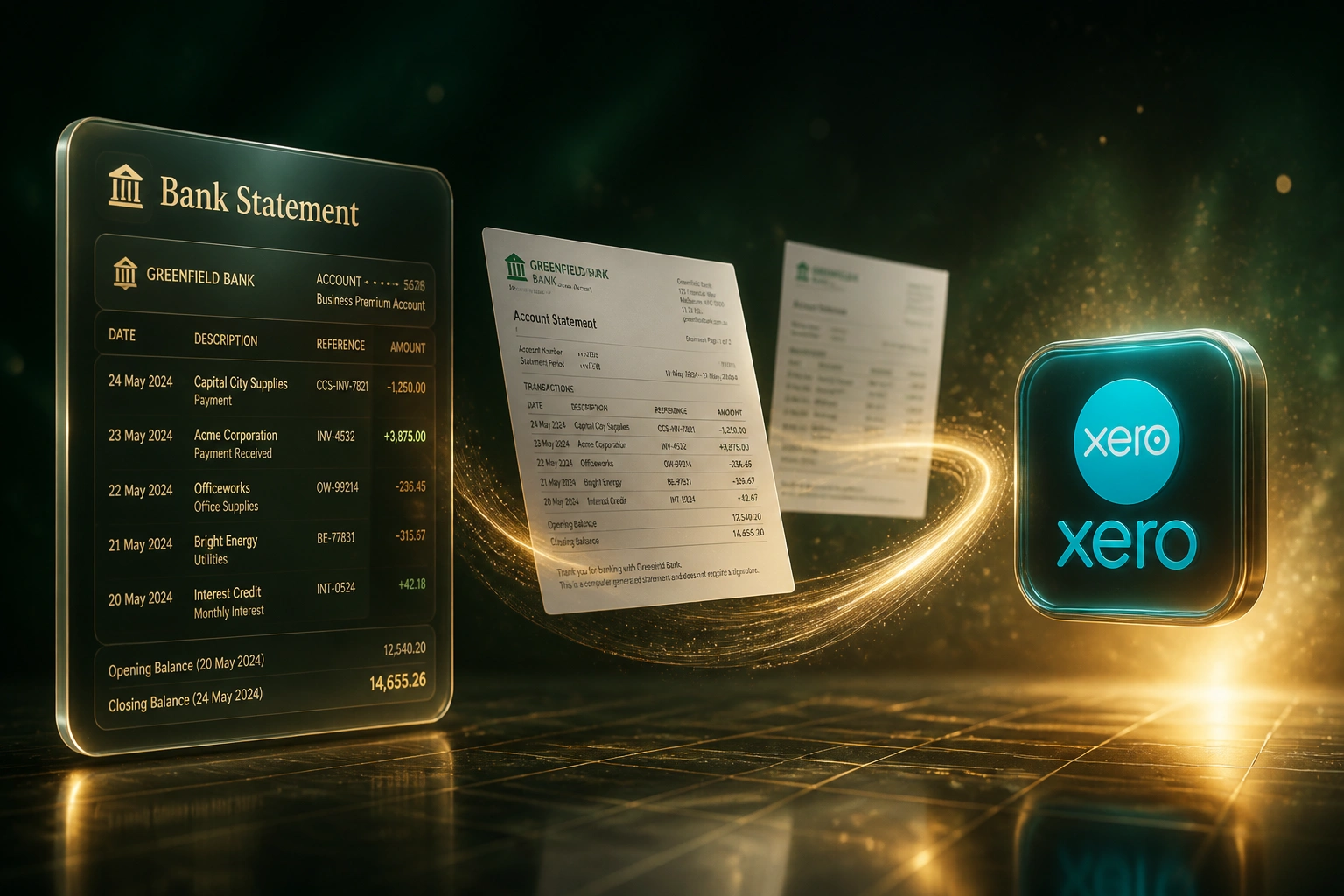
Statement arrives → lines extract → ledger matches → you review only the exceptions.
Statement Arrives
PDF, CSV, or OFX from FNB, Absa, Nedbank, Standard Bank, or Capitec Business
Lines Extracted
Dates, amounts, references, and descriptions normalised into a clean transaction set
Matched to Ledger
Lines match invoices, payments, and expenses in Xero, Sage, or Pastel
Exceptions Only
Your bookkeeper reviews unmatched items instead of retyping the whole statement
Everything You Need for Reliable Statement Reconciliation
PDF and CSV Statement Parsing
FNB, Absa, Nedbank, and Standard Bank statement formats become structured lines: date, amount, reference, and description, ready for matching.
Ledger Transaction Matching
Extracted lines match to invoices, payments, and expenses in Xero, Sage Business Cloud, or Pastel so the books move without retyping.
Exception-Only Review Queue
Clear matches post automatically. Ambiguous or unmatched items land in a review queue so your team works exceptions, not every line.
Duplicate and Fingerprint Checks
Each imported line is fingerprinted so the same statement cannot be loaded twice, and overlapping date ranges stay clean.
Multi-Account Bank Coverage
Current, credit card, and call-deposit accounts across the big four SA banks feed one reconciliation workflow into your ledger.
Faster Month-End Close
When statements parse and match continuously, month-end bank reconciliation shrinks from multi-day forensic work to a short exception pass.
Ledgers and Banks We've Connected
From 12 Hours/Month to Under 3
How a Cape Town wholesaler with four bank accounts stopped retyping statements and closed on exceptions only.
The Manual Process
- Bookkeeper downloaded FNB and Absa PDFs, then retyped lines into Xero
- Roughly 45 to 60 minutes per statement of 80 to 150 transactions
- Four accounts meant about 12 hours every month before any exception hunting
- Transposed amounts and missed rows only appeared when the balance failed to tie
- Close routinely slipped by several days while unmatched items were chased
The Automated Process
- Statements drop in; lines extract and match into Xero within minutes
- Finance reviews the exception queue instead of every bank line
- Duplicate fingerprinting stopped the same CSV being imported twice
- Month-end bank rec finished in a short exception pass
- Bookkeeper time freed for VAT working papers and management reports
Before vs After Bank Statement Extraction
How It Works
From first conversation to live statement matching in 2–4 weeks.
Tell Us Your Banks and Ledger
Which banks, statement formats (PDF, CSV, OFX), and which accounting package you reconcile into.
Free Scoping Call
30-minute call to map your month-end workflow, account codes, and the matching rules that matter.
Build & Test
We build the extraction and matching pipeline, test on real statements, and run parallel for a full close cycle.
Go Live & Monitor
Switch off manual retyping. Monitoring flags parse failures and unmatched spikes before they delay close.
Frequently Asked Questions
How is this different from a native bank feed in Xero or Sage?
Bank feeds are excellent when your bank and accounting package already support them. Many SA businesses still live on PDF statements, inconsistent CSV exports, multi-bank setups, or Pastel desktop where a reliable feed is missing. Bank statement data extraction fills that gap: parse the statement you already have, then match into the ledger.
Which South African bank statement formats do you support?
We routinely handle FNB, Absa, Nedbank, Standard Bank, and Capitec Business statements as PDF or CSV, including the quirks of split debit/credit columns, junk header rows, and bank-specific date formats. If your bank exports OFX or a structured CSV, we use that first and fall back to PDF parsing when needed.
Will this disrupt our current month-end process?
No. We design the pipeline around your existing chart of accounts and reconciliation checklist. Your bookkeeper or controller keeps the final sign-off. We run a parallel close so you can compare automated matches against the manual process before switching off retyping.
What happens to unmatched transactions?
Clear matches post or suggest automatically. Unmatched and low-confidence lines go into an exception queue with the original statement reference attached. Your team investigates only the outliers, which is where most reconciliation hours already go today.
Can you match into both Xero and Sage Pastel?
Yes. We have built statement extraction and matching into Xero, Sage Business Cloud, and on-premise Sage Pastel for South African businesses. Multi-entity and multi-account setups are common; we map each bank account to the correct ledger cash account during scoping.
How much does bank statement extraction and matching cost?
Simple one-way PDF or CSV extraction into a single ledger typically starts from around R15,000. Multi-bank matching with custom exception rules and Pastel or multi-entity logic usually sits between R25,000 and R60,000. Most clients recovering 8 or more bookkeeping hours a month see payback within 2 to 3 months at typical SA loaded labour rates.
Stop Retyping Bank Statements Every Month
If your bookkeeper or controller still keys FNB, Absa, Nedbank, or Standard Bank lines into Xero or Sage by hand, you are paying skilled people to do work software already does well.
Tell us which banks you use, whether statements arrive as PDF or CSV, and which ledger you reconcile into. We will show you how bank statement data extraction and matching would change your next close.