

Batch Data Correction: Designing Workflows for Large-Scale Record Fixes
You are tired of Excel exports and risky bulk updates in the CRM UI. Ad-hoc fixes create new errors, leave no audit trail, and one bad mapping can wipe 50,000 fields with no undo. A proper data correction workflow with preview, rollback, and logs is how you fix thousands of records without breaking production.
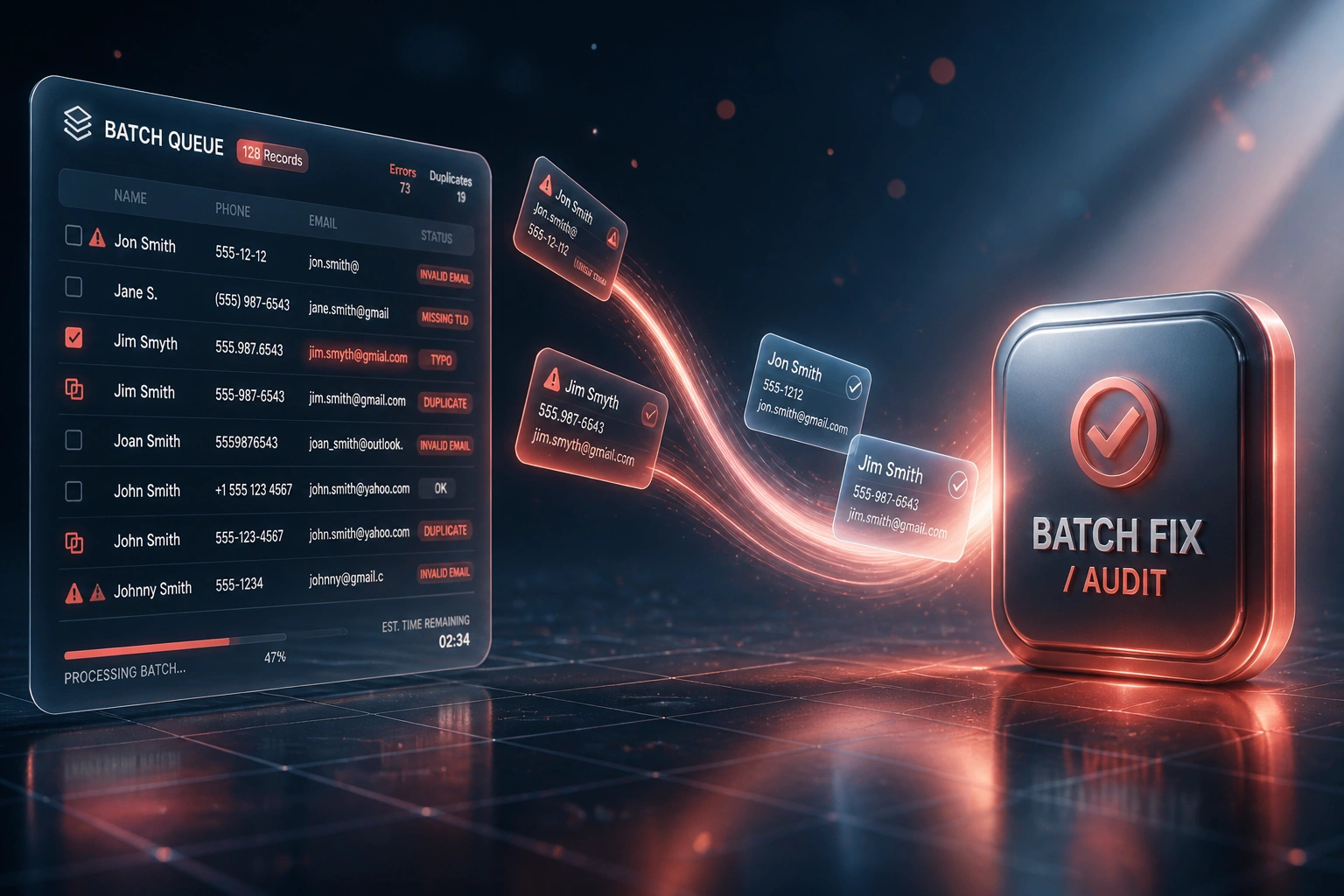
We build the repeatable batch correction platform: validate → dry-run → commit → audit → rollback.
Sound Familiar?
These are the exact issues Heads of Data and Ops Directors bring us after another risky bulk fix:
- Ops exports tens of thousands of rows to Excel, cleans them by hand, then re-imports with no dry-run and no undo
- A single bad column mapping blanks phone numbers, territory codes, or VAT fields across the whole CRM
- Native bulk-edit and Data Loader jobs leave no POPIA-ready audit trail of who changed what and why
- CRM API rate limits throttle naive per-record scripts so overnight "fixes" stall halfway through
- Every ad-hoc bulk fix creates new errors, so the same dirty cohorts keep returning every quarter
CRM bulk overwrites have no recycle bin. Field values that a bad import blanks are gone unless you had a snapshot. Auditors and POPIA reviews then ask for a processing record you never captured. Spreadsheet firefighting feels cheap until the next wipe costs three days and your reputation with the board.
What a Batch Correction Workflow Actually Does
Validate → dry-run → commit → audit → rollback. The same playbook every time dirty data appears.
Validate the Cohort
Select the dirty records and run rules that block blank overwrites and invalid values
Dry-Run Preview
Review the field-level diff pack and approve before any production write
Commit in Chunks
Rate-limit-aware batches write the fix with checkpoints and automatic retries
Audit or Rollback
Full change log for compliance, or restore the pre-commit snapshot if needed
Everything You Need for a Reliable Bulk Data Fix
Validation Before Write
Rules catch blank overwrites, picklist mismatches, invalid emails, and missing IDs before anything touches production.
Dry-Run Preview
See exactly which of your 50,000 records will change, field by field, and export the diff pack for sign-off.
Controlled Commit
Batches respect CRM API rate limits, retry safely, and write in chunks so a throttle does not leave a half-fixed estate.
Full Audit Trails
Every change logs who approved it, which rule ran, old value vs new value, and when it committed. POPIA Section 17 documentation without a scramble.
One-Click Rollback
Snapshot taken before commit. If the business rejects the outcome, restore prior values without a three-day reconstruction.
Repeatable Playbooks
Save the correction as a reusable workflow. Next time dirty data appears, re-run validate → dry-run → commit → audit, not another Excel firefight.
Platforms We've Built Batch Correction Workflows For
From a Three-Day Wipe Recovery to One Controlled Evening
How a South African distributor corrected 48,000 HubSpot contacts with dry-run, rollback, and a POPIA-ready audit trail.
The Excel Bulk Habit
- Ops exported contacts, fixed phone formats and territory codes in spreadsheets, then re-imported
- One mapping error blanked a custom region field across tens of thousands of rows
- No snapshot, no undo: three days reconstructing values from emails and side systems
- Sales reps lost hours chasing unreachable numbers while the cleanup ran
- Auditors asked who changed what; nobody had a processing log
The Batch Correction Workflow
- Validate → dry-run → commit → audit → rollback wired against HubSpot
- Diff pack approved by the Ops Director before any production write
- 48,000 contacts corrected in one controlled evening with rate-limit-aware chunks
- Pre-commit snapshot ready; rollback never needed, but available
- Field-level audit trail handed to compliance for the next POPIA review
Before vs After a Proper Batch Correction Workflow
How It Works
From first conversation to a live, reusable batch correction workflow in 2–4 weeks.
Show Us the Mess
Which objects, which fields, how many records, and which Excel or CRM UI bulk job keeps going wrong.
Free Scoping Call
30-minute call with your Head of Data or Ops Director to design the batch correction workflow and rollback policy.
Build Validate → Dry-Run → Commit
We wire validation rules, preview packs, rate-limit-aware commits, audit logs, and rollback against your live systems.
First Controlled Run
You approve the dry-run, we commit under change control, then leave you a reusable playbook for the next cohort.
Frequently Asked Questions
How is a batch correction workflow different from a one-off data cleanup?
A one-off cleanup fixes today's dirty cohort and disappears. A batch correction workflow is a repeatable platform: validate, dry-run, commit, audit, and rollback whenever dirty data appears. Ops reuses the same playbook for the next 10,000 or 50,000 records instead of reinventing Excel every quarter.
Can we really roll back if a bulk fix goes wrong?
Yes, when the workflow takes a pre-commit snapshot. Most CRM UIs and Data Loader jobs have no undo for overwrites. Industry war stories show teams spending three days reconstructing addresses after a 50,000-record blanking. Our rollback restores the snapshot so production is not a forensic dig.
Will CRM API rate limits block a large-scale repair?
They will if you hammer one record per call. HubSpot batch endpoints typically accept 100 records per request, and Salesforce Enterprise orgs start around 100,000 API calls per 24 hours. We design commits around those limits with chunking, backoff, and progress checkpoints so a 50,000-record run finishes without stalling mid-batch.
Does this help with POPIA audit requirements?
Yes. POPIA Section 17 requires you to maintain documentation of processing operations, and the accuracy principle expects reasonably practicable steps to keep personal information complete and up to date. Every batch we run leaves a field-level audit trail of old value, new value, approver, and timestamp that you can hand an auditor.
Which systems can you run batch corrections against?
We regularly build workflows for Salesforce, HubSpot, Dynamics 365, Pipedrive, Zoho CRM, Sage and Pastel-linked estates, and custom CRM or ERP platforms with an API. The same validate → dry-run → commit → audit → rollback pattern applies across them.
How much does a batch correction workflow cost?
Focused single-object workflows for mid-market CRMs typically start around R45,000. Multi-object estates with custom validation, rate-limit orchestration, and POPIA-grade audit packs usually land between R70,000 and R150,000. Against three-day overwrite recoveries and 550 hours per year per sales rep lost to bad data, most clients recover the fee inside the first avoided firefight.
Stop Gambling with Excel Bulk Updates
If your ops team is still exporting, editing, and re-importing thousands of records by hand, you are one bad mapping away from another three-day recovery.
Tell us which CRM or ERP holds the dirty data, how many records are in scope, and what went wrong last time. We will show you how a validate → dry-run → commit → audit → rollback workflow would run on your estate.