

Blackboard Learn Data Integration: Connect Your University Systems
Your Blackboard Learn instance is an island from the SIS, HR, and finance systems that already hold the truth. Manual enrolments, duplicated staff records, and delayed fee-status gating cost your teams days every term and leave students locked out of courses they have already paid for, or worse, inside ones they have not.
We build the unified data ecosystem that keeps Blackboard consistent with the rest of campus.
Sound Familiar?
These are the exact issues university CIOs, registrars, and digital learning leads bring to us:
- Students register in the SIS but wait a day or more before Blackboard Learn shows their courses
- Registrar staff re-key enrolments, drops, and section swaps into Learn by hand every term
- Fee holds and payment status live in finance, so unpaid students still reach course content
- Staff accounts and instructor roles are duplicated between HR and Blackboard, with stale permissions
- Nightly batch files fail silently, and nobody notices until students open a support ticket
Anthology is sunsetting Blackboard Original Course View on 31 December 2026. Institutions still on fragile batch feeds or Original-era scripts face a hard Ultra migration deadline. A Learn Ultra-ready Blackboard API integration is the cleanest way through that change without another year of manual enrolments.
What the Blackboard Integration Actually Does
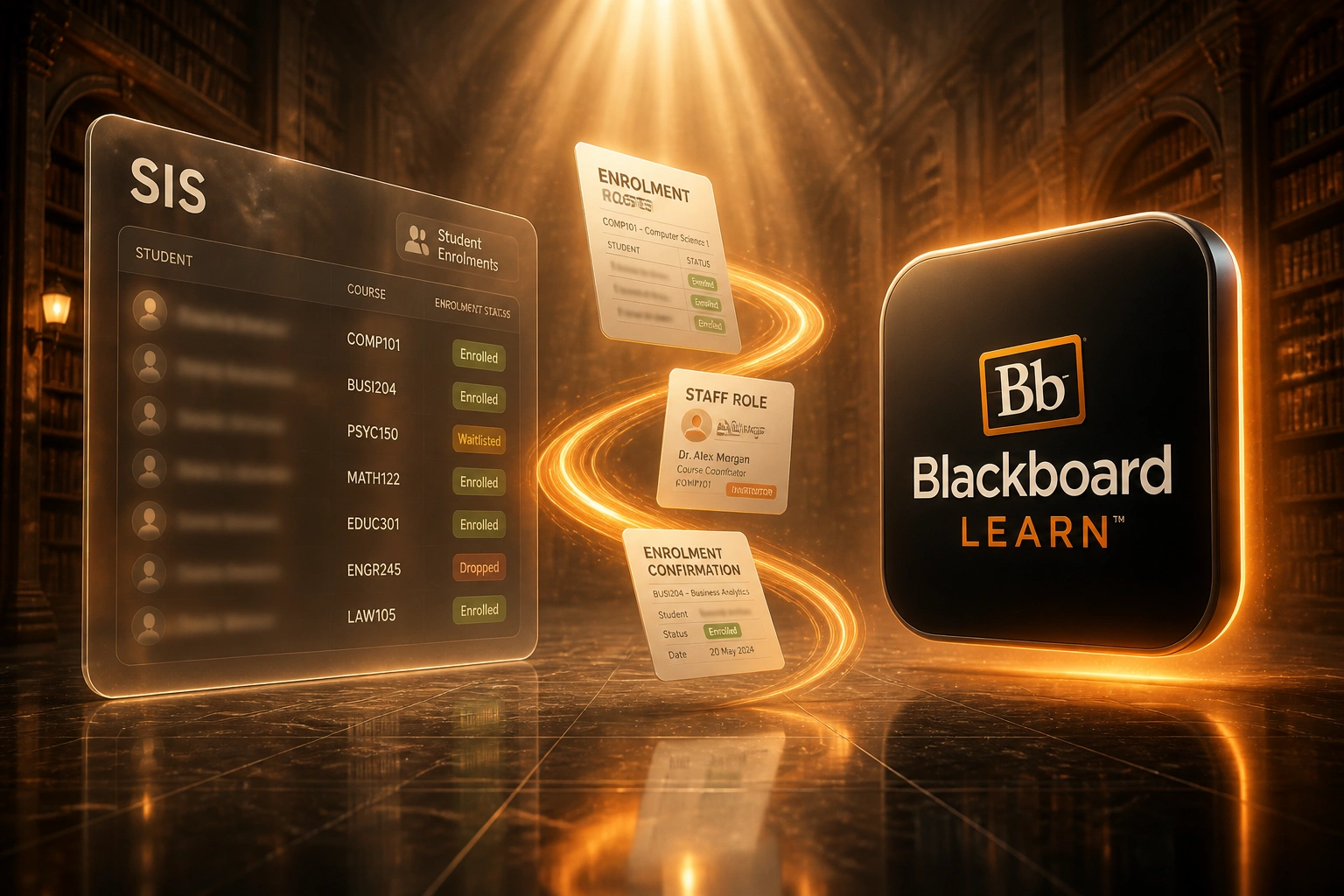
SIS enrolment → Learn membership → fee hold enforced → staff role correct. No human copying data between campus systems.
Enrolment Lands in SIS
Student registers, drops, or swaps a section in ITS Integrator, Banner, or your SIS
Learn Membership Updates
Blackboard Learn REST API creates or updates the course membership within minutes
Fee Status Gates Access
Finance clearance and holds sync so course access matches bursar records
Staff Roles Stay Current
HR and SIS instructor assignments keep Learn roles accurate without duplicate accounts
Everything You Need for Higher Education Data Sync
Automated Enrolment Sync
SIS enrolment, drop, or section change lands in Blackboard Learn Ultra within minutes, not overnight.
Fee-Status Access Control
Finance clearance and holds gate course availability so access matches what bursars already know.
Staff & Role Provisioning
HR and SIS instructor assignments create and update Learn memberships without duplicate accounts.
Smart Error Handling
Failed syncs retry automatically. Your team only sees exceptions that need a human decision.
Field Mapping for Learn Ultra
Course IDs, terms, sections, and roles map cleanly between your SIS and Blackboard Learn REST API.
Audit-Ready Reconciliation
Enrolment counts in the SIS match Learn memberships, with logs your CIO and auditors can trust.
Systems We've Connected to Blackboard Learn
From 48-Hour Enrolment Lag to Under 30 Minutes
How a mid-sized South African university stopped re-keying Blackboard enrolments and recovered a full registration cycle of staff capacity.
The Manual Process
- Registrar exported SIS enrolments and uploaded batch files into Blackboard overnight
- Students waited up to 48 hours after registration before course shells appeared
- Fee holds sat in finance while unpaid students still reached Learn content
- HR created staff accounts separately; instructor roles drifted every semester
- Failed nightly jobs only surfaced when helpdesk tickets spiked in week one
The Automated Process
- SIS enrolment events push to Blackboard Learn Ultra via the REST API
- Most students see course access within 30 minutes of registration
- Finance clearance and holds gate Learn availability automatically
- Staff roles sync from HR and the SIS, ending duplicate instructor accounts
- Exception queue flags only the edge cases that need a human decision
Before vs After Blackboard Integration
How It Works
From first conversation to live Blackboard sync in 3–6 weeks for a standard enrolment feed.
Tell Us Your Setup
Which SIS, HR, and finance systems sit beside Blackboard Learn, and where enrolments stall today.
Free Scoping Call
30-minute call to map registrar, digital learning, and finance workflows, then design the sync.
Build & Test
We build against the Blackboard Learn REST API, test with real term data, and run parallel before cutover.
Go Live & Monitor
Switch off manual re-keying. Monitoring and alerts keep enrolments, roles, and access control healthy.
Frequently Asked Questions
How long does a Blackboard Learn data integration take?
A standard SIS-to-Learn enrolment sync takes 3–6 weeks from scoping to go-live. Broader projects that also cover HR staff roles and finance fee-status gating typically take 6–10 weeks, depending on how many source systems you connect.
Which university systems can connect to Blackboard Learn?
We have connected Blackboard Learn Ultra to ITS Integrator, Ellucian Banner, PeopleSoft Campus Solutions, SAP and Oracle student systems, and custom SIS platforms, alongside HR and finance systems that hold staff roles and fee clearance.
Will this disrupt registration week or teaching?
No. We design the integration to enhance existing registrar and digital learning workflows. Staff keep using the same tools. We run parallel testing against a live term before switching off manual processes.
How do you handle failed syncs and duplicate accounts?
Integrations include duplicate detection on student and staff identifiers, automatic retries with backoff, and exception queues for edge cases such as audit students or dual-campus appointments. Manual intervention is rare.
Does this work with Blackboard Learn Ultra and Original?
Yes. We build against the Blackboard Learn REST API, which supports Learn Ultra and remaining Original courses. With Original Course View retiring on 31 December 2026, Ultra-ready integrations protect you through that migration.
How much does Blackboard Learn data integration cost?
Simple one-way enrolment syncs start from around R25,000. Bidirectional setups with fee-status gating and staff role provisioning typically range from R45,000 to R95,000. Most institutions recover the cost within one registration cycle against registrar and IT time alone.
Stop Treating Blackboard as an Island
If registrar, digital learning, and finance teams are still copying enrolments and staff records into Blackboard Learn by hand, you are paying for a problem universities have already solved.
Tell us which SIS, HR, and finance systems sit beside Learn, how registration week feels today, and where fee holds break down. We will show you exactly how a Blackboard API integration would work for your institution.