Booking Widget for Your Website: Turn Traffic into Appointments
Visitors want to book appointments without calling. After-hours and mobile traffic hits a contact form or a ringing phone, then disappears. An embedded booking widget converts that website traffic into scheduled meetings 24/7.
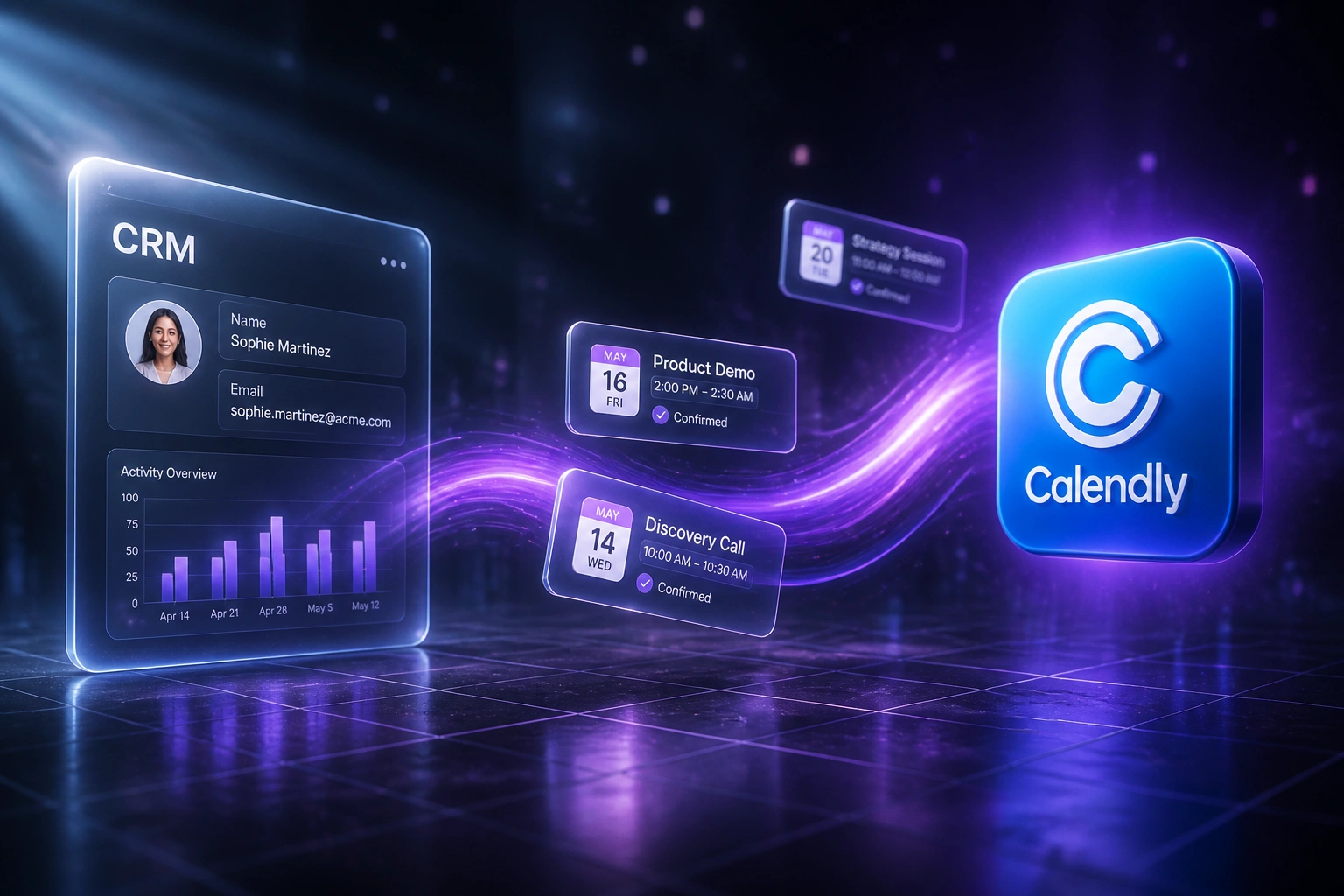
We embed the widget, wire CRM lead creation on every book, and make online appointment scheduling the default path.
Sound Familiar?
These are the exact issues marketing and clinic leads faced before we embedded a book-now widget:
- Website visitors browse services after hours, then never call back in the morning
- Reception is with clients, so inbound booking calls go to voicemail
- 85% of callers who hit voicemail never ring again, and many book a competitor
- Mobile traffic lands on a contact form that asks them to wait for a reply
- Confirmed appointments never create a CRM lead, so marketing cannot attribute booked traffic
48% of consumers have switched providers after a poor booking experience. If your only path is "call us" or "we'll email you back", you are handing after-hours and mobile demand to whoever offers a one-tap book-now button.
What Website Scheduling Actually Does
Visitor lands → picks a slot → CRM lead created. No phone tag between marketing spend and a confirmed meeting.
Visitor Hits Book Now
Embedded widget on a service or contact page offers live availability
Appointment Confirmed
Client picks a time, gets confirmation, and a calendar invite goes out
CRM Lead Created
Contact, service, source page, and slot sync into HubSpot, Pipedrive, or your CRM
Reminders Fire
Email and SMS reduce no-shows while marketing sees which pages convert
Everything You Need for Online Appointment Capture
Embedded Booking Widget
A Calendly, SimplyBook, or similar book-now widget sits on your site. Visitors pick a slot and confirm without leaving the page.
CRM Lead on Every Book
Each confirmed appointment creates or updates a CRM contact with service type, source page, and booked time. No retyping from email.
After-Hours Capture
The widget stays live when the front desk is closed. Roughly four in ten online bookings happen outside business hours.
Reminders That Cut No-Shows
Email and SMS reminders go out automatically. Show rates climb when both channels fire before the appointment.
Urgency and Availability Rules
Buffers, working hours, and first-available slots keep the booking page converting without overloading your diary.
Attribution Back to Marketing
UTM and landing-page source travel with the booking into the CRM, so you see which pages and campaigns turn traffic into meetings.
Booking Tools and CRMs We've Connected
From Six Hours of Phone Tag to One Hour of Review
How a Cape Town physio clinic turned after-hours website traffic into confirmed appointments and CRM leads.
The Phone-Only Process
- Website said "call us" or left a contact form that promised a callback
- Reception booked while treating, so rings went to voicemail
- Evening and weekend browsers had no path to a confirmed slot
- Marketing could not tell which landing pages produced appointments
- New clients were typed into the CRM days later, if at all
The Embedded Widget
- Calendly widget on service and contact pages with live availability
- Every confirmed book creates a HubSpot contact with source and service
- 42% of new bookings arrive outside clinic hours
- Email plus SMS reminders cut no-shows without reception chasing
- Reception reviews the diary instead of playing phone tag
Before vs After a Booking Widget
How It Works
From first conversation to a live booking widget in 2–4 weeks.
Tell Us Your Setup
Which booking tool you prefer, where the widget should sit, and which CRM should receive new appointments.
Free Scoping Call
30-minute call to map services, availability rules, lead fields, and the pages that should convert visitors into bookings.
Build & Test
We embed the widget, wire CRM lead creation, test mobile booking flow, and run parallel with your current phone process.
Go Live & Monitor
Switch the site to book-now as the primary path. Monitoring keeps the embed, reminders, and CRM sync healthy.
Frequently Asked Questions
How long does a website booking widget take to set up?
A standard embed with CRM lead creation takes 2–4 weeks from scoping to go-live. A single service type on one landing page can be live within a week. Multi-service calendars, deposits, and custom CRM field mapping typically take 3–5 weeks.
Which booking tools and CRMs do you connect?
We embed and wire Calendly, SimplyBook.me, Setmore, and similar scheduling platforms into HubSpot, Pipedrive, Salesforce, Zoho CRM, Monday.com, and custom CRMs. If the booking tool has a webhook or API and your CRM accepts contacts via API, we can connect them.
Will this replace our reception team?
No. Reception still handles complex enquiries and walk-ins. The widget takes the high-intent bookers who already know what they want, especially after hours and on mobile, so staff spend less time on phone tag and more time with clients in the room.
How is this different from sending a Calendly link in email?
A scheduling link helps people you already speak to. An embedded website booking widget converts anonymous traffic that never emails you. Combined with CRM lead creation on book, marketing finally sees which pages turn visitors into confirmed appointments.
What about no-shows and last-minute cancellations?
We configure email and SMS reminders before each appointment. Industry benchmarks show show rates around 83% with both channels versus about 69% with no reminders. Optional deposits and cancellation windows can be added for high-demand services.
How much does a booking widget integration cost?
A single-page embed with CRM lead creation starts from around R15,000. Multi-service widgets with reminders, attribution, and custom CRM mapping typically range from R25,000 to R50,000. Most practices recovering even a handful of after-hours bookings a month see ROI within 2–3 months.
Stop Losing Website Visitors to Phone Tag
If your best pages still end with "call us", you are paying for traffic that cannot book when it is ready.
Tell us which booking tool you prefer, which CRM should receive leads, and which pages should carry the widget. We will show you exactly how online appointment scheduling would work for your practice or professional services firm.