Send Hundreds of Invoices in Minutes With Bulk Invoicing
If the first of the month means a full staff day of mass invoice generation for levies, membership tiers, or wholesale accounts, you are burning hours that automation already owns. Property managers, membership ops, and wholesale finance leads should not copy-paste hundreds of distinct invoices by hand.
We build the batch that turns your source list into invoices in minutes.
Sound Familiar?
These are the exact issues property managers, membership ops, and wholesale finance leads bring us before we automate the batch:
- Invoice day means a full staff day of copy-paste from the levy roll, member list, or wholesale customer file
- Hundreds of distinct invoices, each with different amounts, tiers, or unit quotas, keyed one by one into Xero or Sage
- Wrong VAT numbers, missing addresses, and transposed amounts slip through under month-start pressure
- Membership tiers and property participation quotas drift as each invoice is typed by hand
- Cash collection starts late because the batch only finishes mid-week, not on day one
SARS Section 20 tax invoices demand precise fields on every document. Full tax invoices need supplier and recipient details, VAT numbers where required, unique serial numbers, dates, descriptions, quantities, and a clear VAT breakdown. Hand-keying hundreds of those fields on invoice day is where errors hide, and an invalid tax invoice can block input VAT claims for your clients.
What Bulk Invoice Automation Actually Does
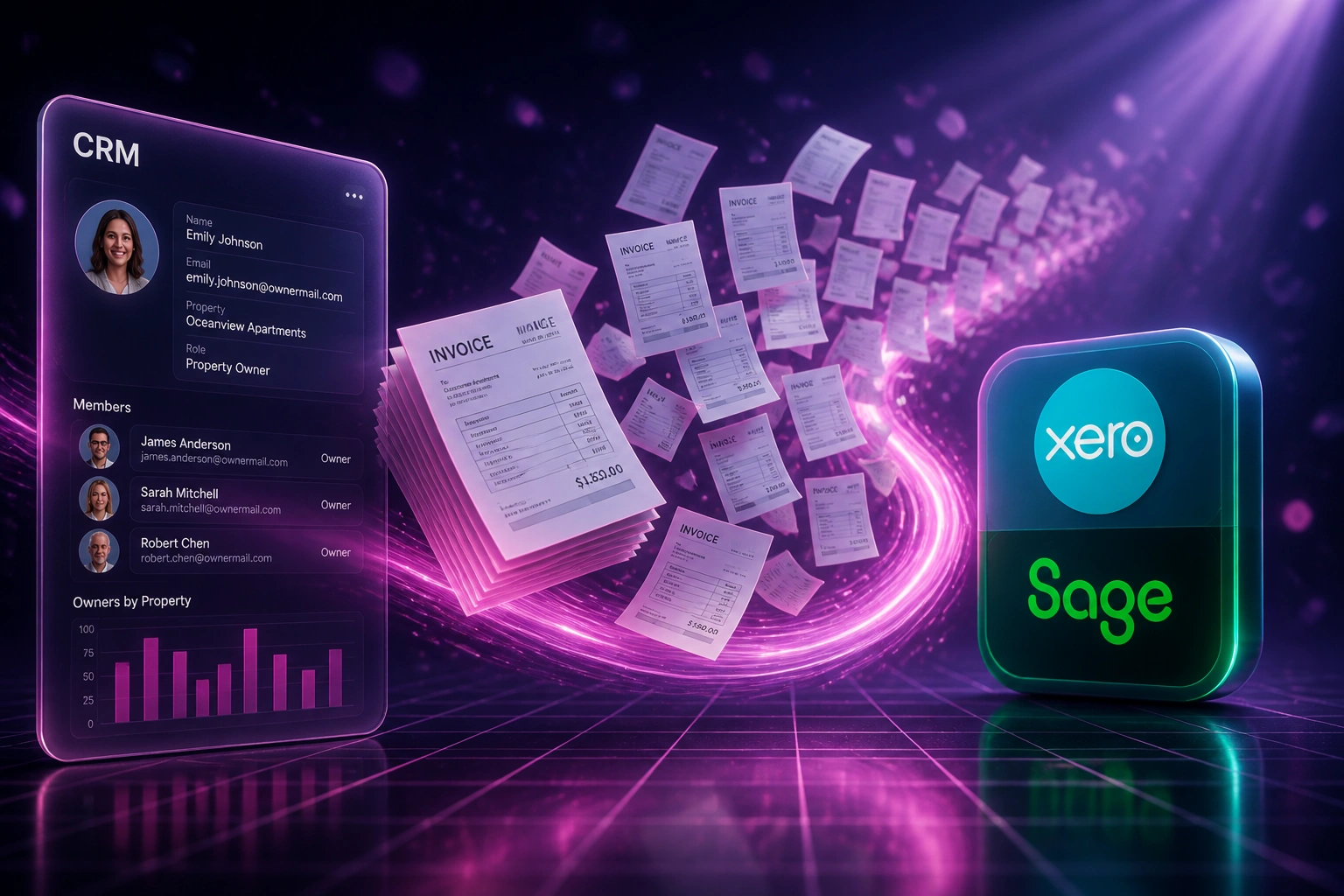
Source list ready → batch generates → finance reviews exceptions → invoices go out. No retyping hundreds of lines.
Source List Locked
Owners, members, or wholesale accounts with amounts and tax treatment sit in your CRM or export
Batch Invoices Created
Xero, Sage, or QuickBooks receives hundreds of distinct drafts with mapped fields and VAT
Exceptions Reviewed
Finance approves the run and fixes only the rows that failed validation
Cash Clock Starts
Invoices leave on day one of the cycle, so levies and dues start collecting on time
Everything You Need for Reliable Batch Invoices
Bulk Invoice Generation
A source list of owners, members, or wholesale accounts becomes a mass invoice run in Xero, Sage, or QuickBooks. Hundreds of distinct invoices in minutes, not a staff day of retyping.
Source List Sync
Pull contacts, amounts, and line items from your CRM, property system, membership database, or ERP. New units and members join the next batch automatically.
Scheduled Batch Runs
Fire the levy run, membership fee cycle, or wholesale statement batch on a fixed date. One-shot special levies and ad-hoc mass invoices work the same way.
SARS Field Validation
Every tax invoice carries the Section 20 fields SARS expects: serial numbers, VAT numbers, addresses, descriptions, and amounts. Failed rows are flagged before the batch sends.
Tier and Quota Mapping
Membership tiers, participation quotas, and customer price lists map to the right account codes, tax rates, and line descriptions so each invoice stays unique and correct.
Batch Status Visibility
See which invoices drafted, which failed validation, and which went out. Finance reviews exceptions instead of rebuilding the entire run.
Systems We've Connected for Bulk Invoicing
From a Full Staff Day to Under 20 Minutes
How a property management firm with 180 units stopped hand-keying month-start levies and got invoices out on day one.
The Manual Batch
- Admin exported the levy roll and retyped each unit into Xero
- Roughly 12 minutes per invoice across 180 distinct amounts
- A full staff day on the 1st, often spilling into day two
- About one in thirty invoices needed a VAT or address correction
- Owners received statements mid-week, not on the levy due date
The Automated Batch
- Source list syncs from the property CRM into a bulk invoice job
- All 180 drafts appear in Xero within minutes on the 1st
- Finance reviews exceptions only, then approves the run
- SARS-required fields validated before anything sends
- Levy invoices leave on day one, every cycle
Before vs After Bulk Invoicing
How It Works
From first conversation to live bulk invoicing in 2–4 weeks.
Map Your Batch
Tell us how many invoices you raise on invoice day, where the source list lives, and which accounting system receives them.
Free Scoping Call
30-minute call to design the batch trigger, field mapping, SARS validation rules, and approval checkpoint.
Build & Parallel Run
We build the bulk flow, test against your real owner or member list, and run a full cycle in parallel so finance can compare every invoice.
Go Live & Monitor
Switch off the hand-keyed batch. Monitoring catches failed rows and validation gaps before they become a cash or compliance problem.
Frequently Asked Questions
How is bulk invoicing different from recurring retainer automation?
Recurring automation clones the same retainer on a schedule for each client. Bulk invoicing generates hundreds of distinct invoices in one run from a source list: different levy amounts per unit, membership fees by tier, or wholesale statements per account. One-shot special levies and scheduled month-start batches both fit here.
Can we still review invoices before they go out?
Yes. Most clients keep a draft-and-approve step. The batch creates drafts in Xero, Sage, or QuickBooks; finance spot-checks exceptions and approves the run. You stop keying every line, not oversight.
Where does the source list come from?
Common sources are a property or HOA CRM, a membership database, a wholesale ERP customer file, HubSpot or Pipedrive contacts with billing fields, or a maintained spreadsheet. If the list has owner or member identity, amount, and tax treatment, we can drive the batch.
How do you handle SARS tax invoice requirements?
We map every required Section 20 field into the accounting invoice: supplier and recipient details, VAT numbers where needed, unique serial numbers, dates, descriptions, quantities, and VAT breakdowns. Rows missing mandatory fields are held back with a clear error instead of producing an invalid tax invoice.
How long does setup take and what does it cost?
A straightforward bulk invoicing setup takes 2 to 4 weeks from scoping to live. Simple one-way batch runs start from around R15,000. Setups that sync from a CRM or property system, cover multiple schemes or membership tiers, or include SARS validation and exception alerts typically range from R25,000 to R60,000. Teams raising 100 or more invoices on the same day usually see ROI within 1 to 3 months.
Which accounting platforms do you support?
We build bulk invoice generation into Xero, Sage Business Cloud, Sage Pastel, QuickBooks Online, and Zoho Books. Source systems can be property CRMs, membership platforms, HubSpot, Pipedrive, Salesforce, ERP customer files, or spreadsheets. If your accounting system can create invoices via API or import, we can automate the batch.
Stop Spending Invoice Day on Copy-Paste
If your team still raises hundreds of distinct invoices by hand every month, you are paying for a problem that bulk invoicing already solves.
Tell us how many invoices leave on your busiest day, where the source list lives, and which accounting system you use. We will show you exactly how mass invoice generation would work for your property, membership, or wholesale billing cycle.