Calendar to CRM Sync: Automatic Meeting Logging
Your reps live in Google Calendar and Outlook. Your CRM activity logs do not. When meetings never land on the timeline, forecasts and coaching rest on wishful logging instead of real client contact.
We build the calendar CRM sync that makes activity tracking automatic.
Sound Familiar?
These are the exact issues sales managers bring us before calendar CRM sync:
- Monday pipeline reviews show empty activity timelines while calendars are packed with client meetings
- Reps promise to log meetings later, then forget, so coaching runs on anecdotes instead of evidence
- Forecast calls argue over who met the buyer last week because the CRM never recorded it
- Sales managers rebuild contact history from Google Calendar and Outlook screenshots before every board update
- When a rep leaves, half the client relationship history walks out with their personal calendar
Microsoft begins disabling Exchange Web Services for Exchange Online from 1 October 2026, with Microsoft Graph as the supported calendar path. If your Outlook-to-CRM meeting sync still depends on legacy connectors, a Graph-based rebuild is the reliable route before those connections fail.
What Calendar CRM Sync Actually Does
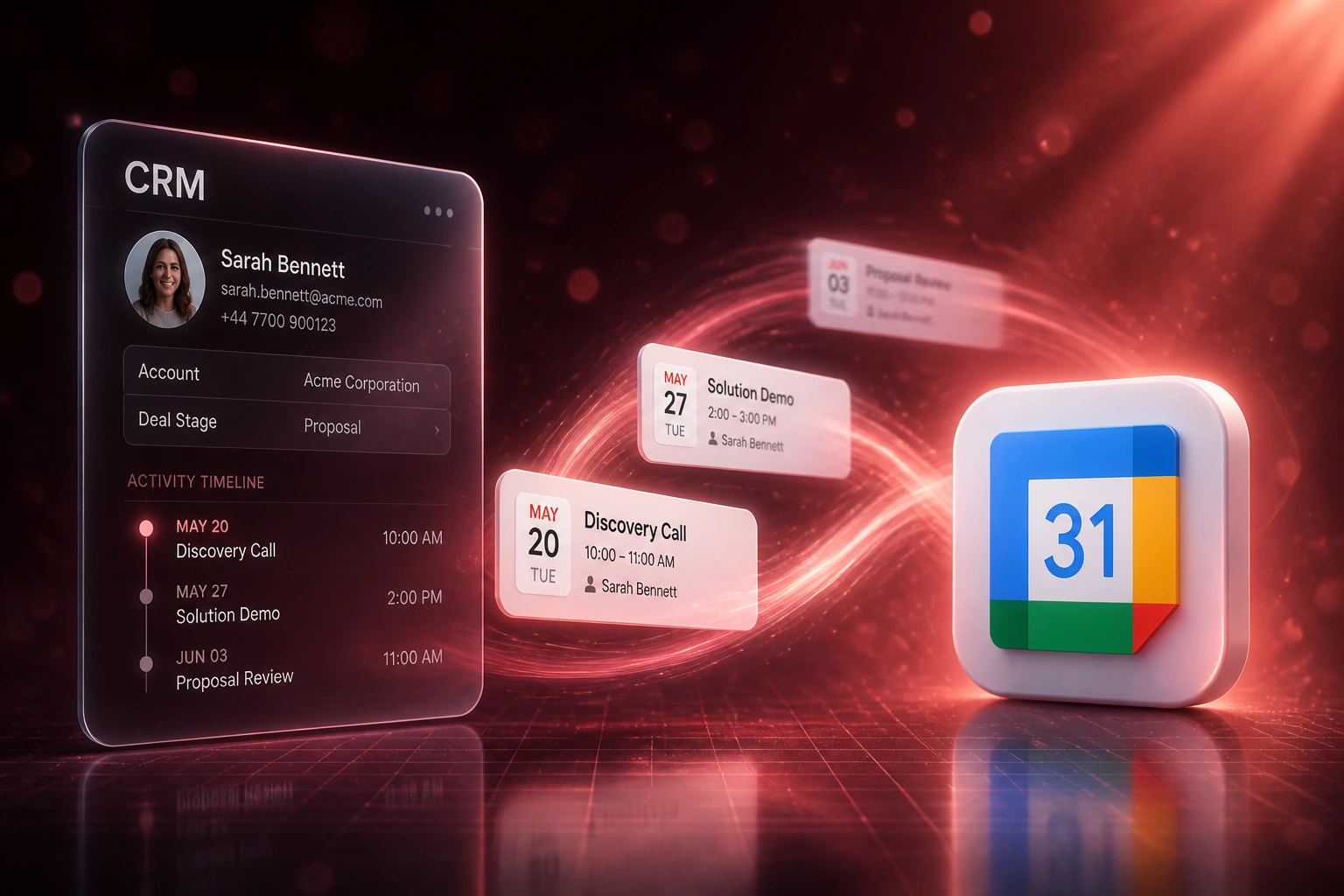
Meeting accepted → activity logged → timeline updated → forecast sees real contact. No human copying invites into the CRM.
Meeting Lands in Calendar
Rep accepts a client meeting in Google Calendar or Outlook
Contact Matched in CRM
Attendee emails match the contact and open deal automatically
Activity Written
Meeting title, time, attendees, and notes land on the CRM timeline
Managers See Truth
Coaching and forecasts rest on logged meetings, not memory
Everything You Need for Reliable Meeting Logging
Automatic Meeting Logging
Accepted Google Calendar and Outlook meetings write to the right CRM contact and deal as activities. No after-the-fact typing.
Contact and Deal Matching
Attendee emails match existing CRM records. New contacts create when needed, with the meeting attached to the open opportunity.
Activity Timeline Completeness
Demos, discovery calls, and account reviews appear on the timeline as they happen, so managers see real client contact, not wishful logging.
Google and Outlook Coverage
Google Workspace calendars and Microsoft 365 / Outlook calendars sync through current Calendar and Microsoft Graph APIs.
Reschedule and Cancel Handling
When a meeting moves or cancels in the calendar, the CRM activity updates with it. Stale timeline entries do not linger.
Forecast and Coaching Visibility
Pipeline reviews finally rest on logged meetings. You coach from activity evidence instead of reconstructing the week by hand.
CRMs We've Connected for Meeting Logging
From 28% Meeting Capture to 96%
How a 12-person B2B sales team stopped trusting empty CRM activity reports and made forecast reviews rest on real meetings.
The Manual Process
- Sales manager audited calendars against HubSpot and found only 28% of client meetings logged
- Reps spent Friday afternoons batching meeting notes, with detail already half-forgotten
- Monday forecast calls argued over who last spoke to the buyer
- Average forecast miss sat near 22% against incomplete activity data
- Ops rebuilt weekly activity packs from Outlook and Google Calendar exports
The Automated Process
- Accepted Google Calendar and Outlook meetings write to HubSpot activities within minutes
- Attendee emails match contacts and open deals without rep intervention
- Reschedules and cancellations update the timeline automatically
- Forecast reviews show real meeting history next to stage and amount
- Managers coach from activity evidence instead of reconstructing the week
Before vs After Calendar CRM Sync
How It Works
From first conversation to live meeting logging in 2–4 weeks.
Tell Us Your Setup
Which CRM, Google Calendar or Outlook (or both), and where meetings disappear from activity reports.
Free Scoping Call
30-minute call to map contact matching, which meeting types to log, and how deals should receive activities.
Build & Test
We connect calendars, wire automatic meeting logging, then parallel-test against live invites for a week.
Go Live & Monitor
Switch off manual meeting logs. Monitoring keeps OAuth tokens and sync health running without drama.
Frequently Asked Questions
How long does calendar-to-CRM sync take to set up?
A standard Google Calendar or Outlook meeting-logging integration takes 2–4 weeks from scoping to go-live. One calendar provider writing activities to a single CRM can be live within two weeks. Dual-provider setups with custom matching rules and multi-pipeline deal association typically take 4–6 weeks.
Which calendars and CRMs do you connect for meeting logging?
We connect Google Workspace (Google Calendar) and Microsoft 365 / Outlook calendars to HubSpot, Pipedrive, Salesforce, Zoho CRM, Monday.com, Freshsales, and custom CRMs. If your CRM has an API and your calendar uses modern OAuth, we can log meetings into its activity timeline.
Will our reps still live in Google Calendar or Outlook?
Yes. Reps keep accepting and updating meetings in the calendar they already use. The difference is that every relevant meeting lands on the CRM contact and deal automatically, so activity tracking no longer depends on Friday afternoon data entry.
How is this different from native CRM calendar sync?
Native tools often sync one direction, skip shared calendars, or leave gaps when OAuth tokens expire. Industry audits still find only 20–30% of meetings captured in usable CRM form. We design calendar CRM sync for activity timelines: contact matching, deal association, reschedule handling, and monitoring so capture does not depend on each rep remembering a ritual.
What about Microsoft and Google calendar API changes?
Microsoft begins disabling Exchange Web Services for Exchange Online from 1 October 2026, with Microsoft Graph as the supported path for Outlook calendar access. Google Calendar and Microsoft Graph both require OAuth with short-lived tokens that need reliable refresh. We build on the current APIs so meeting logging stays healthy as providers tighten access.
How much does calendar CRM sync cost?
Automatic meeting logging for a single calendar provider starts from around R15,000. Dual-provider Google and Outlook sync with custom contact matching and deal association typically ranges from R25,000 to R60,000. Teams recovering even a few hours a week of activity chasing usually see ROI within 2–3 months.
Stop Trusting CRM Reports Built on Missing Meetings
If your activity timelines stay empty while calendars stay full, your forecasts and coaching are already running on fiction.
Tell us which CRM you use, whether the team lives in Google Calendar or Outlook, and what disappears from Monday's activity report. We'll show you exactly how automatic meeting logging would work for your sales team.