

Canvas LMS Grade Passback Automation: Sync Assessment Results Automatically
Marks are final in Canvas, yet the SIS still shows blanks. Manual grade passback burns staff hours, creates transcript errors, and delays progression and graduation clearances every term.
We build the LTI Outcomes and Canvas API grade sync that writes assessment results into the academic record automatically.
Sound Familiar?
These are the exact issues registrars and academic administrators face before Canvas grade sync:
- Final marks sit in the Canvas gradebook while Banner, PeopleSoft, Ellucian, or ITS Integrator still shows blanks
- Faculty export CSVs, reformat columns, and retype assessment results into the SIS before every marking deadline
- One wrong letter grade or missing override forces transcript corrections, progression holds, and graduation clearance delays
- Registrars chase lecturers for late passback while HEMIS and audit packs wait on a complete academic record
- No shared audit trail: nobody can prove which Canvas score became which SIS mark when a student contests a result
Canvas marks LTI 1.1 grade passback as deprecated and directs new tools to LTI Advantage Assignment and Grade Services. Combined with HEMIS second-submission pressure around 30 April and final third submissions by 31 July, faculties still on CSV export face both a technical cliff and a calendar crunch.
What Canvas Grade Passback Automation Actually Does
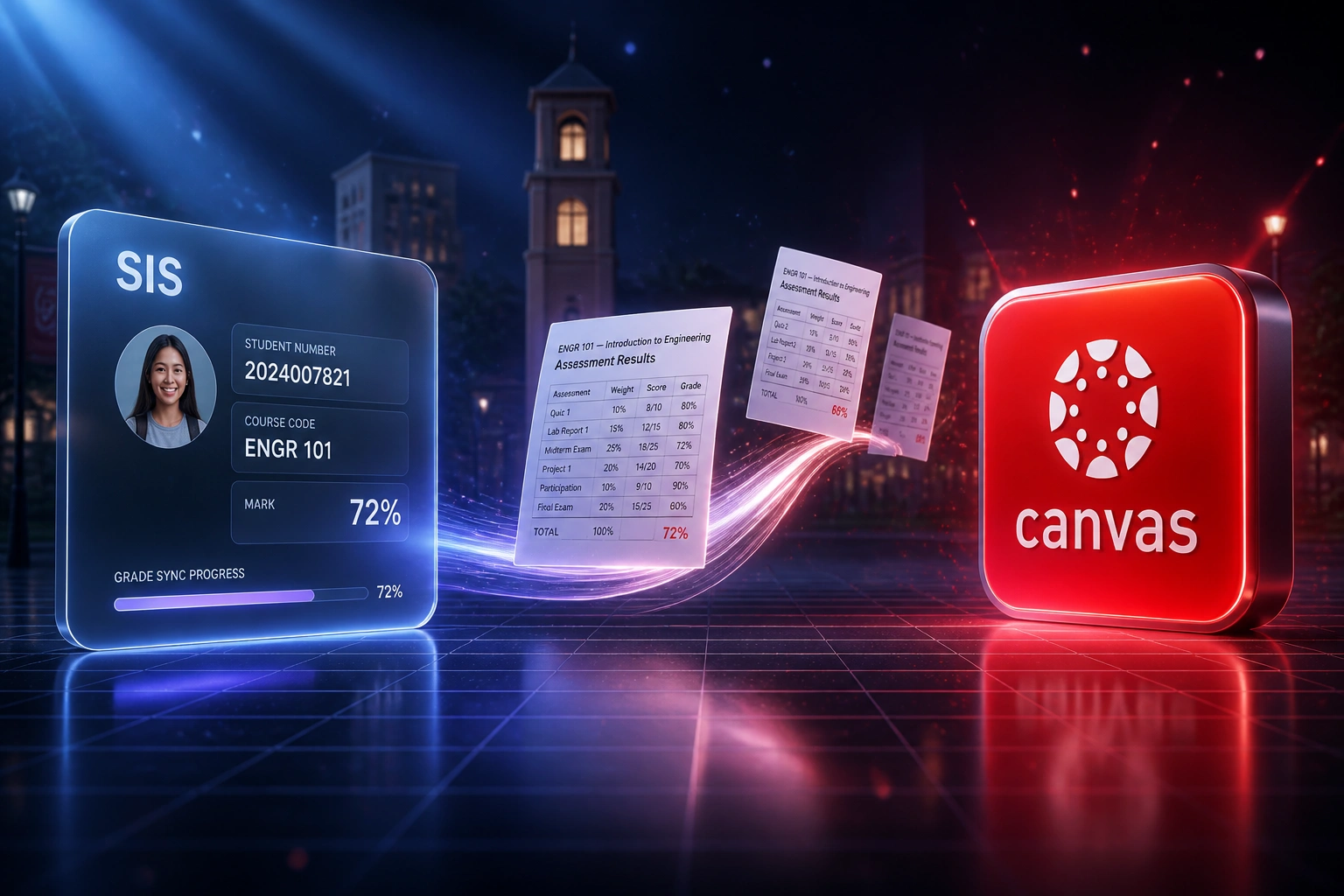
Marks posted in Canvas → validated → written to the SIS → transcript-ready. No human copying assessment results between systems.
Marks Finalised in Canvas
Lecturer posts or finalises assessment results in the Canvas gradebook
Scores Mapped & Validated
Letter grades, percentages, and overrides map to SIS grade codes with exception checks
Written to the SIS
Assessment results land in Banner, PeopleSoft, Ellucian, or ITS Integrator with an audit trail
Transcripts Unblocked
Progression, graduation clearance, and HEMIS extracts start from a complete academic record
Everything You Need for Reliable Assessment Results Automation
Automated Grade Passback
When a lecturer posts or finalises marks in Canvas, assessment results sync into the SIS grade roster without CSV export or retyping.
LTI Outcomes & Canvas API Sync
We wire LTI Advantage Assignment and Grade Services or Canvas API grade sync so marks, overrides, and schemes map cleanly into your SIS fields.
Transcript-Ready Academic Records
The official record in Banner, PeopleSoft, Ellucian, or ITS Integrator stays aligned with what students already see in Canvas, ready for transcripts and progression.
Validation and Exception Alerts
Missing SIS IDs, scheme mismatches, and incomplete columns surface before they land on a transcript. Your team only handles the exceptions.
Marking Scheme Mapping
Canvas letter grades, percentages, and weighted columns map to the grade codes, credit rules, and module structures your SIS already uses.
Audit Trail for Contested Marks
Every passback is logged with source score, timestamp, and destination field so registrars can defend the academic record under review.
SIS Platforms We've Scoped for Canvas Grade Sync
From 48 Hours a Term to 6 Hours of Review
How a mid-sized South African university faculty stopped retyping Canvas marks into the SIS and cleared transcripts five days sooner.
The Manual Process
- Faculty office exported Canvas gradebooks to CSV after every marking deadline
- Staff reformatted columns, mapped letter grades, and retyped scores into ITS Integrator
- Roughly one in seventeen records needed a correction once students queried transcripts
- Average five business days from Canvas finalisation to SIS-complete academic records
- Graduation clearance and HEMIS prep waited on a backlog of unmarked SIS rows
The Automated Process
- Posted Canvas marks sync into the SIS grade roster within minutes
- Registrar reviews exceptions and overrides, then releases the rest
- Passback errors dropped below 1%, matching automated academic-record benchmarks
- Same-day academic records for ordinary sections once lecturers post
- Audit trail answers contested marks without reconstructing a CSV trail
Before vs After Canvas Grade Sync
How It Works
From first conversation to live grade passback in 2–4 weeks.
Tell Us Your Setup
Which SIS, how Canvas grades are finalised today, and where CSV export or retyping still blocks marking deadlines.
Free Scoping Call
30-minute call to map grade schemes, override rules, LTI Outcomes readiness, and what must sync versus stay manual.
Build & Test
We build the Canvas grade sync, map assessment columns to SIS fields, and run parallel passback against a test term until accuracy holds.
Go Live & Monitor
Switch off manual gradebook export. Monitoring catches failed rows before they delay transcripts or HEMIS extracts.
Frequently Asked Questions
How does Canvas LMS grade passback automation work?
Lecturers keep marking in the Canvas gradebook. When scores are posted or finalised, we sync assessment results into your student information system through LTI Advantage Assignment and Grade Services or the Canvas API, mapped to the grade codes and module structures your SIS expects. Banner, PeopleSoft, Ellucian, or ITS Integrator remains the official academic record. Canvas stays the teaching and assessment surface. The sync removes the CSV handoff between them.
Which student information systems can receive Canvas grades?
We have scoped Canvas grade sync into Ellucian Banner, PeopleSoft Campus Solutions, ITS Integrator, Ellucian Colleague, and custom university SIS platforms common in South Africa. If your SIS can accept structured grade files or expose an API for grade roster updates, we can usually drive a reliable passback.
Will this disrupt lecturers during marking season?
No. Lecturers keep working inside Canvas as they do today. The automation sits between the gradebook and student records. We run parallel testing so every passback is checked before you retire manual CSV export and SIS re-entry.
What about overrides, incomplete marks, and contested results?
We map Canvas overrides and final grades explicitly, hold incomplete columns until a human confirms them, and keep an audit trail of source score, timestamp, and destination field. Failed syncs retry automatically. Your team only gets alerted when a record needs a registrar decision.
Does automated grade passback help HEMIS and graduation clearances?
Yes. When assessment results reach the SIS on time, transcript production, progression checks, and DHET HEMIS extracts start from a complete academic record instead of a backlog of Canvas scores waiting to be typed. We do not replace your HEMIS submission process. We stop the grade lag that makes it risky.
How much does Canvas grade passback cost in South Africa?
Simple one-way Canvas-to-SIS grade sync starts from around R15,000. Bidirectional setups with custom grade-scheme mapping, override handling, and audit logging typically range from R25,000 to R60,000. Most faculties processing hundreds of sections a year see payback inside one to two marking cycles against recovered admin time and fewer transcript corrections.
Stop Retyping Canvas Marks into the SIS
If assessment results still move by gradebook export and spreadsheet paste, you are spending money on a problem that LTI Outcomes and Canvas API grade sync already solve.
Tell us which SIS you run, how marking deadlines work, and where passback still breaks. We will show you exactly how automated Canvas grade sync would work for your faculty.