

Canvas LMS SIS Integration: Connect Student Records to Your Learning Platform
Every registration week, Canvas and your student information system diverge. Wrong sections, missing students, and manual CSV uploads flood the helpdesk while lecturers teach from a roster that is already out of date.
We build the Canvas data sync that keeps enrolments, course catalogues, and academic records aligned.
Sound Familiar?
These are the exact issues university CIOs, registrars, and LMS admins face when Canvas and the SIS stay disconnected:
- Registration week floods the helpdesk because Canvas sections do not match what the SIS already enrolled
- LMS admins still upload enrolments.csv by hand after every late add, drop, and programme change
- Students appear on the SIS roll but cannot see their Canvas course, or land in the wrong section
- Lecturers mark and complete work in Canvas while academic records and HEMIS extracts lag behind
- Course catalogues diverge: new modules live in the SIS for weeks before anyone provisions them in Canvas
Instructure is rolling out simplified Canvas tiers (Core, Plus, Next) through 2026, with workflow and API enforcements landing the same year. Manual CSV SIS workflows already break under registration load. Institutions modernising student systems cannot afford roster chaos while platform contracts and digital transformation mandates tighten.
What Canvas LMS SIS Sync Actually Does
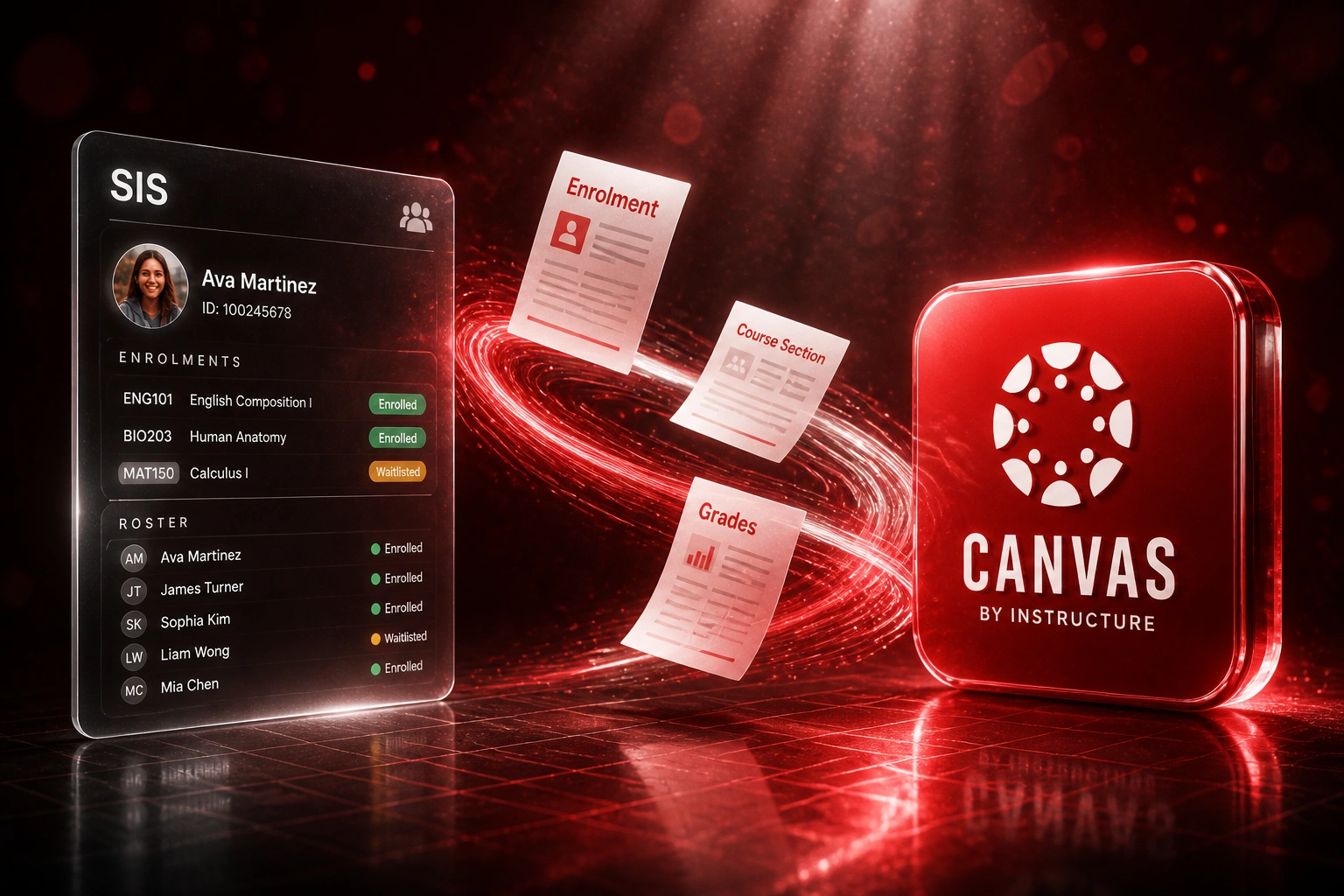
SIS enrolment confirmed → Canvas roster updated → grades return where policy allows. No human copying CSV files.
Enrolment Confirmed in SIS
Registrar or student admin confirms the add, drop, or section move in the SIS
Canvas Roster Updated
Users, courses, sections, and enrolments land via Canvas SIS Import
Teaching Matches Records
Lecturers see the same students and sections the SIS already authorised
Grades Sync Back
Completions and final marks return to academic records where your rules allow
Everything You Need for Reliable Student Records API Sync
Automated Enrolment Sync
When the registrar confirms an enrolment, drop, or section move in the SIS, Canvas updates the roster without a CSV upload. Students land in the right course and section.
Course Catalogue Provisioning
New terms, courses, and sections created in Banner, PeopleSoft, ITS Integrator, or Ellucian provision into Canvas with the SIS IDs lecturers and auditors already trust.
Student Record Alignment
Names, emails, student numbers, and status flags stay aligned so Canvas never becomes a second, conflicting source of truth beside the SIS.
Grades and Completions Back to SIS
Where your policy allows, final grades and completion flags flow from Canvas back into the academic record so HEMIS and transcript work start from one aligned set.
Diff-Aware SIS Imports
We drive Canvas SIS Import with change-aware batches so peak registration does not reprocess tens of thousands of unchanged rows, and failed rows surface with clear alerts.
Helpdesk Ticket Reduction
Wrong-section and missing-access tickets drop because the roster that lecturers see matches what student admin already confirmed in the SIS.
SIS Platforms We've Connected to Canvas
From Multi-Day Roster Lag to Under 30 Minutes
How a South African university faculty stopped living on CSV uploads and brought Canvas enrolments in line with the SIS before lectures started.
The Manual Process
- LMS ops exported enrolments from the SIS, cleaned columns, and uploaded Canvas CSV packs by hand
- Late adds and section swaps waited overnight, sometimes days, before students saw the right course
- Helpdesk tickets spiked every registration week for wrong sections and missing access
- Course catalogue changes in the SIS sat for weeks before anyone provisioned them in Canvas
- Grade and completion evidence lived in Canvas while academic records were reconciled in spreadsheets
The Automated Process
- SIS enrolment events drive Canvas SIS Import automatically, including section moves
- Roster provisioning dropped from multi-day waits to under 30 minutes for routine changes
- Manual enrolment requests fell sharply because students and lecturers saw matching lists
- New courses and sections provision with institutional SIS IDs from day one
- Where policy allows, completions and final marks write back toward academic records
Before vs After Canvas SIS Integration
How It Works
From first conversation to live Canvas LMS integration in 3–6 weeks.
Tell Us Your Setup
Which SIS, which Canvas account structure, and how enrolments, sections, and grades move today.
Free Scoping Call
30-minute call to map registration peaks, field ownership, and what must sync both ways versus one way.
Build & Test
We wire SIS events to Canvas SIS Import, map IDs and terms, and run parallel imports against a test account until accuracy holds.
Go Live & Monitor
Switch off manual CSV uploads. Monitoring catches failed rows before students queue at the helpdesk.
Frequently Asked Questions
How does Canvas LMS SIS integration actually work?
Your student information system remains the system of record for enrolments, programmes, and academic status. We push users, courses, sections, and enrolments into Canvas through Instructure's SIS Import capability, and where your academic rules allow we sync grades or completions back. Teams keep working in Banner, PeopleSoft, ITS Integrator, Ellucian, or your SA university SIS. Canvas stays the teaching surface. The sync removes the CSV handoff between them.
Which student information systems can sync with Canvas?
We have scoped Canvas data sync against Ellucian Banner, PeopleSoft Campus Solutions, ITS Integrator, Ellucian Colleague, and custom university SIS platforms common in South Africa. If your SIS can export structured enrolment and course data, or expose an API, we can usually drive a reliable Canvas LMS integration.
Will this disrupt lecturers and students during term?
No. Lecturers and students keep working inside Canvas as they do today. The automation sits between student admin and LMS operations. We run parallel testing so every enrolment and section change is checked before you retire manual CSV uploads.
What about wrong sections, duplicates, and failed imports?
We match on institutional SIS IDs, validate required fields before Canvas accepts a batch, and surface row-level failures instead of silent misses. Retries handle brief outages. Your team only gets alerted when a record needs a human decision, not for every routine sync.
Does this help HEMIS and academic records stay aligned?
Yes. When enrolments and, where approved, grades stay aligned between the SIS and Canvas, registrars spend less time reconciling what lecturers see against what DHET HEMIS extracts expect. We do not replace your HEMIS submission process. We stop the roster drift that makes it risky.
How much does Canvas SIS sync cost in South Africa?
Simple one-way enrolment provisioning starts from around R15,000. Bidirectional Canvas LMS integration with course catalogue sync, section moves, and grade or completion write-back typically ranges from R25,000 to R60,000. Most faculties processing thousands of enrolment changes a year see payback inside one to two registration cycles against recovered admin time and helpdesk load.
Stop Living Through Registration Week Chaos
If your LMS team is still uploading enrolments.csv while the SIS already knows who belongs where, you are spending payroll on a problem Canvas was built to solve with SIS Import.
Tell us which student information system you run, how Canvas is structured today, and where the roster breaks during registration. We will show you exactly how automated SIS sync would work for your institution.