CIPC Company Registry Lookup Automation: Stop Searching BizPortal by Hand
Every new Pty Ltd means another login, another company registration verification SA search, and another round of retyping into the CRM. Credit managers, sales ops, and procurement leads burn hours on portal work that should take seconds.
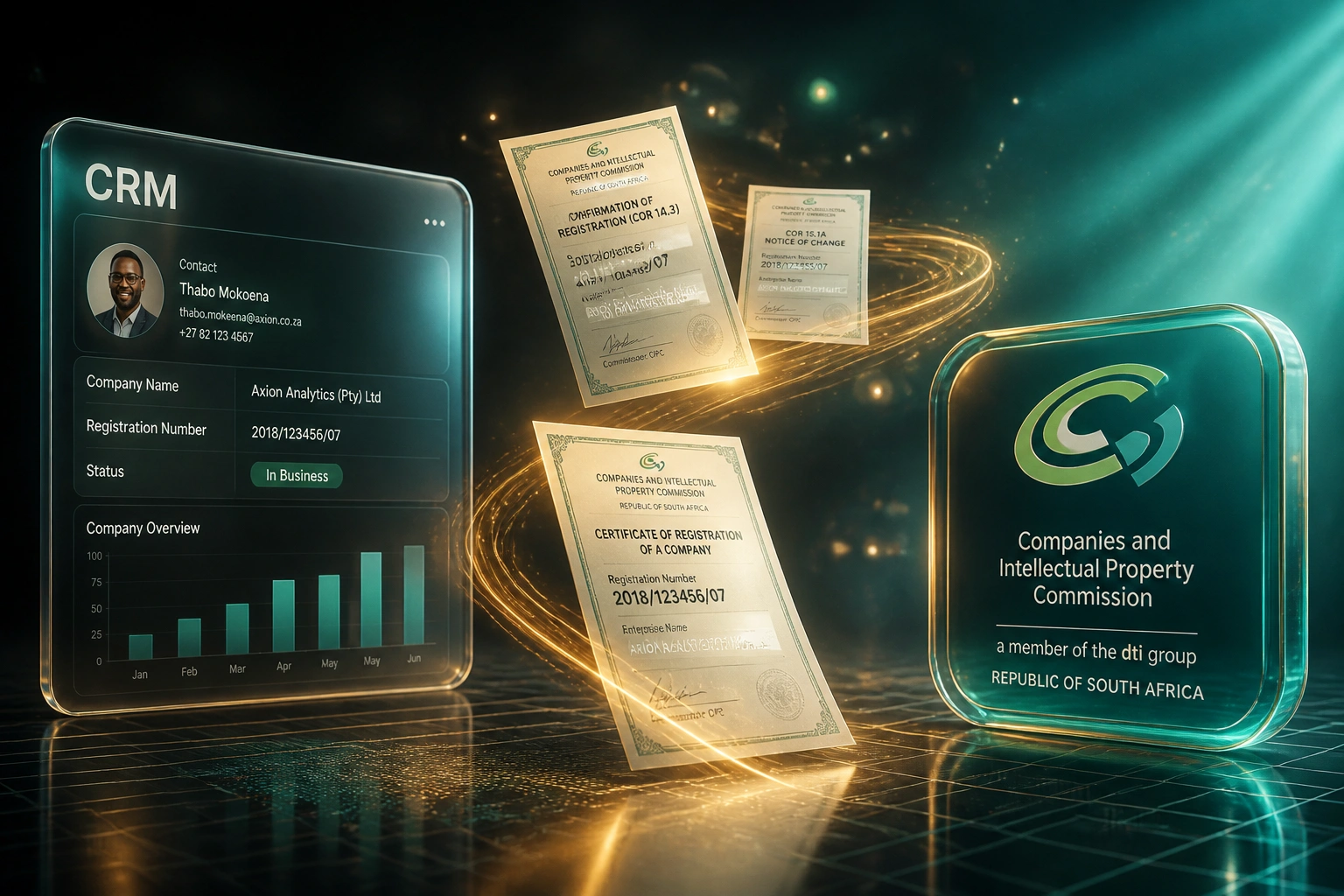
We automate the CIPC lookup so registration number, status, and registered name land in your CRM automatically.
Sound Familiar?
These are the exact issues credit and sales-ops teams bring us before CIPC lookup automation:
- Every new counterparty means logging into BizPortal, searching the name, and downloading a PDF
- Credit and sales ops retype registration numbers, registered names, and status into the CRM by hand
- BizPortal caps free searches at 20 per day, so high-volume weeks stall mid-afternoon
- Commercial lookups on WinDeed or Experian Business add R20–R350 per check when the portal is too slow
- Wrong registration numbers and stale statuses slip into account opening and proposals
CIPC discontinued free enterprise search on eServices from 13 July 2021 under POPIA. Searches moved to BizPortal with a login and a 20-search daily limit. Teams verifying more than a handful of companies a day either hit the wall or pay commercial providers for every check.
What CIPC Company Search Automation Actually Does
New counterparty lands → registry lookup runs → CRM fields fill. No portal hopping.
Company Hits the Queue
Sales or credit creates a new company record, or you upload a batch of names and registration numbers
CIPC Lookup Runs
Automated CIPC lookup pulls registered name, number, type, and status from a licensed registry source
CRM Fields Update
Registration details write back to the company record. Exceptions land in a review queue
Account Work Continues
Credit opens terms, sales sends the proposal, procurement proceeds, without waiting on a portal download
Everything You Need for Reliable Registry Enrichment
Batch CIPC Company Search
Look up dozens of Pty Ltds in one run: registered name, registration number, enterprise type, and status, without sitting in the BizPortal queue.
CRM Field Enrichment
Registration number, registered name, and trading status write straight into HubSpot, Salesforce, Pipedrive, or your credit system. No retyping.
Status Flagging
Surface In Business, Deregistered, In Business Rescue, and similar flags before you open terms or send a proposal.
Trigger on New Accounts
When a new company lands in the CRM or credit queue, the registry lookup runs automatically and fills the fields your team needs.
Exception Queues
Name mismatches, no-match results, and inactive statuses route to a review list. Ops only touches the exceptions.
Provider Flexibility
We wire lookups through licensed SA sources such as Lexis WinDeed, CompFind, Experian Business, or other CIPC-backed APIs your risk team already trusts.
Systems We've Connected to CIPC Lookups
From 8 Hours/Week to 40 Minutes
How a Gauteng wholesale distributor stopped living in BizPortal and enriched every new credit account from the CIPC registry automatically.
The Manual Process
- Credit clerk logged into BizPortal for every new account application
- 12 minutes average per company: search, download, retype into HubSpot
- Hit the 20-search daily cap on busy weeks and waited until the next day
- Occasional typos on registration numbers delayed account opening
- Sales waited on credit before sending proposals to new Pty Ltds
The Automated Process
- New HubSpot company triggers an automated CIPC company search
- Registered name, number, and status write back within seconds
- Batch overnight run clears the week's remaining unmatched records
- Exceptions (no match, deregistered) land in a short review queue
- Credit opens terms the same day the application arrives
Before vs After CIPC Lookup Automation
How It Works
From first conversation to live lookup automation in 2–4 weeks.
Tell Us Your Setup
Which CRM or credit tool you use, how many companies you verify weekly, and which fields must land on the record.
Free Scoping Call
30-minute call to map the lookup workflow: triggers, field mapping, exception handling, and volume expectations.
Build & Test
We connect your registry data source, test against real SA registration numbers, and validate CRM write-back with your ops lead.
Go Live & Monitor
Retire manual BizPortal searching for standard lookups. Monitoring keeps batch runs and write-back reliable as volumes grow.
Frequently Asked Questions
How is this different from a full KYB or FICA company check?
This page is about operational CIPC company registry lookup automation: getting registration number, registered name, and status into your CRM at scale. Full KYB onboarding with director matching, FICA Section 21 evidence packs, and examiner-ready audit trails is a separate workflow. Most credit and sales-ops teams need the fast lookup first.
How long does a CIPC lookup automation take to set up?
A focused batch lookup with CRM write-back typically takes 2–4 weeks from scoping to go-live. Simple one-way enrichment into a single CRM can be live within about two weeks. Higher volumes with custom exception queues and dual providers take closer to 4–6 weeks.
Do you connect directly to CIPC, or through third-party providers?
BizPortal and eServices are built for human portal use and cap free searches at 20 per day. Production automation usually runs through licensed data providers that source from CIPC, such as Lexis WinDeed, CompFind, Experian Business, or similar APIs. We design around the provider your team already uses, or help you select one.
Which fields typically write back to the CRM?
Most clients map registered company name, registration number, enterprise type, current status, and registration date. Some also store a lookup timestamp and source reference on the company record so credit and sales can see when the data was last refreshed.
Will this disrupt our credit or sales-ops team?
No. Your team keeps working in the same CRM or credit queue. Lookups run when a new company is created or when you trigger a batch. Failures and mismatches go to an exception list. We run parallel testing before switching off manual BizPortal searching for standard checks.
How much does CIPC company registry lookup automation cost?
Simple one-way enrichment into a CRM starts from around R15,000. Batch lookups with custom field mapping, exception queues, and dual providers typically range from R25,000 to R50,000. Teams verifying 30+ companies a week often see ROI within 2–3 months from staff time alone, before counting avoided commercial report fees.
Stop Living in the CIPC Portal
If your credit or sales-ops team still logs into BizPortal for every new Pty Ltd, you are spending money on a problem that automation already solves.
Tell us which CRM you use, how many companies you verify each week, and which fields matter most. We'll show you exactly how CIPC company registry lookup automation would work for your team.